
Braun BC09G
Braun BC09G Digital Alarm Clock - User Manual
Model: BC09G
Wstęp
Thank you for choosing the Braun BC09G Digital Alarm Clock. This manual provides detailed instructions for setting up, operating, and maintaining your new alarm clock. Please read this manual thoroughly before use to ensure proper functionality and to maximize your product experience.
The Braun BC09G features a negative LCD display, a crescendo alarm, and a convenient snooze/backlight function, all in a compact design.
Ważne informacje dotyczące bezpieczeństwa
- Trzymaj urządzenie z dala od wody i dużej wilgotności.
- Nie wystawiać na bezpośrednie działanie promieni słonecznych i ekstremalnych temperatur.
- Use only the specified battery type (1 x AA battery).
- Nie mieszaj starych i nowych baterii ani różnych typów baterii.
- Zutylizuj baterie zgodnie z lokalnymi przepisami.
- Nie próbuj samodzielnie demontować ani naprawiać urządzenia. Skontaktuj się z wykwalifikowanym personelem serwisowym.
Zawartość opakowania
- Braun BC09G Digital Alarm Clock
- Instrukcja obsługi (ten dokument)
Note: 1 x AA battery is required for operation and is not included in the package.
Produkt ponadview
Familiarize yourself with the main components of your Braun BC09G alarm clock.

Obraz: Tył view of the Braun BC09G Digital Alarm Clock, showing battery compartment and setting buttons.

Obraz: Przód view of the Braun BC09G Digital Alarm Clock displaying time 12:15 and alarm 7:00 AM.

Obraz: Strona view of the Braun BC09G Digital Alarm Clock, showing its compact profile.
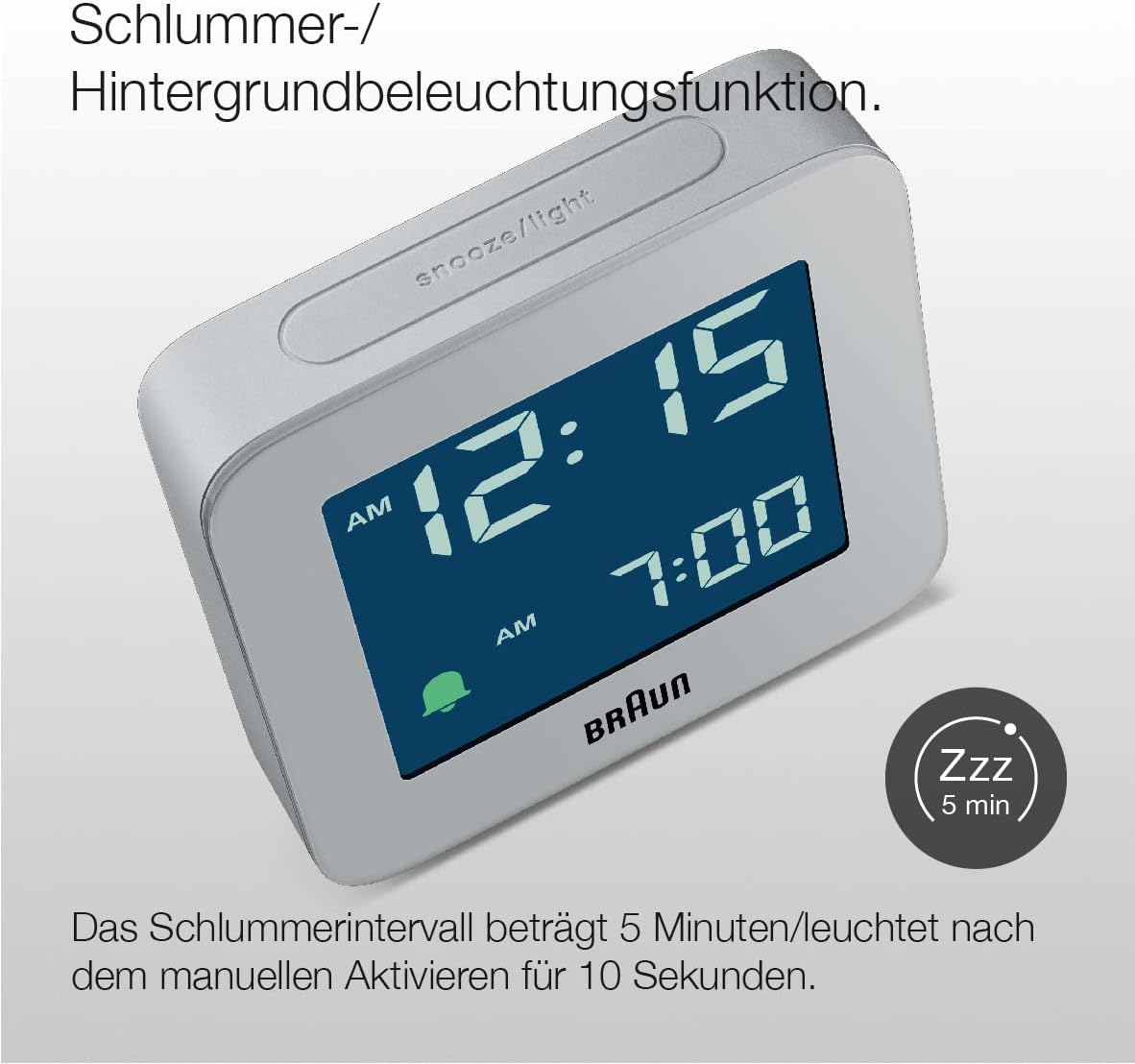
Obraz: Szczyt view of the Braun BC09G Digital Alarm Clock, highlighting the large snooze/light button.

Obraz: Kątowy view of the Braun BC09G Digital Alarm Clock, showcasing the negative LCD display.
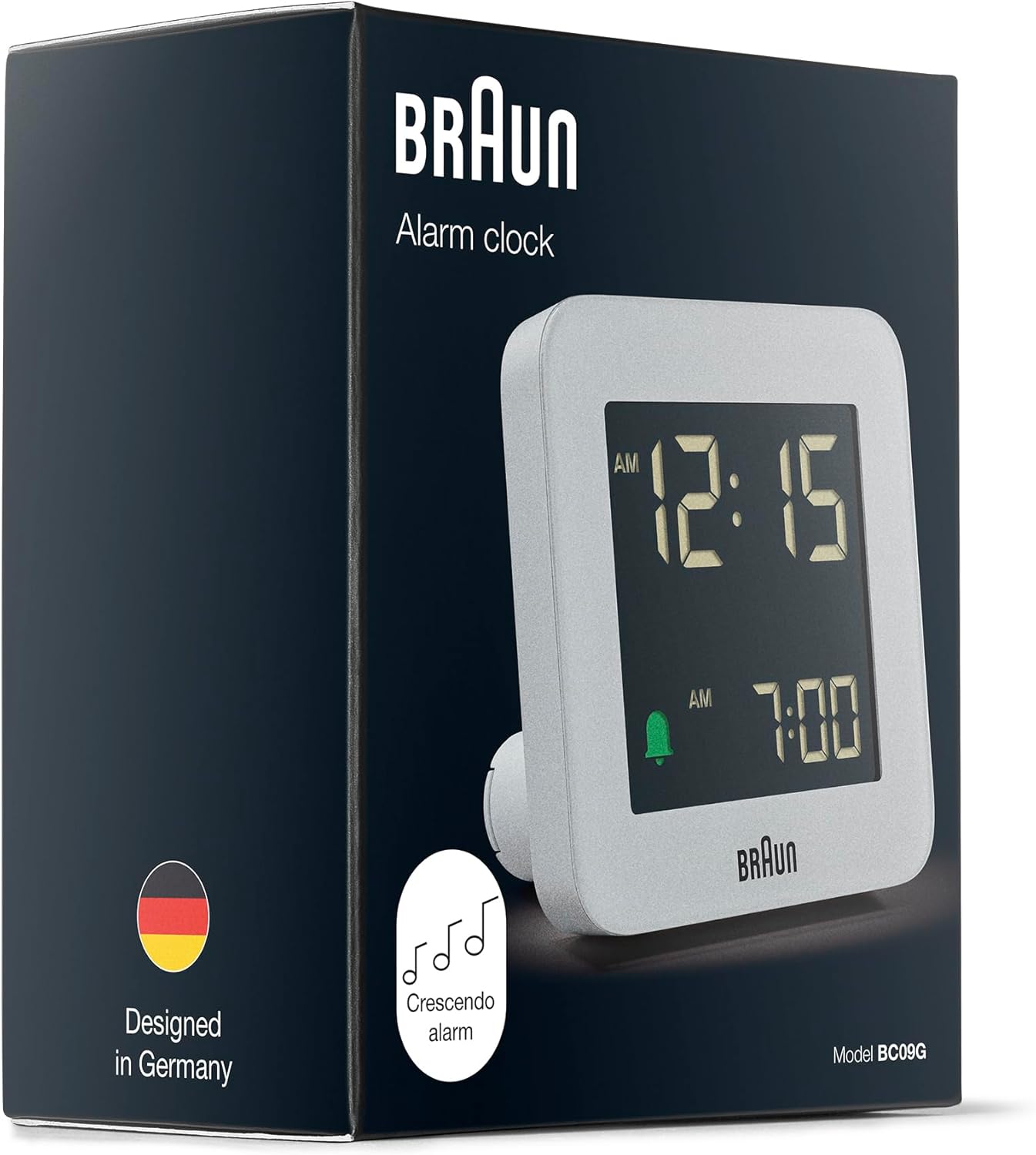
Obraz: Packaging of the Braun BC09G Digital Alarm Clock, showing the product inside its box.
Organizować coś
1. Instalowanie baterii
- Open the battery compartment cover located on the back of the alarm clock.
- Insert one (1) AA battery, ensuring the polarity (+/-) matches the diagram inside the compartment.
- Dokładnie zamknij pokrywę komory baterii.
Note: The clock requires 1 x AA battery, which is not supplied.
2. Ustawienie czasu początkowego
Upon battery installation, the display will activate. Refer to the operating instructions to set the current time.
Instrukcja obsługi
Ustawianie czasu
- Locate the "TIME SET" button on the back of the clock.
- Naciśnij i przytrzymaj przycisk „TIME SET”, aż cyfry godziny zaczną migać.
- Use the "+" or "-" buttons (usually located near the "TIME SET" button) to adjust the hour.
- Press "TIME SET" again to move to the minute digits, then use "+" or "-" to adjust the minutes.
- Naciśnij przycisk „TIME SET” jeszcze raz, aby potwierdzić i wyjść z trybu ustawiania czasu.
Ustawianie alarmu
- Locate the "ALARM SET" button on the back of the clock.
- Press and hold the "ALARM SET" button until the alarm hour digits begin to flash.
- Use the "+" or "-" buttons to adjust the alarm hour.
- Press "ALARM SET" again to move to the alarm minute digits, then use "+" or "-" to adjust the minutes.
- Press "ALARM SET" one more time to confirm and exit alarm setting mode.
Aktywacja/Dezaktywacja alarmu
- To activate the alarm, slide the "ALARM ON/OFF" switch (or press the dedicated alarm button) to the "ON" position. An alarm icon (e.g., a bell) will appear on the display.
- To deactivate the alarm, slide the "ALARM ON/OFF" switch to the "OFF" position. The alarm icon will disappear.
Funkcja drzemki i podświetlenia

Obraz: Close-up of the Braun BC09G showing the snooze/light button and a 'Zzz' icon indicating snooze function.
- When the alarm sounds, press the large "SNOOZE/LIGHT" button on top of the clock to activate the snooze function. The alarm will pause for approximately 5 minutes before sounding again.
- Pressing the "SNOOZE/LIGHT" button at any time will illuminate the display for approximately 10 seconds, allowing you to view the time in low light conditions.
Crescendo Alarm

Obraz: Illustration of the crescendo alarm feature, showing musical notes increasing in frequency.
The Braun BC09G features a crescendo alarm. When the alarm activates, the sound will start softly and gradually increase in frequency and volume to gently wake you up. If not turned off, the alarm will continue to increase in intensity.
12/24 Hour Display Option

Obraz: Close-up of the negative LCD display, showing time in a dark background with light digits.
To switch between 12-hour (with AM/PM indicator) and 24-hour display formats, locate the "12/24 HR" button (or a similar switch) on the back of the clock and press it. The display will change accordingly.
Note: The contrast of the negative digital display may vary depending on the ambient room lighting conditions.
Konserwacja
- Czyszczenie: Przetrzyj zegar miękką, suchą ściereczką. Nie używaj środków ściernych ani rozpuszczalników chemicznych.
- Wymiana baterii: When the display dims or the alarm weakens, it's time to replace the AA battery. Follow the battery installation steps in the "Setup" section.
- Składowanie: Jeśli zegar będzie przechowywany przez dłuższy czas, należy wyjąć baterię, aby zapobiec jej wyciekowi.
Rozwiązywanie problemów
| Problem | Możliwa przyczyna | Rozwiązanie |
|---|---|---|
| Wyświetlacz zegara jest pusty lub przyciemniony. | Bateria jest rozładowana lub nieprawidłowo zainstalowana. | Wymień baterię AA, zwracając uwagę na prawidłową biegunowość. |
| Alarm nie włącza się. | Alarm nie jest aktywowany lub jest nieprawidłowo ustawiony. | Ensure the "ALARM ON/OFF" switch is in the "ON" position and the alarm time is set correctly. Check battery. |
| Snooze/backlight not working. | Bateria jest słaba lub rozładowana. | Wymień baterię AA. |
| Kontrast wyświetlacza jest słaby. | Warunki oświetlenia otoczenia. | Adjust the clock's position relative to light sources. This is a characteristic of negative LCD displays. |
Specyfikacje
| Marka | Brązowy |
| Numer modelu | BC09G |
| Kolor | Szary |
| Typ wyświetlacza | Digital (Negative LCD) |
| Cechy specjalne | Alarm, Snooze, Backlight, Crescendo Alarm |
| Wymiary produktu (szer. X wys. X gł.) | Wymiary: 7.5 cm x 7.5 cm x 4.5 cm |
| Waga przedmiotu | 87 gram |
| Źródło zasilania | Zasilany bateryjnie (1 bateria AA, brak w zestawie) |
| Typ ruchu | Kwarc |
| Tworzywo | Plastikowy |

Obraz: Diagram showing the dimensions of the Braun BC09G Digital Alarm Clock (7.5 cm x 7.5 cm x 4.5 cm).
Gwarancja i wsparcie
This Braun BC09G Digital Alarm Clock comes with a limited warranty. For specific warranty terms and conditions, please refer to the documentation provided with your purchase or contact Braun customer support.
For technical support, troubleshooting assistance, or to inquire about replacement parts, please visit the official Braun website or contact their customer service department. Contact information can typically be found on the product packaging or the Braun official webstrona.
Ask a question about this manual
Ask about setup, troubleshooting, compatibility, parts, safety, or missing instructions. Manuals+ will review the question and use this page’s manual context to help answer it.