
1. Wprowadzenie
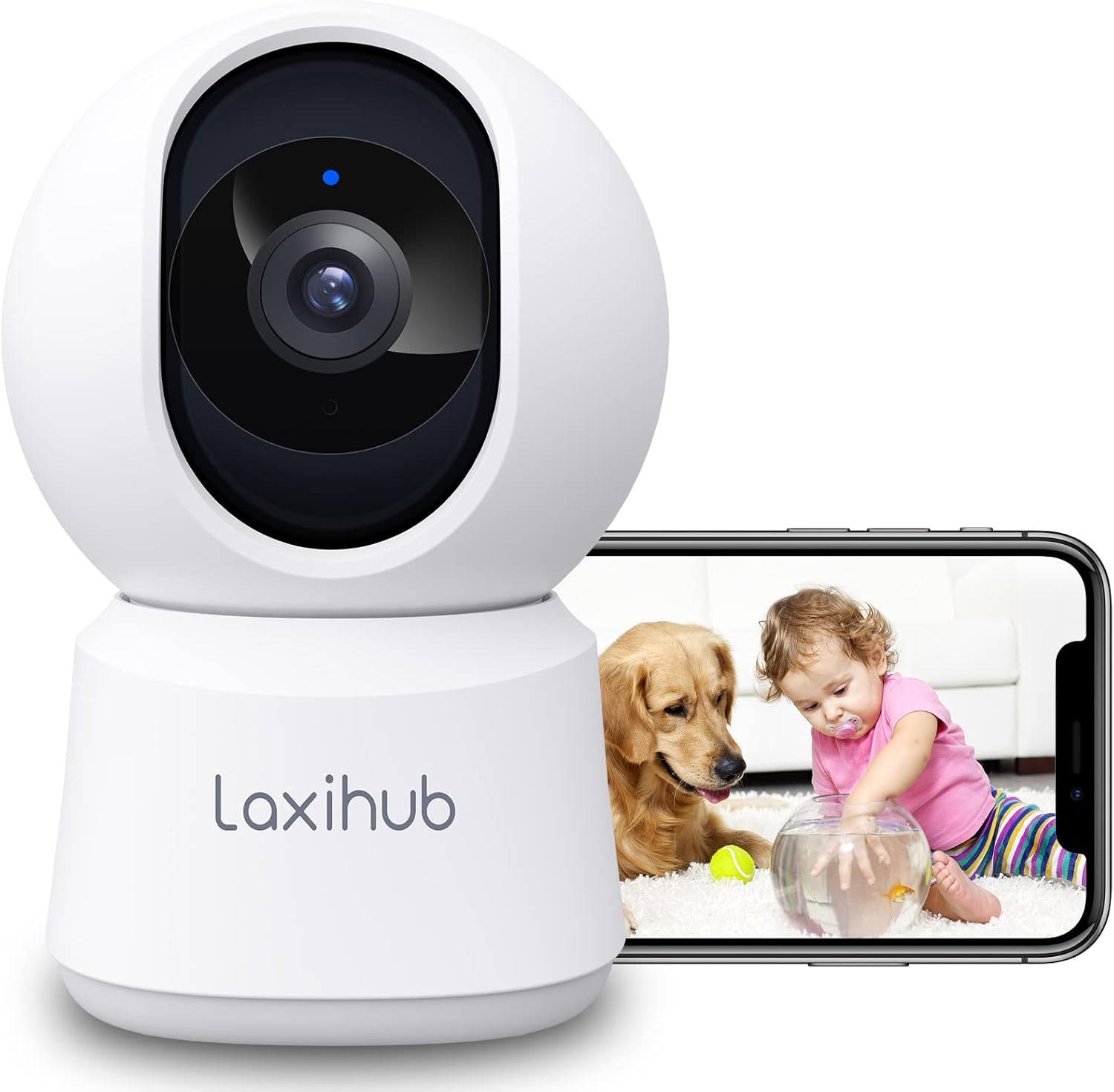
Thank you for choosing the LAXIHUB P2 2K/3MP Indoor Wi-Fi Security Camera. This manual provides essential information for setting up, operating, and maintaining your device. The P2 camera offers advanced features such as 2K/3MP video resolution, 360-degree pan and tilt functionality, enhanced night vision, two-way audio communication, and intelligent motion and sound detection. It is designed to help you monitor your home, pets, or children with ease and peace of mind.

LAXIHUB P2 Indoor Security Camera showing a golden retriever and a baby, with a smartphone displaying the live feed.
2. Funkcje ponadview
The LAXIHUB P2 camera is equipped with a range of features to enhance your home monitoring experience:
- 2K/3MP Video Resolution: Zapewnia wyraźny i szczegółowy obraz wideotage.
- 360° Pan & Tilt: Oferuje szeroki viewing angle with 355° horizontal and 93° vertical rotation.
- Ulepszone widzenie w nocy: Clear visibility up to 33 feet (10 meters) in complete darkness.
- Dwukierunkowy dźwięk: Wbudowany mikrofon i głośnik umożliwiające komunikację w czasie rzeczywistym.
- Detekcja ruchu i dźwięku: Sends instant alerts to your smartphone upon detecting activity.
- Konfigurowalne strefy aktywności: Zdefiniuj konkretne obszary wykrywania ruchu.
- Elastyczne opcje przechowywania: Obsługuje lokalne przechowywanie danych na kartach SD (do 256 GB, brak w zestawie) i przechowywanie danych w chmurze.
- Tryb prywatności: Turn off the camera with one click via the app.
- Sterowanie głosowe: Kompatybilny z Amazon Alexa i Asystentem Google.

Infographic detailing LAXIHUB P2 camera features: 2K 3MP view, customizable privacy mode, flexible 256GB storage, sharing, night vision, real-time alerts, and Alexa compatibility.
3. Zawartość opakowania
Proszę sprawdzić, czy w paczce znajdują się następujące elementy:
- LAXIHUB P2 Camera (1)
- Zasilacze (1)
- Mounting Accessories (Screws, Wall Plugs, Mounting Plate)
- Instrukcja obsługi (ten dokument)
4. Przewodnik konfiguracji
4.1 Pobieranie aplikacji i tworzenie konta
- Download the Arenti App from the App Store (iOS) or Google Play Store (Android).
- Otwórz aplikację i utwórz nowe konto lub zaloguj się, jeśli już je posiadasz.
4.2 Włączanie kamery
- Connect the power supply to the camera's power port.
- Podłącz zasilacz do gniazdka ściennego.
- The camera will power on, and the indicator light will flash, indicating it's ready for pairing.
4.3 Parowanie urządzeń (połączenie Wi-Fi)
- In the Arenti App, tap the "+" icon to add a new device.
- Select your LAXIHUB P2 camera model from the list.
- Follow the on-screen instructions to connect the camera to your 2.4GHz Wi-Fi network. Ensure your phone is connected to the same Wi-Fi network.
- Zeskanuj kod QR wyświetlany na ekranie telefonu za pomocą obiektywu aparatu. Trzymaj telefon w odległości około 15-20 cm (6-8 cali) od aparatu.
- Po nawiązaniu połączenia kontrolka kamery zaświeci się na niebiesko i usłyszysz dźwięk potwierdzający.
4.4 Umieszczenie i montaż
The LAXIHUB P2 camera can be placed on a flat surface or mounted on a wall or ceiling.
- Umiejscowienie blatu: Simply place the camera on a stable surface with a clear view obszaru, który chcesz monitorować.
- Montaż na ścianie/suficie:
- Attach the mounting plate to the desired location using the provided screws and wall plugs.
- Securely attach the camera to the mounting plate by twisting it into place.
- Adjust the camera angle in the app if necessary to ensure proper orientation.
5. Instrukcja obsługi
5.1 Na żywo View i sterowanie obrotem/pochyleniem
Access the live video feed from your camera through the Arenti App. Use the on-screen controls to remotely adjust the camera's viewkąt.
- Chleb: Obróć kamerę poziomo o 355 stopni.
- Przechylenie: Możliwość regulacji kamery w pionie w zakresie do 93 stopni.

LAXIHUB P2 camera demonstrating 355-degree horizontal and 93-degree vertical rotation, controlled via a smartphone app.
5.2 Dźwięk dwukierunkowy
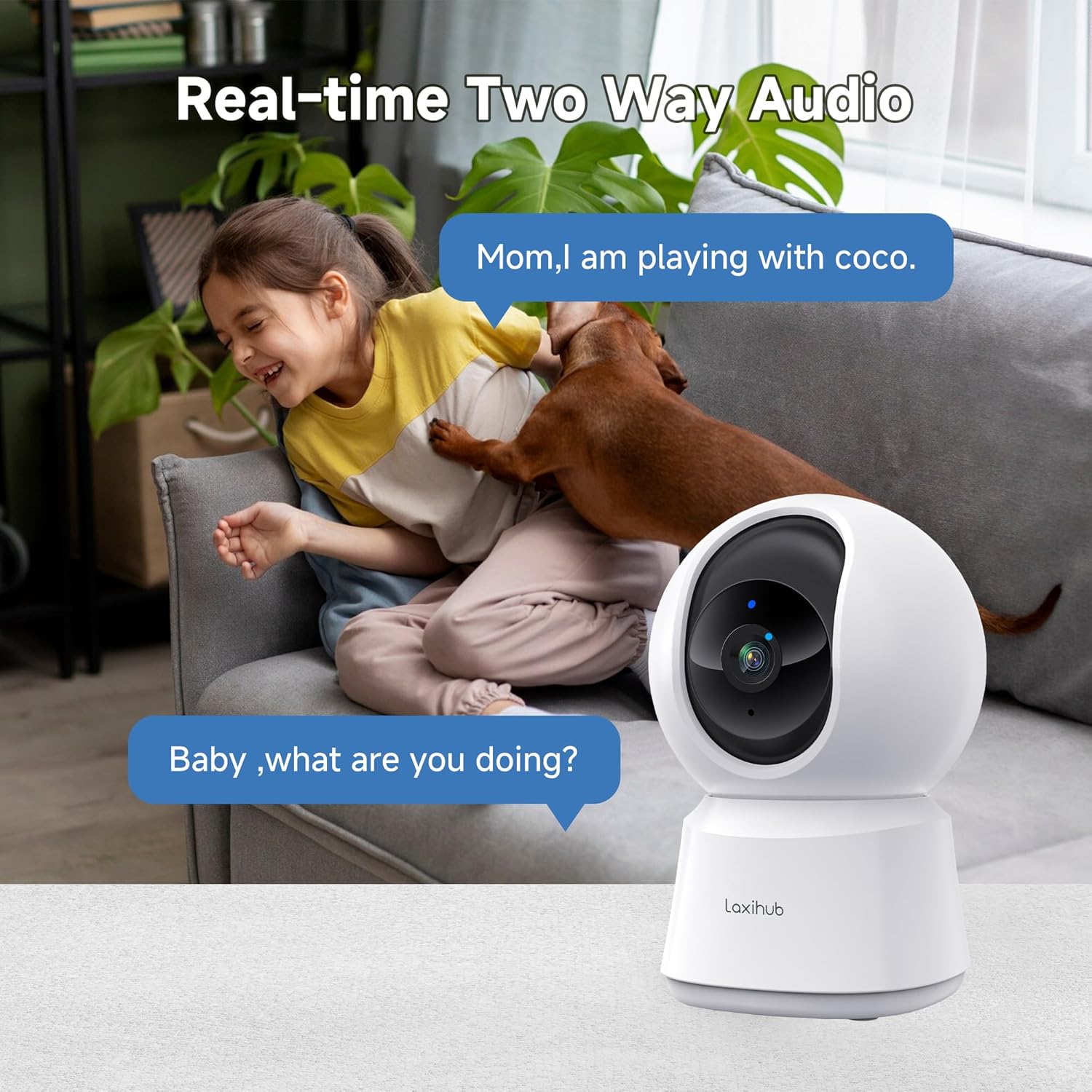
The camera features a built-in microphone and speaker, allowing you to listen to your environment and speak through the camera.
- Tap the microphone icon in the app to speak. Your voice will be transmitted through the camera's speaker.
- Ensure the speaker icon is enabled to hear audio from the camera's location.

A child and a dog interacting in a living room, with the LAXIHUB P2 camera in the foreground, depicting two-way audio communication.
5.3 Detekcja ruchu i dźwięku
The camera can detect motion and sound, sending instant alerts to your smartphone.
- Śledzenie ruchu: When motion is detected, the camera can automatically track the subject to keep it in view.
- Regulowana czułość: Customize the sensitivity levels for both motion and sound detection in the app to minimize false alarms.
- Strefy aktywności: Ustaw określone obszary w obrębie kamery view for motion detection, ignoring irrelevant areas.
LAXIHUB P2 camera tracking multiple cats in a living room, illustrating its smart motion tracking feature.

A cat on a sofa with a phone displaying a 'P2T Sound detected...' alert message, illustrating the camera's noise detection feature.
5.4 Widzenie nocne
The camera automatically switches to enhanced infrared night vision in low-light conditions, providing clear black and white video up to 33 feet (10 meters).

A sleeping baby in a crib, viewed through the LAXIHUB P2 camera's enhanced night vision, showing the LED IR sensor and automatic activation up to 33ft in darkness.
5.5 Przechowywanie wideo
Nagrania wideo można przechowywać na dwa sposoby:
- Karta micro sd: Insert a Micro SD card (up to 256GB, not included) into the camera's slot for local storage. Recordings can be exported from the SD card.
- Przechowywanie w chmurze: LAXIHUB offers a free 3-month cloud storage trial. Your data is securely stored on AWS servers.

LAXIHUB P2 camera with an inset showing an SD card being inserted, and icons for SD card and cloud storage options.
5.6 Tryb prywatności
Activate Privacy Mode via the Arenti App to temporarily turn off the camera and stop recording, ensuring your privacy when needed.
5.7 Integracja z asystentem głosowym
The LAXIHUB P2 camera is compatible with Amazon Alexa and Google Assistant. You can use voice commands to view transmisja na żywo na kompatybilnych inteligentnych wyświetlaczach.
- Follow the instructions in your Alexa or Google Home app to link your Arenti account.
- Example command: "Alexa, show me the living room camera."
6. Konserwacja
6.1 Czyszczenie
To ensure optimal performance, keep the camera lens clean.
- Gently wipe the lens with a soft, dry, lint-free cloth.
- Unikaj stosowania silnych środków chemicznych i ściernych środków czyszczących.
6.2 aktualizacji oprogramowania sprzętowego
Periodically check the Arenti App for available firmware updates. Keeping your camera's firmware up-to-date ensures you have the latest features and security enhancements.
- Przejdź do ustawień aparatu w aplikacji.
- Select "Firmware Update" and follow the prompts.
7. Rozwiązywanie Problemów
| Problem | Możliwa przyczyna | Rozwiązanie |
|---|---|---|
| Kamera nieaktywna | No power; Wi-Fi disconnected; Weak Wi-Fi signal | Sprawdź połączenie z zasilaniem; Uruchom ponownie kamerę i router; Upewnij się, że kamera znajduje się w zasięgu sieci Wi-Fi. |
| Nie można połączyć się z siecią Wi-Fi | Incorrect Wi-Fi password; Not 2.4GHz network; Too far from router | Verify password; Ensure you are connecting to a 2.4GHz network; Move camera closer to router. |
| Motion/Sound alerts not received | Notifications disabled; Sensitivity too low; App not running in background | Enable app notifications; Adjust sensitivity settings; Ensure app is allowed to run in background. |
| Słaba jakość wideo | Słaby sygnał Wi-Fi; Brudny obiektyw | Popraw siłę sygnału Wi-Fi; wyczyść obiektyw aparatu. |
| Problemy z dwukierunkową transmisją dźwięku | Wyciszony mikrofon/głośnik; opóźnienie sieciowe | Check audio settings in app; Ensure stable internet connection. |
8. Specyfikacje
| Funkcja | Szczegół |
|---|---|
| Numer modelu | P2 |
| Wymiary (dł. x szer. x wys.) | Wymiary 7.6 x 7.3 x 11.7 cm |
| Waga | 190 gramów |
| Rozdzielczość wideo | 2K/3MP (2560 x 1080 pixels) |
| Szybkość klatek | 25 klatek na sekundę |
| Pan Angle | 355 stopni w poziomie |
| Kąt nachylenia | 93 stopnie w pionie |
| Zakres noktowizora | Do 33 stóp (10 metrów) |
| Diody podświetlające | 2 |
| Łączność | Wi-Fi (2.4GHz only), Wired |
| Źródło zasilania | Electric Cable, 5V, 4.5W |
| Opcje przechowywania | Karta Micro SD (do 256 GB), przechowywanie w chmurze |
| Metoda kontroli | Aplikacja Arenti |
| Kompatybilność z asystentem głosowym | Amazon Alexa, Asystent Google |
| Środowisko użytkowania | Wnętrz |
| Stopień ochrony IP | IP65 (Note: While rated IP65, this camera is recommended for indoor use.) |
Comparison image showing the difference between 1080P and LAXIHUB P2's 2K/3MP video resolution.
9. Gwarancja i wsparcie
9.1 Informacje o gwarancji
LAXIHUB products typically come with a limited warranty. Please refer to the warranty card included in your product packaging or visit the official LAXIHUB webAby zapoznać się ze szczegółowymi warunkami gwarancji obowiązującymi w Twoim regionie, odwiedź naszą witrynę.
9.2 Obsługa klienta
If you encounter any issues or have questions regarding your LAXIHUB P2 camera, please contact our customer support team:
- E-mail: Check the LAXIHUB official webodwiedź witrynę, aby uzyskać najnowszy adres e-mail pomocy technicznej.
- Zasoby internetowe: Visit the LAXIHUB support page for FAQs, video tutorials, and additional resources.