
HUAWEI 55026228
Instrukcja obsługi inteligentnej wagi do pomiaru tkanki tłuszczowej i BMI HUAWEI Scale 3
Model: 55026228
Wstęp
The HUAWEI Scale 3 is an advanced smart body scale designed to provide a comprehensive understanding of your physical condition. It connects via Wi-Fi and Bluetooth to the HUAWEI Health app, offering detailed analysis of 11 body indicators, including BMI, Body Fat Rate, Skeletal Muscle Mass, and Heart Rate. Its thoughtful design ensures stability and comfort during use.

Image: The HUAWEI Scale 3, a sleek white smart scale, shown alongside a smartphone displaying its health tracking application. The scale features four circular metallic sensors and a clear digital display.
Przewodnik po konfiguracji
1. Instalacja baterii
The HUAWEI Scale 3 requires 4 AAA batteries for operation.
- Znajdź komorę baterii na spodzie wagi.
- Otwórz pokrywę komory baterii.
- Włóż 4 baterie AAA, zwracając uwagę na prawidłową biegunowość (+/-).
- Dokładnie zamknij pokrywę komory baterii.
2. Instalacja i połączenie aplikacji
To utilize all features and track your data, download and connect the HUAWEI Health app.
- Pobierz Aplikacja HUAWEI Health from your device's app store (supports Android 5.0 and above, iOS 9.0 and above).
- Otwórz aplikację i postępuj zgodnie z instrukcjami wyświetlanymi na ekranie, aby utworzyć konto lub się zalogować.
- Sprawdź, czy Bluetooth w Twoim smartfonie jest włączony.
- In the HUAWEI Health app, navigate to the device pairing section and select "Add device" or similar option.
- Select "HUAWEI Scale 3" from the list of available devices.
- Follow the app's prompts to complete the Bluetooth pairing process.
- For Wi-Fi connectivity, the app will guide you through connecting the scale to your home Wi-Fi network. This allows for automatic data upload without needing the app open during each measurement.

Image: Illustration demonstrating the dual connection capabilities of the HUAWEI Scale 3, supporting both Bluetooth and Wi-Fi for seamless data synchronization with your smartphone and cloud services.
Instrukcja obsługi
Dokonywanie pomiaru
- Place the HUAWEI Scale 3 on a hard, flat surface for accurate readings. Avoid carpets or uneven floors.
- Step onto the scale barefoot. Ensure your feet are positioned on the four metallic electrodes for comprehensive body composition analysis.
- Stand still until the measurement is complete and your weight is displayed on the scale's LED screen.
- If connected via Wi-Fi, your data will automatically upload to the HUAWEI Health app. If using Bluetooth, open the app to sync the data.

Image: A user standing correctly on the HUAWEI Scale 3, highlighting the importance of barefoot contact with the sensors for precise data collection.
Understanding Body Indicators
The HUAWEI Scale 3, powered by HUAWEI TruFit technology, provides 11 body composition indicators:
- Waga: Całkowita masa Twojego ciała.
- BMI (wskaźnik masy ciała): Miara tkanki tłuszczowej oparta na wzroście i wadze.
- Poziom tkanki tłuszczowej: Procenttagtłuszczu w organizmie.
- Masa mięśni szkieletowych: Całkowita masa mięśni w Twoim ciele.
- Tętno: Your current heart beats per minute.
- Fat-free Mass: Total body mass minus fat mass.
- Procent wody w organizmietage: Ilość wody w organizmie.
- Białko: Procenttagbiałka w twoim organizmie.
- Bone Mineral Content: The amount of bone mineral in your body.
- Poziom trzewnej tkanki tłuszczowej: The level of fat surrounding your organs.
- Podstawowa przemiana materii (PPM): Liczba kalorii potrzebna do utrzymania prawidłowego funkcjonowania organizmu w stanie spoczynku.

Image: A visual representation of the 11 body indicators measured by the HUAWEI Scale 3, providing a detailed overview of health metrics.
Guest Mode and Multi-User Recognition
The scale can intelligently identify family members based on historical data. For guests or temporary users, a "Guest Mode" is available in the HUAWEI Health app.
- Inteligentna identyfikacja: When multiple users are registered in the app and have taken measurements, the scale can often identify the user automatically.
- Tryb gościa: If a user is not registered or you prefer not to save their data, use the Guest Mode feature within the HUAWEI Health app. This allows for a one-time measurement without affecting your personal data history.

Image: A screenshot of the HUAWEI Health app showing the 'Guest Mode' feature, which allows for temporary measurements without saving data to a specific profile.
Data Synchronization and Tracking
All measurement records are automatically uploaded to the cloud and sent to related accounts, allowing you to view them on your phone anytime, anywhere.
- Automatic Upload: With Wi-Fi connected, data is automatically sent to the cloud and synced with your HUAWEI Health app profile.
- Dane historyczne: The app provides detailed historical data, allowing you to track your progress over days, weeks, months, and years.
- Wizualizacja danych: View your body composition trends through charts and graphs within the app.

Image: Multiple screenshots of the HUAWEI Health app demonstrating the detailed body composition analysis and historical data tracking features, including graphs and numerical summaries.
Konserwacja
Czyszczenie wagi
- Przetrzyj powierzchnię skali miękką, damp płótno.
- Nie należy używać środków czyszczących o właściwościach ściernych ani zanurzać wagi w wodzie.
- Przed przechowywaniem lub następnym użyciem należy upewnić się, że waga jest sucha.
Składowanie
- Przechowuj wagę w chłodnym i suchym miejscu.
- Unikaj ekstremalnych temperatur i bezpośredniego światła słonecznego.
- Gdy waga nie jest używana, nie należy stawiać na niej ciężkich przedmiotów.
Rozwiązywanie problemów
| Problem | Możliwa przyczyna | Rozwiązanie |
|---|---|---|
| Waga nie włącza się. | Baterie są słabe lub nieprawidłowo zainstalowane. | Sprawdź biegunowość baterii. Wymień baterie na nowe baterie AAA. |
| Niedokładne odczyty. | Scale is on an uneven surface; not standing still; not barefoot. | Place scale on a hard, flat surface. Stand still and barefoot on the electrodes. |
| Cannot connect to HUAWEI Health app. | Bluetooth/Wi-Fi is off; app not updated; scale not in pairing mode. | Ensure Bluetooth/Wi-Fi is on. Update app. Restart scale and phone. Re-attempt pairing. |
| Dane dotyczące składu ciała nie są wyświetlane. | Not standing barefoot on electrodes; feet not making full contact. | Ensure bare feet are fully on all four metallic electrodes. |
Specyfikacje
- Numer modelu: 55026228
- Wymiary produktu: 11.81 x 11.81 x 0.93 cm (ok. 300 x 300 x 9.3 mm)
- Waga: 1.57 kilogramów
- Limit wagowy: 150 kilograma
- Źródło zasilania: 4 baterie AAA (wymagane)
- Typ wyświetlacza: PROWADZONY
- Cechy szczególne: Body Fat, Bodyweight, Muscle Mass, 11 Body Indicators, Wi-Fi & Bluetooth Connection
- Kolor: Biały
- Zgodna aplikacja: HUAWEI Health (Android 5.0+, iOS 9.0+)
- Producent: Huawei
- Data pierwszej dostępności: 6 stycznia 2021 r.
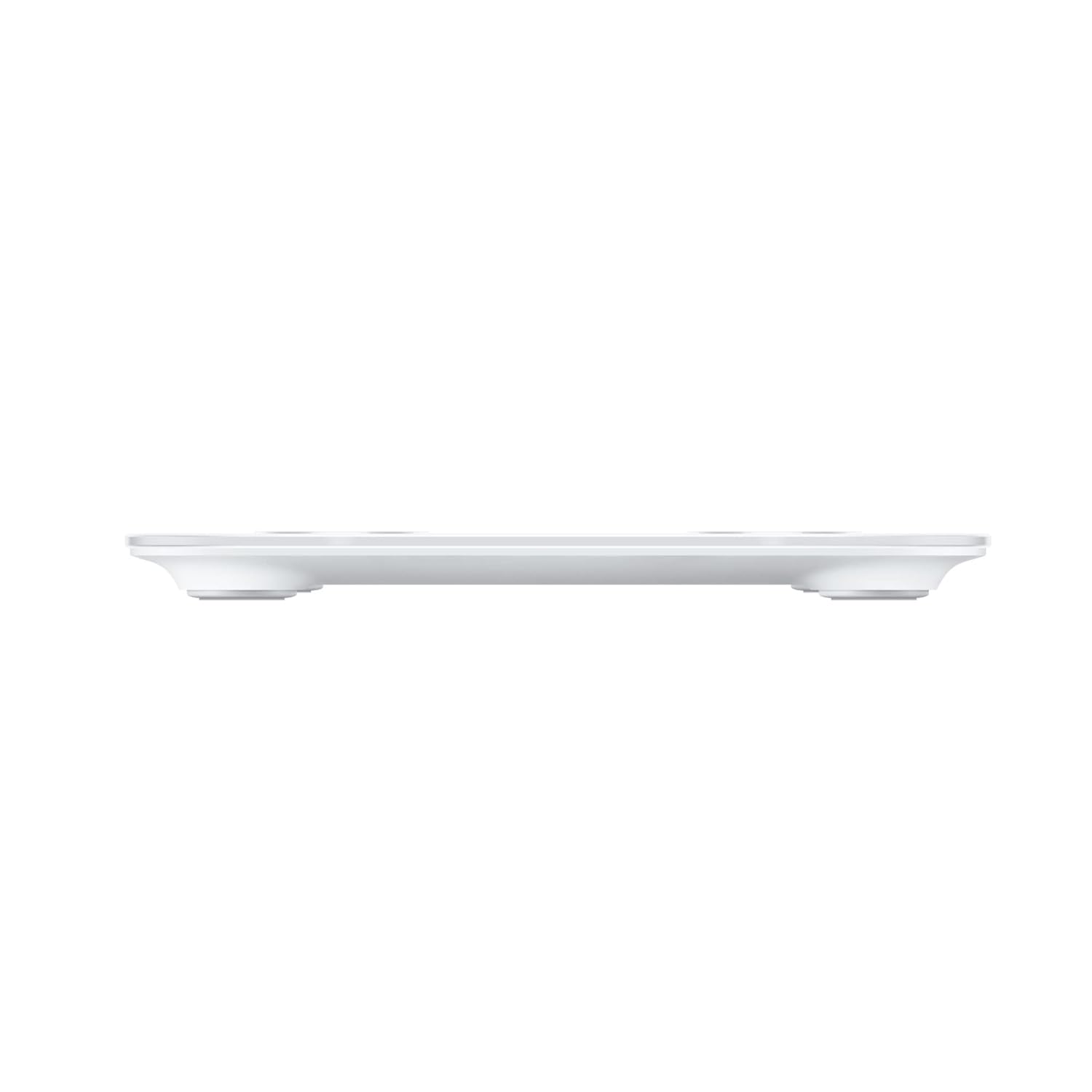
Obraz: strona A view of the HUAWEI Scale 3, illustrating its slim profile and stable design with short feet.
Gwarancja i wsparcie
For warranty information and customer support, please refer to the official HUAWEI webodwiedź witrynę lub skontaktuj się bezpośrednio z działem obsługi klienta.
- Obsługa klienta: 1-888-5HUAWEI (1-888-548-2934)
- Miejsce prowadzenia działalności: HUAWEI Technologies Canada, 15 Allstate Parkway, Unit 320, Markham, Ontario, Canada L3R 5B4
- Zasady zwrotu: Typically 30 days for refund/replacement (check with retailer for specific terms).
Ask a question about this manual
Ask about setup, troubleshooting, compatibility, parts, safety, or missing instructions. Manuals+ will review the question and use this page’s manual context to help answer it.