
USHINING F200
Instrukcja obsługi telefonu komórkowego z klapką GSM USHINING F200
Model: F200 | Brand: USHINING
1. Wprowadzenie
Welcome to the user manual for your new USHINING F200 GSM Flip Phone. This device is designed for ease of use, featuring large buttons, a clear display, and essential functions for communication. Please read this manual carefully to understand how to operate your phone safely and efficiently.
2. Zawartość opakowania
Proszę zaznaczyć pole dotyczące następujących elementów:
- 1 x USHINING F200 Mobile Phone
- 1 x słuchawki
- 1 x Ładowarka Micro USB
- 1 baterie 800 mAh
- 1 x SIM Card Adapter
- 1 x Instrukcja obsługi

Image: Contents of the USHINING F200 package, including the phone, charger, headset, battery, SIM adapter, and user manual.
3. Telefonicznieview
The USHINING F200 features a classic flip design, protecting the screen and keypad when closed. It is equipped with a clear 1.77-inch color display and large, easy-to-press buttons for straightforward navigation and dialing.
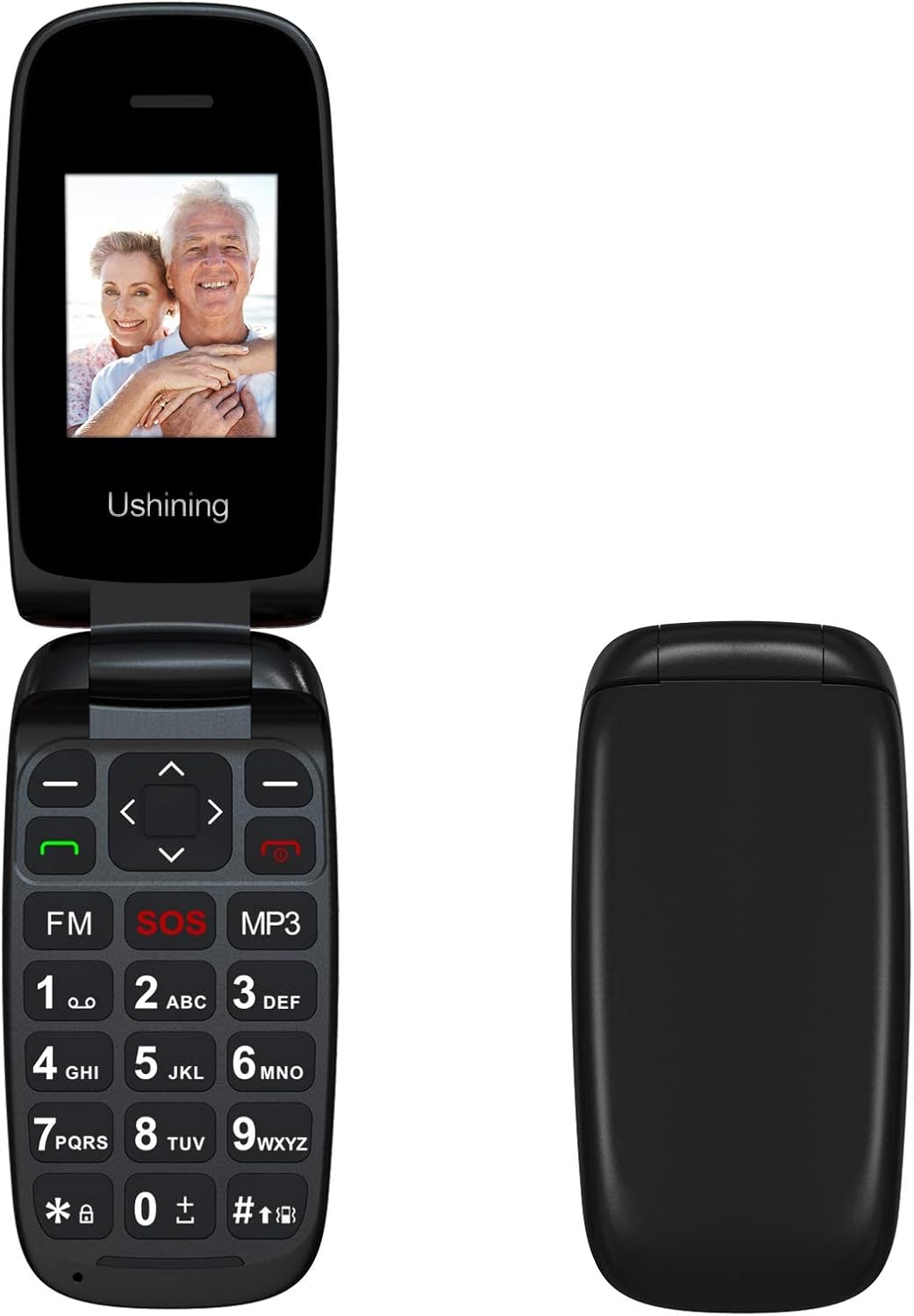
Obraz: Przód view of the USHINING F200 flip phone in both open and closed positions, highlighting its compact design.

Obraz: kątowy view of the USHINING F200 flip phone, open to reveal the large keypad and the prominent red SOS button.
4. Konfiguracja
4.1. Wkładanie karty(kart) SIM
- Ostrożnie otwórz tylną pokrywę telefonu.
- Locate the SIM card slot(s). The phone supports dual SIM cards.
- Insert your SIM card(s) into the designated slot(s) with the gold contacts facing down, ensuring they are securely in place.
- If using a MicroSD card for expandable memory (up to 32GB), insert it into the dedicated memory card slot.

Image: The phone's screen displaying a prompt to insert the SIM card, indicating readiness for network connection.

Image: The USHINING F200 phone with its battery and two SIM cards, illustrating the components involved in initial setup.
4.2. Wkładanie baterii
- After inserting the SIM card(s), place the 800 mAh battery into its compartment, aligning the contacts.
- Załóż tylną pokrywę i upewnij się, że jest pewnie zamocowana.
4.3. Ładowanie telefonu
- Connect the micro USB charger to the charging port on the side or bottom of the phone.
- Podłącz ładowarkę do gniazdka elektrycznego. Wskaźnik baterii na ekranie pokaże stan ładowania.
- Przed pierwszym użyciem należy całkowicie naładować telefon.
4.4. Włączanie/wyłączanie zasilania
- Włączanie: Naciśnij i przytrzymaj czerwony przycisk Zakończ połączenie/Zasilanie przycisk, aż ekran się zaświeci.
- Aby wyłączyć: Naciśnij i przytrzymaj czerwony przycisk Zakończ połączenie/Zasilanie Naciskaj przycisk, aż pojawią się opcje wyłączania, a następnie potwierdź.
5. Instrukcja obsługi
5.1. Podstawowe funkcje wywołań
- Nawiązywanie połączenia: Enter the phone number using the keypad and press the green Dzwonić przycisk.
- Odbieranie połączenia: Gdy zadzwoni telefon, naciśnij zielony przycisk Dzwonić przycisk.
- Zakończenie połączenia: Naciśnij czerwony Zakończ połączenie przycisk.
5.2. Wysyłanie wiadomości SMS
- Przejdź do Wiadomości menu.
- Wybierać Napisz wiadomość.
- Wpisz swoją wiadomość za pomocą klawiatury.
- Enter the recipient's phone number or select from contacts, then send.
5.3. Funkcja alarmowa SOS
The SOS button is a critical safety feature. It allows you to quickly contact pre-set emergency numbers.
- Konfigurowanie kontaktów SOS: Idź do Ustawienia > Ustawienia SOS. Add up to 5 emergency contact numbers.
- Aktywacja SOS: In an emergency, press and hold the red SOS button on the keypad for a few seconds. The phone will automatically call and send an SMS to your pre-set emergency contacts in sequence until one is answered.
5.4. Kontakty
- Dodawanie kontaktu: Idź do Łączność > Dodaj nowy kontakt. Wprowadź nazwę i numer.
- Szybkie wybieranie: Assign frequently called numbers to specific keys (e.g., 2-9) for quick dialing. Refer to the phone's menu for specific instructions on setting up speed dial.
5.5. Funkcje multimedialne
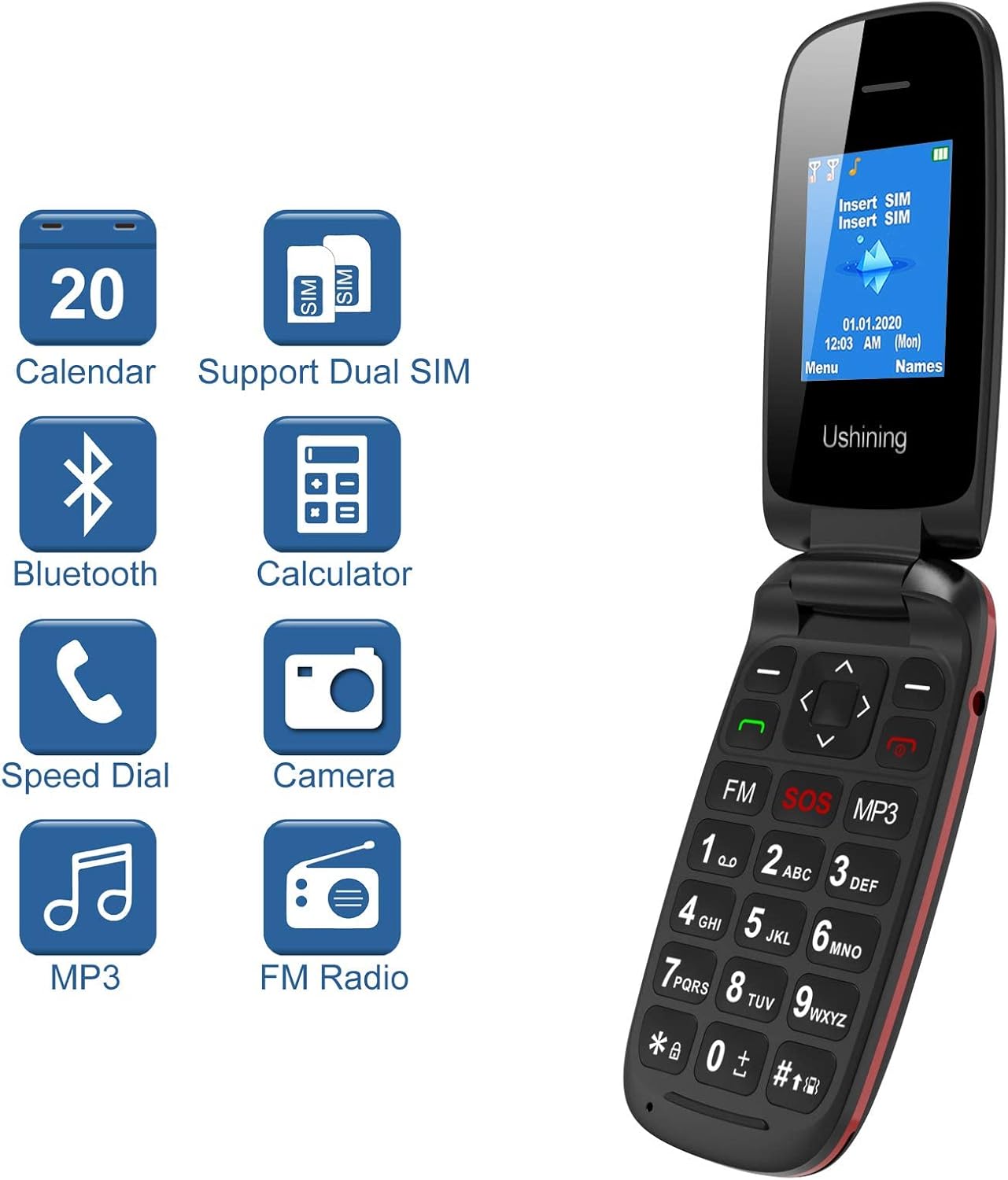
Image: The USHINING F200 display showing icons for Calendar, Dual SIM, Bluetooth, Calculator, Speed Dial, Camera, MP3, and FM Radio, indicating available features.
- Odtwarzacz mp3: Access the MP3 player from the main menu to play audio filesą przechowywane na karcie pamięci.
- Radio FM: Plug in the headset (which acts as an antenna) and access the FM Radio from the menu to listen to local stations.
- Kamera: The phone includes a basic camera. Access it from the menu to take photos.
5.6. Ustawienia
Customize your phone through the Ustawienia menu.
- Język: Select your preferred language (English, Spanish, French, Italian, German).
- Data i godzina: Ustaw aktualną datę i godzinę.
- Bluetooth: Enable Bluetooth to connect to compatible devices like headsets.
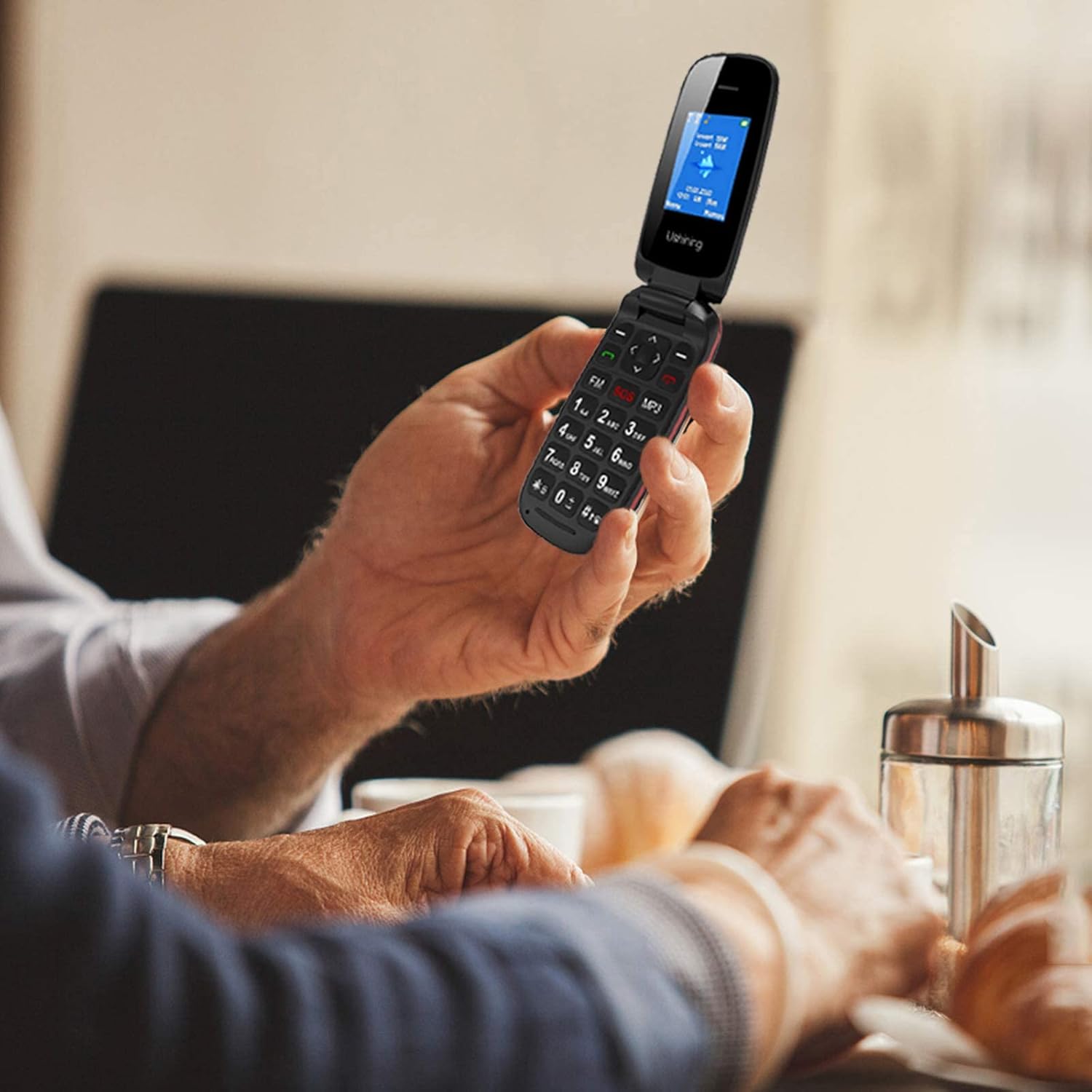
Image: A person holding the USHINING F200 flip phone, illustrating its comfortable grip and large buttons during use.
6. Konserwacja
- Czyszczenie: Do czyszczenia obudowy telefonu używaj miękkiej, suchej ściereczki. Unikaj płynnych środków czyszczących.
- Pielęgnacja baterii: To prolong battery life, avoid exposing the phone to extreme temperatures. Do not allow the battery to fully discharge frequently.
- Składowanie: Jeśli telefon nie będzie używany przez dłuższy czas, należy go przechowywać w chłodnym i suchym miejscu.
7. Rozwiązywanie Problemów
| Problem | Możliwe rozwiązanie |
|---|---|
| Telefon nie włącza się | Upewnij się, że bateria jest prawidłowo włożona i naładowana. Podłącz ładowarkę i spróbuj ponownie. |
| Brak sygnału sieciowego | Check if the SIM card is properly inserted. Ensure you are in an area with GSM network coverage. Contact your service provider if the issue persists. |
| Nie można wykonywać ani odbierać połączeń | Verify network signal. Check if the SIM card is active. Ensure no call barring is enabled in settings. |
| Bateria się nie ładuje | Sprawdź ładowarkę i kabel ładujący pod kątem uszkodzeń. Upewnij się, że port ładowania jest czysty. Spróbuj użyć innego gniazdka elektrycznego. |
| Przycisk SOS nie działa | Ensure emergency contacts are correctly set up in SOS settings. Test the function in a non-emergency situation. |
8. Specyfikacje
| Funkcja | Szczegół |
|---|---|
| Model | F200 |
| Marka | UŚWIETLANIE |
| Typ produktu | Telefon z klapką |
| Kolor | Czarny |
| System operacyjny | KaiOS (Basic Feature Phone OS) |
| Rozmiar ekranu | 1.77 cali |
| Pasma sieciowe | GSM Quad Band (850/900/1800/1900 MHz) |
| Obsługa karty SIM | Podwójna karta SIM |
| Pamięć wewnętrzna | 4MB RAM + 4MB ROM |
| Możliwość rozbudowy pamięci masowej | Up to 32GB (MicroSD card not included) |
| Pojemność baterii | 800 mAh Li-ion |
| Czas rozmowy | Do 240 minut |
| Czas czuwania | Do 160 godzin |
| Łączność | USB, Bluetooth |
| Cechy specjalne | SOS Button, Large Buttons, FM Radio, MP3 Player, Camera, Calendar, Alarm Clock, Calculator, Speed Dial |
| Języki | Spanish, English, French, Italian, German |
9. Gwarancja i wsparcie
USHINING provides two years of technical service and customer support for this product from the date of purchase. Please note that this warranty does not cover artificial damage.
For technical assistance or customer service inquiries, please contact your retailer or refer to the contact information provided with your purchase documentation.
Ask a question about this manual
Ask about setup, troubleshooting, compatibility, parts, safety, or missing instructions. Manuals+ will review the question and use this page’s manual context to help answer it.