
Wstęp
Thank you for choosing the MEDION E11909 (MD 20059) 19-inch HD TV. This television features an integrated DVD player, a 12V car adapter for mobile use, and a triple tuner for receiving cable, satellite, or DVB-T2 HD signals. This manual provides essential information for the safe and efficient use of your new device. Please read it thoroughly before operation and keep it for future reference.
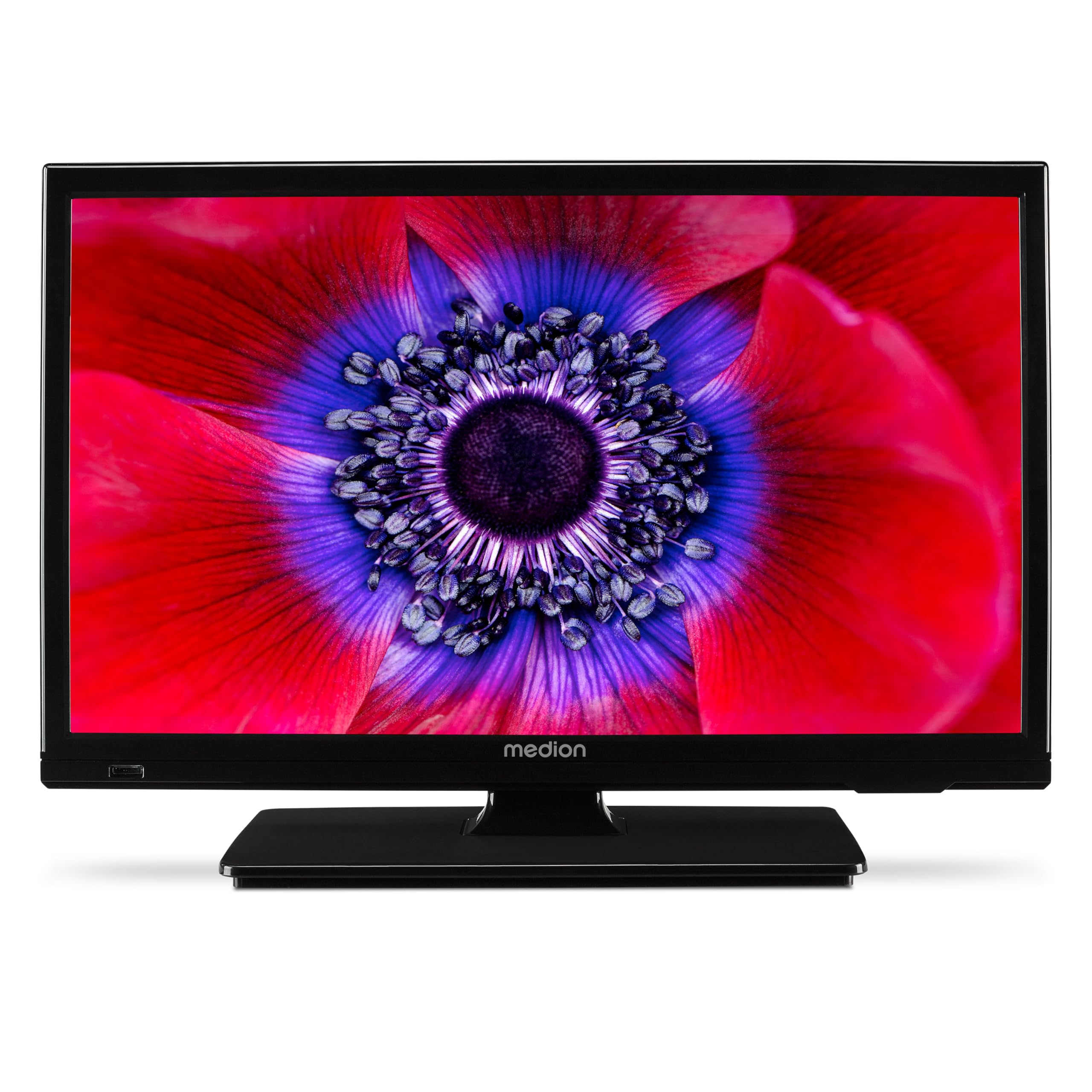
Rysunek 1: MEDION E11909 19-inch HD TV. This image shows the front view of the television, highlighting its compact design suitable for various environments.
Informacje dotyczące bezpieczeństwa
Please observe the following safety instructions to prevent damage to the device or injury to yourself:
- Nie wystawiaj telewizora na działanie deszczu ani wilgoci.
- Zapewnij odpowiednią wentylację, nie blokuj otworów wentylacyjnych.
- Używaj wyłącznie zasilacza dostarczonego z urządzeniem.
- Nie otwieraj telewizoraasing; wszelkie prace serwisowe należy zlecać wykwalifikowanemu personelowi.
- Trzymaj telewizor z dala od źródeł ciepła i bezpośredniego światła słonecznego.
- When using the 12V car adapter, ensure the vehicle's power outlet is clean and provides stable power.
Zawartość opakowania
Sprawdź, czy w przesyłce znajdują się wszystkie elementy:
- MEDION E11909 MD20059 LCD TV
- Pilot zdalnego sterowania z bateriami (AAA)
- Zewnętrzny zasilacz
- Car adapter (12V)
- Antena DVB-T
- Adapter AV
- Stojak ze śrubami
- Instrukcja obsługi
- Broszura gwarancyjna
Organizować coś
1. Mocowanie stojaka
- Carefully place the TV screen-down on a soft, clean surface.
- Dopasuj podstawę do otworów montażowych znajdujących się na spodzie telewizora.
- Zabezpiecz stojak za pomocą dołączonych śrub.
2. Podłączanie zasilania
- Do użytku domowego: Connect the external power adapter to the TV's DC IN port and then plug it into a standard wall outlet.
- For Mobile Use (Car/Caravan): Connect the 12V car adapter to the TV's DC IN port and then plug it into your vehicle's 12V DC power socket.
3. Connecting Antennas and External Devices
Refer to the connection diagram below for port locations.

Rysunek 2: Rear panel connections. This image illustrates the various input and output ports on the back of the television, including HDMI, USB, SCART, VGA, AV In, YPbPr, PC Audio In, Headphone Jack, Digital Audio Out, and the 12V DC power input.
- Antena/kabel: Connect your DVB-T antenna (included), cable, or satellite dish to the appropriate RF IN port.
- Urządzenia HDMI: Connect devices like Blu-ray players or game consoles to the HDMI ports.
- Urządzenia USB: Podłącz nośniki USB do portu USB, aby odtwarzać multimedia.
- Older Devices: Use the SCART, VGA, or AV IN ports for older equipment.
4. Konfiguracja początkowa
After connecting power and turning on the TV for the first time, an initial setup wizard will guide you through language selection, country, and channel scanning. Follow the on-screen instructions.
Operacyjny
1. Włączanie/wyłączanie zasilania
Naciśnij MOC przycisk na pilocie lub na telewizorze, aby włączyć lub wyłączyć urządzenie.
2. Funkcje pilota
The remote control allows you to navigate menus, change channels, adjust volume, and select input sources. Refer to the remote control diagram in your separate warranty booklet for specific button functions.
3. Channel Selection and Volume
- Użyj CH+/- przyciski do zmiany kanałów.
- Użyj OBJĘTOŚĆ +/- Przyciski do regulacji głośności.
4. Wybór źródła wejściowego
Naciśnij ŹRÓDŁO button on the remote control to cycle through available input sources (TV, HDMI1, HDMI2, AV, USB, DVD).
5. Using the Integrated DVD Player
- Insert a DVD disc into the disc slot on the side of the TV.
- Telewizor powinien automatycznie przełączyć się w tryb DVD. Jeśli nie, naciśnij przycisk ŹRÓDŁO button and select DVD.
- Use the remote control's playback buttons (ODTWÓRZ, PAUZA, STOP, PRZEWIŃ DO PRZODU, PRZEWIŃ DO TYŁU) to control DVD playback.

Rysunek 3: TV with integrated DVD player. This image shows the television screen displaying high-definition content, with a DVD disc partially visible, indicating the integrated DVD player functionality.
6. Using the Media Player (USB)
- Podłącz urządzenie pamięci masowej USB do portu USB.
- Naciśnij ŹRÓDŁO button and select USB.
- Poruszaj się po swoim files (photos, music, videos) using the remote control and press OK grać.

Rysunek 4: Easy playback of photos, videos, and more. This image highlights the USB port on the TV's side and icons representing music, photos, and video files, indicating the TV's multimedia playback capabilities.
Konserwacja
1. Czyszczenie ekranu
Delikatnie przetrzyj ekran miękką, niepozostawiającą włókien ściereczką. W przypadku uporczywych zabrudzeń delikatnie przetrzyjampPrzetrzyj ściereczkę wodą lub specjalnym środkiem do czyszczenia ekranów. Nie rozpylaj płynu bezpośrednio na ekran.
2. Czyszczenie urządzenia
Wytrzyj telewizor casinCzyścić miękką, suchą ściereczką. Unikać stosowania środków czyszczących o działaniu ściernym i rozpuszczalników.
3. Przechowywanie
Jeśli telewizor będzie przechowywany przez dłuższy czas, odłącz go od zasilania, wyjmij baterie z pilota i przechowuj w chłodnym, suchym miejscu, najlepiej w oryginalnym opakowaniu.
Rozwiązywanie problemów
If you encounter problems with your TV, please refer to the following common issues and solutions:
- Brak zasilania:
- Check if the power adapter is securely connected to both the TV and the power outlet.
- Upewnij się, że gniazdko elektryczne jest sprawne. - Brak obrazu/dźwięku:
- Verify that the correct input source is selected (e.g., HDMI1, TV, DVD).
- Check all cable connections (antenna, HDMI, AV).
- Perform a channel scan if using TV mode. - DVD Not Playing:
- Ensure the disc is inserted correctly with the label facing up.
- Check if the disc is clean and free from scratches.
- Try a different DVD to rule out disc issues. - Pilot nie działa:
- Replace the batteries (AAA).
- Upewnij się, że między pilotem a czujnikiem podczerwieni telewizora nie ma żadnych przeszkód.
Jeśli po wypróbowaniu tych rozwiązań problem nadal występuje, skontaktuj się z obsługą klienta.
Specyfikacje
- Marka: MEDION
- Model: E11909 (MD 20059)
- Rozmiar ekranu: 18.5 cala (47 cm)
- Technologia wyświetlania: LED-LCD
- Rezolucja: 768p (HD)
- Częstotliwość odświeżania: 60 Hz
- Proporcje obrazu: 1.77:1
- Technologia łączności: HDMI, USB
- Cechy szczególne: Built-in DVD player, 12V Car Adapter, Triple Tuner for HD reception (Cable, Satellite, DVB-T2)
- Zawartość zestawu: LCD TV (MD 20059)
- Wymiary produktu: 16 gł. x 44 szer. x 31 wys. cm
- Wyjście audio: 2 x 3 W RMS Stereo Speakers
Gwarancja i wsparcie
Your MEDION E11909 (MD 20059) TV comes with a manufacturer's warranty. Please refer to the included warranty booklet for detailed terms and conditions, including the warranty period and coverage.
Aby uzyskać pomoc techniczną, serwis lub zadać dalsze pytania, odwiedź oficjalną stronę internetową MEDION website or contact their customer service department. Contact information can typically be found in your warranty booklet or on the MEDION support page.