
1. Wprowadzenie
Thank you for choosing the Briidea Digital Hygrometer and Thermometer. This device is designed to accurately monitor temperature and humidity levels in various environments, providing essential data for optimal conditions. Its compact size and clear display make it suitable for use in humidors, guitar cases, greenhouses, offices, and laboratories. Please read this manual thoroughly before operating the device to ensure proper use and longevity.
2. Funkcje produktu
- Czytelny wyświetlacz LCD: Digital LCD screen provides clear, instant readings of current temperature and humidity.
- Maksymalny/minimalny rekord: Records and displays maximum and minimum temperature and humidity values, which can be easily reset.
- Wskaźnik poziomu wilgotności: Displays "WET", "OK", or "DRY" to indicate the current humidity level, helping to assess storage environments directly.
- Wysoka dokładność: Equipped with an advanced sensor for precise measurements, maintaining an accuracy of ±0.5°F for temperature and ±2% for humidity.
- Przełącznik jednostek temperatury: Easily switch between Celsius (°C) and Fahrenheit (°F) modes.
- Gotowy do użycia: Includes battery and is pre-calibrated for immediate use upon opening.
- User Recalibration: Allows for recalibration of temperature and humidity values if needed.
- Wszechstronne zastosowanie: Suitable for households, guitar cases, greenhouses, offices, and laboratories.
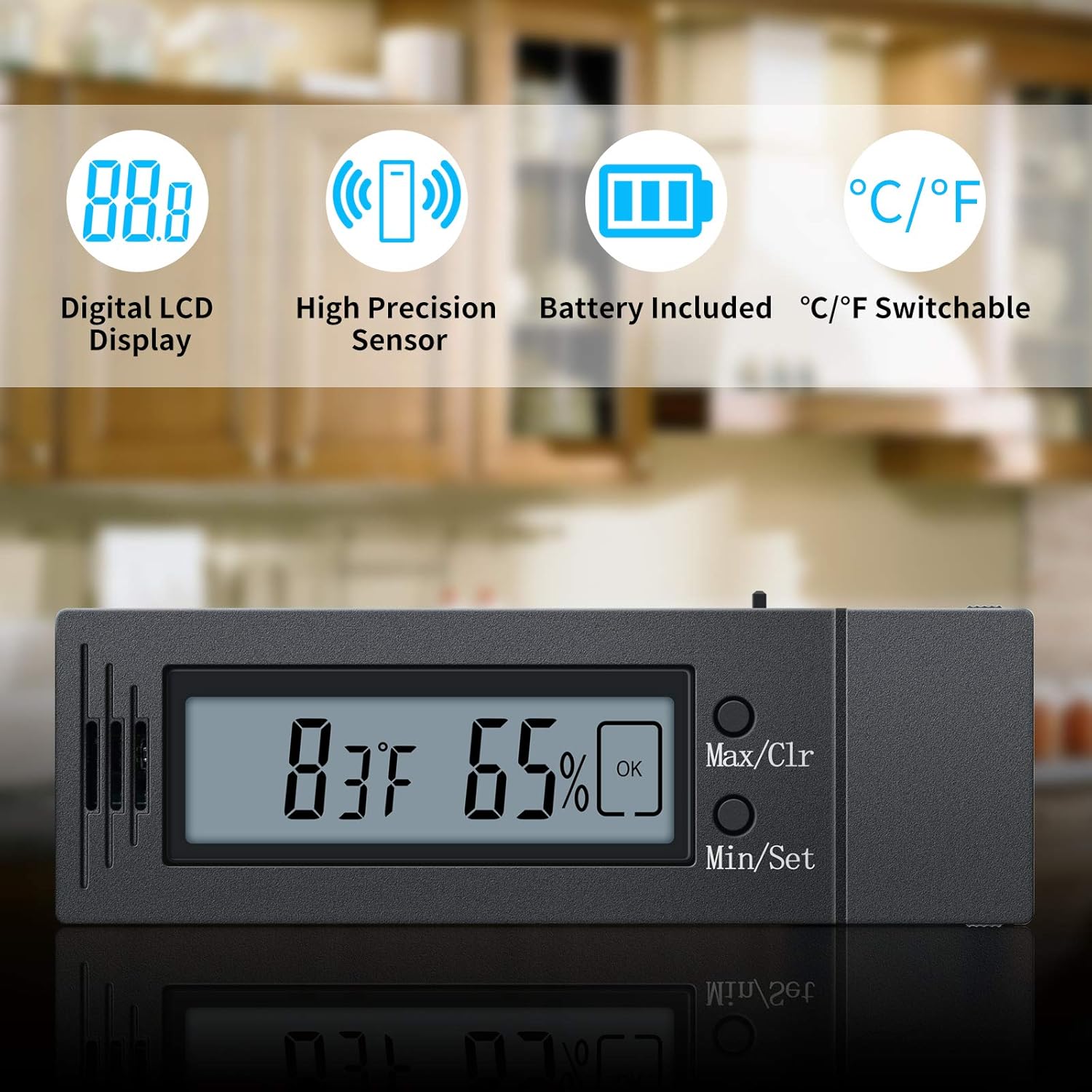
Rysunek 1: Koniecview of the Briidea Digital Hygrometer and Thermometer, highlighting its key features such as the digital LCD display, high precision sensor, included battery, and switchable temperature units.
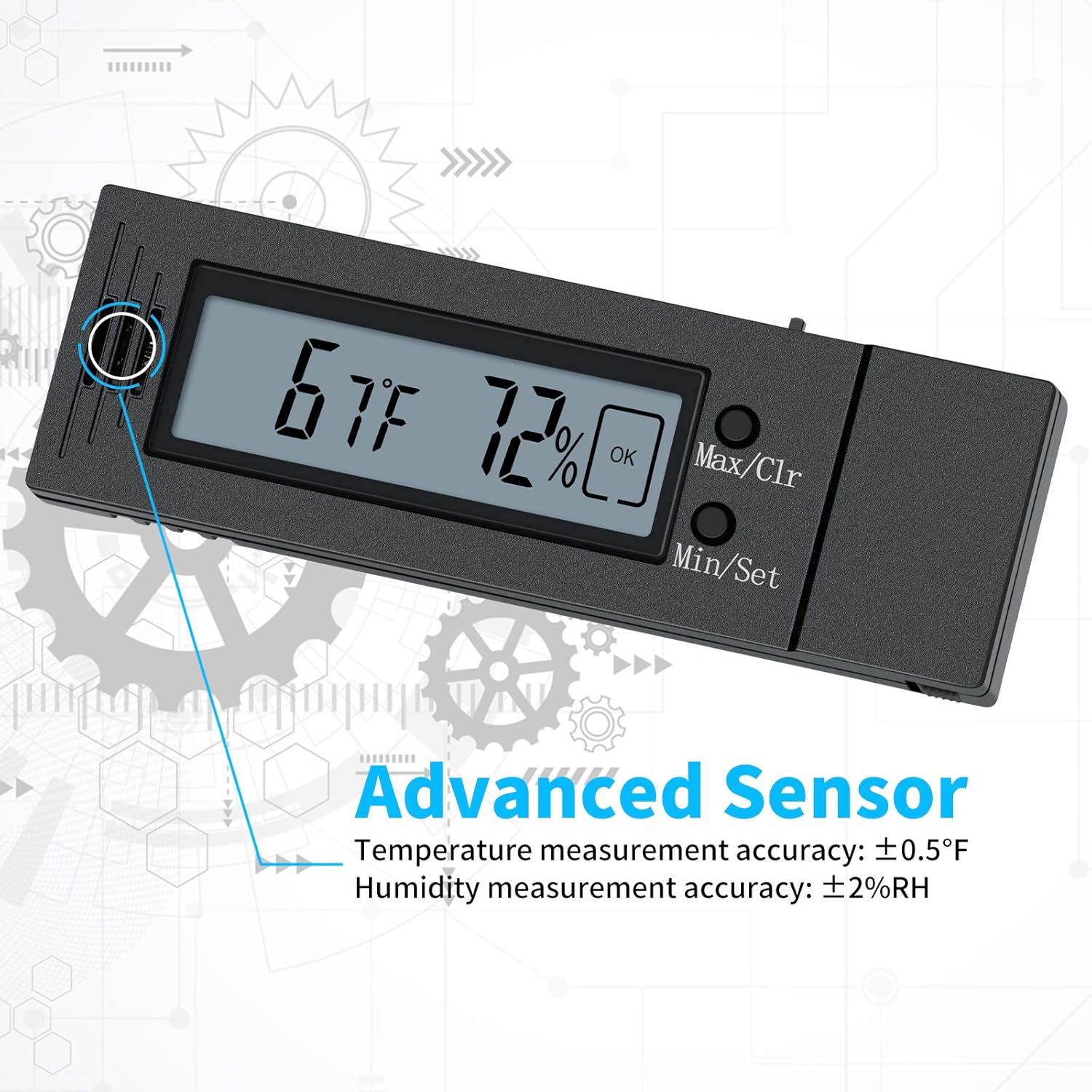
Rysunek 2: Szczegółowy view emphasizing the advanced sensor technology, with temperature measurement accuracy of ±0.5°F and humidity measurement accuracy of ±2%RH.
3. Konfiguracja
- Rozpakowywanie: Ostrożnie wyjmij higrometr z opakowania.
- Montaż baterii: The device comes with a battery pre-installed. If you need to replace it, locate the battery compartment on the back of the unit, open it, insert a new C battery (or specified type) with correct polarity, and close the compartment.
- Pierwsze włączenie: The device should power on automatically once the battery is correctly installed. The current temperature and humidity will be displayed.
- Umieszczenie: Place the hygrometer in the desired location. Ensure it is not exposed to direct sunlight, drafts, or extreme temperatures, which could affect readings. The device supports tabletop placement or wall mounting.
4. Instrukcja obsługi
4.1 Odczyt wyświetlacza
The large LCD screen displays the current temperature (in °F or °C) and humidity percentagi (RH%).

Figure 3: The easy-to-read display showing humidity and the WET/OK/DRY indicator.
4.2 Humidity Level Indicator
The device provides a quick visual indicator for humidity levels:
- MOKRY: Wilgotność powyżej 70%
- OK: Wilgotność od 65% do 70%
- SUCHY: Wilgotność poniżej 65%
4.3 Max/Min Record Function
- Naciśnij „Max/Clr" button once to display the maximum recorded temperature and humidity.
- Naciśnij „Min/Set" button once to display the minimum recorded temperature and humidity.
- To clear the recorded Max/Min values, press and hold the "Max/Clr" button for approximately 3 seconds. The display will reset to current values.
4.4 Switching °C/°F
To switch between Celsius and Fahrenheit temperature units, press the "Min/Set" button for approximately 3 seconds. The temperature unit on the display will change.
4.5 Recalibration (Advanced Users)
The device is pre-calibrated at the factory. However, if you require specific adjustments, the unit supports user recalibration. Refer to advanced user guides or contact customer support for detailed instructions on recalibration procedures.
5. Konserwacja
- Czyszczenie: Wipe the device gently with a soft, dry cloth. Do not use abrasive cleaners, solvents, or immerse the unit in water.
- Wymiana baterii: When the battery indicator appears on the display, replace the battery promptly to ensure continuous accurate readings. Use the specified battery type (1 C battery).
- Składowanie: If storing the device for an extended period, remove the battery to prevent leakage and damage. Store in a cool, dry place away from direct sunlight.
6. Rozwiązywanie Problemów
| Problem | Możliwa przyczyna | Rozwiązanie |
|---|---|---|
| Brak wyświetlacza lub słaby wyświetlacz | Rozładowana lub słaba bateria; nieprawidłowa instalacja baterii. | Replace the battery with a new one; ensure correct polarity. |
| Niedokładne odczyty | Sensor obstruction; device placed in extreme conditions (direct sun, draft); need for recalibration. | Ensure sensor is clear; move device to a stable environment; consider recalibration if necessary. |
| Wartości maks./min. nie resetują się | Przycisk nie został przytrzymany wystarczająco długo. | Naciśnij i przytrzymaj „Max/Clr" button for approximately 3 seconds. |
7. Specyfikacje
| Funkcja | Szczegół |
|---|---|
| Zakres pomiaru temperatury | 34°F - 110°F (1.1°C - 43.3°C) |
| Zakres pomiaru wilgotności | 20% - 98% wilgotności względnej |
| Dokładność temperatury | ± 0.5 ° F (± 0.2778 ° C) |
| Dokładność wilgotności | ±2% wilgotności względnej |
| Wymiary produktu (szer. x wys.) | 9.9 cm x 3.3 cm (3.9 cala x 1.3 cale) |
| Typ baterii | 1 bateria typu C (w zestawie) |
| Typ montażu | Blat, montaż na ścianie |
| ASIN | B08BJTL2HN |
| GTIN/UPC | 779288404076 |

Figure 4: Dimensions of the portable Briidea Digital Hygrometer and Thermometer.
8. Aplikacje
The Briidea Digital Hygrometer and Thermometer is versatile and can be used in a variety of settings to monitor environmental conditions:
- Humidors: Maintain optimal humidity for cigars.
- Guitar/Ukulele Cases: Protect musical instruments from humidity fluctuations.
- Szklarnie: Monitor conditions for plant growth.
- Reptile Tanks: Ensure appropriate habitat conditions for pets.
- Mason Jars: Monitor humidity for stored goods.
- Offices & Labs: General environmental monitoring.

Rysunek 5: Examples of various applications for the digital hygrometer, including guitar cases, incubators, reptile tanks, and greenhouses.

Figure 6: The hygrometer positioned within a guitar case to monitor humidity for instrument preservation.
9. Gwarancja i wsparcie
Briidea products are manufactured to high-quality standards. For warranty information, technical support, or any questions regarding your Digital Hygrometer and Thermometer, please refer to the contact information provided with your purchase or visit the official Briidea webZachowaj paragon jako dowód zakupu na wypadek reklamacji.