
SEMIER SM-226
Portable Cassette Player Recorder AM FM Radio User Manual
Marka: SEMIER | Model: SM-226
1. Wprowadzenie
Thank you for choosing the SEMIER Portable Cassette Player Recorder AM FM Radio. This compact and versatile device allows you to enjoy your favorite cassette tapes, record audio, and tune into AM/FM radio stations. Designed for portability and ease of use, it offers a nostalgic audio experience with modern convenience.
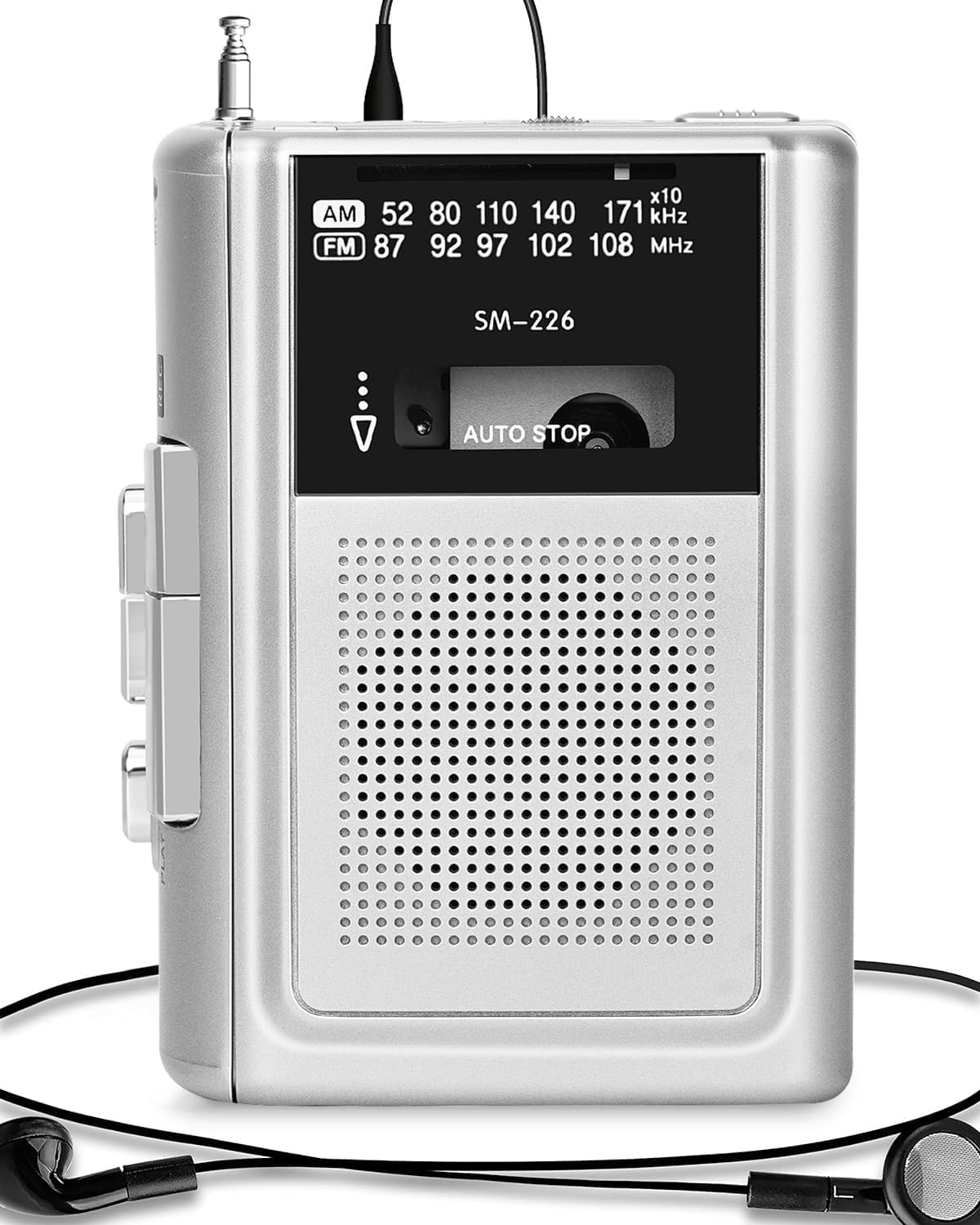
Figure 1: SEMIER Portable Cassette Player Recorder (Model SM-226)
2. Konfiguracja
2.1 Zasilanie urządzenia
Your cassette player offers dual power options:
- Moc baterii: For portable use, insert two (2) AA batteries into the battery compartment located on the back of the unit. Ensure correct polarity (+/-).
- Zasilanie prądem stałym 5 V: For indoor use, connect a DC 5V wall adapter (not included, but a compatible USB cable is provided) to the DC 5V input jack on the side of the unit.

Figure 2: Dual Power Options (Battery and DC 5V)
Video 1: Demonstrating battery insertion and power connection for the SEMIER Cassette Player.
2.2 Inserting and Removing Cassettes
- To open the cassette compartment, slide the OPEN/CLOSE button located on the side of the unit.
- Gently insert your cassette tape with the open side facing the playback head.
- Close the compartment firmly until it clicks into place.
- To remove, slide the OPEN/CLOSE button again and carefully lift out the cassette.
3. Instrukcja obsługi
3.1 Odtwarzanie kaset
Once a cassette is inserted and the unit is powered on:
- Naciśnij GRAĆ przycisk, aby rozpocząć odtwarzanie.
- Naciśnij ZATRZYMYWAĆ SIĘ przycisk, aby zatrzymać odtwarzanie.
- Użyj Przód (Szybkie przewijanie) i REW Przyciski (przewijania do tyłu) umożliwiają poruszanie się po taśmie.
- Jednostka posiada: Zatrzymaj samochód function, which automatically stops playback when the tape reaches its end.

Figure 3: Auto-Stop Cassette Feature
3.2 Nagrywanie dźwięku
The SEMIER cassette player allows you to record audio from its built-in microphone or an external microphone, as well as directly from AM/FM radio:
- Włóż czystą kasetę.
- To record from the built-in microphone, simply press the GRAĆ I REK (Record) buttons simultaneously.
- For enhanced sound quality, connect an external microphone (not included) to the MIKROFON podnośnik.
- To record from AM/FM radio, switch the mode to AM or FM, tune to your desired station, and then press GRAĆ I REK jednocześnie.
- Naciskać ZATRZYMYWAĆ SIĘ aby zakończyć nagrywanie.
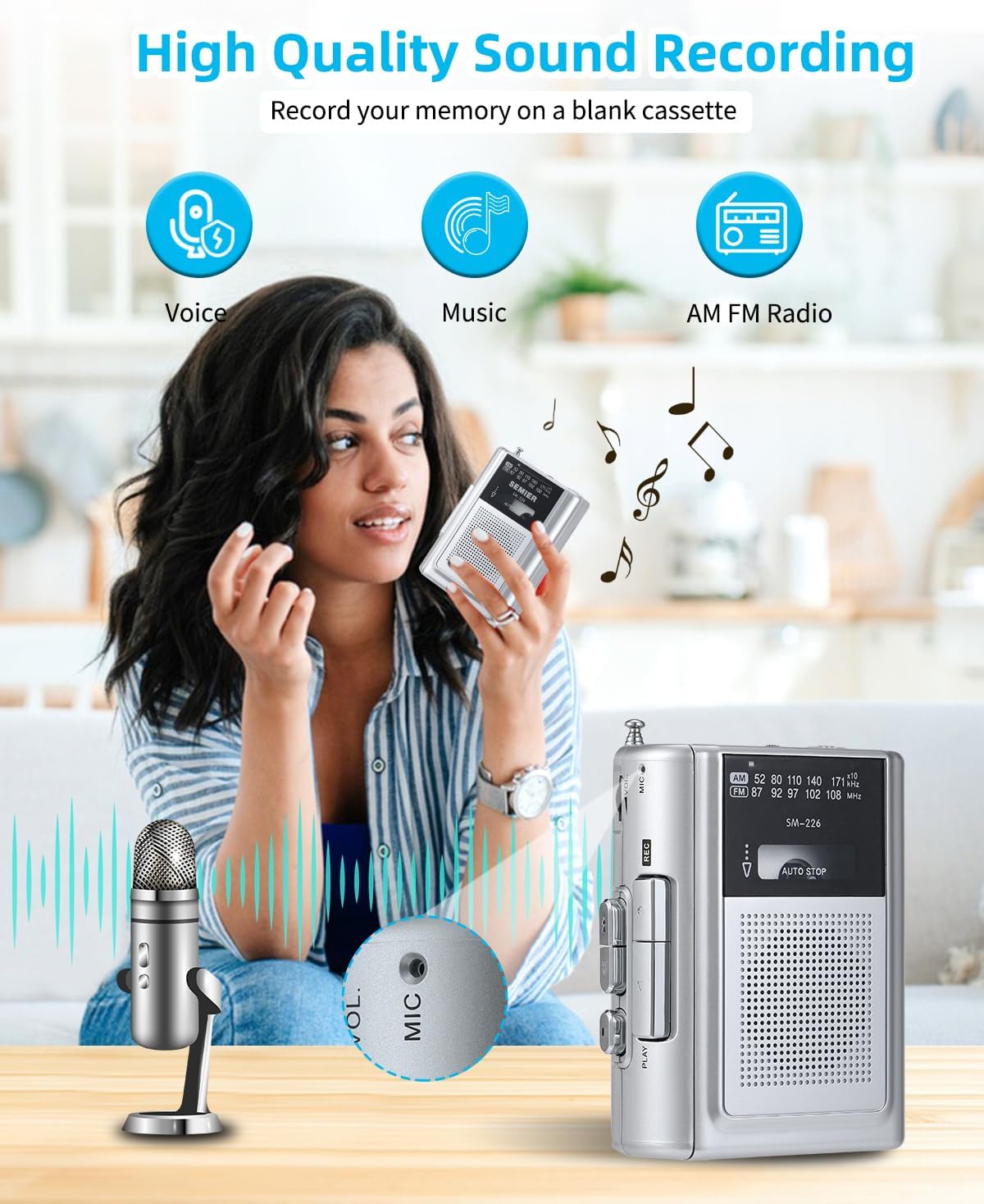
Figure 4: High Quality Sound Recording Capabilities
Video 2: Demonstration of recording and radio functions on the SEMIER Portable Cassette Player.
3.3 Listening to AM/FM Radio
To enjoy radio broadcasts:
- Slide the mode switch to either AM or FM.
- Extend the metal antenna for optimal reception.
- Użyj Strojenie dial to find your desired radio station. The wide frequency range (FM 87-108MHz, AM 520-1710kHz) ensures excellent reception.

Figure 5: Excellent AM/FM Radio Reception
3.4 Using the Earphone Jack
For private listening, plug your headphones into the 3.5mm earphone jack located on the side of the unit. The built-in 3 Watts loudspeaker provides clear sound for general listening.

Figure 6: 3.5mm Audio Port for Private Listening
4. Konserwacja
- Czyszczenie: Do czyszczenia zewnętrznej części urządzenia należy używać miękkiej, suchej ściereczki. Nie należy używać płynnych środków czyszczących ani materiałów ściernych.
- Głowice taśmowe: Okresowo czyść głowice taśmy delikatnie przecierając je wacikiem.ampnasycone alkoholem izopropylowym, aby zapewnić optymalną jakość dźwięku i zapobiec uszkodzeniu taśmy.
- Wymiana baterii: If using batteries, replace them when the sound becomes distorted or the unit stops functioning. Remove batteries if the unit will not be used for an extended period.
- Składowanie: Store the unit in a cool, dry place away from direct sunlight, extreme temperatures, and humidity.
5. Rozwiązywanie Problemów
| Problem | Możliwa przyczyna | Rozwiązanie |
|---|---|---|
| Brak zasilania / Urządzenie nie włącza się | Dead batteries; Power adapter not connected properly. | Replace batteries; Ensure power adapter is securely connected. |
| Słaba jakość dźwięku / Zniekształcenia | Dirty tape heads; Worn-out tape; Low battery power. | Clean tape heads; Try a different tape; Replace batteries. |
| Tape not playing / Tape jammed | Tape incorrectly inserted; Tape mechanism issue. | Re-insert tape correctly; Gently remove any jammed tape (if visible). |
| Słaby odbiór radia | Antena nie jest wysunięta; obszar o słabym sygnale. | Fully extend the antenna; Try moving to a different location. |
6. Specyfikacje
| Funkcja | Szczegół |
|---|---|
| Wymiary produktu | 4.6 x 3.4 x 1.3 cala (11.68 x 8.64 x 3.3 cm) |
| Waga przedmiotu | 7.2 uncji (204.12 grama) |
| Numer modelu | SM-226 |
| Marka | SEMIER |
| Źródło zasilania | Battery Powered (2 AA batteries) / DC 5V |
| Technologia tunera | FM, AM |
| Obsługiwane pasma radiowe | FM (87-108MHz), AM (520-1710kHz) |
| Technologia łączności | USB (for power), 3.5mm Audio (earphone/mic) |
| Funkcja specjalna | Portable, Lightweight, Recording Function, Built-in Speaker |
| Producent | SEMIER |
| Kraj pochodzenia | Chiny |
7. Gwarancja i wsparcie
For warranty inquiries or technical support, please contact SEMIER customer service directly via email:
Please provide your product model (SM-226) and a detailed description of your issue for prompt assistance.