
1. Wprowadzenie
This user manual provides detailed instructions for the installation, setup, operation, and maintenance of your Ctronics Outdoor Security Camera Model 285C. Please read this manual thoroughly before using the product to ensure proper functionality and safety. Keep this manual for future reference.
2. Zawartość opakowania
Sprawdź, czy wszystkie wymienione poniżej elementy znajdują się w przesyłce. Jeśli brakuje któregokolwiek z nich lub jest on uszkodzony, skontaktuj się z obsługą klienta Ctronics.
- Ctronics Outdoor Security Camera (Model 285C)
- Zasilacz (prąd stały 12 V)
- Zestaw śrub montażowych
- Zestaw wodoodporny do kabla sieciowego (jeśli dotyczy)
- Szybki przewodnik
3. Koniec produktuview
Familiarize yourself with the components of your Ctronics security camera.
Rysunek 3.1: Przód view of the Ctronics Outdoor Security Camera Model 285C, showing the lens, IR LEDs, and housing.
- Obiektyw: Przechwytuje wideo footage.
- Diody LED podczerwieni (IR): Zapewnia oświetlenie umożliwiające widzenie w nocy.
- Mikrofon: Nagrywa dźwięk w celu umożliwienia dwukierunkowej komunikacji i nagrywania.
- Głośnik: Wyjście audio umożliwiające dwukierunkową komunikację.
- Anteny: Do łączności Wi-Fi.
- Gniazdo karty SD: For local storage of recorded video (Micro SD card not included).
- Przycisk resetowania: Służy do przywracania ustawień fabrycznych.
- Port zasilania: Connects to the DC 12V power adapter.
4. Instalacja
Proper installation ensures optimal performance and durability of your camera.
4.1 Miejsce montażu
- Choose a location with a strong Wi-Fi signal.
- Upewnij się, że kamera ma czyste i niezakłócone pole widzenia. view obszaru, który chcesz monitorować.
- Position the camera within reach of a power outlet.
- The camera is IP66 waterproof, suitable for outdoor use in various weather conditions.
4.2 Kroki montażu
- Use the provided mounting template (if available) to mark drill holes on the wall or ceiling.
- Wywierć otwory i włóż kołki ścienne.
- Przymocuj podstawę kamery za pomocą dołączonych śrub.
- Adjust the camera angle as needed after power-up and setup.
Rysunek 4.1: The Ctronics camera mounted outdoors, illustrating its 355° pan and 90° tilt capabilities.
5. Konfiguracja
Follow these steps to connect your camera to your network and mobile device.
5.1 Pobieranie aplikacji i rejestracja konta
- Download the official Ctronics app from the App Store (iOS) or Google Play Store (Android).
- Install the app and create a new user account, following the on-screen instructions.
5.2 Dodawanie kamery
- Power on the camera by connecting the power adapter. Wait for the camera to complete its self-test (usually indicated by a rotating motion and an audible prompt).
- Open the Ctronics app, tap the "+" icon to add a new device.
- Select your camera model or scan the QR code located on the camera or its packaging.
- Follow the app's instructions to connect the camera to your Wi-Fi network. Ensure your mobile device is connected to the same 2.4GHz Wi-Fi network during setup.
- Once connected, set a secure password for your camera.

Rysunek 5.1: The Ctronics camera can be accessed via mobile app (iOS/Android) and PC client for remote monitoring.
6. Instrukcja obsługi
Learn how to use the various features of your Ctronics security camera.
6.1 Na żywo View i sterowanie
- Open the Ctronics app and select your camera to view kanał na żywo.
- Use the on-screen joystick or swipe gestures to control the camera's pan (355°) and tilt (90°) movements.
- Utilize the pinch-to-zoom gesture for 5X optical zoom to view bliższe dane.
Wideo 6.1: Demonstration of the Ctronics PTZ Camera's 5X Optical Zoom and movement capabilities. This video illustrates the camera's ability to pan, tilt, and zoom to cover a wide area.
6.2 Widzenie nocne
The camera features both infrared (IR) night vision and color night vision. It automatically switches between modes based on ambient light conditions.
- IR Night Vision: Zapewnia wyraźne czarno-białe obrazy w całkowitej ciemności.
- Kolorowe widzenie nocne: Activates when sufficient ambient light is available or when the camera's spotlights are triggered, providing full-color images at night.

Rysunek 6.2: The Ctronics camera providing 30M color night vision, enhancing visibility in low-light conditions.
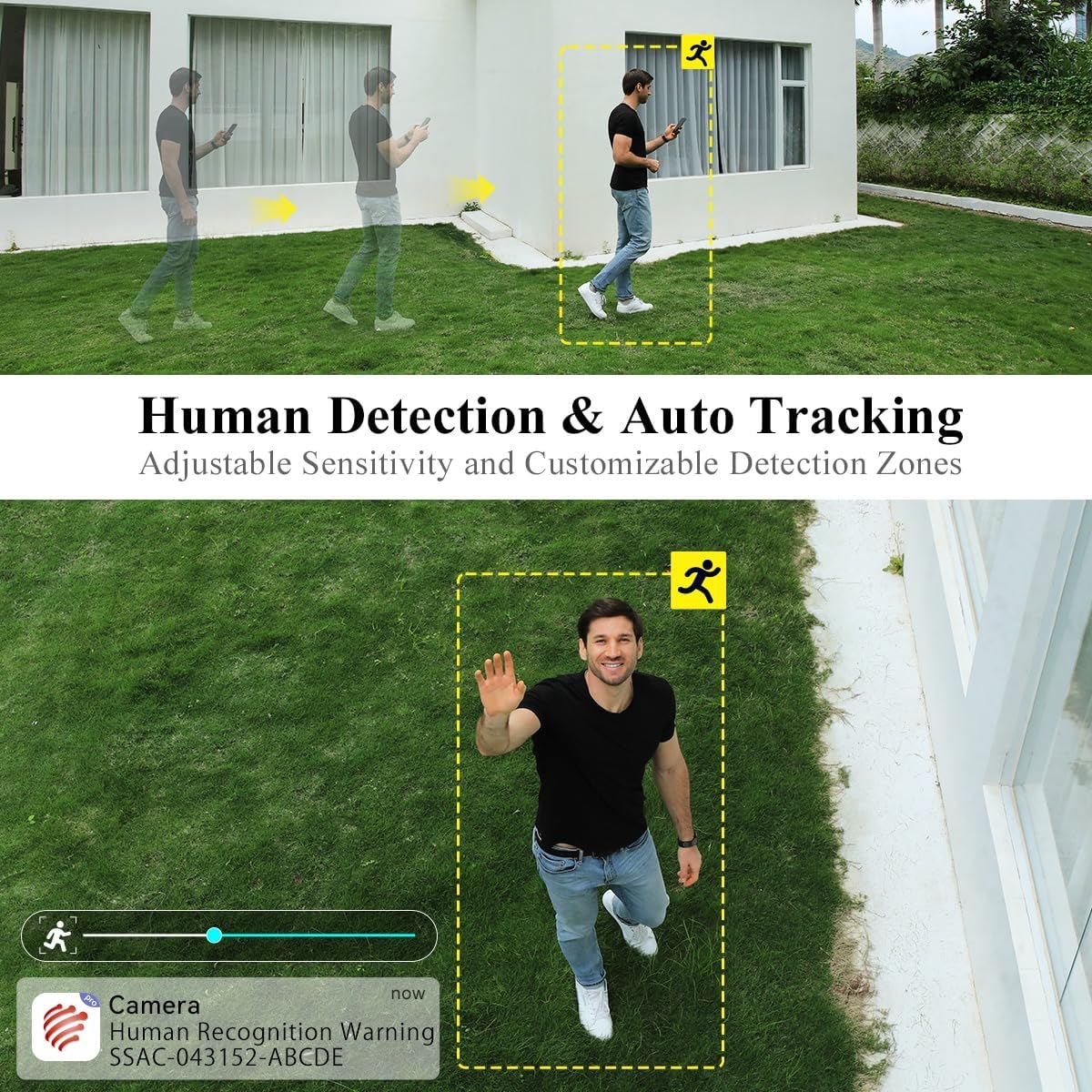
6.3 Wykrywanie ludzi i automatyczne śledzenie
The camera can intelligently detect human shapes and track their movement within its field of view.
- Enable Human Detection in the app settings to receive alerts specifically for human presence.
- Activate Auto Tracking to have the camera automatically follow detected human movement.
- Adjust sensitivity and define custom detection zones to minimize false alarms.

Rysunek 6.3: Illustration of the camera's human detection and auto-tracking features, highlighting adjustable sensitivity and customizable detection zones.
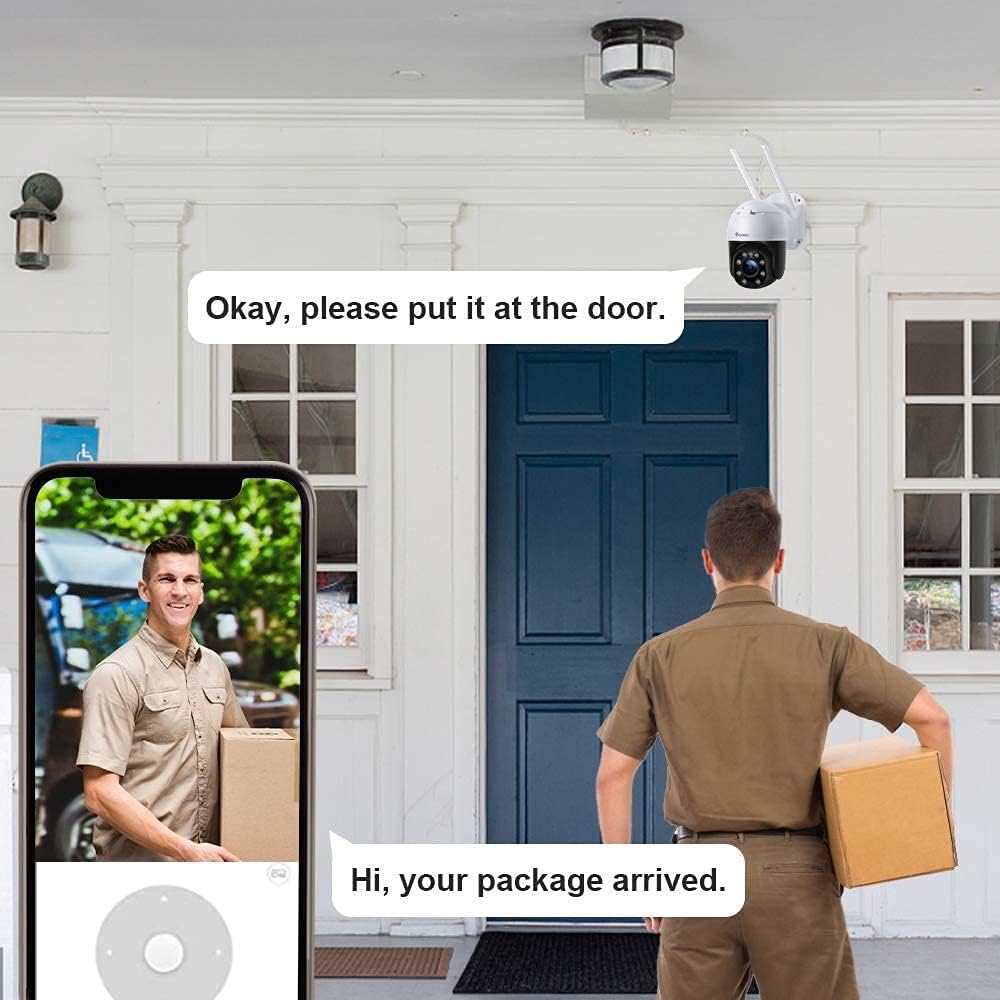
6.4 Dźwięk dwukierunkowy
Use the two-way audio feature to communicate with individuals near the camera.
- Kliknij ikonę mikrofonu na żywo view interfejs umożliwiający mówienie przez głośnik kamery.
- The camera's built-in microphone captures audio from the monitored area.
6.5 Nagrywanie i odtwarzanie
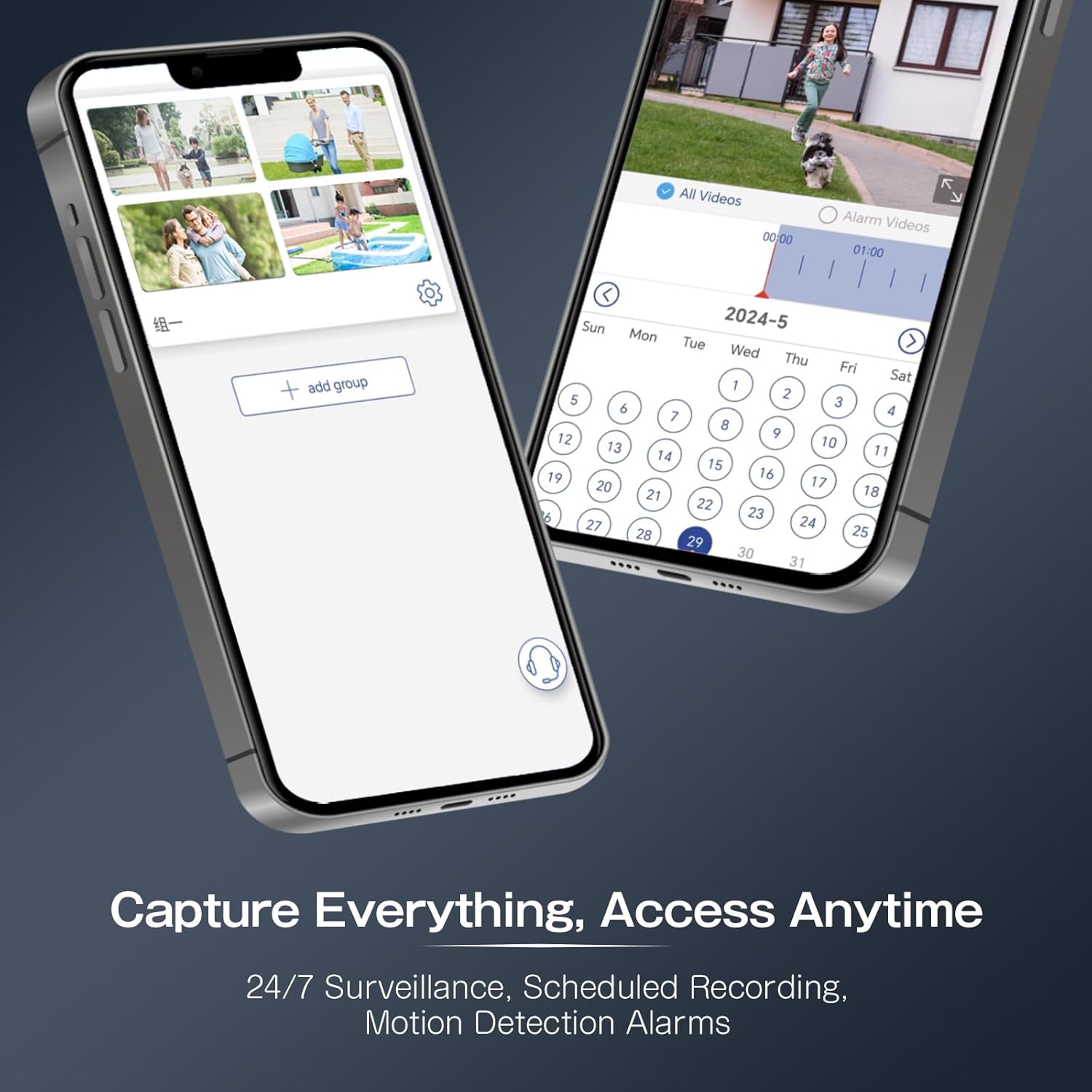
The camera supports continuous recording, scheduled recording, and motion-triggered recording to a Micro SD card (not included).
- Insert a Micro SD card (up to 64GB recommended) into the designated slot.
- Configure recording settings (continuous, scheduled, event-triggered) within the app.
- Uzyskaj dostęp do nagranego pliku footage via the app's playback function, using the timeline to navigate.
Rysunek 6.4: The Ctronics app interface for managing recordings and accessing playback, including scheduled recording and motion detection alarms.
7. Konserwacja
Regularna konserwacja pomaga zapewnić długowieczność i optymalną wydajność aparatu.
- Czyszczenie: Delikatnie przetrzyj obiektyw i obudowę aparatu miękką ściereczką.amp płótno. Unikaj ściernych środków czyszczących.
- Aktualizacje oprogramowania układowego: Periodically check the Ctronics app for available firmware updates to ensure your camera has the latest features and security enhancements.
- Sprawdzenie łączności: Regularly verify the camera's Wi-Fi connection and power supply.
8. Rozwiązywanie Problemów
Jeśli napotkasz problemy, zapoznaj się z poniższymi, często występującymi problemami i rozwiązaniami.
| Problem | Możliwa przyczyna | Rozwiązanie |
|---|---|---|
| Kamera nie włącza się | Brak zasilania, uszkodzony adapter. | Check power connection; try a different outlet or adapter. |
| Nie można połączyć się z siecią Wi-Fi | Nieprawidłowe hasło Wi-Fi; kamera znajduje się za daleko od routera; sieć Wi-Fi 5 GHz. | Verify password; move camera closer to router; ensure 2.4GHz Wi-Fi is used. |
| Niska jakość obrazu | Dirty lens; low network bandwidth. | Clean the lens; ensure stable internet connection. |
| Wykrywanie ruchu nie jest wyzwalane | Nieprawidłowe ustawienia czułości; strefa detekcji nie jest skonfigurowana. | Adjust sensitivity in app; set up detection zones. |
| Camera unresponsive | Tymczasowy błąd oprogramowania. | Perform a factory reset by pressing and holding the reset button for 5-10 seconds. |
9. Specyfikacje
Key technical specifications for the Ctronics Outdoor Security Camera Model 285C.
| Model | 285C |
| Rozdzielczość wideo | 1080P Full HD |
| Zakres obrotu/pochylenia | Pan 355 °, pochylenie 90 ° |
| Brzęczenie | 5-krotny zoom optyczny |
| Wizja nocna | Kolorowa wizja nocna, wizja nocna w podczerwieni |
| Audio | Dwukierunkowy dźwięk |
| Wykrywanie ludzi | Supported, with Auto Tracking |
| Składowanie | Karta Micro SD (do 64 GB, nie jest dołączona) |
| Łączność | Wi-Fi (2.4 GHz) |
| Zasilacz | DC 12V / 12W |
| Stopień wodoodporności | IP66 |
| Tworzywo | Metal |
| Kompatybilny system operacyjny | iOS, Android |
10. Gwarancja i wsparcie
Ctronics products come with a standard warranty. For detailed warranty information, product support, or technical assistance, please visit the official Ctronics website or contact their customer service directly. Contact information can typically be found on the product packaging or the Ctronics webstrona.