
iRV Technologies IRV70
iRV Technology iRV70 Blu-ray Disc Player
Instrukcja obsługi
Wstęp
The iRV Technology iRV70 is a versatile car stereo and entertainment system designed for recreational vehicles (RVs). It offers a comprehensive range of features including Blu-ray disc playback, Bluetooth connectivity, HDMI with ARC support, AM/FM radio, and digital 5.1 surround sound output. The unit also features independent Zone 3 control, allowing for separate audio management in different areas, such as outdoor speakers.
This manual provides detailed instructions for the installation, operation, maintenance, and troubleshooting of your iRV70 system. Please read it thoroughly before using the product to ensure proper function and safety.
Informacje dotyczące bezpieczeństwa
- Ensure the unit is installed by a qualified professional to prevent damage to the vehicle or the unit itself.
- Do not expose the unit to excessive moisture, rain, or extreme temperatures.
- Przed przystąpieniem do czynności konserwacyjnych lub instalacyjnych należy odłączyć zasilanie.
- Use only the specified power supply and wiring harness.
- Keep discs clean and free from scratches to ensure optimal playback.
Produkt ponadview
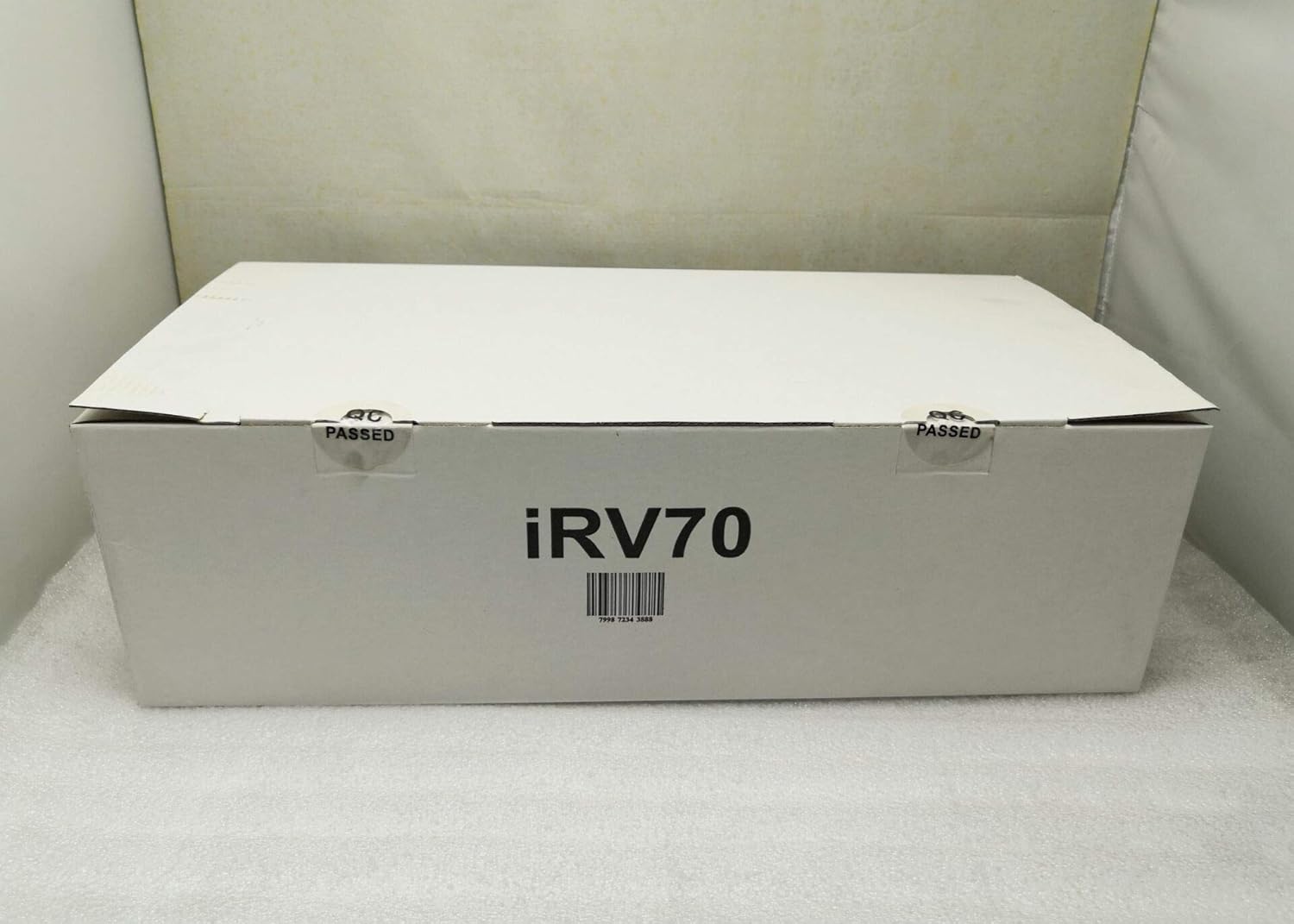
The iRV70 unit includes the main player, a remote control, a wiring harness, and this user manual. Below are images illustrating the various views and components of the iRV70 system.



Konfiguracja i instalacja
The iRV70 is designed for wall mounting. Proper installation is crucial for optimal performance and safety. Refer to Figure 4 for detailed wiring connections.
Montowanie
- Choose a suitable location within your RV that allows for proper ventilation and access to wiring.
- Ensure the mounting surface is sturdy enough to support the unit's weight (approximately 2.68 kg).
- Secure the unit using appropriate mounting hardware (not explicitly listed as included, but typically part of installation).
Połączenia okablowania
Connect the included wiring harness to the corresponding ports on the iRV70 and your vehicle's electrical system and speakers. Pay close attention to the polarity of speaker wires.
- Moc: Connect the yellow (BAT), red (ACC), and black (GND) wires as indicated in the wiring diagram.
- Prelegenci: Connect speakers to the designated Zone 1, Zone 2, and Zone 3 outputs. Zone 3 is independent and can be used for outdoor speakers.
- HDMI: Use the HDMI input/output for video and ARC (Audio Return Channel) functionality to stream audio from a TV.
- USB: The USB port can be used for media playback and 5V charging for compatible devices.
- NFC: The NFC label facilitates quick Bluetooth pairing with compatible devices.
- Antena: Connect your AM/FM antenna for radio reception.
Instrukcja obsługi
Podstawowe sterowanie
- Przycisk zasilania: Naciśnij, aby włączyć lub wyłączyć urządzenie.
- Przycisk wyciszenia: Temporarily mutes the audio output.
- Pokrętło głośności: Obróć, aby wyregulować główny poziom głośności.
- Przycisk trybu: Cycles through available audio sources (e.g., AM/FM, CD/DVD, Blu-ray, USB, Bluetooth, HDMI).
- Przycisk AM/FM: Directly selects the AM/FM radio tuner.
- Przycisk zegara: Displays the current time. This function works in all modes, even when the unit is off.
- Przycisk BT: Aktywuje tryb parowania Bluetooth.
- Przyciski nawigacyjne: Used for track skipping, fast forward/rewind, and menu navigation.
- Przyciski numeryczne (1-6): Used for direct track selection or radio station presets.
Odtwarzanie multimediów
- Odtwarzanie płyt: Insert Blu-ray, CD, or DVD discs into the disc slot. The unit will automatically detect the disc type and begin playback.
- Odtwarzanie z USB: Insert a USB drive into the USB port. The unit supports MP3 and MP4 formats.
Łączność Bluetooth
The iRV70 supports Bluetooth for wireless audio streaming from your smartphone or other compatible devices.
- Parowanie NFC: Tap your NFC-enabled smartphone to the NFC label on the unit for quick pairing.
- Parowanie ręczne: Press the BT button to enter pairing mode. Szukaj "iRV70" on your device's Bluetooth settings and connect.
HDMI with ARC
Connect your TV to the HDMI output with ARC function to stream audio from the TV through the iRV70's connected speakers.
Kontrola strefy
The iRV70 features independent control for three audio zones. Zone 3's audio source can be controlled separately, making it ideal for outdoor speakers.
Kontrola aplikacji
A dedicated app is available for free on Android and Apple devices. This app transforms your smartphone into a wireless remote control for the iRV70 system.
For detailed instructions on specific functions and advanced settings, please refer to the on-screen menu or the dedicated app interface.
Konserwacja
- Czyszczenie: Do czyszczenia zewnętrznej powierzchni urządzenia należy używać miękkiej, suchej ściereczki. Nie należy używać środków czyszczących o właściwościach ściernych ani rozpuszczalników.
- Pielęgnacja dysków: Handle discs by their edges. Clean dirty discs with a soft, lint-free cloth, wiping from the center outwards.
- Wentylacja: Ensure the unit's vents are not obstructed to prevent overheating. The digital amplifier is designed for low heat, but proper airflow is still recommended.
Rozwiązywanie problemów
If you encounter issues with your iRV70, please refer to the following common problems and solutions:
| Problem | Możliwa przyczyna | Rozwiązanie |
|---|---|---|
| Brak zasilania | Luźne połączenie zasilania, przepalony bezpiecznik, problem z akumulatorem pojazdu. | Check all power connections. Inspect vehicle fuses and the unit's fuse (if accessible). Ensure vehicle battery is charged. |
| Brak dźwięku | Zbyt niska głośność, wyciszenie włączone, wybrano nieprawidłowe źródło, problem z okablowaniem głośników. | Increase volume. Deactivate mute. Select correct audio source. Check speaker connections and polarity. |
| Błąd dysku / Dysk nie jest odtwarzany | Dirty or scratched disc, incompatible disc format, disc inserted incorrectly. | Clean the disc. Try a different disc. Ensure the disc is inserted correctly. Verify disc format compatibility. |
| Problemy z parowaniem Bluetooth | Device too far, Bluetooth not enabled on device, unit not in pairing mode. | Ensure device is within range. Enable Bluetooth on your device. Press the BT button on the unit to enter pairing mode. |
| Pilot nie działa | Rozładowane baterie, zasłonięty czujnik podczerwieni. | Replace remote control batteries. Ensure no obstructions between remote and unit's IR sensor. |
Jeśli po wypróbowaniu tych rozwiązań problem nadal występuje, skontaktuj się z obsługą klienta.
Specyfikacje
| Funkcja | Specyfikacja |
|---|---|
| Marka | Technologie iRV |
| Model | IRV70 |
| Nazwa modelu | RV Stereo DVD Player |
| Producent | ATP Products Inc. |
| Wymiary produktu (dł. x szer. x wys.) | 43.18 x 20.02 x 10.16 cm (17 x 7.88 x 4 cala) |
| Waga przedmiotu | 2.68 kilogramów |
| Interfejs sprzętowy | USB,HDMI |
| Technologia tunera | AM/FM |
| Kompatybilne urządzenia | Głośnik, słuchawki, smartfon, laptop, tablet, odtwarzacze MP3, telewizor |
| Tryb wyjścia audio | Otaczać |
| Konfiguracja kanału dźwięku przestrzennego głośnika | 5.1 |
| Moc wyjściowatage | 50 watów |
| Typ złącza | Bluetooth, USB, HDMI, NFC |
| Obsługiwany typ nośnika | MP4, MP3, CD, DVD, Blu-ray, CD-R |
| Typ montażu | Montaż ścienny |
| Bluetooth Technology Support | Tak |
| Technologia wyświetlania | LCD |
| Rozmiar wyświetlacza | 5 cali |
| Rezolucja | 1920x1080 |
Informacje o gwarancji
Specific warranty details for the iRV70 Blu-ray Disc Player are not provided in this manual. Please refer to the product packaging, the official iRV Technologies website, or contact your retailer for comprehensive warranty information and terms.
Obsługa klienta
For technical assistance, troubleshooting beyond this manual, or general inquiries regarding your iRV70 system, please contact iRV Technologies customer service. Contact information can typically be found on the manufacturer's official webmiejscu lub na opakowaniu produktu.