
Wstęp
This manual provides comprehensive instructions for the setup, operation, and maintenance of your TECHMADE Joy Waterproof Smartwatch. Please read this manual carefully before using the device to ensure proper functionality and longevity.
Zawartość opakowania
Sprawdź, czy w przesyłce znajdują się wszystkie elementy:
- TECHMADE Joy Smartwatch
- Kabel ładujący
- Instrukcja obsługi (ten dokument)
Organizować coś
1. Ładowanie smartwatcha
Before initial use, fully charge your smartwatch. Connect the provided charging cable to the charging port on the back of the smartwatch and plug the USB end into a compatible power source (e.g., computer USB port, USB wall adapter).

Obraz: Przód view of the TECHMADE Joy Smartwatch, displaying time and date.
2. Instalacja i parowanie aplikacji
To unlock the full functionality of your smartwatch, install the companion application on your smartphone. The app is typically available on major app stores. Once installed:
- Włącz Bluetooth w swoim smartfonie.
- Otwórz aplikację towarzyszącą i postępuj zgodnie z instrukcjami wyświetlanymi na ekranie, aby utworzyć konto lub się zalogować.
- Wybierz opcję „Dodaj urządzenie” lub „Sparuj urządzenie” w aplikacji.
- The app will search for your smartwatch. Select 'TECHMADE Joy' from the list of available devices.
- Confirm the pairing request on both your smartphone and smartwatch, if prompted.
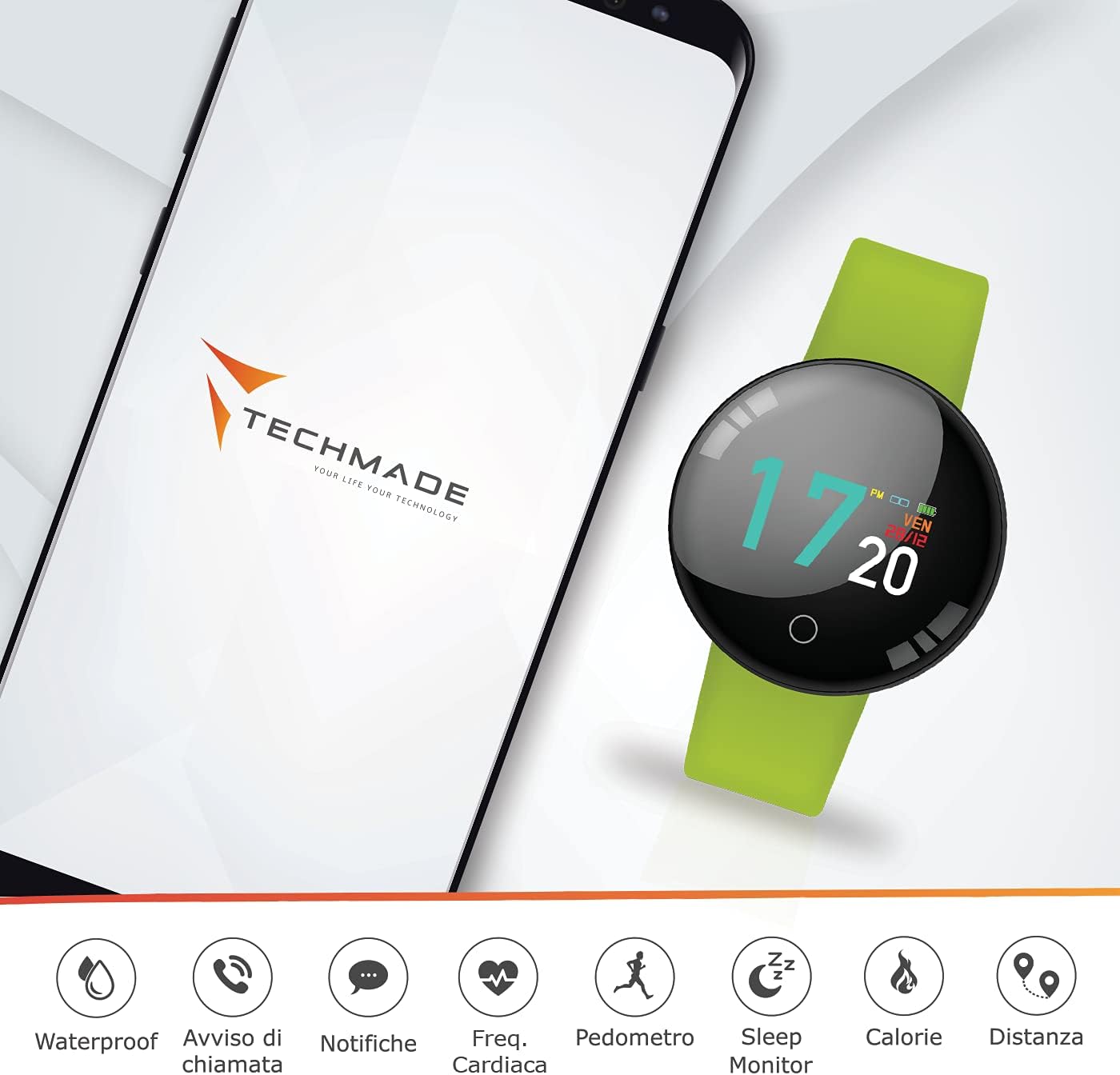
Image: The smartwatch displayed alongside a smartphone screen showing the companion app interface and various feature icons.
Instrukcja obsługi
Podstawowa nawigacja
The TECHMADE Joy Smartwatch features a touch-sensitive display and a single button for navigation:
- Uzyskiwać: Tap the screen to select an item or confirm an action.
- Trzepnąć: Swipe left, right, up, or down to navigate through menus and screens.
- Naciśnij przycisk: A short press typically wakes the screen or returns to the previous menu. A long press may activate specific functions or power the device on/off.
Główne cechy
Odporność na wodę
The TECHMADE Joy Smartwatch is designed to be waterproof, making it suitable for daily activities such as hand washing and light rain exposure. It is not recommended for swimming, diving, or prolonged submersion in water. Avoid exposure to hot water or steam.

Image: The smartwatch with water droplets, illustrating its water-resistant capability.
Powiadomienia
Once paired with your smartphone, the smartwatch can display notifications for incoming calls, messages, and app alerts. Ensure notification permissions are enabled in both your smartphone settings and the companion app.

Image: The smartwatch screen showing an incoming message notification.
Śledzenie aktywności
The smartwatch tracks various fitness metrics:
- Krokomierz: Liczy Twoje codzienne kroki.
- Dystans: Szacuje pokonany dystans na podstawie wykonanych kroków.
- Kalorie: Calculates estimated calories burned.
- Monitor snu: Tracks your sleep patterns, including deep and light sleep stagt.j.
Monitorowanie tętna
The integrated optical sensor on the back of the smartwatch monitors your heart rate. Access this feature through the watch's menu or the companion app to view real-time readings and historical data.

Obraz: szczegółowy view of the heart rate sensor located on the underside of the smartwatch.
Konserwacja
Czyszczenie
Regularly clean your smartwatch to maintain its appearance and functionality. Use a soft, dry, lint-free cloth. For stubborn dirt, slightly dampen the cloth with water. Avoid using harsh chemicals, abrasive materials, or strong cleaning agents.
Wytyczne dotyczące wodoodporności
To preserve the water resistance of your device:
- Do not expose the smartwatch to pressurized water or high-velocity water.
- Avoid using the smartwatch in saunas or steam rooms.
- Przed podłączeniem kabla ładującego upewnij się, że port ładowania jest suchy.
Rozwiązywanie problemów
If you encounter issues with your TECHMADE Joy Smartwatch, try the following steps:
- Urządzenie nie włącza się: Ensure the device is fully charged. Connect it to the charging cable for at least 30 minutes.
- Nie można sparować ze smartfonem: Check that Bluetooth is enabled on your smartphone and the smartwatch. Restart both devices and try pairing again. Ensure the companion app is up to date.
- Niedokładne dane: Ensure the smartwatch is worn snugly on your wrist. For sleep tracking, wear it throughout the night.
- Powiadomienia się nie wyświetlają: Verify that notification permissions are granted to the companion app in your smartphone's settings. Check the app's settings to ensure notifications are enabled for desired applications.
If problems persist, consult the support section of the companion app or contact TECHMADE customer support.
Specyfikacje
| Marka | WYKONANE TECHNOLOGIĄ |
| Nazwa modelu | TECHMADE JOY |
| Numer modelu | TM-JOY-GR |
| Wymiary | Wymiary 5 x 10 x 15 cm |
| System operacyjny | Android (kompatybilny) |
| Rozdzielczość wyświetlacza | 240x240 |
| Kompatybilne urządzenia | Smartfony |
| Łączność | Bluetooth |
| Skład baterii | Polimer litowy |
| Cechy specjalne | Water Resistant, Bluetooth Connection |
| GPS | Brak GPS-u |
Gwarancja i wsparcie
For warranty information and customer support, please refer to the documentation included with your purchase or visit the official TECHMADE website. You can also find support resources within the companion application.