
1. Koniec produktuview
The Interface IFCPL102 is an active adapter designed to convert a Mini DisplayPort signal to an HDMI signal. This device allows you to connect a laptop or desktop computer equipped with a Mini DisplayPort output to a display device, such as a monitor or television, that uses an HDMI input. It supports high-resolution video output, including 4K at 60Hz, and is compliant with HDMI 1.3 specifications.
This adapter facilitates both mirroring and extending display modes, providing flexibility for various applications from presentations to multi-monitor setups. Its plug-and-play design ensures ease of use without the need for additional drivers.
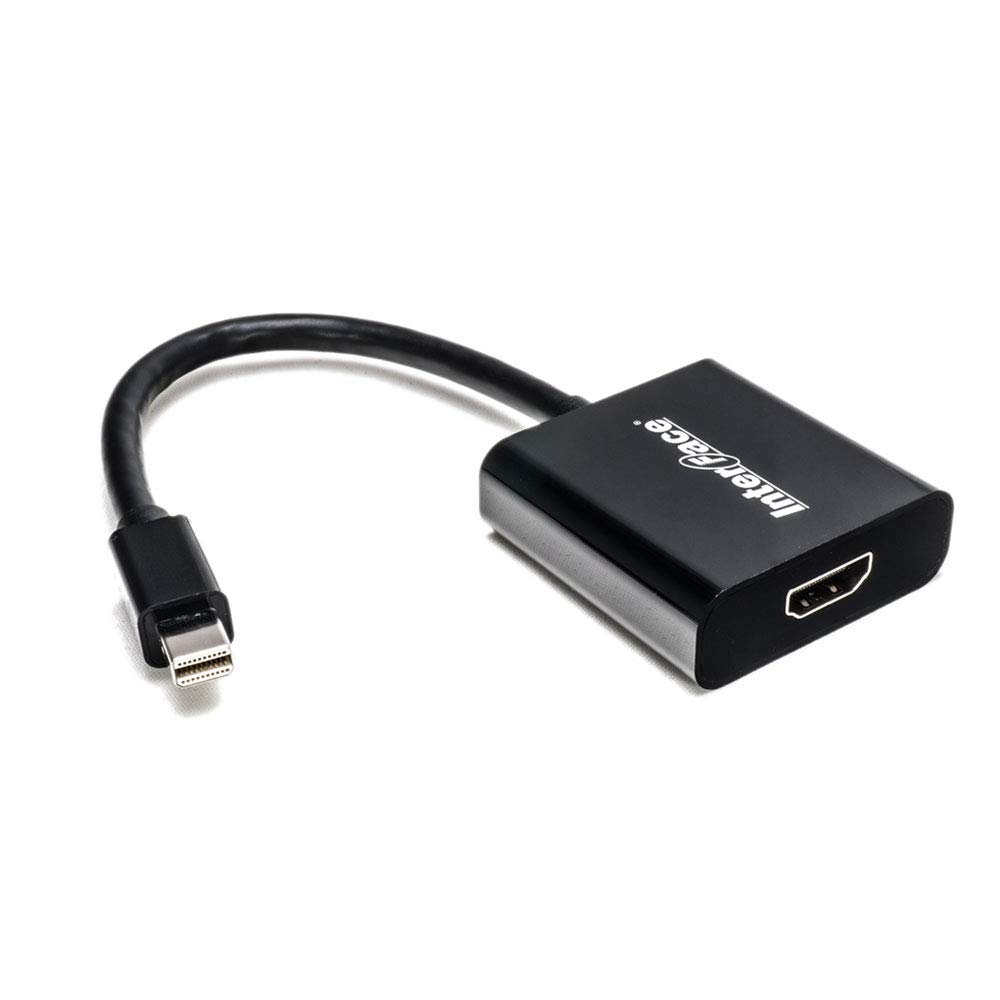
Image: The Interface IFCPL102 Mini DisplayPort to HDMI Active Adapter, showing its compact design.
2. Funkcje
- Connects devices with Mini DisplayPort to digital monitors with HDMI input.
- Supports HDMI resolution up to 4K x 2K at 60Hz.
- Supports both display mirroring and extending modes.
- Compliant with HDMI 1.3 Specification.
- Plug and Play functionality for convenient use and easy portability.
- Zgodność z normami RoHS, REACH, CE i FCC.
3. Konfiguracja i instalacja
The IFCPL102 adapter is designed for simple plug-and-play installation. No software drivers are required for operation.
- Połącz z urządzeniem źródłowym: Insert the Mini DisplayPort (male) end of the adapter into the Mini DisplayPort output on your laptop or PC.
- Connect to Display Device: Connect a standard HDMI cable (not included) to the HDMI (female) port on the adapter. Then, connect the other end of the HDMI cable to the HDMI input on your monitor, TV, or projector.
- Włączanie: Upewnij się, że zarówno urządzenie źródłowe, jak i urządzenie wyświetlające są włączone. Wyświetlacz powinien automatycznie wykryć sygnał z adaptera.
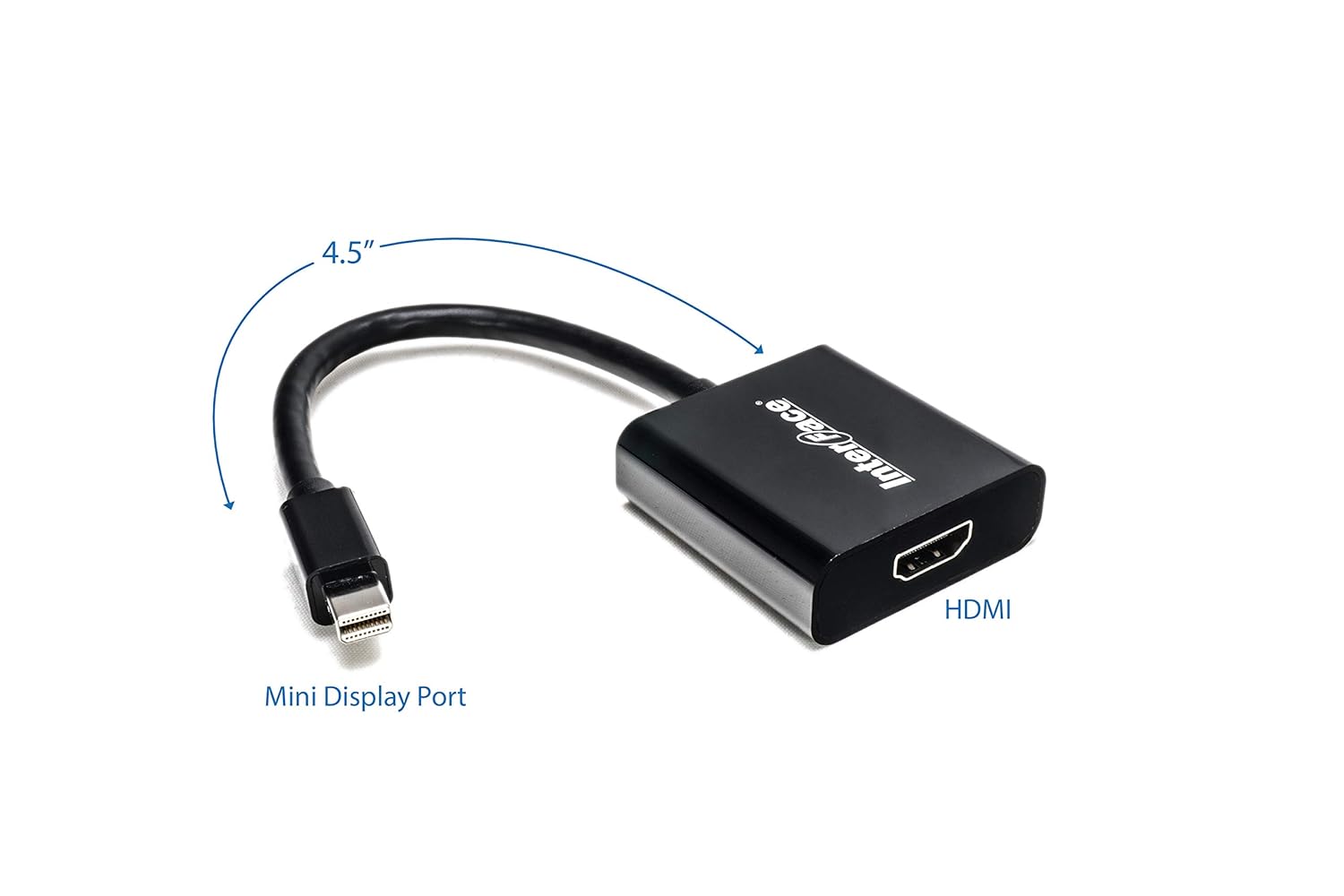
Image: Diagram illustrating the Mini DisplayPort input and HDMI output of the adapter, with approximate length indicated.
4. Instrukcja obsługi
Once connected, your operating system should automatically detect the external display. You can configure the display settings through your computer's display preferences.
- Mirroring Mode: Duplicates your computer's screen onto the external display. This is useful for presentations or sharing content.
- Extending Mode: Expands your computer's desktop across both your computer screen and the external display, allowing for more workspace.
The adapter supports resolutions up to 4K (3840x2160) at 60Hz, provided your source device, HDMI cable, and display device also support these resolutions.
5. Rozwiązywanie Problemów
- Brak wyświetlacza:
- Ensure all connections (Mini DisplayPort, HDMI cable) are secure.
- Verify that both the source device and the display are powered on.
- Try connecting the HDMI cable directly to another HDMI source to confirm the display is working.
- Sprawdź ustawienia wyświetlania komputera, aby upewnić się, że zewnętrzny wyświetlacz został wykryty i włączony.
- Nieprawidłowa rozdzielczość lub częstotliwość odświeżania:
- Confirm that your source device, HDMI cable, and display device all support the desired resolution and refresh rate (e.g., 4K@60Hz).
- Adjust the display resolution and refresh rate through your computer's operating system settings.
- Migotanie lub przerywany sygnał:
- Ensure the HDMI cable is of good quality and not excessively long.
- Sprawdź, czy inne urządzenia elektroniczne nie powodują zakłóceń.
- Spróbuj ponownie uruchomić urządzenie źródłowe i wyświetlacz.
6. Specyfikacje
| Marka | Interfejs |
| Model | IFCPL102 |
| Złącze wejściowe | Mini DisplayPort męski |
| Złącze wyjściowe | HDMI żeńskie |
| Obsługa maksymalnej rozdzielczości | 4K x 2K @ 60Hz |
| Zgodność z HDMI | HDMI 1.3 Specification |
| Kompatybilne urządzenia | Laptop, PC with Mini DisplayPort output |
| Casing Materiał | ABS |
| Kolor | Czarny |
| Waga przedmiotu | 500 gramów |
7. Gwarancja i wsparcie
This Interface IFCPL102 Mini DisplayPort to HDMI Active Adapter comes with a 1-letnia gwarancja od daty zakupu. Niniejsza gwarancja obejmuje wady produkcyjne i zapewnia, że produkt działa zgodnie z przeznaczeniem przy normalnym użytkowaniu.
For technical support, warranty claims, or any inquiries regarding the product, please contact Interface customer service. Refer to your purchase documentation or the official Interface webstrona dla danych kontaktowych.