
Tronsmart Tronsmart T6MINI
Instrukcja obsługi głośnika Bluetooth Tronsmart T6 Mini
Model: Tronsmart T6MINI
1. Wprowadzenie
Thank you for choosing the Tronsmart T6 Mini Bluetooth Speaker. This ultra-portable speaker delivers powerful, true 360-degree room-filling sound with deep bass, sparkling highs, and a lush mid-range, distortion-free even at high volumes. Its compact design and strap make it ideal for on-the-go use.

Image: The Tronsmart T6 Mini Bluetooth Speaker, showcasing its compact and cylindrical design.
Zawartość pudełka:
- 1 x Element T6 Mini głośnik bezprzewodowy
- 1 x kabel do ładowania USB
- 1 x kabel audio 3.5 mm
- 1 x Odpinany pasek
- 1 x Instrukcja obsługi

Image: All items included in the Tronsmart T6 Mini speaker package: the speaker, charging cable, audio cable, detachable strap, and user manual.
2. Informacje dotyczące bezpieczeństwa
- Nie wystawiaj głośnika na działanie ekstremalnych temperatur ani bezpośredniego światła słonecznego przez dłuższy czas.
- Trzymaj głośnik z dala od wody i innych płynów, mimo że ma klasę ochrony IPX6, aby zapobiec uszkodzeniu jego wewnętrznych podzespołów.
- Do not disassemble, repair, or modify the speaker. This will void the warranty and may cause harm.
- Należy używać wyłącznie dostarczonych lub certyfikowanych kabli ładujących.
- Unikaj upuszczania głośnika i narażania go na silne uderzenia.
- Czyść głośnik miękką, suchą ściereczką. Nie używaj silnych środków chemicznych ani materiałów ściernych.
3. Konfiguracja
Ładowanie głośnika:
The Tronsmart T6 Mini has a built-in 2500mAh rechargeable battery, providing up to 24 hours of playtime at medium volume. A full charge takes approximately 3 hours.
- Connect the provided USB charging cable to the USB-C charging port on the speaker.
- Podłącz drugi koniec kabla USB do kompatybilnego zasilacza USB (nie ma go w zestawie) lub do portu USB komputera.
- The LED indicator will show charging status (refer to the user manual for specific LED behavior).

Image: A visual representation of the Tronsmart T6 Mini's 24-hour playtime capability.
Włączanie/wyłączanie:
- To power on, press and hold the power button until you hear an audible prompt.
- Aby wyłączyć głośnik, naciśnij i przytrzymaj przycisk zasilania, aż głośnik się wyłączy.
4. Instrukcja obsługi
Parowanie Bluetooth:
The Tronsmart T6 Mini uses Bluetooth 5.0 for a stable and robust connection up to 100 feet.
- Ensure the speaker is powered on and in pairing mode (LED indicator should blink blue).
- On your device (smartphone, tablet, etc.), enable Bluetooth and search for "Tronsmart Element T6 Mini".
- Select the speaker from the list to connect. Once connected, the LED indicator will turn solid blue.
Prawdziwe bezprzewodowe parowanie stereo (TWS):
Pair two T6 Mini speakers wirelessly for true 30W stereo sound.
- Ensure both T6 Mini speakers are powered on and not connected to any device.
- On one speaker, press the TWS button (usually indicated by two interlocking circles or similar icon). The speaker will enter TWS pairing mode.
- The two speakers will automatically connect to each other. Once paired, one speaker will act as the master (left channel) and the other as the slave (right channel).
- Connect your device to the master speaker via Bluetooth as described above.
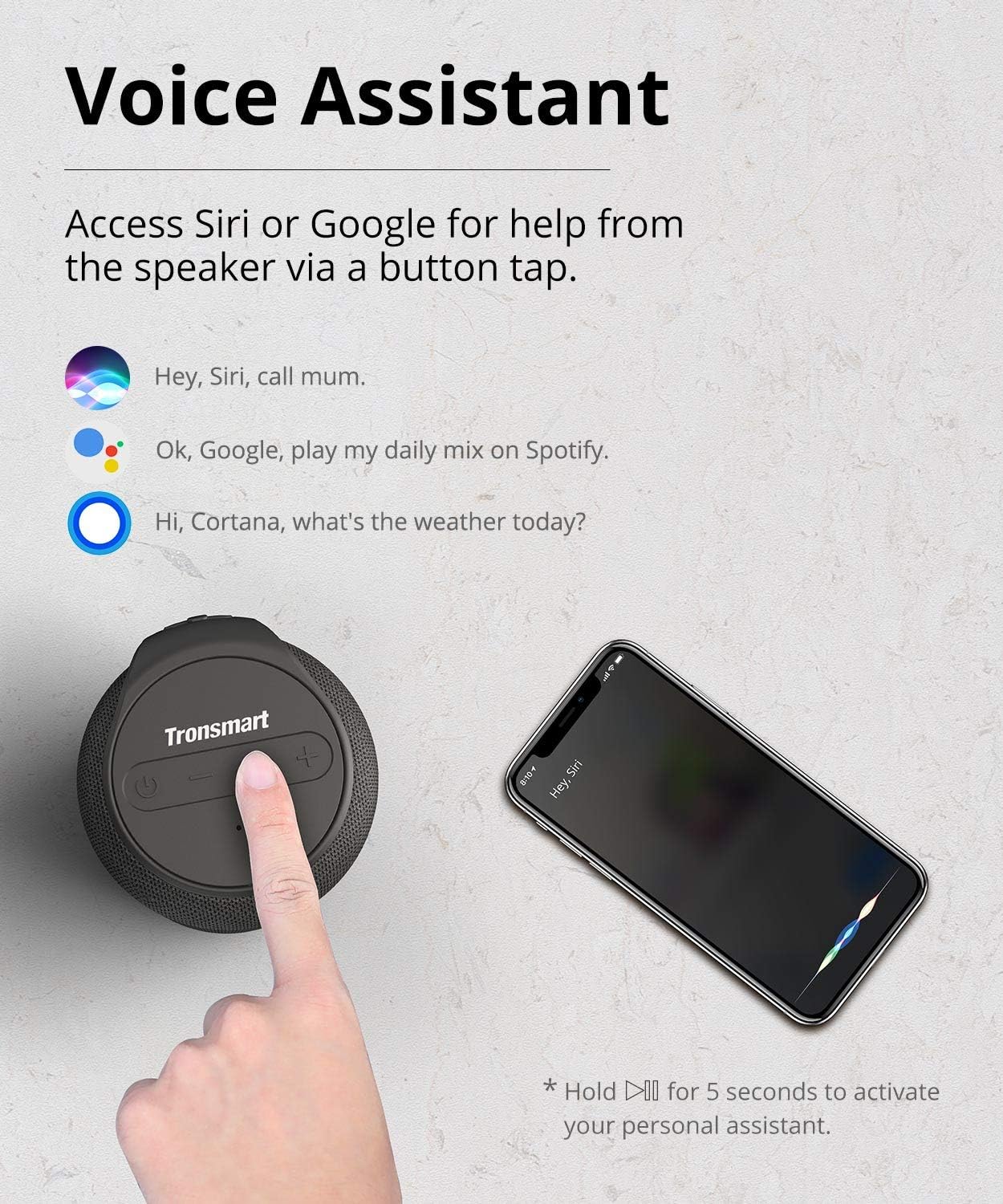
Image: Two Tronsmart T6 Mini speakers demonstrating True Wireless Stereo pairing for an enhanced audio experience.
Aktywacja asystenta głosowego:
Access Siri or Google Assistant with a simple button tap.
- Tap the power button to activate your device's voice assistant (Siri or Google).
- Note: This speaker does not have built-in Alexa.

Image: A finger tapping the power button on the Tronsmart T6 Mini to activate the voice assistant feature.
Media Playback and Volume Control:
- Odtwórz/Pauza: Naciśnij przycisk Odtwórz/Pauza.
- Zwiększenie głośności: Naciśnij przycisk '+'.
- Ściszanie: Naciśnij przycisk '-'.
- Następny utwór: Naciśnij i przytrzymaj przycisk „+”.
- Poprzedni utwór: Naciśnij i przytrzymaj przycisk „-”.
Dodatkowa łączność:
The T6 Mini supports TF/Micro SD card playback and AUX input.
- Karta TF/Micro SD: Insert a TF/Micro SD card with music files into the designated slot. The speaker will automatically switch to card playback.
- Wejście AUX: Podłącz urządzenie audio kablem audio 3.5 mm do portu AUX. Głośnik automatycznie przełączy się w tryb AUX.
Video: An official Tronsmart video demonstrating the features of the T6 Mini, including 360-degree sound, Bluetooth 5.0 connectivity, USB-C charging, True Wireless Stereo pairing, and its IPX6 water-resistant and portable design.
5. Konserwacja
- Gdy głośnik nie jest używany, przechowuj go w chłodnym i suchym miejscu.
- Unikaj narażania głośnika na działanie ekstremalnych temperatur lub wilgoci.
- Clean the speaker's surface with a soft, lint-free cloth. Do not use abrasive cleaners or solvents.
- Aby zachować wodoodporność na poziomie IPX6, należy upewnić się, że pokrywa portu ładowania jest szczelnie zamknięta, gdy urządzenie nie jest ładowane.
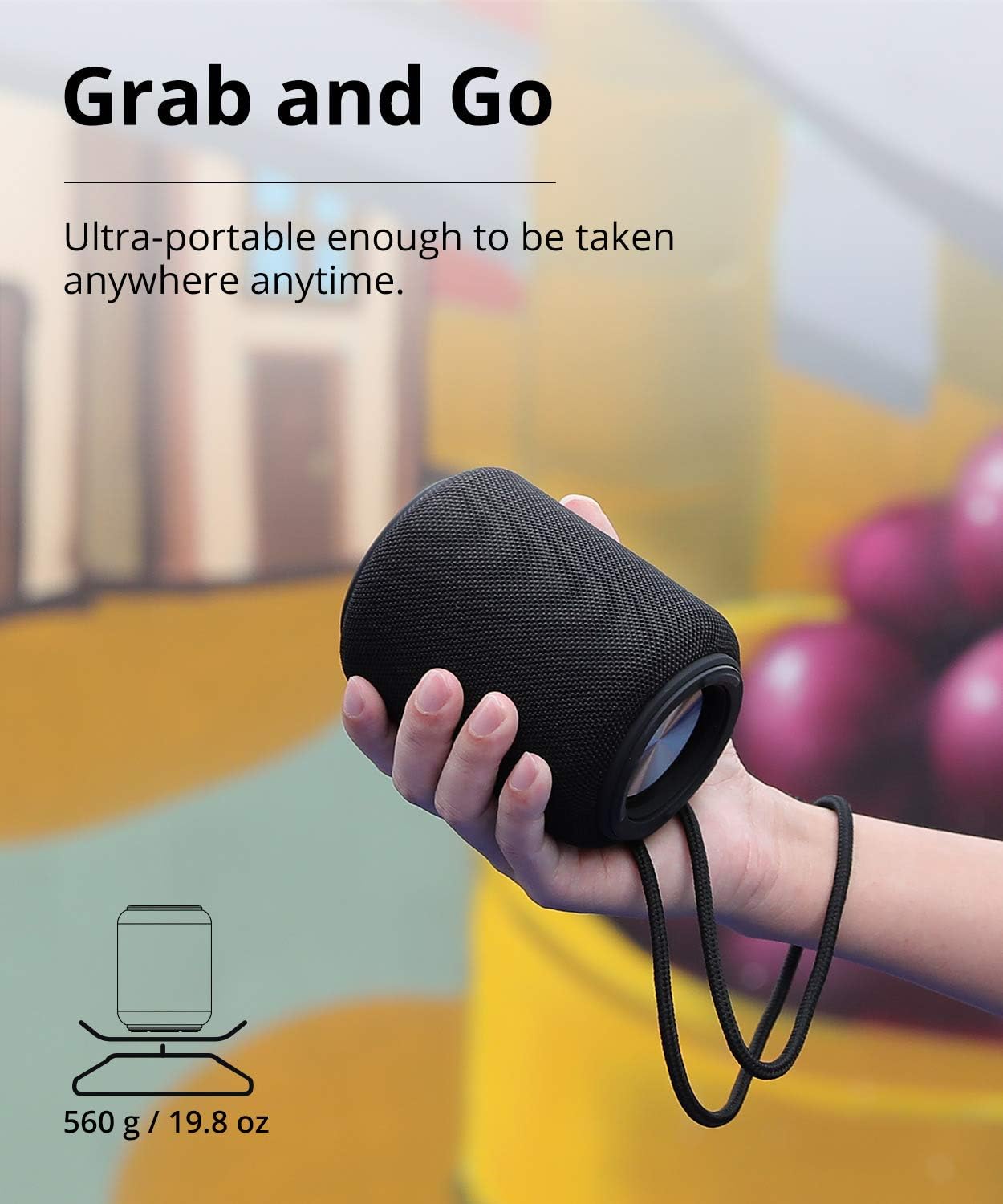
Image: The Tronsmart T6 Mini speaker being exposed to water, highlighting its IPX6 water-resistant capability, suitable for outdoor use.
6. Rozwiązywanie Problemów
| Problem | Możliwa przyczyna | Rozwiązanie |
|---|---|---|
| Głośnik nie włącza się. | Niski poziom naładowania baterii. | Ładuj głośnik przez co najmniej 3 godziny. |
| Nie można sparować z urządzeniem Bluetooth. | Głośnik nie jest w trybie parowania; Bluetooth w urządzeniu jest wyłączony; urządzenie znajduje się zbyt daleko od głośnika. | Ensure speaker LED blinks blue. Turn device Bluetooth on/off. Move device closer to speaker. |
| Brak dźwięku. | Zbyt niski poziom głośności; urządzenie nie jest podłączone; nieprawidłowy tryb wprowadzania. | Increase volume on speaker and device. Re-pair Bluetooth. Check if AUX or TF card is inserted. |
| Parowanie TWS nie powiodło się. | Speakers too far apart; already connected to another device. | Ensure speakers are close. Disconnect speakers from other devices before TWS pairing. |
7. Specyfikacje
| Funkcja | Szczegół |
|---|---|
| Nazwa modelu | T6 Mini |
| Typ głośnika | Pojedynczy głośnik |
| Maksymalna moc wyjściowa głośnika | 15 watów |
| Wersja Bluetooth | 5.0 |
| Zasięg Bluetooth | 100 stóp (30 metrów) |
| Poziom wodoodporności | Wodoodporność IPX6 |
| Żywotność baterii | 24 Hours (at medium volume) |
| Czas ładowania | 3 godzin |
| Wymiary produktu | 3.62" gł. x 3.62" szer. x 4.72" wys. |
| Waga przedmiotu | 1.23 funtów |
| Technologia łączności | Wireless/Bluetooth/AUX/SDTF CARD |
| Tryb wyjścia audio | Stereo (z parowaniem TWS) |
| Wsparcie Asystenta Głosowego | Siri, Google Assistant (via button tap) |
8. Gwarancja i wsparcie
The Tronsmart T6 Mini comes with a Limited Warranty. For detailed warranty information, please refer to the warranty card included in your product package or visit the official Tronsmart webstrona.
For technical support, troubleshooting assistance, or any inquiries regarding your Tronsmart T6 Mini speaker, please contact Tronsmart Customer Service through their official webwitryny lub danych kontaktowych podanych w instrukcji obsługi.
You can visit the Tronsmart Store for more information: Tronsmart Official Store
Powiązane dokumenty - Tronsmart T6MINI
 |
Tronsmart Bang Outdoor Party Speaker FAQ - Frequently Asked Questions Find answers to common questions about the Tronsmart Bang Outdoor Party Speaker, including charging, waterproof rating, connectivity, playtime, and troubleshooting. |
 |
Instrukcja obsługi przenośnego głośnika zewnętrznego Tronsmart Bang Mini Instrukcja obsługi przenośnego głośnika zewnętrznego Tronsmart Bang Mini. Szczegóły obejmują zawartość opakowania, funkcje takie jak strumieniowanie NFC, funkcja powerbanku USB-A, tryb Aux-in, obsługa kart TF i pendrive'ów USB, automatyczne wyłączanie, szczegółową specyfikację (Bluetooth 5.3, moc wyjściowa 50 W, stopień ochrony IPX6), instrukcje dotyczące pielęgnacji oraz obszerne instrukcje dotyczące obsługi przycisków do podstawowego użytkowania i parowania stereo TWS. |
 |
Tronsmart T7 przenośny głośnik zewnętrzny – często zadawane pytania Odpowiedzi na najczęściej zadawane pytania dotyczące przenośnego głośnika zewnętrznego Tronsmart T7, w tym dotyczące funkcji takich jak oświetlenie, ładowanie, parowanie, korzystanie z aplikacji, pomijanie utworów, czas pracy baterii, łączność, asystenci głosowi, technologia SoundPulse i aktualizacje oprogramowania sprzętowego. |
 |
Instrukcja obsługi przenośnego głośnika zewnętrznego Tronsmart Trip Instrukcja obsługi przenośnego głośnika zewnętrznego Tronsmart Trip zawiera szczegółowe informacje na temat konfiguracji, funkcji, specyfikacji, konserwacji i gwarancji. Dowiedz się, jak podłączyć głośnik, korzystać z trybu TWS i jak go konserwować. |
 |
Głośnik przenośny Tronsmart Force Pro: skrócona instrukcja obsługi Dowiedz się, jak włączyć, wyłączyć, aktywować asystenta głosowego i zresetować przenośny głośnik Tronsmart Force Pro, korzystając z tego zwięzłego przewodnika. |
 |
Instrukcja obsługi przenośnego głośnika imprezowego Tronsmart Bang Instrukcja obsługi przenośnego głośnika imprezowego Tronsmart Bang zawierająca szczegółowe informacje na temat konfiguracji przycisków, instrukcji użytkowania, łączności, ładowania, konserwacji, gwarancji i specyfikacji. |