
Wstęp
Thank you for choosing the Uncaged Ergonomics Rise Up Electric Standing Desk. This manual provides essential information for the safe and efficient assembly, operation, and maintenance of your new adjustable height desk. Please read these instructions carefully before use and retain them for future reference.

Image: The Rise Up Electric Standing Desk with a black bamboo desktop and gray frame.
Informacje dotyczące bezpieczeństwa
Aby zapewnić bezpieczną eksploatację i zapobiec uszkodzeniom, należy przestrzegać następujących zasad:
- Ensure all cables are properly connected and secured before operation.
- Podczas regulacji wysokości biurka należy trzymać dzieci i zwierzęta z dala od niego.
- Nie przeciążaj biurka. Maksymalne obciążenie wynosi 113 kg (250 funtów).
- Unikaj umieszczania pod biurkiem przedmiotów, które mogłyby ulec uszkodzeniu w wyniku przesuwania.
- Nie siadaj ani nie stawaj na ramie biurka.
- If the desk makes unusual noises or movements, discontinue use and consult the troubleshooting section.
- Only use the provided power adapter and control panel.
Zawartość opakowania
Przed rozpoczęciem montażu należy sprawdzić, czy wszystkie elementy są obecne:
- Electric Desk Frame (Gray)
- 48x30 inch Solid Bamboo Desktop (Black)
- Skrzynka sterownicza
- Panel sterowania z ustawieniami pamięci
- Zasilacz i kable
- Sprzęt montażowy (śruby, narzędzia)
- Instrukcja obsługi (ten dokument)
Instrukcja montażu
Assembly requires careful attention to detail. A second person may be helpful due to the weight of the components. A drill can simplify the process, though it is not strictly required.
Krok 1: Rozpakuj komponenty
Ostrożnie wyjmij wszystkie części z opakowania. Połóż je na czystej, miękkiej powierzchni, aby zapobiec zarysowaniom.
Krok 2: Złóż ramę biurka
Follow the detailed diagrams provided in the separate assembly guide (if included) to connect the crossbar, lifting columns, and feet of the desk frame. Ensure all screws are tightened securely.
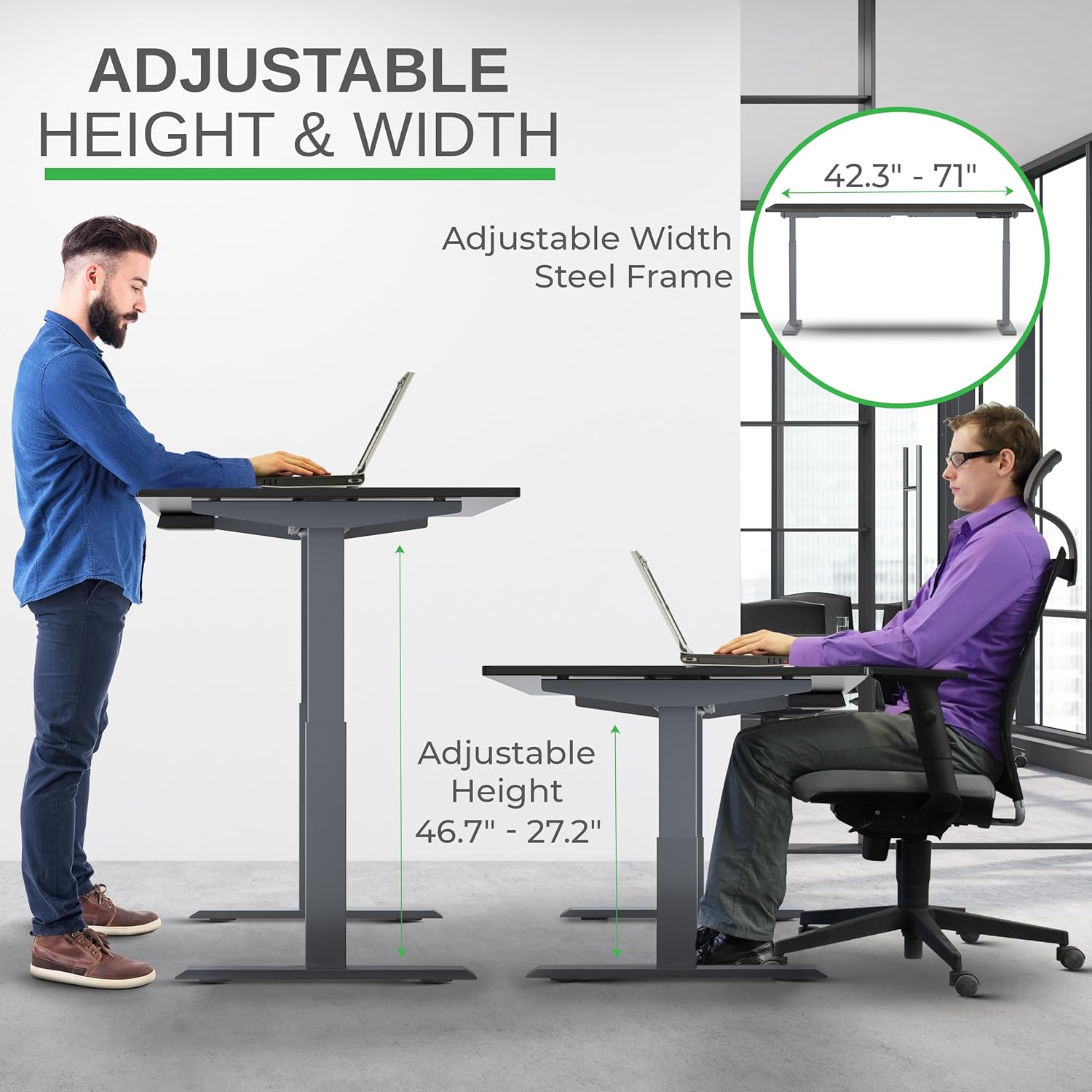
Image: Illustration of the adjustable height and width features of the desk frame, highlighting the range from 27.2" to 46.7" in height and 42.3" to 71" in width.
Step 3: Attach the Desktop
Carefully place the bamboo desktop upside down on a soft surface. Position the assembled desk frame onto the desktop, aligning the pre-drilled holes (if any) or marking new ones. Secure the desktop to the frame using the provided screws. The solid bamboo desktop is designed to accept screws without chipping.

Image: The Rise Up desk illustrating its adjustable height range from 27.2 inches to 46.7 inches, with a chair shown at both sitting and standing heights.
Step 4: Connect the Control Box and Cables
Mount the control box and control panel to the underside of the desktop as indicated in the assembly guide. Connect all motor cables and the power cable to the control box. Ensure all connections are secure.
Obraz: Zbliżenie view of the dual motors and two-stage lifting columns, indicating fast and quiet operation.
Instrukcja obsługi
Regulacja wysokości
Use the up (▲) and down (▼) arrows on the control panel to adjust the desk to your desired height. The current height in centimeters will be displayed on the LCD screen.

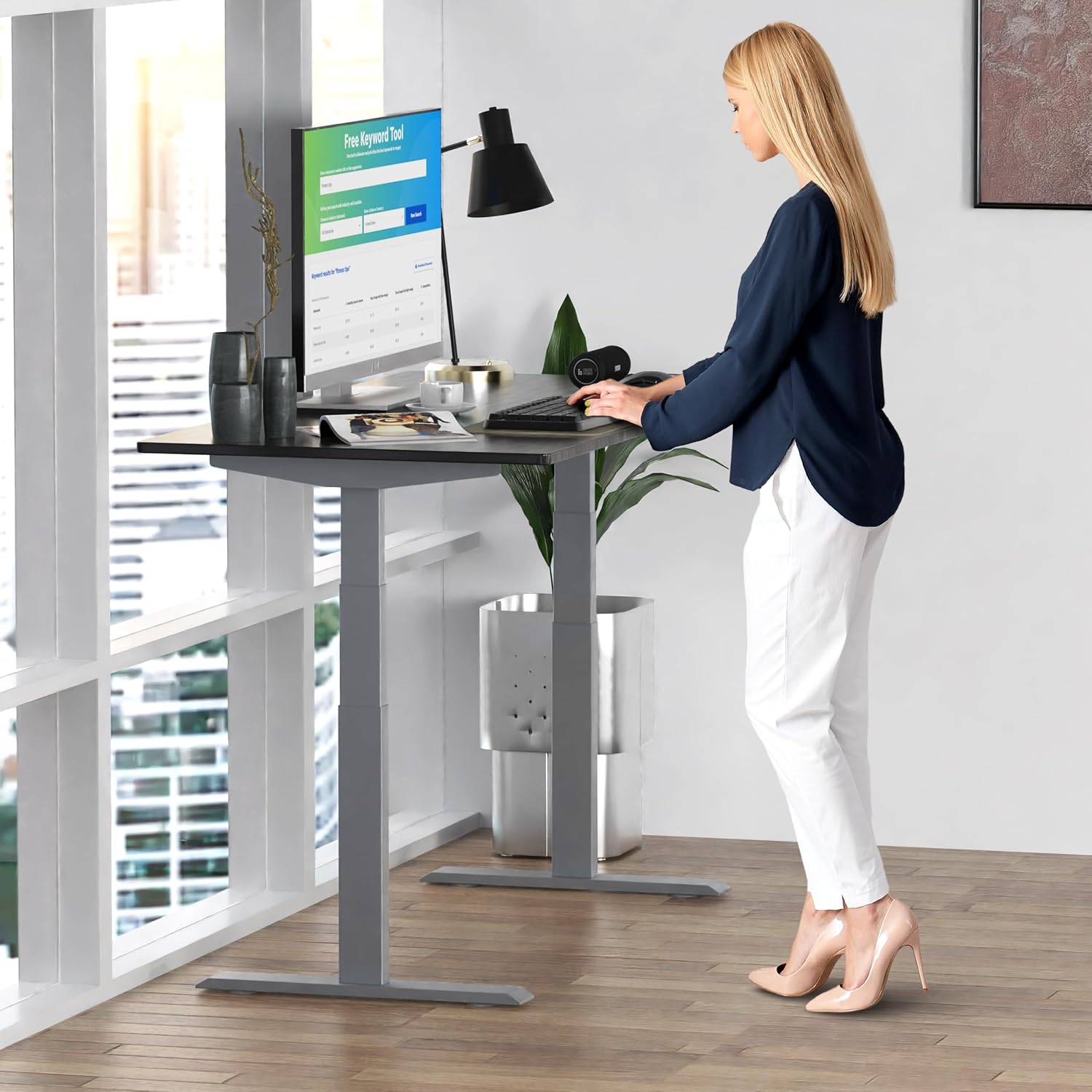
Image: A person standing at the Rise Up Electric Standing Desk, demonstrating the ease of height adjustment for an ergonomic work setup.
Ustawienia pamięci
The control panel features four memory presets (1, 2, 3, 4) to save your preferred sitting and standing heights.
- Dostosuj wysokość biurka do swoich potrzeb, korzystając ze strzałek w górę/w dół.
- Press and hold the "M" button until the LCD screen flashes.
- Immediately press the number button (1, 2, 3, or 4) where you want to save the current height.
- To recall a saved height, simply press the corresponding number button. The desk will automatically adjust to that position.
Video: This video demonstrates how to set and use the memory presets on the Rise Up Electric Standing Desk control panel for quick height adjustments.
Procedura resetowania
If the desk is not adjusting properly, or if the LCD screen displays an error message like "ASR" or "000", a motor reset may be required. This procedure is simple and fast:
- Unplug all cables from the desk.
- Allow the desk to rest for a few seconds to dissipate any residual electricity.
- Plug all cables back in securely.
- Press and hold both the up (▲) and down (▼) arrows simultaneously for approximately 20-30 seconds.
- The desk will drop to its lowest position and then beep, indicating that the reset procedure is complete.
Video: This video provides a step-by-step guide on how to reset the motors of your Rise Up Electric Standing Desk if it encounters adjustment issues or displays error codes.
Konserwacja
Regular maintenance ensures the longevity and optimal performance of your desk:
- Czyszczenie: Przetrzyj blat i ramę miękką szmatką.amp szmatką. Unikaj silnych środków chemicznych i ściernych środków czyszczących.
- Zarządzanie kablami: Periodically check that all cables are neatly organized and not pinched or tangled.
- Elementy złączne: Od czasu do czasu sprawdzaj wszystkie śruby i nakrętki, aby upewnić się, że są dobrze dokręcone. W razie potrzeby dokręć je.
Rozwiązywanie problemów
| Problem | Możliwa przyczyna | Rozwiązanie |
|---|---|---|
| Desk does not move / LCD shows "ASR" or "000" | Motor error or system needs reset. | Perform the "Reset Procedure" as described in the Operating Instructions section. |
| Uneven movement or noise | Luźne połączenia lub nierównomierne obciążenie. | Check all cable connections. Ensure the desk load is evenly distributed. Perform a reset. |
| Desk stops mid-adjustment | Overload protection activated or anti-collision engaged. | Reduce the weight on the desk. Check for obstructions. Wait a few minutes and try again. |
Specyfikacje
| Funkcja | Szczegół |
|---|---|
| Numer modelu | RU2gbk48 |
| Materiał na biurko | Solid Bamboo (Black) |
| Materiał ramy | Alloy Steel (Gray) |
| Wymiary pulpitu | 48 inches (D) x 30 inches (W) |
| Zakres regulacji wysokości | 27.2 cali - 46.7 cali |
| Zakres regulacji szerokości | 42 cali - 71 cali |
| Typ silnika | Podwójny silnik |
| Nośność | 250 funta (113 kg) |
| Cechy specjalne | Anti-collision technology, 4 memory presets |
Gwarancja i wsparcie
The Uncaged Ergonomics Rise Up Electric Standing Desk comes with a 5-year warranty on the electric components and frame. For technical support, warranty claims, or any questions regarding your product, please visit our weblub skontaktuj się z naszym zespołem obsługi klienta.
Webstrona: NiezrównoważonaErgonomia.com