
Panasonic KX-TGC413UEB
Instrukcja obsługi telefonu bezprzewodowego Panasonic
Model: KX-TGC413UEB
Produkt ponadview
The Panasonic KX-TGC413UEB is an affordable cordless phone system designed for ease of use and stylish integration into your home or office. This system includes three handsets, offering flexibility and convenience for multiple users or rooms.
Główne cechy obejmują:
- Cordless phone functionality for freedom of movement.
- A shared phonebook with capacity for 50 entries, accessible from all handsets.
- Extended talk time of up to 18 hours and standby time of 200 hours.
- Zintegrowany głośnik umożliwiający prowadzenie rozmów bez użycia rąk.
- Three included handsets for multi-room coverage.

Image: The Panasonic KX-TGC413UEB cordless phone system, showing three handsets and the main base unit.
Przewodnik po konfiguracji
1. Rozpakowanie i sprawdzenie komponentów
Przed rozpoczęciem upewnij się, że wszystkie komponenty są obecne:
- Główna jednostka bazowa
- Three Handsets
- Three Chargers (for additional handsets)
- Power Adapters for Base Unit and Chargers
- Przewód telefoniczny
- Six AAA Rechargeable Batteries (two per handset)
2. Montaż i ładowanie akumulatora
- Otwórz pokrywę komory baterii z tyłu każdego telefonu.
- Włóż dwa akumulatory AAA, zwracając uwagę na prawidłową biegunowość (+ i -).
- Zamknij pokrywę komory baterii.
- Place each handset on its respective charger (main base unit or auxiliary charger). Ensure the charging indicator lights up.
- Przed pierwszym użyciem należy ładować słuchawki przez co najmniej 7 godzin, aby zapewnić pełną pojemność akumulatora.
3. Podłączanie jednostki bazowej
- Connect one end of the telephone line cord to the LINE jack on the main base unit.
- Podłącz drugi koniec przewodu telefonicznego do gniazdka telefonicznego na ścianie.
- Connect the power adapter to the DC IN jack on the main base unit.
- Podłącz zasilacz do standardowego gniazdka elektrycznego.
- For additional chargers, connect their power adapters to electrical outlets.

Image: The stylish and compact base unit of the Panasonic cordless phone.
Instrukcja obsługi
Wykonywanie i odbieranie połączeń
- Zadzwonić: Podnieś słuchawkę, wybierz numer i naciśnij ROZMAWIAĆ przycisk.
- Aby odebrać połączenie: Gdy zadzwoni telefon, naciśnij ROZMAWIAĆ button on any handset.
- Aby zakończyć połączenie: Naciśnij WYŁĄCZONY naciśnij przycisk lub odłóż słuchawkę na ładowarkę.
Korzystanie z zestawu głośnomówiącego
The speakerphone function allows for hands-free communication, useful for multitasking or group conversations.
- Podczas połączenia naciśnij GŁOŚNIK przycisk (często oznaczony ikoną głośnika).
- To switch back to handset mode, press the GŁOŚNIK naciśnij przycisk ponownie.
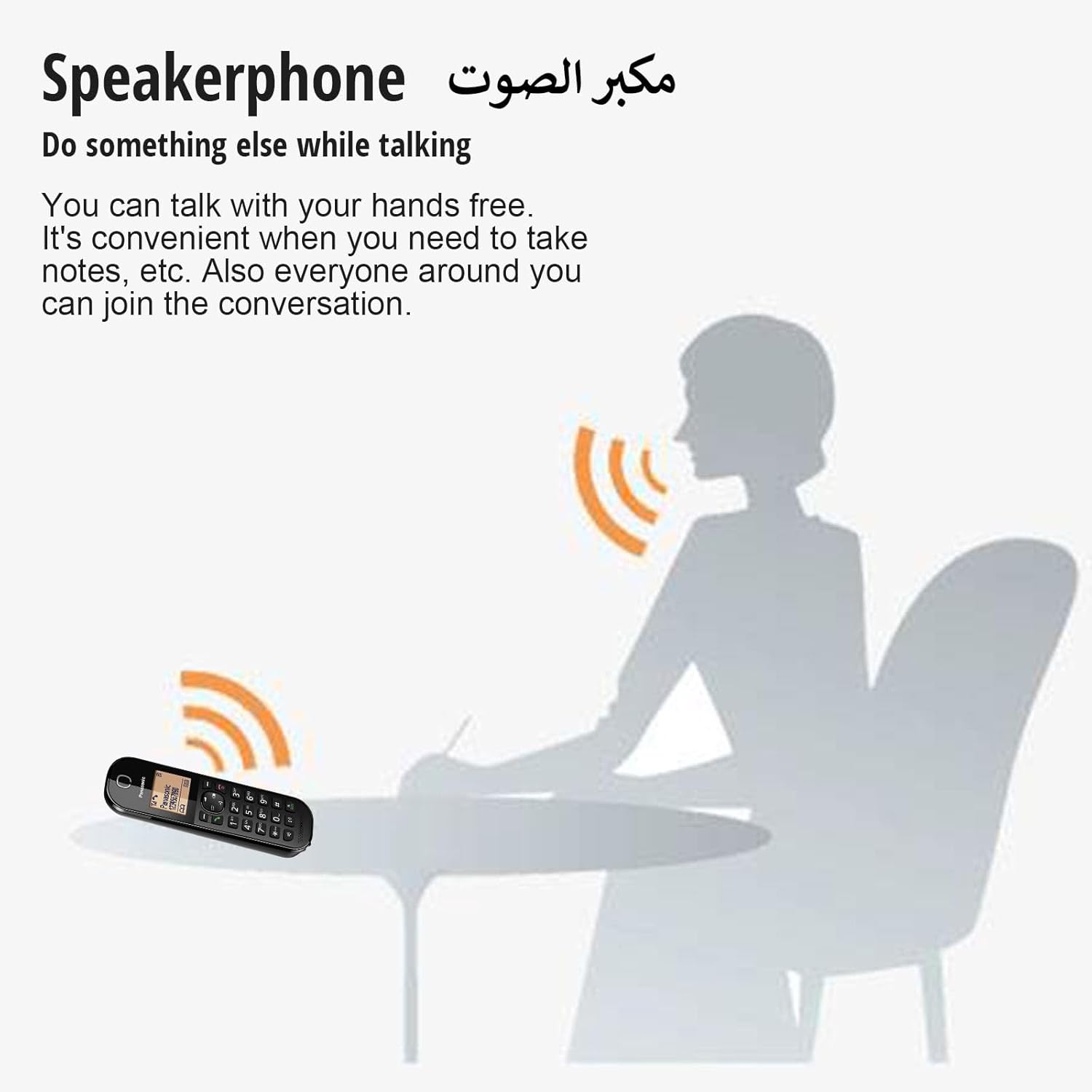
Image: An illustration demonstrating the convenience of the speakerphone feature, allowing users to talk hands-free.
Shared Phonebook
The system features a shared phonebook, allowing all registered handsets to access the same contact list of up to 50 entries.
- Dodawanie wpisu: Navigate to the phonebook menu on any handset, select "Add New Entry," and follow the on-screen prompts to enter the name and number.
- Wybieranie numeru z książki telefonicznej: Naciśnij KSIĄŻKA TELEFONICZNA przycisk, przewiń do żądanego wpisu i naciśnij ROZMAWIAĆ.
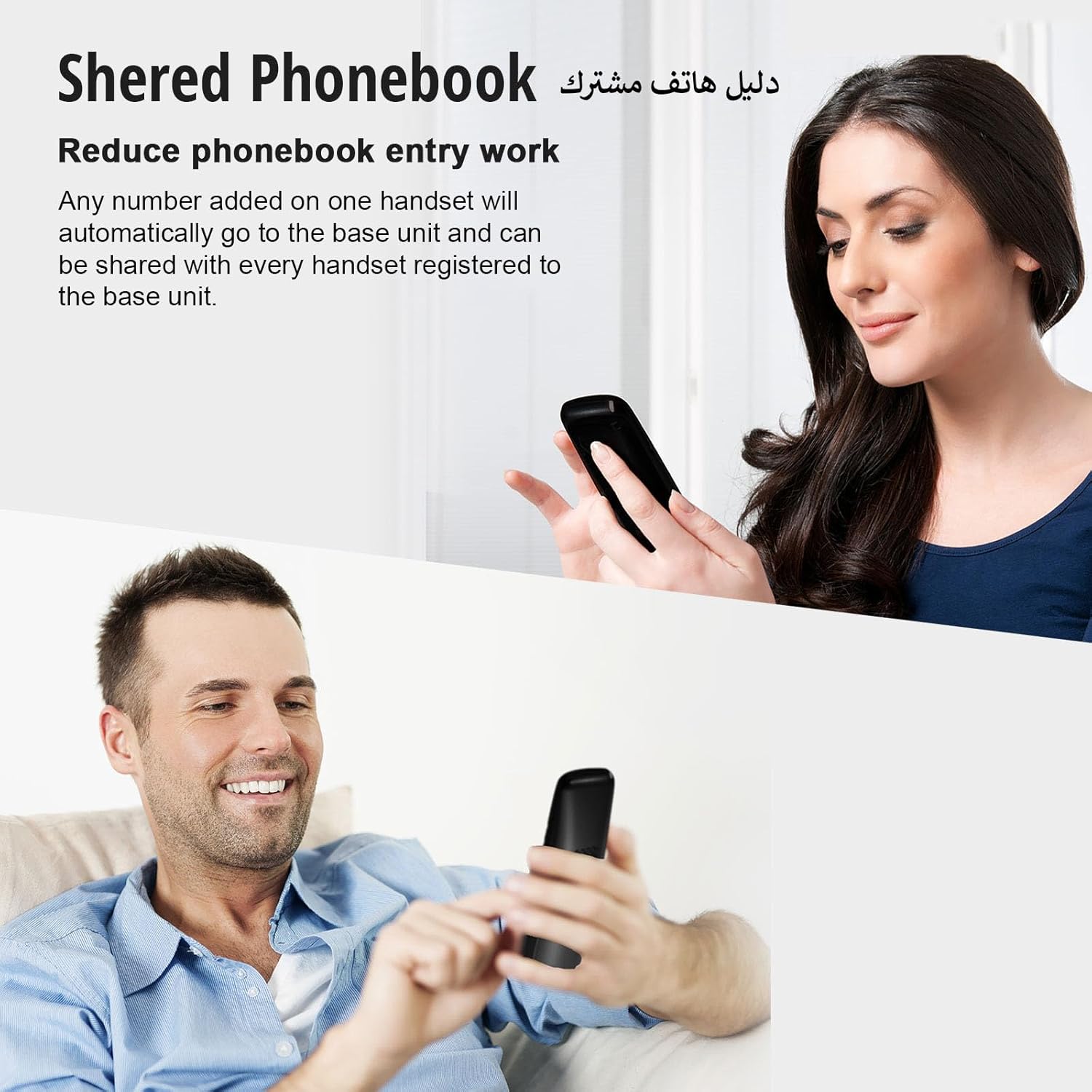
Image: Two individuals using handsets, demonstrating how the shared phonebook simplifies contact management across multiple devices.
Blokada połączeń uciążliwych
This feature helps reduce unwanted calls, such as those from telemarketers. It requires a subscription to Caller ID service from your provider.
- Blokowanie numeru: During or after a call, access the call block menu, and add the unwanted number to the block list. You can block specific numbers or number ranges (2 to 8 digits).
- Note: Calls with "no number provided" may not be blockable depending on your service provider.

Image: An illustration showing how the nuisance call block feature can prevent unwanted calls from reaching your phone.
One-Touch Eco Mode
Activate Eco Mode to reduce power consumption and signal output when the handset is close to the base unit.
- Naciśnij EKOLOGICZNY button on the handset to activate or deactivate this mode. An "ECO" indicator will appear on the display when active.

Image: A close-up of the Panasonic cordless phone handset, highlighting the "R ECO" button for activating the one-touch Eco Mode.
Power Back-Up Operation
W przypadku awarii zasilaniatage, the handset can temporarily draw power from the base unit's charged batteries to allow for limited phone use.
- Place a charged handset on the base unit during a power failure to enable temporary speakerphone operation.
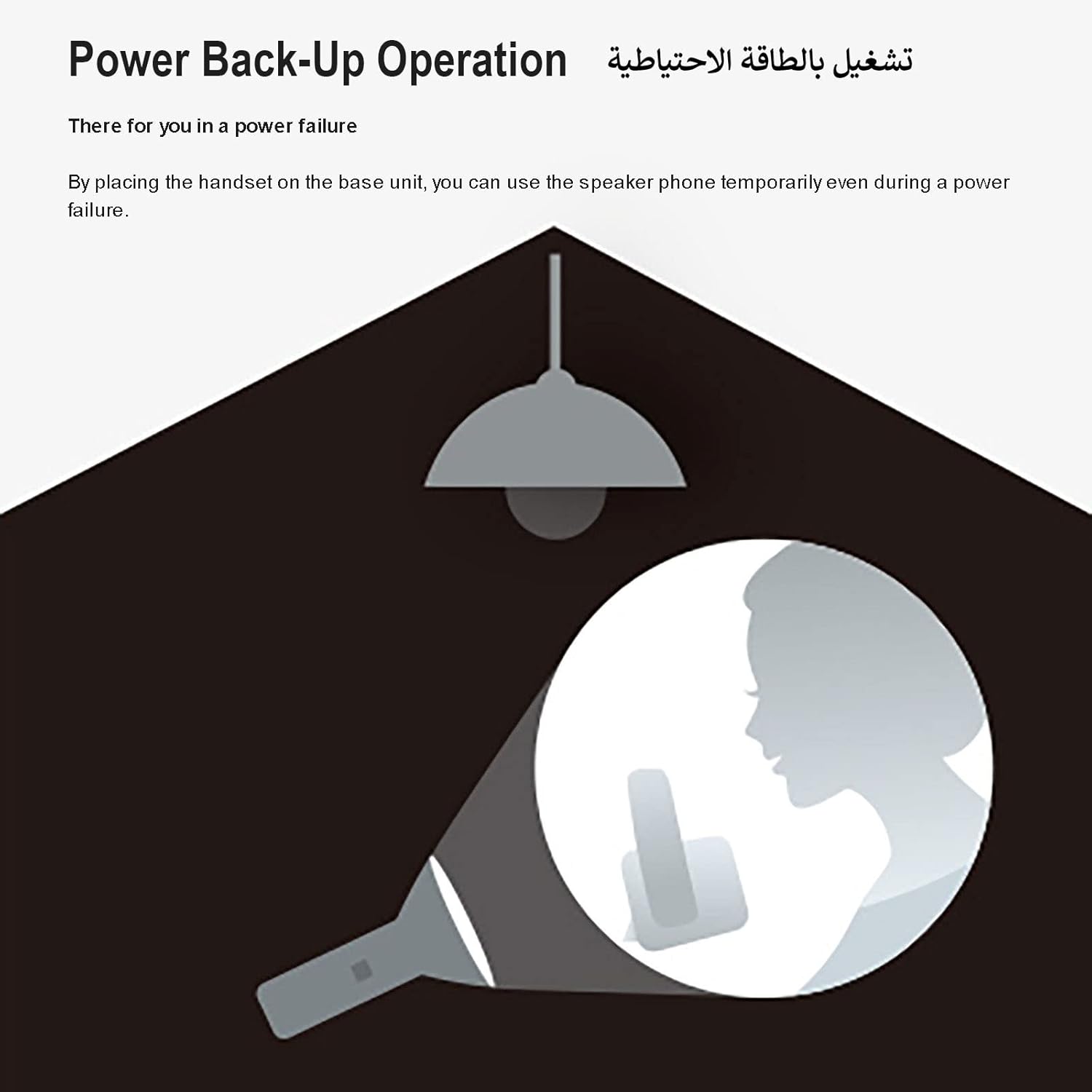
Image: An illustration depicting the power back-up operation, where the phone can still be used during a power outage by placing the handset on the base unit.
Konserwacja
- Czyszczenie: Wipe the phone and base unit with a soft, dry cloth. Do not use abrasive cleaners or solvents.
- Pielęgnacja baterii: Use only the specified rechargeable AAA batteries. If the phone will not be used for an extended period, remove the batteries from the handsets.
- Umieszczenie: Avoid placing the phone in direct sunlight, near heat sources, or in areas with high humidity. Keep it away from other electrical appliances to prevent interference.
Rozwiązywanie problemów
| Problem | Rozwiązanie |
|---|---|
| Brak sygnału wybierania. |
|
| Słuchawka nie ładuje się. |
|
| Słaba jakość dźwięku lub szumy. |
|
| Cannot make or receive calls during a power outage. |
|
Specyfikacje
| Funkcja | Szczegół |
|---|---|
| Marka | Panasonic |
| Numer modelu | KX-TGC413UEB |
| Typ telefonu | Bezprzewodowy |
| Kolor | Czarny |
| Liczba słuchawek | 3 |
| Źródło zasilania | Zasilany bateryjnie |
| Wymagane baterie | 6 AAA (w zestawie) |
| Czas rozmowy | Do 18 godzin |
| Czas czuwania | Do 200 godzin |
| Pojemność książki telefonicznej | 50 entries (Shared) |
| Typ systemu odbierającego | Cyfrowy |
| Wymiary produktu (DxSxW) | Wymiary 11 x 11 x 11 cm |
| Waga przedmiotu | 1.2 kilograma |
| Tworzywo | Elementy elektroniczne |
Gwarancja i wsparcie
Aby uzyskać informacje o gwarancji i pomocy technicznej, zapoznaj się z kartą gwarancyjną dołączoną do produktu lub odwiedź oficjalną stronę internetową firmy Panasonic webwitrynę dla Twojego regionu. Zachowaj paragon jako dowód zakupu na wypadek reklamacji.
Możesz również odwiedzić Sklep marki Panasonic na Amazon Aby uzyskać dodatkowe informacje o produkcie i zasoby pomocy technicznej.