
1. Ważne informacje dotyczące bezpieczeństwa
Please read all instructions carefully before using the Media-Tech MT6510 Sonic Electric Toothbrush. Keep this manual for future reference.
- Nie zanurzaj bazy ładującej w wodzie ani innym płynie.
- Ensure the charging port cover on the toothbrush handle is securely closed before rinsing the handle under water. The toothbrush handle is IPX7 waterproof, meaning it can withstand immersion in water up to 1 meter for 30 minutes.
- W tym urządzeniu znajdują się baterie, których nie można wymienić.
- Do not modify or repair the appliance yourself. Contact qualified service personnel for any repairs.
- Keep out of reach of children. This product is designed for adult use.
- If you have any medical concerns regarding oral health, consult your dentist before using this product.
2. Koniec produktuview
The Media-Tech MT6510 Sonic Electric Toothbrush utilizes advanced sonic technology to provide effective oral hygiene. It features 36,000 vibrations per minute, two cleaning modes, a 2-minute timer with 30-second interval reminders, and a long-lasting battery.

Obraz 2.1: Przód view of the Media-Tech MT6510 Sonic Electric Toothbrush, showcasindzięki eleganckiemu wzornictwu i przyciskom sterującym.
2.1 Zawarte komponenty
- 1 x Media-Tech MT6510 Sonic Toothbrush Handle
- 2 x DuPont Toothbrush Heads
- 1 x podstawa ładowania
- Torba podróżna 1 x
- 1 x Instrukcja obsługi

Image 2.2: The Media-Tech MT6510 toothbrush, two brush heads, and travel case, as included in the set.
3. Konfiguracja
3.1 Pierwsze ładowanie
Before first use, fully charge the toothbrush for approximately 12-16 hours. A full charge provides up to 60 days of use based on twice-daily brushing for 2 minutes.
- Podłącz bazę ładującą do gniazdka elektrycznego.
- Place the toothbrush handle onto the charging base. Ensure the handle is seated correctly.
- The charging indicator light will illuminate to show that the toothbrush is charging.
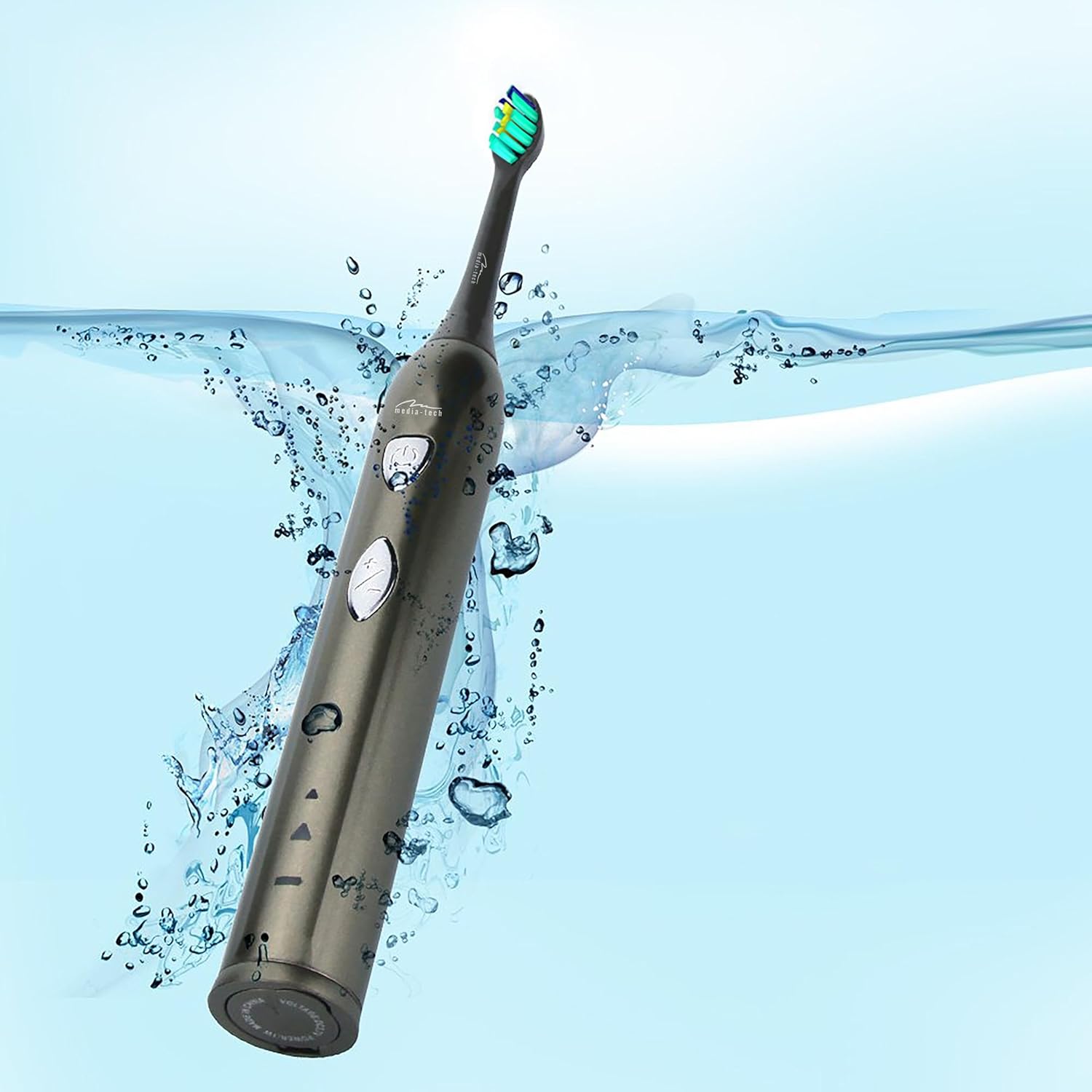
Image 3.1: The toothbrush handle placed on its charging base, indicating the charging process.
3.2 Zakładanie główki szczoteczki
Dopasuj główkę szczoteczki do metalowego trzonka na rączce szczoteczki i dociśnij ją mocno, aż zatrzaśnie się na miejscu. Przed użyciem upewnij się, że jest dobrze zamocowana.
4. Instrukcja obsługi
4.1 Włączanie/wyłączanie i wybór trybu

Rysunek 4.1: Szczegółowy view of the toothbrush handle, showing the power button and mode selection button.
- Włączanie: Press the power button (top button) once to turn on the toothbrush. It will start in the last used mode.
- Zmień tryb: While the toothbrush is on, press the mode button (bottom button) to cycle through the available cleaning modes:
- Daily Cleaning Mode: For regular, thorough cleaning.
- Tryb wybielania: For deep cleaning and stain removal.
- Wyłączone: Aby wyłączyć szczoteczkę, naciśnij ponownie przycisk zasilania.
4.2 Technika szczotkowania
- Zwilż główkę szczoteczki i nałóż niewielką ilość pasty do zębów.
- Przyłóż główkę szczoteczki do zębów pod niewielkim kątem w kierunku linii dziąseł.
- Naciśnij przycisk zasilania, aby rozpocząć szczotkowanie.
- Gently move the brush head slowly from tooth to tooth, allowing the sonic vibrations to clean. Do not scrub.
- The toothbrush features a 2-minute timer and a 30-second interval reminder. It will briefly pause every 30 seconds to indicate when to move to a different quadrant of your mouth.
- Po 2 minutach szczoteczka wyłączy się automatycznie, sygnalizując zakończenie zalecanego czasu szczotkowania.

Image 4.2: The toothbrush positioned in a glass in a bathroom setting, ready for use.
5. Konserwacja
5.1 Czyszczenie główki szczoteczki
After each use, rinse the brush head thoroughly under running water. Do not use harsh cleaning agents.
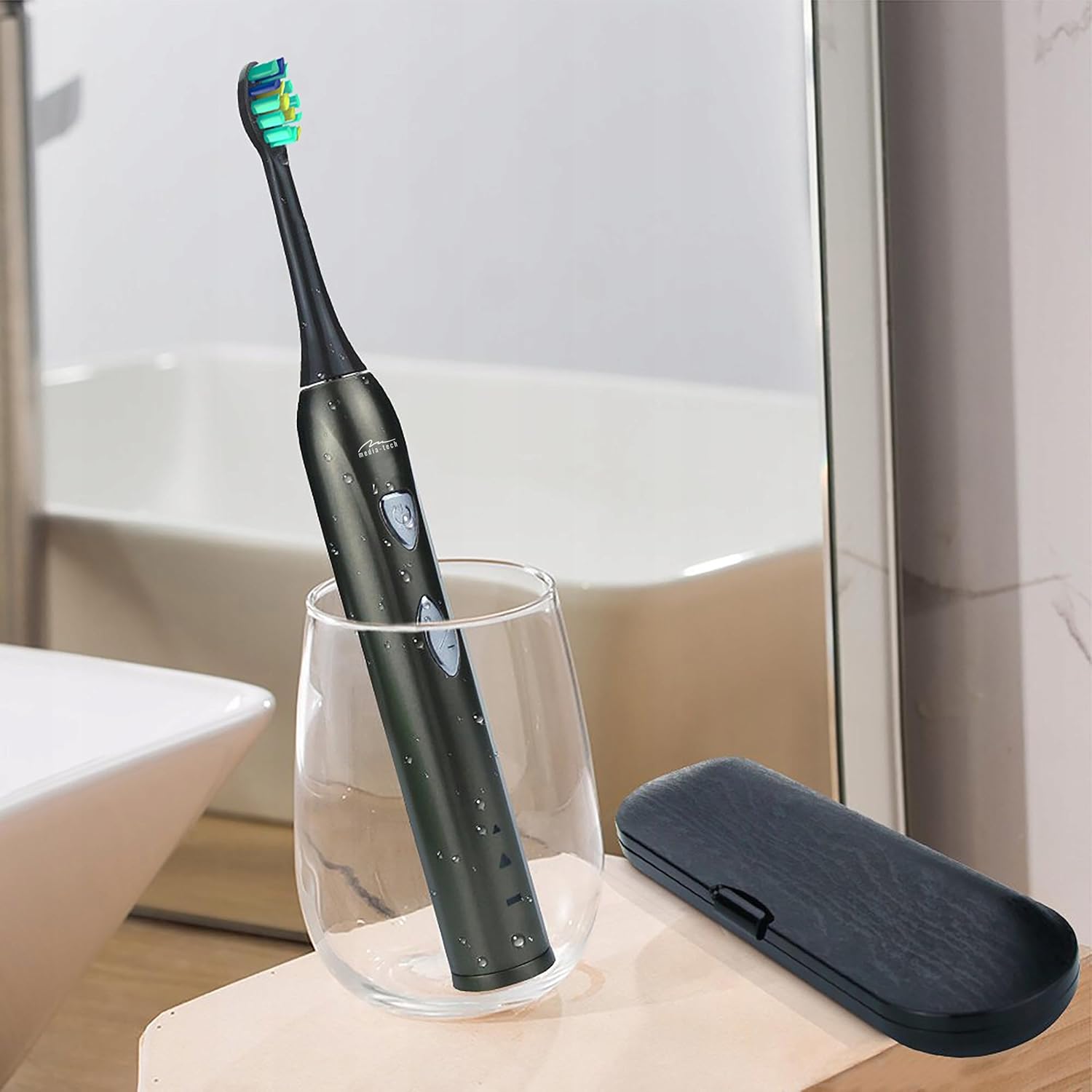
Image 5.1: A close-up of the brush head, showing bristles and water droplets after rinsing.
5.2 Czyszczenie uchwytu
Wytrzyj rączkę szczoteczki do zębów reklamąamp cloth. Ensure the charging port cover is closed before rinsing the handle under running water. Do not use abrasive cleaners or immerse the entire handle in water for extended periods.
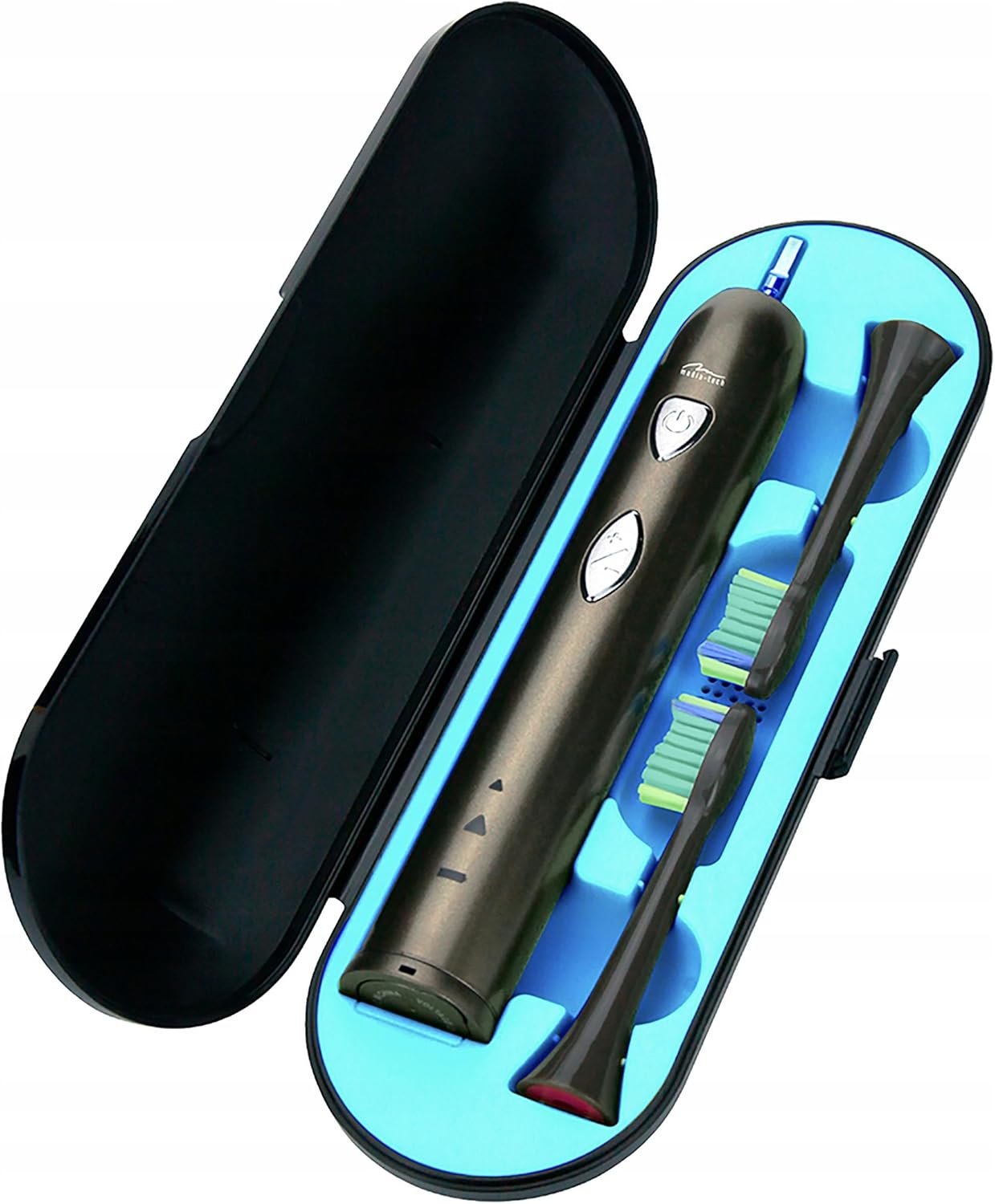
Image 5.2: The toothbrush handle partially submerged in water, demonstrating its IPX7 waterproof rating.
5.3 Wymiana główek szczoteczki
Dentists recommend replacing brush heads every 3 months, or sooner if the bristles become frayed. To replace, simply pull the old brush head off the handle and push a new one on until it clicks.
5.4 Przechowywanie
When not in use, store the toothbrush and brush heads in a clean, dry place. The included travel case is ideal for hygienic storage and transport.
6. Rozwiązywanie Problemów
| Problem | Możliwa przyczyna | Rozwiązanie |
|---|---|---|
| Szczoteczka do zębów się nie włącza. | Bateria jest rozładowana. | Ładuj szczoteczkę przez co najmniej 12 godziny. |
| Słabe wibracje lub słaba wydajność. | Niski poziom naładowania baterii. | Naładuj szczoteczkę do zębów. |
| Główka szczoteczki wydaje się luźna. | Główka szczoteczki nie jest prawidłowo zamocowana. | Zdejmij i ponownie załóż głowicę szczoteczki, upewniając się, że zatrzasnęła się na swoim miejscu. |
| Kontrolka ładowania nie świeci się. | Charging base not connected or toothbrush not seated correctly. | Check power connection and ensure the toothbrush is properly placed on the charging base. |
7. Specyfikacje
- Numer modelu: MT6510
- Marka: Media-Tech
- Technologia: Dźwiękowy
- Wibracje: 36,000 na minutę
- Tryby czyszczenia: 2 (Daily Cleaning, Whitening)
- Regulator czasowy: 2-minute auto-off with 30-second interval reminder
- Stopień wodoodporności: IPX7
- Typ baterii: Litowo-jonowy
- Czas pracy baterii: Do 60 dni (w oparciu o typowe użytkowanie)
- Wymiary produktu: 17.5 x 2.7 x 17.5 cm (approximate, as per packaging)
- Waga: 95 g (w przybliżeniu)
8. Gwarancja i wsparcie
For warranty information, please refer to the documentation provided at the time of purchase or contact your retailer. For technical support or further assistance, please contact Media-Tech customer service or visit their official webstrona.