
Wstęp
This manual provides detailed instructions for setting up, operating, and maintaining your Jamo Studio Series S 803 Compact 5.0 Home Theater System. This system is designed to deliver an immersive audio experience for movies, music, and more.

Image: A single Jamo Studio Series S 803 bookshelf speaker in white, showcasing its modern design with wood grain accents.
Co jest w pudełku
Your Jamo Studio Series S 803 HCS system includes the following components:
- 2 x S 803 Bookshelf Speakers (Front Left/Right)
- 2 x S 801 Speakers (Surround Left/Right)
- 1 x S 81 CEN Center Channel Speaker

Image: All five speakers of the Jamo Studio Series 5.0 Home Theater System arranged together, including two bookshelf speakers, two surround speakers, and one center channel speaker.
Organizować coś
1. Rozmieszczenie głośników
Prawidłowe rozmieszczenie głośników ma kluczowe znaczenie dla optymalnej jakości dźwięku. Należy wziąć pod uwagę następujące wskazówki:
- Front Left/Right Speakers (S 803): Place these speakers equidistant from your primary listening position and at ear level. They should be angled slightly inward towards the listener.
- Center Channel Speaker (S 81 CEN): Position the center speaker directly above or below your television, centered horizontally. Ensure it is as close to ear level as possible.
- Surround Left/Right Speakers (S 801): Place these speakers to the sides or slightly behind your main listening position, ideally at or slightly above ear level.

Zdjęcie: Zbliżenie z przodu view of the Jamo S 803 Bookshelf Speaker, highlighting the tweeter and woofer.

Zdjęcie: Zbliżenie z przodu view of the Jamo S 81 CEN Center Channel Speaker, showing its horizontal design with multiple drivers.
2. Connecting Speakers to Your Receiver
Use high-quality speaker wire to connect your speakers to your audio/video receiver. Ensure correct polarity (positive to positive, negative to negative) for each connection.
- Terminale głośnikowe: The S 803 bookshelf speakers feature dual binding posts for 'MAIN' and 'HEIGHT' connections, allowing for Dolby Atmos compatibility with optional S 8 ATM modules. The S 801 surround speakers and S 81 CEN center channel speaker have single 'MAIN' binding posts.
- Wtyki bananowe: The binding posts are compatible with banana plugs for secure and easy connection.
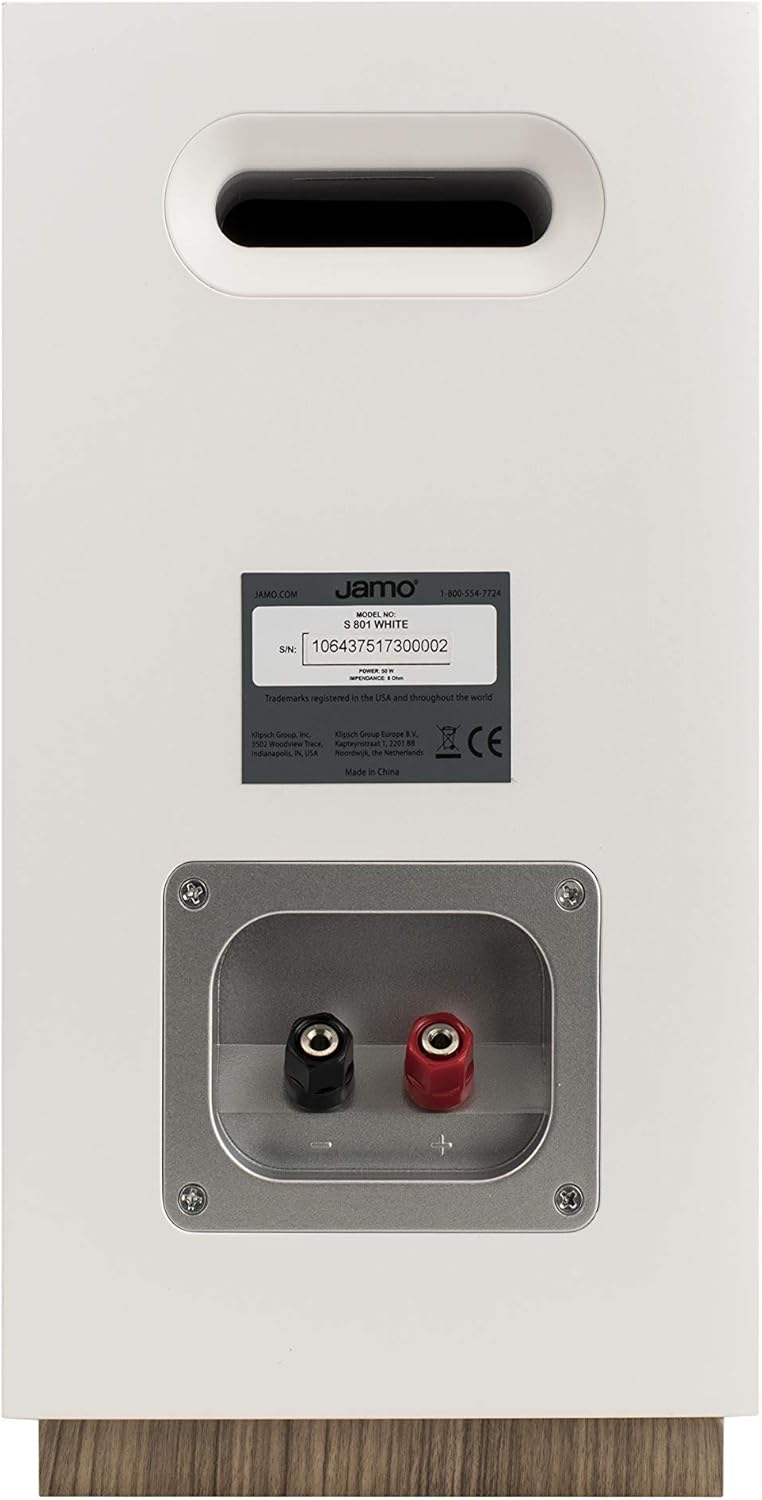
Obraz: Tył view of a Jamo S 803 Bookshelf Speaker, showing the 'MAIN' and 'HEIGHT' speaker terminals for connecting to an AV receiver.
3. Dolby Atmos Compatibility
The Jamo S 803 bookshelf speakers are Dolby Atmos ready. This means you can integrate optional Jamo S 8 ATM Dolby Atmos modules (sold separately) directly on top of the S 803 speakers. These modules reflect sound off the ceiling to create an overhead sound effect, enhancing the immersive experience without requiring in-ceiling speakers. Connect the S 8 ATM modules to the 'HEIGHT' terminals on the S 803 speakers and then connect the S 803 'MAIN' terminals to your Dolby Atmos-compatible AV receiver.
Wideo: Szczegółowy review of the Jamo Studio 8 S803 HCS system, covering build quality, speaker components, frequency response, power requirements, and Dolby Atmos compatibility.
Obsługa systemu
Once all speakers are connected to your AV receiver, follow your receiver's instructions for initial setup, including speaker calibration. This typically involves setting speaker sizes, distances, and levels to optimize sound for your listening environment.
- Włączanie: Turn on your AV receiver and select the appropriate input source.
- Regulacja głośności: Adjust the volume using your receiver's remote control. Start at a low volume and gradually increase it to a comfortable listening level.
- Tryby dźwięku: Experiment with different sound modes on your receiver (e.g., Stereo, Dolby Digital, DTS) to find the best audio experience for your content.
Konserwacja
To ensure the longevity and optimal performance of your Jamo speakers, follow these maintenance tips:
- Czyszczenie: Delikatnie przetrzyj obudowy głośników miękką, suchą ściereczką. Unikaj stosowania środków czyszczących o właściwościach ściernych i rozpuszczalników.
- Kratki: The speakers feature fully magnetic grilles. These can be removed for cleaning or for a different aesthetic preference. Clean grilles with a soft brush or vacuum with a brush attachment.
- Umieszczenie: Unikaj umieszczania głośników w bezpośrednim świetle słonecznym lub w pobliżu źródeł ciepła, gdyż może to spowodować uszkodzenie obudowy i wewnętrznych podzespołów.
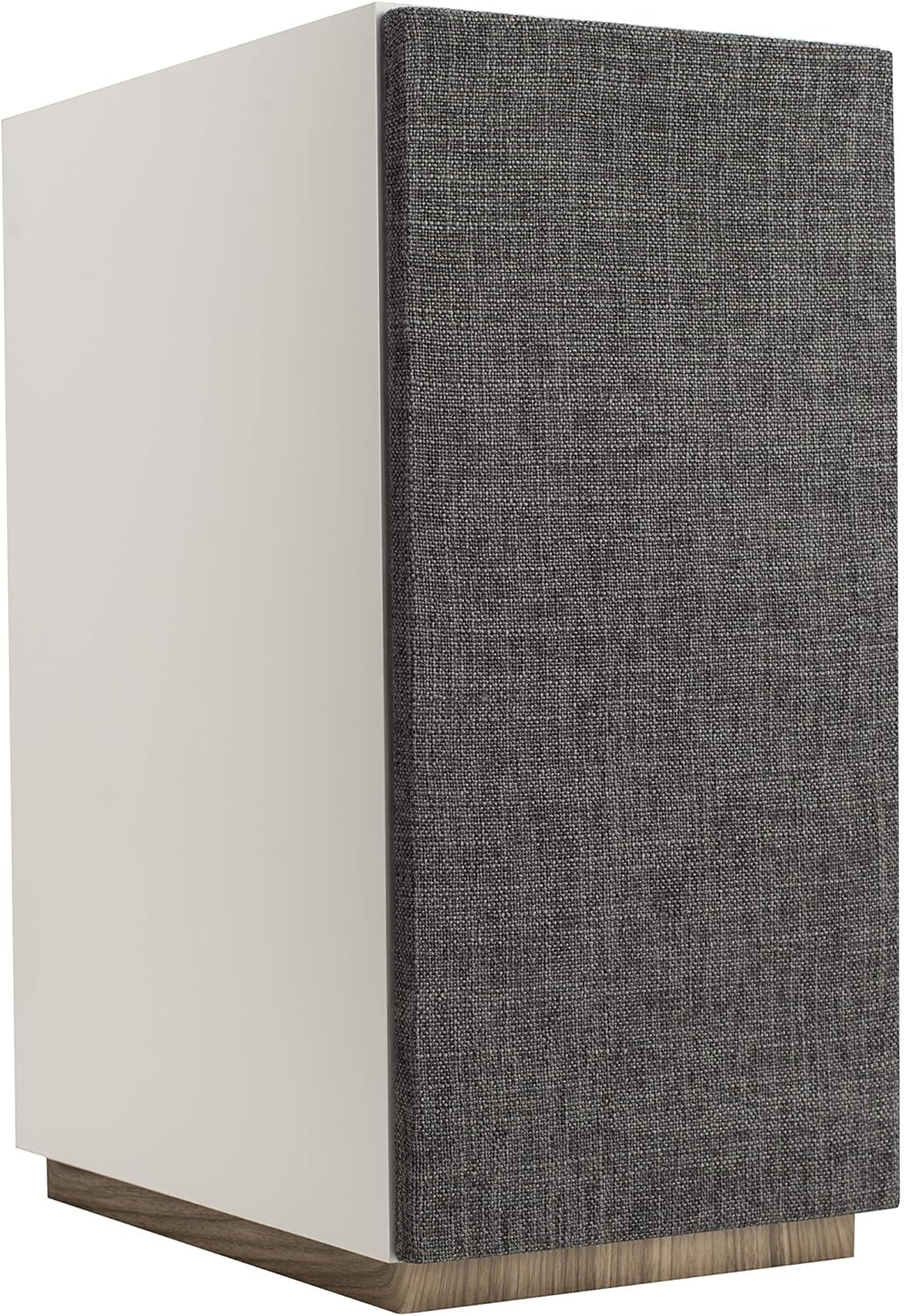
Image: A Jamo S 803 Bookshelf Speaker with its magnetic fabric grille attached, providing a clean and minimalist appearance.
Rozwiązywanie problemów
| Problem | Możliwa przyczyna | Rozwiązanie |
|---|---|---|
| Brak dźwięku z głośników | Incorrect wiring, receiver input not selected, volume too low. | Check all speaker wire connections for correct polarity. Ensure the correct input source is selected on your receiver. Increase volume. |
| Zniekształcony dźwięk | Przeciążony amplifier, damaged speaker wire, incorrect speaker settings. | Reduce volume. Inspect speaker wires for damage. Check receiver's speaker settings (e.g., crossover frequencies). |
| Brak basu | No subwoofer connected, subwoofer level too low, incorrect speaker size setting. | Ensure a subwoofer is connected and powered on. Adjust subwoofer volume. Set front speakers to "Small" in receiver settings to redirect bass to the subwoofer. |
Specyfikacje
| Funkcja | Specyfikacja |
|---|---|
| Nazwa modelu | S 803 HCS-WH |
| Typ głośnika | Bookshelf (S 803), Surround (S 801), Center (S 81 CEN) |
| Konfiguracja kanału dźwięku przestrzennego | 5.0 |
| Funkcja specjalna | Dolby Atmos Enabled (S 803) |
| Zalecane zastosowania | Kino domowe |
| Kolor | Biały |
| Waga przedmiotu | 51.9 funta (całe opakowanie) |
| Producent | Jamo |
| Technologia łączności | Przewodowy |
| Typ montażu | Mocowanie do półki |
Gwarancja i wsparcie
Jamo products are built with quality and reliability in mind. This product comes with a Full Warranty. For specific warranty terms, conditions, and duration, please refer to the warranty card included with your product or visit the official Jamo webstrona.
For technical support, troubleshooting assistance, or service inquiries, please contact Jamo Customer Support. Contact information can typically be found on the Jamo webmiejscu lub w opakowaniu produktu.
Możesz również odwiedzić Sklep Jamo na Amazonie Aby uzyskać więcej informacji o produkcie i zasobach pomocy.