
1. Wprowadzenie
Thank you for choosing the Amazon Basics Over-Ear Studio Monitor Headphones. These headphones are designed to provide clear audio reproduction and comfort for extended listening sessions, making them suitable for studio monitoring, field recording, and general audio enjoyment. This manual provides essential information for the proper use and care of your headphones.
2. Zawartość opakowania
- Amazon Basics Over-Ear Studio Monitor Headphones
- Detachable Audio Cable (3.5mm to 3.5mm with 6.35mm adapter)
3. Koniec produktuview
The Amazon Basics Over-Ear Studio Monitor Headphones feature a robust design with user comfort and audio clarity in mind.
- Konstrukcja nauszna: Helps isolate sound and minimize external noise, ideal for focused listening environments.
- Wygodne dopasowanie: Contoured ear-cups and a self-adjustable, flexible leather headband ensure comfort during prolonged use.
- Swivel Ear-cups: 90-degree swivel functionality allows for single-ear monitoring.
- Składana konstrukcja: Ear-cups fold inward for compact storage and easy transport.
- High-Quality Drivers: Equipped with 40 mm diameter drivers for clear audio output.
- Odłączany kabel: Features a DJ-style 9.8-foot coiled cable with a detachable standard 6.3mm plug adapter for versatile connectivity.

Rysunek 1: Kątowy view of the Amazon Basics Over-Ear Studio Monitor Headphones.
4. Instrukcje konfiguracji
- Zawartość opakowania: Ostrożnie wyjmij słuchawki i wszystkie akcesoria z opakowania.
- Podłącz kabel audio: Insert the smaller 3.5mm end of the detachable audio cable into the audio jack located on the left earcup of the headphones. Ensure it is securely seated.
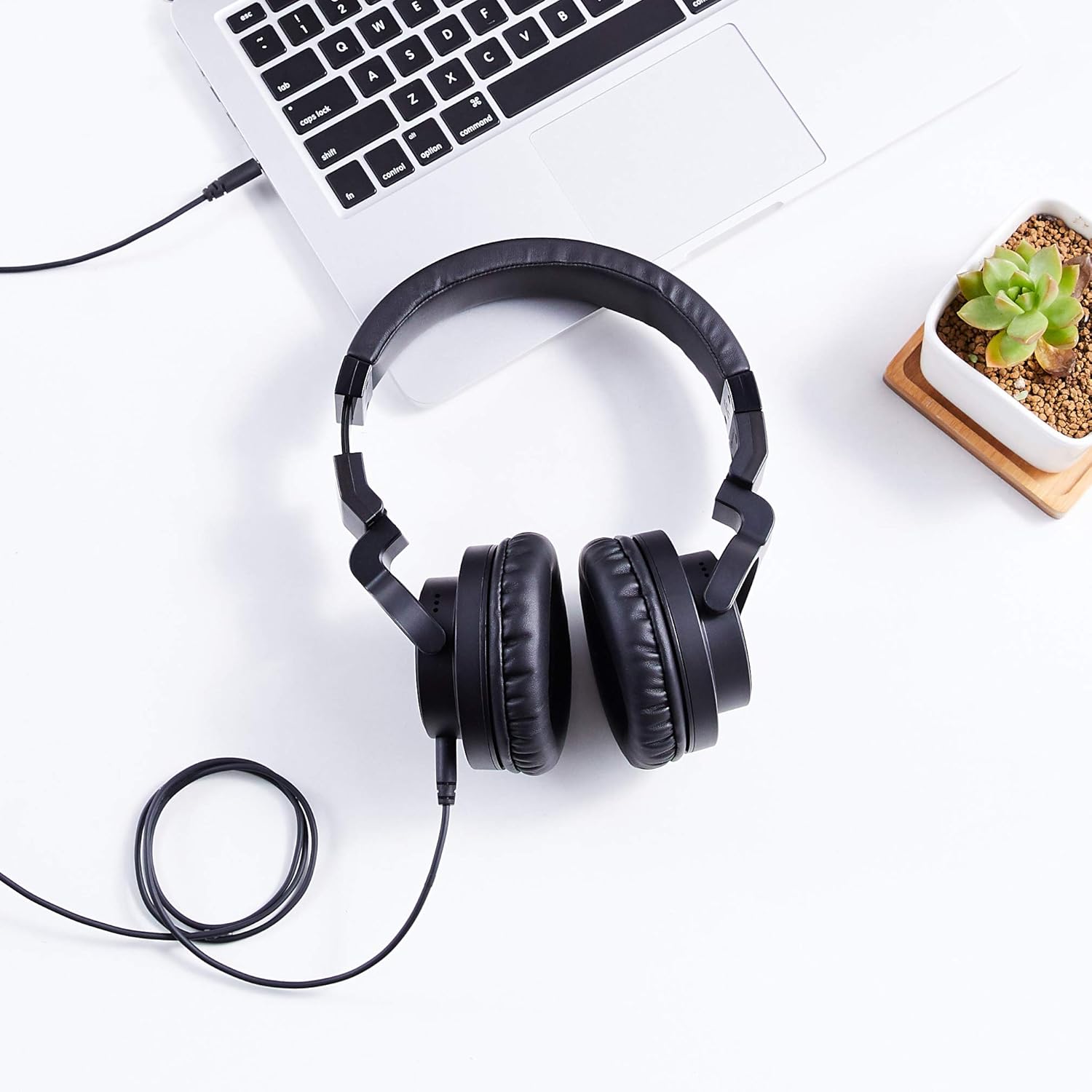
Figure 2: The detachable coiled audio cable with 3.5mm and 6.35mm connectors.
- Połącz ze źródłem dźwięku:
- For devices with a 3.5mm audio output (e.g., smartphones, laptops, MP3 players), connect the larger 3.5mm end of the cable directly to the device's audio jack.
- For devices with a 6.35mm audio output (e.g., audio interfaces, mixing consoles, amplifiers), attach the included 6.35mm adapter to the larger 3.5mm end of the cable, then connect it to the device's audio jack.

Figure 3: Headphones connected to a laptop via the audio cable.
- Dopasuj opaskę: Place the headphones on your head. Adjust the headband by sliding the earcups up or down until they fit comfortably over your ears. The headband is self-adjustable for optimal fit.
- Pozycja nauszników: Ensure the earcups fully enclose your ears for the best sound isolation and comfort. The earcups are designed to swivel 90 degrees for single-ear monitoring if needed.

Figure 4: Earcup swiveled for single-ear monitoring.
5. Instrukcja obsługi
- Źródło dźwięku po włączeniu: Ensure your audio source device is powered on and playing audio.
- Dostosuj głośność: Control the audio volume directly from your connected audio source device. These headphones do not feature inline volume controls.
- Monitorowanie jednego ucha: For situations requiring awareness of your surroundings or specific audio monitoring techniques, rotate one earcup 90 degrees to listen with a single ear.
- Optimal Listening: For the best audio experience, ensure both earcups are fully covering your ears and the headband is adjusted for a secure yet comfortable fit.
6. Konserwacja
Właściwa konserwacja zapewnia długowieczność i wydajność słuchawek.
- Czyszczenie nauszników: Delikatnie przetrzyj nauszniki i pałąk miękką, suchą ściereczką. W przypadku uporczywych zabrudzeń, delikatnie przetrzyj.amp Można użyć ściereczki, ale należy unikać nadmiernej wilgoci. Nie należy używać silnych środków chemicznych ani ściernych środków czyszczących.
- Pielęgnacja kabli: Avoid sharply bending or twisting the audio cable. When storing, coil the cable loosely. The detachable design allows for easy replacement if the cable becomes damaged.
- Składowanie: When not in use, store the headphones in a clean, dry place. The foldable design allows for compact storage. Avoid exposing them to extreme temperatures, humidity, or direct sunlight.
- Unikaj kropli: Chroń słuchawki przed upadkami i uderzeniami, ponieważ mogą one uszkodzić podzespoły wewnętrzne.
7. Rozwiązywanie Problemów
Jeśli masz problemy ze słuchawkami, zapoznaj się z poniższymi typowymi problemami i ich rozwiązaniami:
| Problem | Możliwa przyczyna | Rozwiązanie |
|---|---|---|
| Brak dźwięku lub niska głośność |
|
|
| Zniekształcona lub słaba jakość dźwięku |
|
|
| Słuchawki są niewygodne |
|
|
8. Specyfikacje
| Funkcja | Szczegół |
|---|---|
| Marka | Podstawy Amazon |
| Numer modelu | MHP-1190-01A |
| Technologia łączności | Przewodowy |
| Gniazdo słuchawkowe | 3.5 mm (with detachable 6.35 mm adapter) |
| Rozmiar kierowcy | 40 mm |
| Umieszczenie ucha | Na ucho |
| Współczynnik kształtu | Na ucho |
| Tworzywo | Leather (earcups and headband) |
| Kolor | Czarny |
| Waga przedmiotu | 8 uncji (0.5 funta) |
| Wymiary produktu | 7.88 x 3.78 x 7.09 cala |
| Funkcja kabla | Detachable, Coiled |
9. Gwarancja i wsparcie
These Amazon Basics Over-Ear Studio Monitor Headphones are backed by an Amazon Basics 1-year limited warranty. For detailed warranty information or support, please refer to the official Amazon Basics webodwiedź witrynę lub skontaktuj się z obsługą klienta Amazon.
Aby uzyskać dalszą pomoc, odwiedź stronę Amazon Basics Store.