
Wstęp
This manual provides detailed instructions for the installation, operation, and maintenance of your WOOX R4600 Smart Indoor WiFi Camera. Please read this manual thoroughly before using the product to ensure correct usage and optimal performance. Keep this manual for future reference.
Organizować coś
Zawartość opakowania
- WOOX R4600 Smart Indoor WiFi Camera
- Zasilacz
- Kabel USB
- Zestaw montażowy (śruby, kołki rozporowe)
- Instrukcja obsługi
App Installation and Device Pairing
- Pobierz aplikację WOOX Home: Szukaj 'WOOX Home' in your smartphone's app store (iOS or Android) and install the application.
- Utwórz konto: Open the WOOX Home app and register for a new account or log in if you already have one.
- Włącz kamerę: Podłącz kamerę do źródła zasilania za pomocą dołączonego kabla USB i zasilacza. Kontrolka kamery zacznie migać, sygnalizując gotowość do parowania.
- Dodaj urządzenie: In the WOOX Home app, tap the '+' icon or 'Add Device' to begin the pairing process. Select 'Smart Camera' from the device list.
- Połącz się z Wi-Fi 2.4 GHz: Ensure your smartphone is connected to a 2.4GHz WiFi network. The WOOX R4600 camera only supports 2.4GHz WiFi. Enter your WiFi network password in the app.
- Skanowania QR code: The app will generate a QR code. Hold your smartphone screen with the QR code approximately 15-20 cm (6-8 inches) in front of the camera lens. The camera will emit a sound when the QR code is successfully scanned.
- Pełne parowanie: Follow the on-screen prompts in the app to complete the pairing process. Once connected, you can name your camera and access its features.

WOOX R4600 Smart Camera setup process: Install Woox Home App, Add device, Go to the operation page. This image illustrates the three main steps for initial setup and connection of the camera to the mobile application.
Instrukcja obsługi
Na żywo View i nagrywanie
Once the camera is successfully paired, open the WOOX Home app and select your camera from the device list to access the live video feed. From the live view interfejs umożliwia ręczne nagrywanie wideo, robienie zrzutów ekranu i dostęp do nagranych zdjęćtage.
Dwukierunkowy dźwięk
The WOOX R4600 camera features a built-in microphone and speaker, enabling two-way communication. Tap the microphone icon in the live view interfejs umożliwiający mówienie przez kamerę i słuchanie dźwięków z otoczenia kamery.

WOOX R4600 Smart Camera demonstrating two-way audio conversation. A user is shown interacting with a baby via the camera's built-in microphone and speaker, controlled through the WOOX Home app on a smartphone.
Motion Detection and Smart Alerts
The camera is equipped with motion detection technology. You can enable and customize motion detection settings within the WOOX Home app. When motion is detected, the camera can send push notifications to your smartphone, allowing you to monitor activity in real-time.
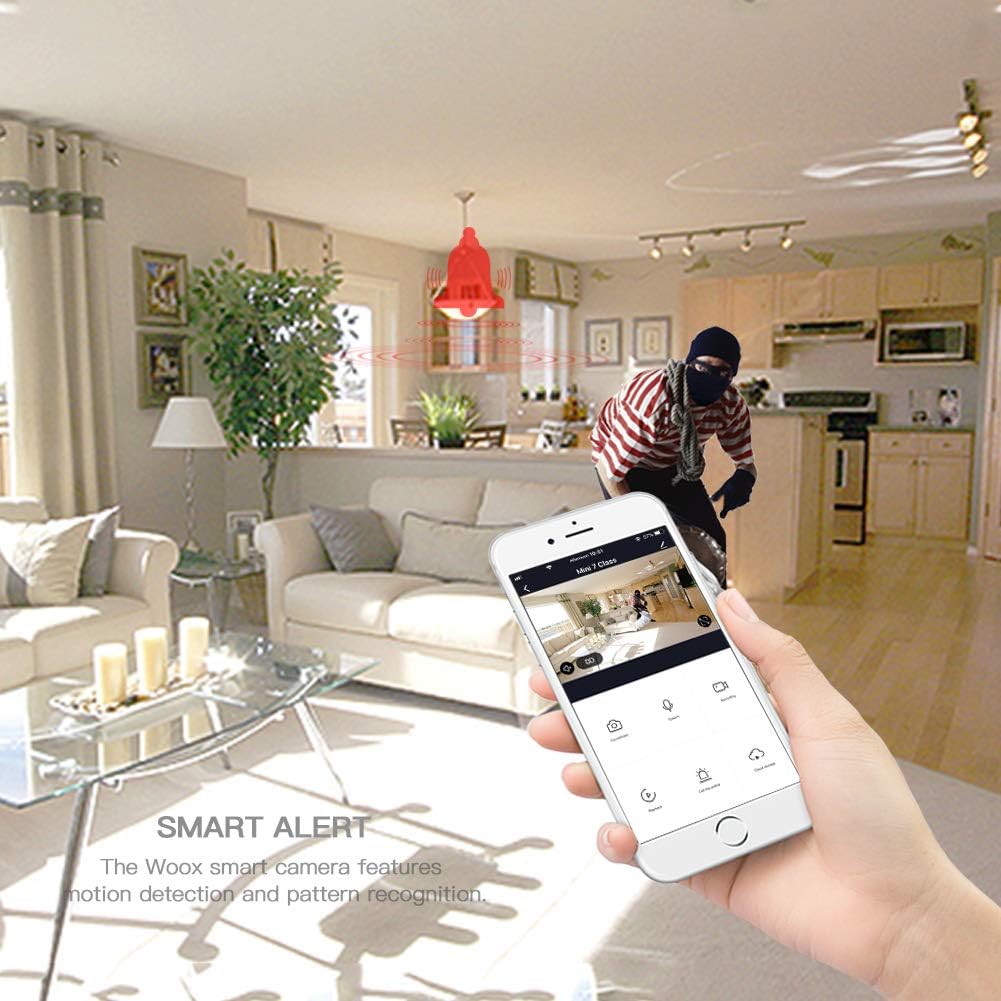
WOOX R4600 Smart Camera's smart alert feature. The image depicts a motion detection event, with a red bell icon indicating an alert, and a smartphone displaying the live feed of the detected activity.
Wizja nocna w podczerwieni
The WOOX R4600 automatically switches to infrared night vision mode in low-light conditions, providing clear black-and-white video footage even in complete darkness. This feature ensures continuous surveillance around the clock.

WOOX R4600 Smart Camera's infrared night vision device. The image shows a child sleeping in a dimly lit room, illustrating how the camera intelligently senses light changes to activate night vision mode for clear monitoring in low-light conditions.
Szeroki kąt View
The camera features a wide-angle lens designed to cover a broad area, minimizing blind spots and allowing you to monitor more of your indoor space with a single device.
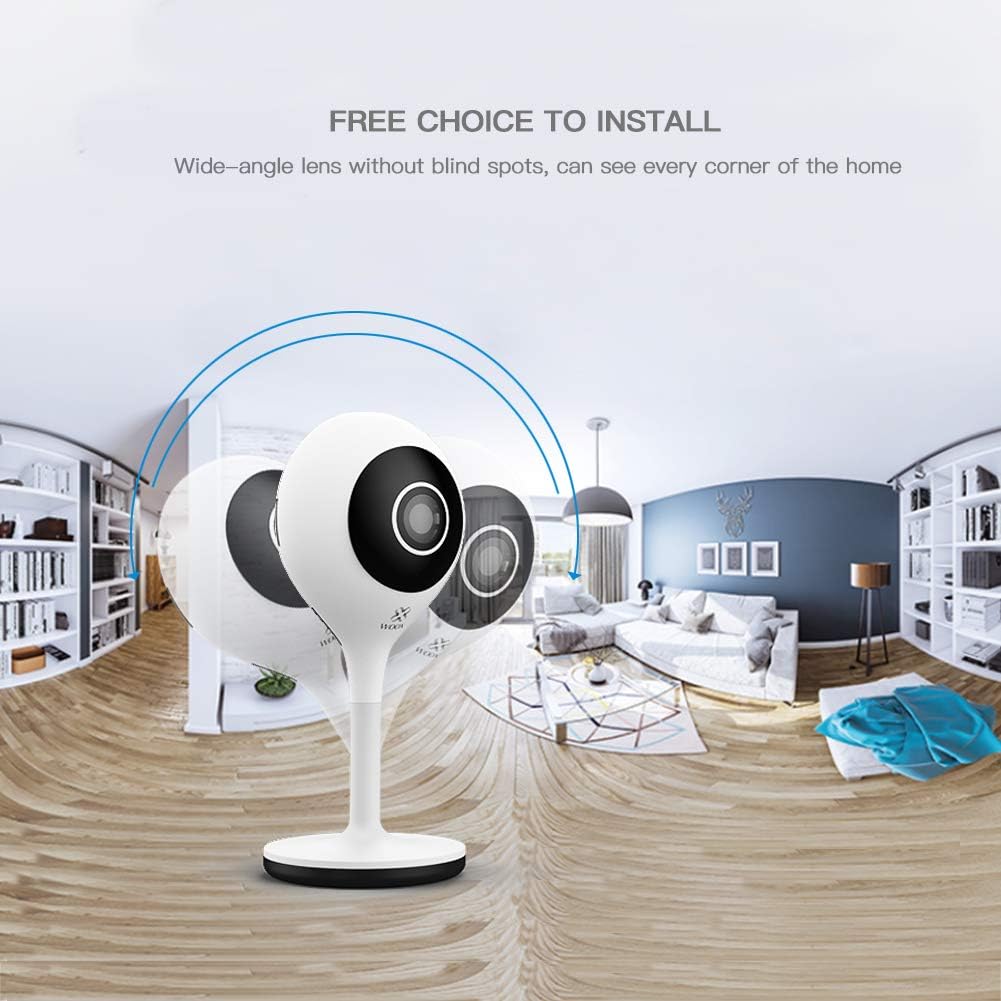
WOOX R4600 Smart Camera's wide-angle lens capability. The image shows a panoramic view of a room, illustrating how the camera provides extensive coverage without blind spots, capturing every corner of the home.
Integracja z Amazon Alexa
The WOOX R4600 camera is compatible with Amazon Alexa. You can link your camera to your Alexa account to view the live feed on compatible devices such as the Echo Show by using voice commands like "Alexa, show me the [camera name] camera."

WOOX R4600 Smart Camera integrated with Amazon Alexa. An Echo Show device displays the live feed from the camera, demonstrating the voice command 'Alexa, show me the living room camera'.
Pamięć lokalna
The camera supports local storage via a microSD card (up to 128GB, not included). Insert a formatted microSD card into the designated slot to enable continuous recording or event-triggered recording, which can be configured in the app.
Konserwacja
Czyszczenie aparatu
To maintain optimal image quality, regularly clean the camera lens and body. Use a soft, dry, lint-free cloth. Avoid using harsh chemicals, abrasive cleaners, or solvents, as these can damage the camera's surface or lens coating.
Aktualizacje oprogramowania układowego
Periodically check for firmware updates through the WOOX Home app. Keeping your camera's firmware updated ensures you have the latest features, security enhancements, and bug fixes. Follow the app's instructions for any available updates.
Rozwiązywanie problemów
Camera Not Connecting to WiFi
- Ensure your WiFi network is 2.4GHz. The WOOX R4600 does not support 5GHz WiFi.
- Verify that your WiFi password is entered correctly in the WOOX Home app.
- Place the camera closer to your WiFi router to improve signal strength.
- Restart your router and the camera, then attempt the pairing process again.
- If the indicator light is not flashing, try resetting the camera (refer to the app for specific reset instructions).
Słaba jakość obrazu
- Clean the camera lens with a soft cloth to remove any dust or smudges.
- Ensure there is adequate lighting in the area, or that night vision is functioning correctly in low light.
- Sprawdź prędkość swojego połączenia internetowego. Wolne połączenie może mieć wpływ na jakość przesyłania strumieniowego.
Brak alertów o wykryciu ruchu
- Verify that motion detection is enabled in the WOOX Home app settings for your camera.
- Check the sensitivity settings for motion detection; adjust if too low.
- Ensure that notification permissions are enabled for the WOOX Home app on your smartphone.
- Sprawdź, czy kamera ma stabilne połączenie z internetem.
Problemy z dźwiękiem dwukierunkowym
- Ensure your smartphone's volume is turned up.
- Check that the microphone and speaker functions are enabled in the app.
- Verify that the WOOX Home app has microphone permissions on your smartphone.
Specyfikacje
| Funkcja | Specyfikacja |
|---|---|
| Nazwa modelu | WOOX R4600 |
| Rozdzielczość nagrywania wideo | Rozdzielczość 1080p HD |
| Technologia komunikacji bezprzewodowej | Wi-Fi (tylko 2.4 GHz) |
| Współczynnik kształtu | Kopuła |
| Tomtage | 5 V (prąd stały) |
| Pobór mocy | 5 watogodzin |
| Wymiary (dł. x szer. x wys.) | Wymiary 5.3 x 3.2 x 11.3 cm |
| Waga | 96 gram |
| Cechy specjalne | Motion Detector, Two-Way Audio, Night Vision |
| Kompatybilne urządzenia | Smartfon (iOS/Android), Amazon Alexa |
| Źródło zasilania | Zasilanie prądem zmiennym |
| Zalecane zastosowanie | Nadzór |
| Składowanie | Karta microSD (do 128 GB) |
Informacje o gwarancji
WOOX products typically come with a limited warranty. Please refer to the warranty card included in your product packaging or visit the official WOOX website for detailed warranty terms and conditions, including coverage period and claim procedures. Keep your proof of purchase for warranty service.
Obsługa klienta
If you encounter any issues or have questions regarding your WOOX R4600 Smart Indoor WiFi Camera that are not addressed in this manual, please contact WOOX customer support. You can usually find contact information (email, phone, or support portal) on the official WOOX webstronie internetowej lub w aplikacji WOOX Home.
Aby uzyskać dodatkowe zasoby, odwiedź stronę WOOX Official Webstrona.