
TP-Link Deco X20
TP-Link Deco X20 AX1800 Whole Home Mesh Wi-Fi System User Manual
Model: Deco X20
Wstęp
The TP-Link Deco X20 AX1800 Whole Home Mesh Wi-Fi System provides seamless Wi-Fi 6 coverage throughout your home. This system replaces traditional routers and Wi-Fi extenders, offering faster connections, increased capacity, and reduced latency for a superior online experience. It includes features like HomeCare for security and parental controls, and is compatible with Alexa for voice control.
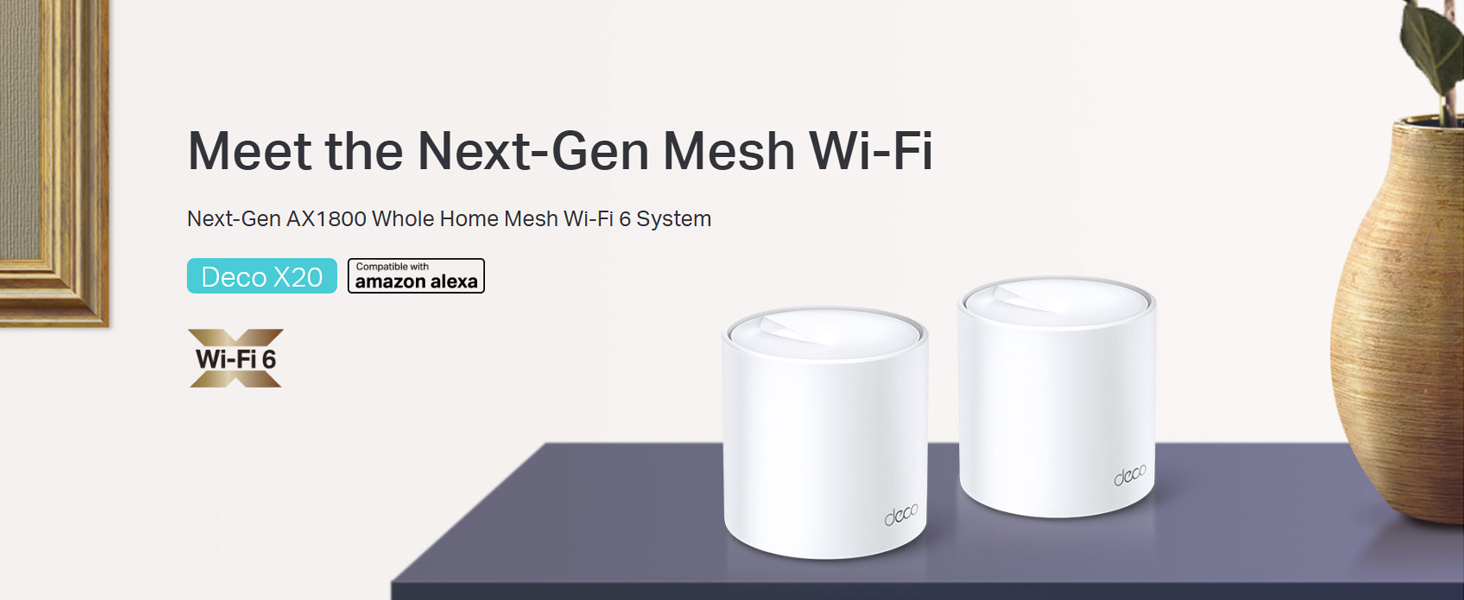
Image: Two TP-Link Deco X20 units on a table, showcasing projekt produktu.
Co jest w pudełku
The Deco X20 (2-Pack) system typically includes the following components:
- 2 x jednostki dekoracyjne X20
- 1 x kabel Ethernet RJ45
- 2 x zasilacz
- 1 x Instrukcja szybkiej instalacji

Image: The TP-Link Deco X20 (2-Pack) retail box, displaying the included items.
Przewodnik po konfiguracji
Setting up your TP-Link Deco X20 system is designed to be straightforward using the Deco app. Follow these steps for initial installation:
- Pobierz aplikację Deco: Szukaj "TP-Link Deco" in the App Store (iOS) or Google Play Store (Android) and install the application on your smartphone or tablet.
- Podłącz główną jednostkę dekoracyjną:
- Wyłącz modem.
- Podłącz jedno urządzenie Deco do modemu za pomocą dostarczonego kabla Ethernet.
- Włącz modem, a następnie urządzenie Deco. Poczekaj, aż dioda LED urządzenia Deco zacznie pulsować na niebiesko.
- Uruchom aplikację Deco: Open the Deco app and follow the on-screen instructions to create a TP-Link ID and set up your main Deco unit.
- Dodaj dodatkowe jednostki dekoracyjne: Once the main unit is configured, the app will guide you through adding the remaining Deco units. Place them strategically around your home for optimal coverage.
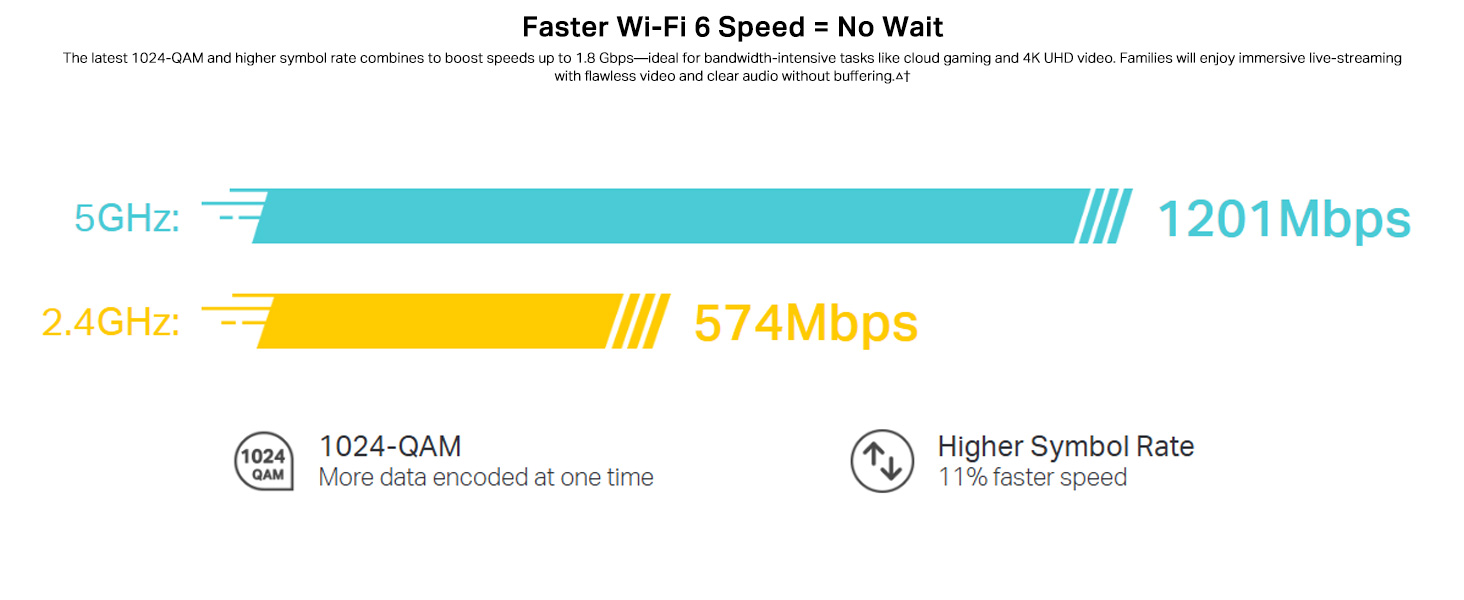
Image: Visual guide for setting up the Deco X20 system via the Deco mobile application.
Instrukcja obsługi
The TP-Link Deco X20 system operates as a unified network, providing seamless Wi-Fi coverage. Management is primarily done through the Deco mobile application.
Deco App Features:
- Zarządzanie siecią: View connected devices, prioritize network traffic (QoS), and manage guest networks.
- Kontrola rodzicielska: Set time limits, block inappropriate content, and monitor online activity for family members.
- Antivirus (HomeCare/HomeShield): Protect your network and connected devices from malicious threats.
- Aktualizacje oprogramowania układowego: The app facilitates easy firmware updates to ensure your system has the latest features and security enhancements.
- Sterowanie głosowe: Integrate with Amazon Alexa for convenient voice commands to manage your Wi-Fi.

Obraz: Interfejs aplikacji Deco prezentujący różne funkcje sterowania i monitorowania.
Bezproblemowy roaming:
The Deco system creates a single Wi-Fi network name (SSID) throughout your home. As you move, your devices automatically connect to the Deco unit with the strongest signal, ensuring an uninterrupted connection.

Image: Comparison of seamless roaming with Deco versus a traditional router and extender setup.
Główne cechy
- Wi-Fi 6 Technology (802.11ax): Provides faster speeds up to 1800 Mbps (1201 Mbps on 5GHz and 574 Mbps on 2.4GHz), increased capacity, and reduced network congestion.
- Whole Home Mesh Coverage: Eliminates Wi-Fi dead zones, covering up to 4000 sq ft with a 2-pack system.
- Podłącz więcej urządzeń: OFDMA and MU-MIMO technologies allow simultaneous data transmission to multiple devices, supporting over 150 connected devices without performance degradation.
- Ultra-niska latencja: Enhances responsiveness for gaming and video calls.
- TP-Link HomeCare/HomeShield: Offers comprehensive network security, robust parental controls, and Quality of Service (QoS) for a safer and optimized online experience.
- Siatka oparta na sztucznej inteligencji: The system intelligently learns your network environment and user behavior to optimize Wi-Fi performance continuously.
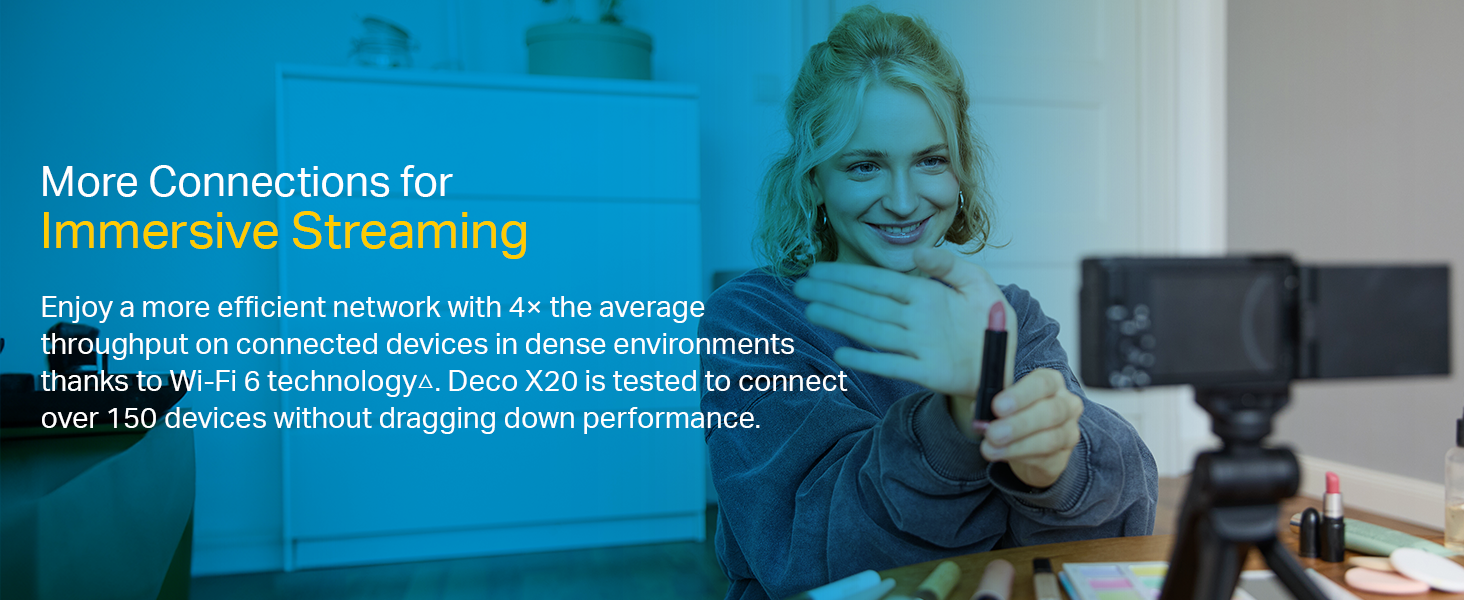
Image: Infographic highlighting the advantages of Wi-Fi 6, such as speed and efficiency.
Konserwacja
To ensure optimal performance and security of your Deco X20 system, consider the following maintenance practices:
- Regularne aktualizacje oprogramowania sprzętowego: Check the Deco app periodically for available firmware updates. Installing updates ensures you have the latest security patches and performance improvements.
- Optymalne rozmieszczenie: Ensure Deco units are placed in open areas, away from obstructions like large metal objects, thick walls, and other electronic devices that may cause interference.
- Czystość: Keep the Deco units clean and free from dust to prevent overheating and maintain proper airflow. Use a soft, dry cloth for cleaning.
- Monitorowanie sieci: Use the Deco app to monitor network activity and identify any unusual behavior or unauthorized devices.
Rozwiązywanie problemów
Jeśli napotkasz problemy z systemem Deco X20, wypróbuj poniższe kroki rozwiązywania problemów:
- Brak połączenia z internetem:
- Sprawdź czy modem działa prawidłowo.
- Sprawdź, czy kabel Ethernet między główną jednostką Deco i modemem jest prawidłowo podłączony.
- Uruchom ponownie modem i główną jednostkę Deco.
- Słaby sygnał Wi-Fi lub martwe strefy:
- Przenieś jednostki Deco bliżej siebie lub do obszarów o słabym sygnale.
- Ensure there are no major physical obstructions (e.g., thick concrete walls) between Deco units.
- Consider adding another Deco unit if coverage is still insufficient.
- Status diody LED jednostki dekoracyjnej:
- Jednolity zielony: Deco działa normalnie.
- Pulsujący niebieski: Deco jest gotowe do montażu.
- Jednolity czerwony: Wystąpił problem z aplikacją Deco (np. brak połączenia internetowego).
- Pulsujący czerwony: Deco is disconnected from the main unit.
- Cannot Connect to Deco App:
- Upewnij się, że Twój smartfon jest połączony z siecią Wi-Fi Deco.
- Restart the Deco app.
- Reinstall the Deco app if the issue persists.
Aby uzyskać dalszą pomoc, zapoznaj się z pomocą techniczną TP-Link webodwiedź witrynę lub skontaktuj się z obsługą klienta.
Specyfikacje
| Funkcja | Szczegół |
|---|---|
| Marka | TP-Link |
| Nazwa modelu | Deko X20 |
| standard bezprzewodowy | 802.11ax (WiFi 6) |
| Klasa pasma częstotliwości | Dwuzakresowy (2.4 GHz i 5 GHz) |
| Szybkość przesyłania danych (maks.) | 1800 Mb/s (1201 Mb/s w paśmie 5 GHz, 574 Mb/s w paśmie 2.4 GHz) |
| Zasięg | Up to 4000 sq ft (2-pack) |
| Liczba portów | 2 porty Gigabit Ethernet na jednostkę Deco |
| Protokół bezpieczeństwa | WPA-PSK, WPA2-PSK, WPA3 |
| Metoda kontroli | Deco App, Amazon Alexa |
| Wymiary (dł. x szer. x wys.) | 11L x 11W x 11.4H centymetrów |
| System operacyjny | RouterOS (internal) |
| Zainstalowana pamięć RAM | 16 GB (Note: This value is from the provided product data and may refer to flash storage or a specific component, as typical router RAM is lower.) |
Gwarancja i wsparcie
Informacje o gwarancji:
The TP-Link Deco X20 comes with a 3-letnia gwarancja. For any product quality related issues, it is recommended to reach out to TP-Link's customer service support for resolution.
Obsługa klienta:
For technical support, warranty claims, or general inquiries, please contact TP-Link customer service:
- Bezpłatna infolinia: 1800-209-4168
- E-mail: support.in@tp-link.com
- Adres producenta: TP-Link Systems Inc. 10 Mauchly, Irvine, CA 92618, USA or TP-Link India Private Limited Office No.1, Tower 2, Level 2, Raiaskaran Tech Park, Andheri Kurla Road, M.V Road, Andheri East-400072
Please retain your proof of purchase for warranty services.
Ważne informacje dotyczące bezpieczeństwa
- Do not expose the device to water or humidity.
- Nie próbuj samodzielnie demontować ani naprawiać urządzenia.
- Używaj wyłącznie dołączonych zasilaczy.
- Ensure proper ventilation around the Deco units to prevent overheating.
Ask a question about this manual
Ask about setup, troubleshooting, compatibility, parts, safety, or missing instructions. Manuals+ will review the question and use this page’s manual context to help answer it.