
1. Wprowadzenie
This manual provides essential instructions for the safe and effective operation of your WONNIE Mini Projector W-US-TYY001. Please read this manual thoroughly before using the projector and retain it for future reference. This projector is designed for home entertainment in dark environments.
2. Koniec produktuview
Główne cechy
- Upgraded 2200 Lumens brightness for enhanced visual experience.
- Supports up to 1080P resolution for sharp and crisp images.
- Adjustable projection screen size from 32 inches to 170 inches.
- Contrast Ratio of 3000:1.
- Equipped with an innovative cooling system for reduced fan noise.
- Multiple connectivity options: HDMI, AV, VGA, SD Card, USB.
Zawartość opakowania
Sprawdź, czy w przesyłce znajdują się wszystkie elementy wymienione poniżej:
- 1 x WONNIE Mini Projector W-US-TYY001
- 1 x Instrukcja obsługi
- 1 x pilot zdalnego sterowania (baterie AAA nie są dołączone)
- 1 x kabel HDMI
- 1 x kabel zasilający
- 1 x kabel AV 3 w 1

Image 2.1: The WONNIE Mini Projector W-US-TYY001 with its lens, control panel, and an HDMI cable.
3. Konfiguracja
- Umieszczenie: Ustaw projektor na stabilnej, płaskiej powierzchni. Zapewnij odpowiednią wentylację wokół projektora, aby zapobiec przegrzaniu. Dla optymalnej… viewUstaw projektor bezpośrednio przed powierzchnią projekcyjną (ścianą lub ekranem).
- Podłączenie zasilania: Connect the power cable to the projector's power input and then plug it into a standard electrical outlet.
- Pierwsze włączenie: Naciśnij przycisk zasilania na projektorze lub pilocie, aby włączyć urządzenie. Zaświeci się kontrolka.
4. Instrukcja obsługi
Włączanie/wyłączanie
- To power on, press the 'Power' button on the projector or the remote control.
- To power off, press the 'Power' button again. Confirm shutdown if prompted.
Wybór źródła
After powering on, use the 'Source' button on the projector or remote control to select the desired input source (e.g., HDMI, AV, VGA, USB, SD Card). The projector will default to USB input if no other source is selected.
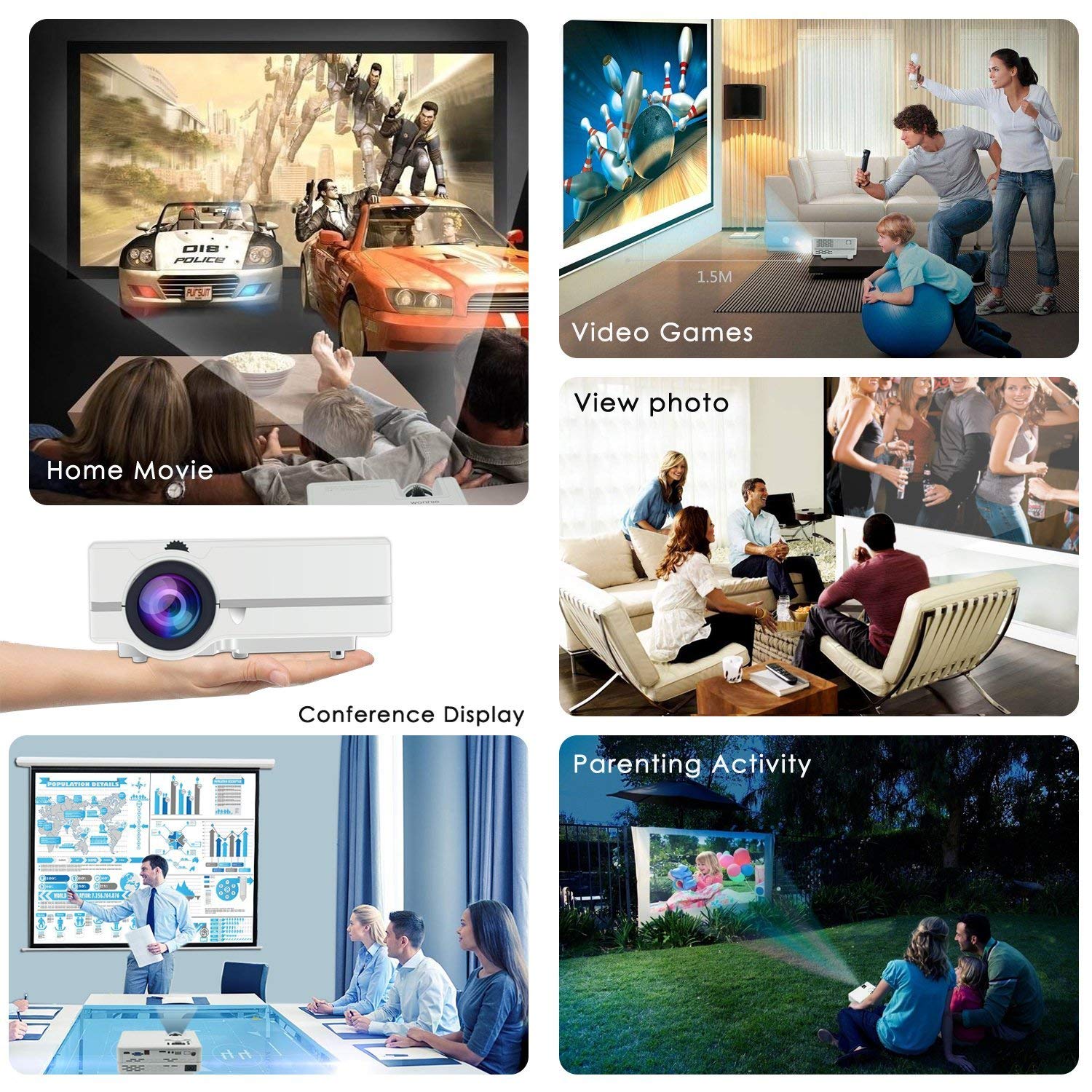
Obraz 4.1: Examples of how the WONNIE Mini Projector can be used for various activities.
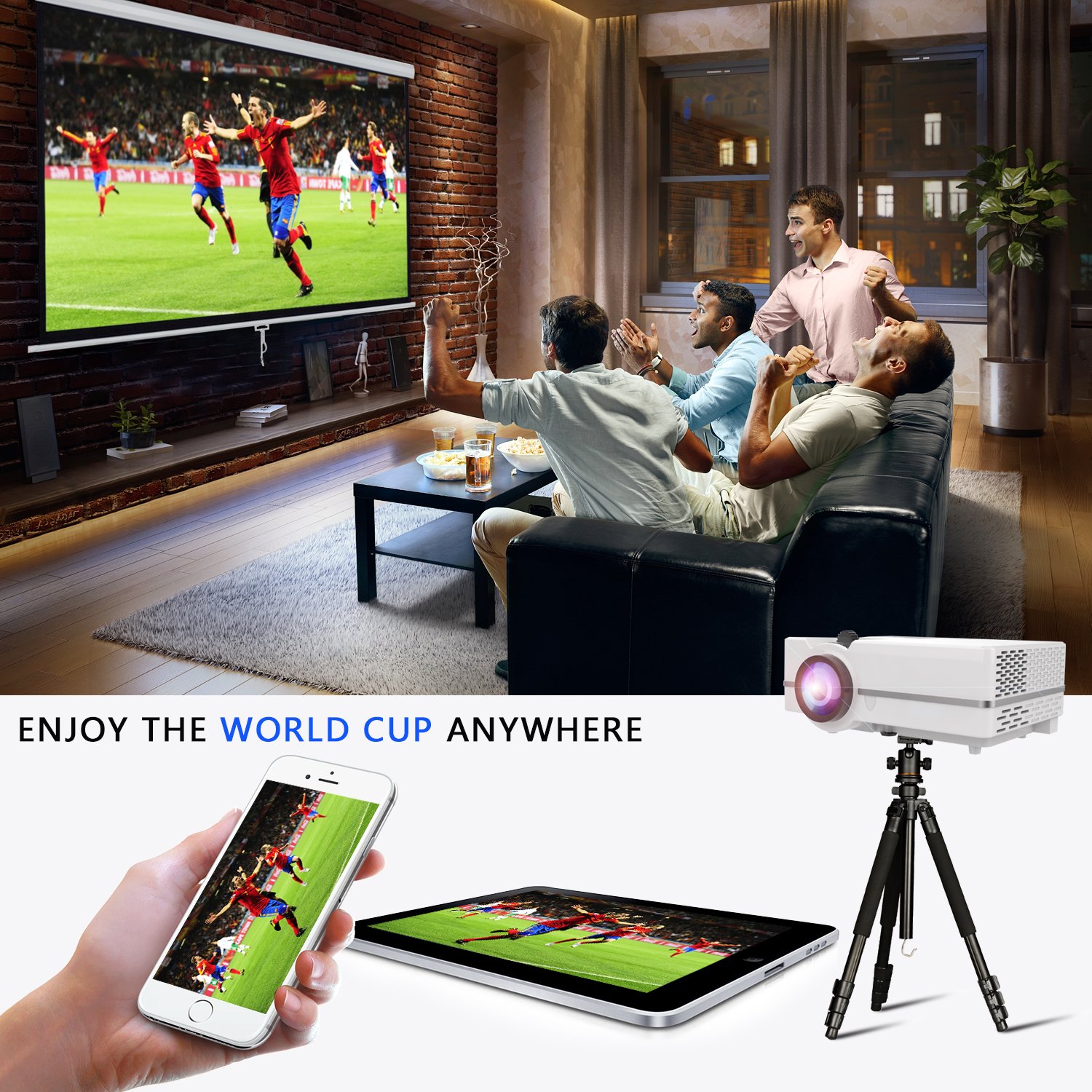
Image 4.2: The projector can be used for shared viewing experiences, such as watching sports.
5. Łączność
The WONNIE Mini Projector offers multiple ports for connecting various devices:
- HDMI: Connects to laptops, PCs, TV boxes, Amazon Fire TV Stick, Chrome Book, Blue-ray DVD players, and gaming consoles. An HDMI cable is included.
- VGA: Connects to computers. Note that VGA cables do not transmit audio signals; an external speaker is required for sound when using a VGA connection.
- USB: Supports USB flash drives for playing media files (music, pictures, video). It does not support cord connection for data transfer from other devices.
- AV: Connects to devices using the included 3-in-1 AV cable.
- Karta SD: Insert an SD card to play media files bezpośrednio.
- Wyjście audio: Do podłączenia zewnętrznych głośników lub słuchawek.
Connecting Smartphones/Tablets: An HDMI adapter (not included) is required to connect the projector to tablets and smartphones.
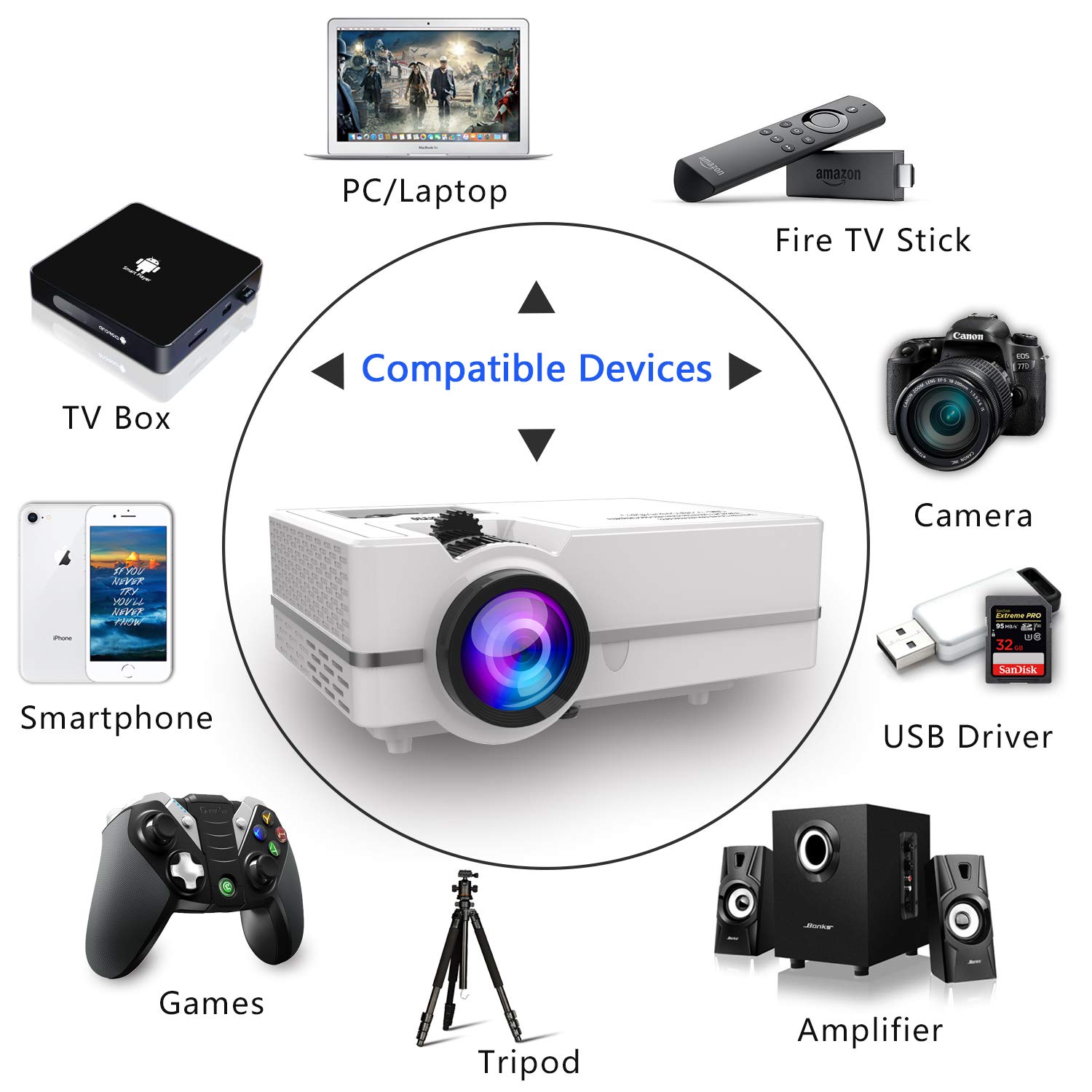
Obraz 5.1: Koniecview of compatible devices and connection types for the projector.
6. Regulacja ostrości i zniekształcenia trapezowego
To achieve a clear and properly shaped image, you will need to adjust the focus and keystone correction.
- Regulacja ostrości: Rotate the focus ring around the projector lens until the image appears sharp and clear.
- Korekcja Keystone'a: If the projected image appears trapezoidal (wider at the top or bottom), use the keystone correction dial to adjust the image to a rectangular shape. The projector supports manual keystone correction of ±15°.
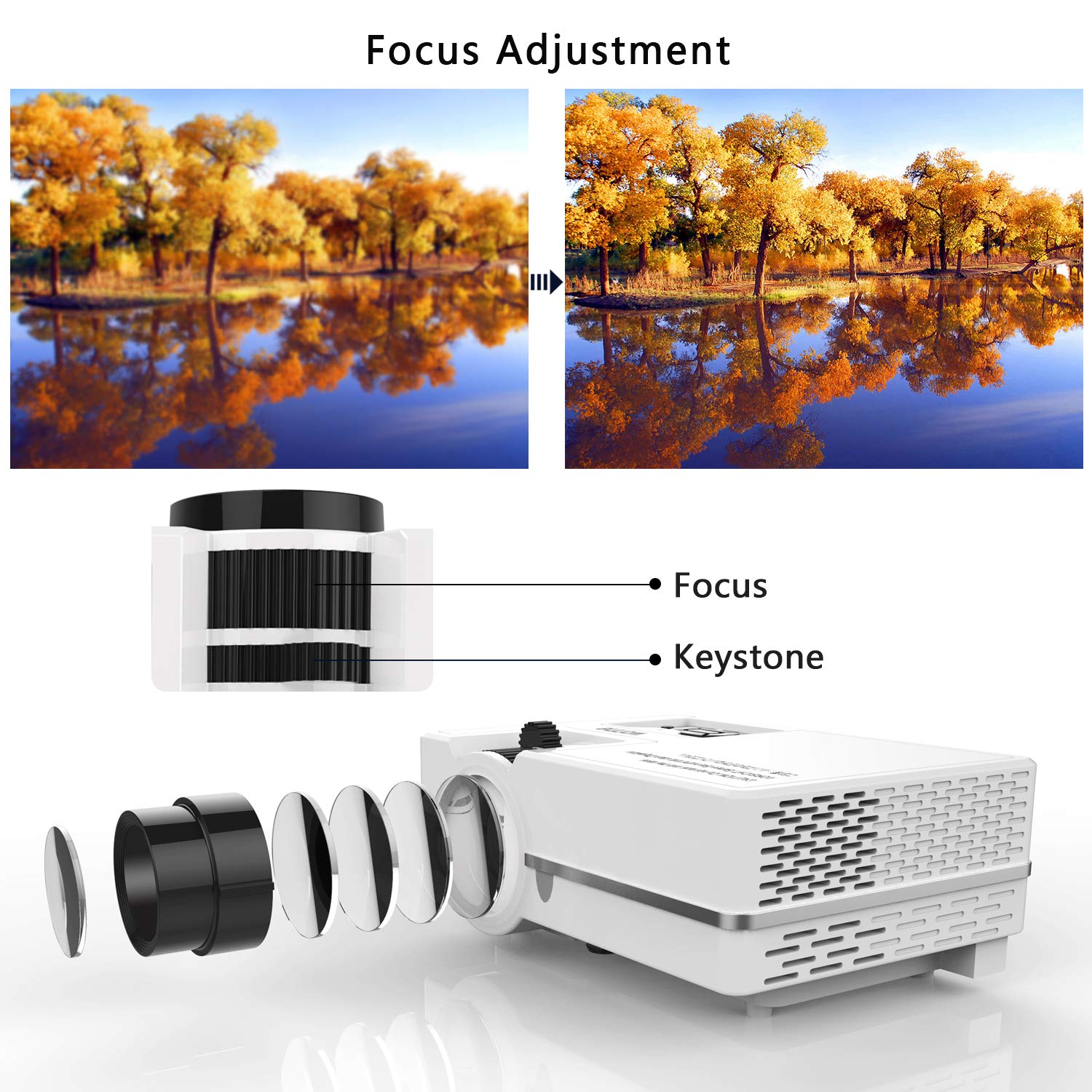
Image 6.1: Visual guide for adjusting the focus and keystone correction dials.
7. Konserwacja
Regularna konserwacja zapewnia optymalną wydajność i wydłuża żywotność projektora.
- Czyszczenie soczewek: Use a soft, lint-free cloth or lens cleaning paper to gently wipe the projector lens. Avoid using abrasive cleaners or excessive force.
- Wentylacja: Ensure that the projector's ventilation openings are not blocked. Proper airflow is crucial for heat dissipation and preventing overheating.
- Składowanie: When not in use, store the projector in a cool, dry place, away from direct sunlight and dust. Ensure the lens cover is in place.
8. Rozwiązywanie Problemów
Rozwiązania typowych problemów, na jakie możesz natrafić, znajdziesz w tej sekcji.
- Brak obrazu lub obraz rozmazany:
- Sprawdź czy wybrano właściwe źródło sygnału wejściowego.
- Wyreguluj pierścień ostrości, aż obraz będzie wyraźny.
- Upewnij się, że odległość projekcji mieści się w zalecanym zakresie (1.07 m do 4.8 m).
- Brak dźwięku:
- If using a VGA connection, an external speaker is required as VGA does not transmit audio.
- Sprawdź ustawienia głośności na projektorze i podłączonym urządzeniu.
- If streaming, ensure the audio output settings in the application are set to stereo.
- Obraz jest zbyt ciemny:
- Najlepszy viewing effect is achieved in a dark environment. Reduce ambient light for optimal brightness.
- This projector is not suitable for presentations in brightly lit rooms.
- Cannot Connect Smartphone/Tablet:
- An HDMI adapter (sold separately) is required to connect most smartphones and tablets to the projector.
9. Specyfikacje
| Funkcja | Specyfikacja |
|---|---|
| Picture Technology | PROWADZONY |
| Jasność | 2200 Lumens (160 ANSI light output) |
| Lamp Typ | PROWADZONY |
| Projection Size / Distance | 32" - 170" / 1.07m - 4.8m (Recommended: 120" at 3.5m) |
| Współczynnik kontrastu | 3000:1 |
| Proporcje obrazu | 16:9 |
| Współczynnik projekcji | 1.4:1 |
| Rozdzielczość natywna | 800 x 480 pikseli |
| Obsługiwana rozdzielczość | 1920 x 1080 pikseli |
| Korekcja trapezowa | Manualny ±15° |
| Wejścia | USB, AV, SD, HDMI, Audio Output |
| Moc/Wattage | 24 watów |
| Waga przedmiotu | 1.37 kilogramów |
| Numer modelu | W-US-TYY001 |
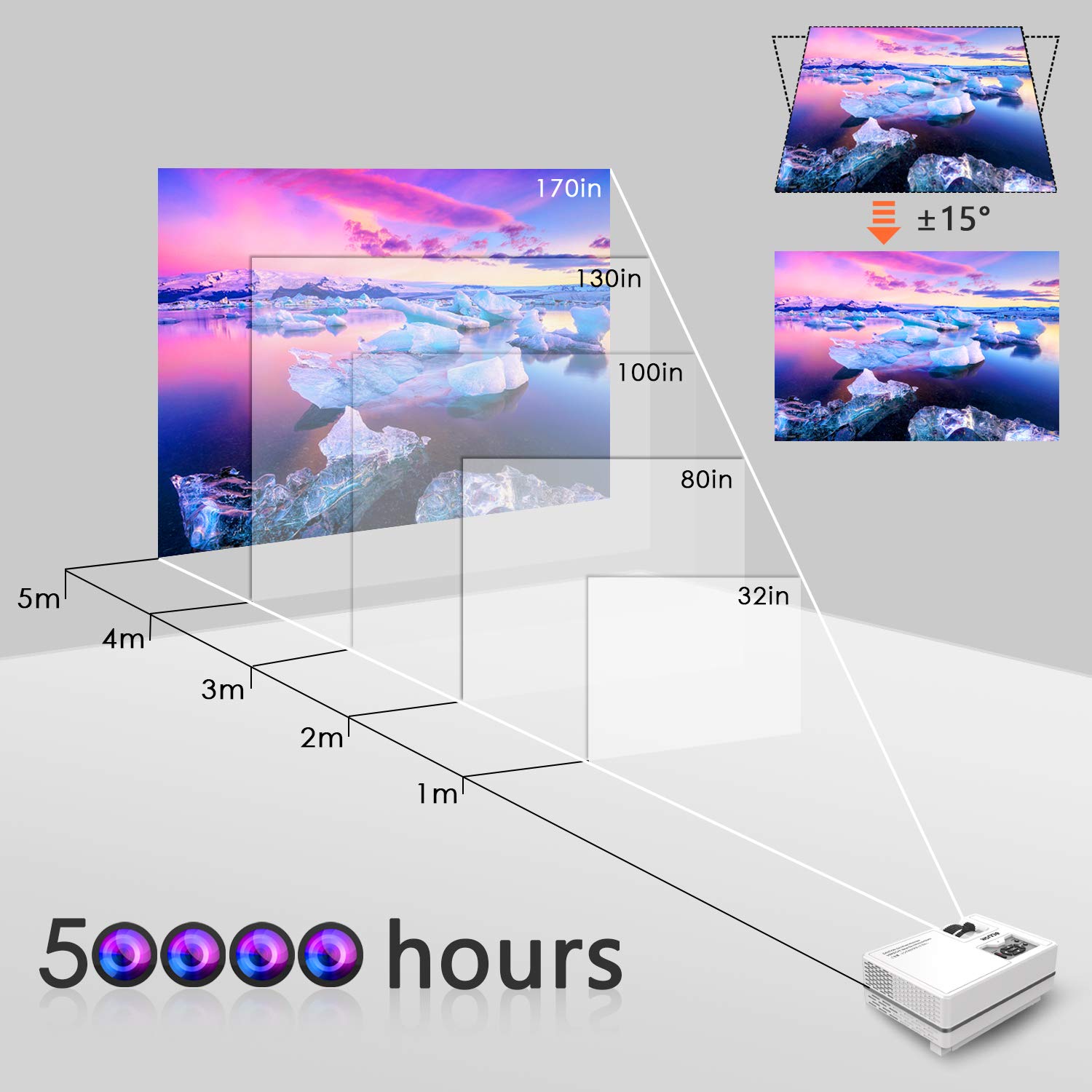
Image 9.1: Projection distance and screen size guide for the projector.
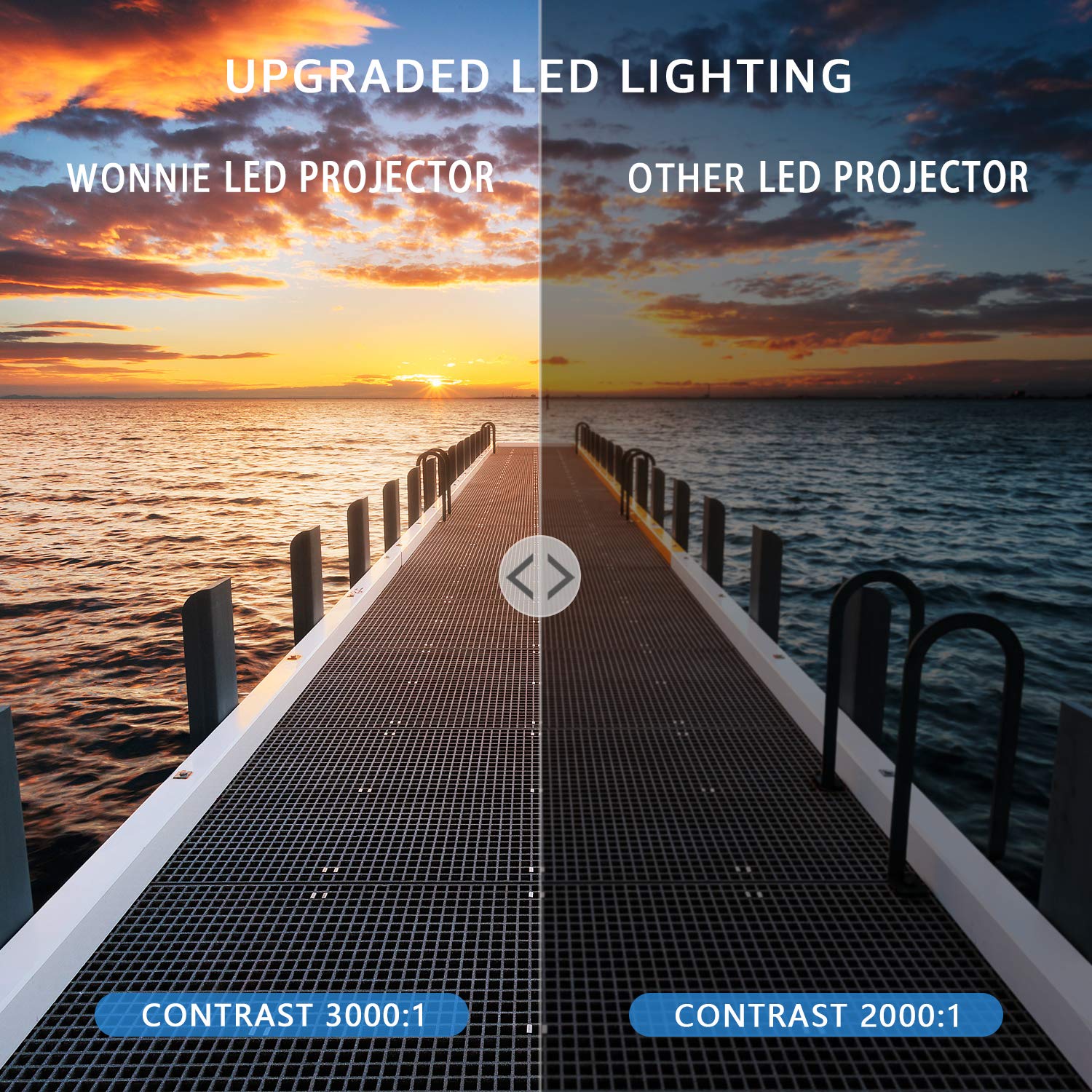
Image 9.2: Visual comparison of the projector's contrast ratio.
10. Gwarancja i wsparcie
WONNIE offers a 3-year money-back guarantee and lifetime professional customer service and technical support for this product. If you encounter any issues or have questions, please contact WONNIE customer service for assistance.