
Wstęp
Thank you for choosing the Energizer D12 12W Dual USB-A Car Charger. This compact and efficient car charger is designed to power your mobile devices on the go. Featuring two USB-A ports and Smart IC technology, it intelligently distributes power to optimize charging speed for two devices simultaneously. This manual provides essential information for the safe and effective use of your charger.
Organizować coś
- Locate your vehicle's cigarette lighter socket: Ensure the socket is clean and free from debris.
- Insert the charger: Firmly push the Energizer D12 car charger into the cigarette lighter socket until it is securely seated. The charger is designed to fit standard 12V or 24V vehicle power outlets.
- Podłącz swoje urządzenie: Use a compatible USB-A charging cable (not included) to connect your smartphone, tablet, or other USB-powered device to one of the USB-A ports on the charger.
- Rozpocznij ładowanie: Po podłączeniu ładowanie urządzenia powinno rozpocząć się automatycznie.

Image: A person inserting the Energizer D12 car charger into the vehicle's cigarette lighter socket.
Instrukcja obsługi
- Ładowanie przez dwa porty: The Energizer D12 features two USB-A ports, allowing you to charge two devices simultaneously.
- Inteligentna technologia układu scalonego: The charger incorporates Smart IC technology, which intelligently detects the connected devices and distributes the 12W power (up to 2.4A total) to optimize charging speed for each device.
- Uniwersalna kompatybilność: This charger is compatible with a wide range of devices, including smartphones and tablets that use Lightning, Micro-USB, or USB-C cables (when paired with a suitable USB-A to device cable).
- Wskaźnik ładowania: Your device's screen will typically indicate when it is charging. The charger itself does not have an LED indicator.

Image: The Energizer D12 car charger displaying its dual USB-A charging ports.
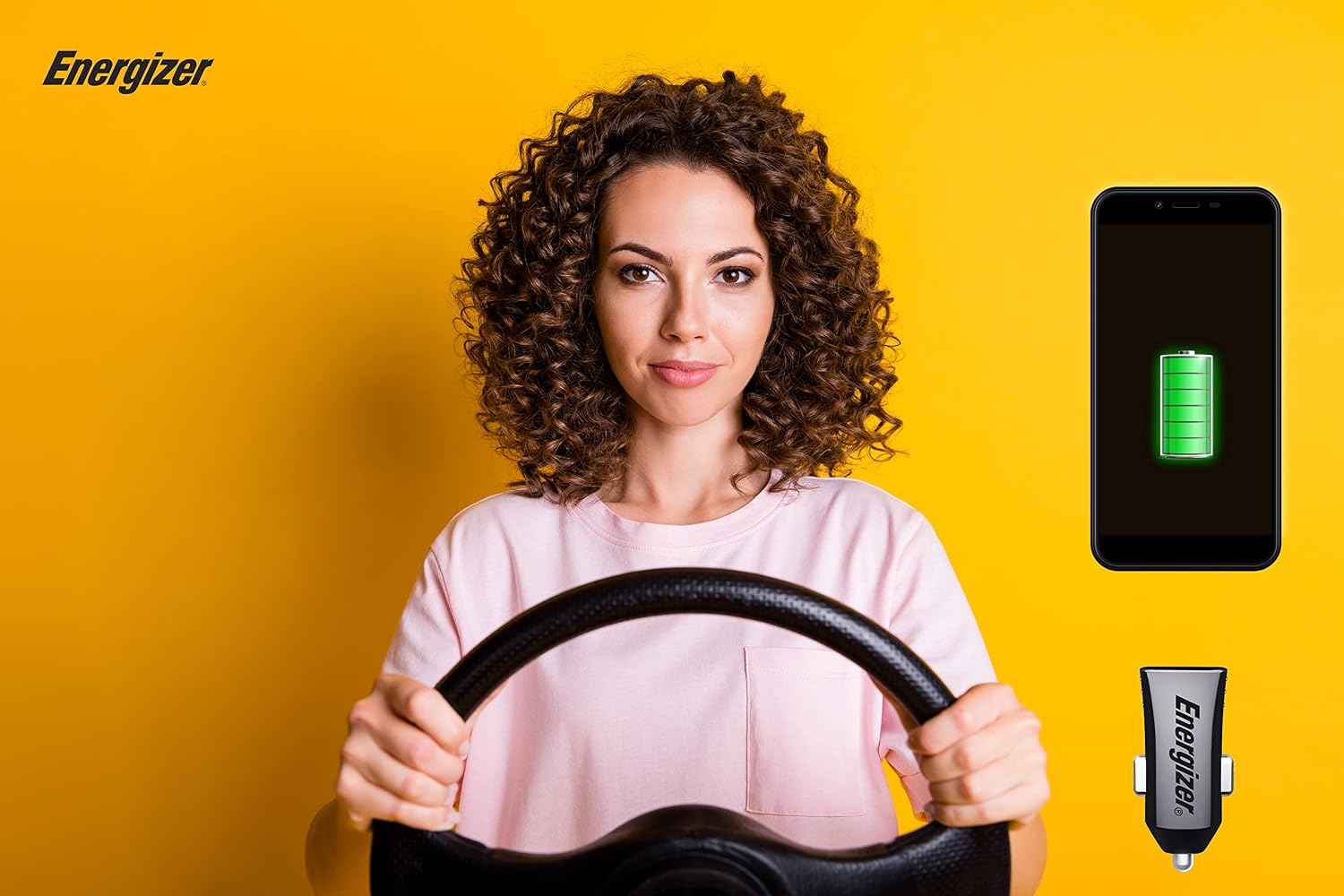
Image: A user's phone charging in a car, illustrating the charger in use.
Konserwacja
- Czyszczenie: Disconnect the charger from the car socket before cleaning. Use a soft, dry cloth to wipe the exterior of the charger. Do not use liquid cleaners or solvents.
- Składowanie: Gdy nie używasz ładowarki, przechowuj ją w chłodnym i suchym miejscu, z dala od bezpośredniego światła słonecznego i ekstremalnych temperatur.
- Obsługiwanie: Unikaj upuszczania ładowarki i narażania jej na silne uderzenia, ponieważ może to spowodować uszkodzenie jej wewnętrznych podzespołów.
Rozwiązywanie problemów
- Urządzenie się nie ładuje:
- Sprawdź, czy ładowarka samochodowa jest dokładnie podłączona do gniazda zapalniczki.
- Check if your vehicle's engine is running or if the accessory power outlet is active.
- Verify that the USB cable is securely connected to both the charger and your device.
- Spróbuj użyć innego kabla USB, aby wykluczyć uszkodzenie kabla.
- Aby sprawdzić działanie ładowarki, przetestuj ją przy użyciu innego urządzenia.
- Check your car's fuse box for a blown fuse related to the cigarette lighter socket.
- Powolne ładowanie:
- Ensure you are using a high-quality USB cable designed for fast charging.
- Charging two devices simultaneously may result in slightly slower charging for each, depending on their power requirements.
- Zamknij niepotrzebne aplikacje na urządzeniu, aby zmniejszyć zużycie energii podczas ładowania.
Specyfikacje
| Numer modelu | D12 |
| Marka | Energizer |
| Wejście Voltage | 12V - 24V DC (Vehicle Cigarette Lighter Socket) |
| Moc wyjściowa | 12 watów (łącznie) |
| Prąd wyjściowy | 2.4 Amps (Razem) |
| Objętość wyjściatage | 5V DC (Standard USB) |
| Liczba portów USB | 2 (USB typu A) |
| Typ złącza | USB typu A |
| Kompatybilne urządzenia | Smartphones, Tablets (via USB-A cable) |
| Kolor | Czarny |
| Waga | 14 gram |
| Współczynnik kształtu | Kompaktowy |
Informacje o gwarancji
Energizer products are manufactured to high-quality standards. For specific warranty details, including duration and terms, please refer to the warranty card included with your purchase or visit the official Energizer webZachowaj dowód zakupu na wypadek roszczeń gwarancyjnych.
Obsługa klienta
If you encounter any issues or have questions regarding your Energizer D12 car charger that are not addressed in this manual, please contact Energizer customer support. Contact information can typically be found on the product packaging or the official Energizer webstrona.


