
1. Koniec produktuview
The LocknCharge Micro USB Cables (Model 10191) are an 8-pack of durable, 145mm long micro USB cables featuring a right-angle connector. These cables are specifically designed to replace standard Lightning cables in charging stations, such as the Putnam 16, facilitating easier device connection and management.
Główne cechy:
- Ilość: 8-pack of Micro USB cables.
- Długość: Each cable measures 145mm (approximately 5.7 inches).
- Typ złącza: Right-angle micro USB connector for improved ergonomics and easier device plug-in.
- Zgodność: Ideal for use with charging stations that require micro USB connectivity, such as the Putnam 16.
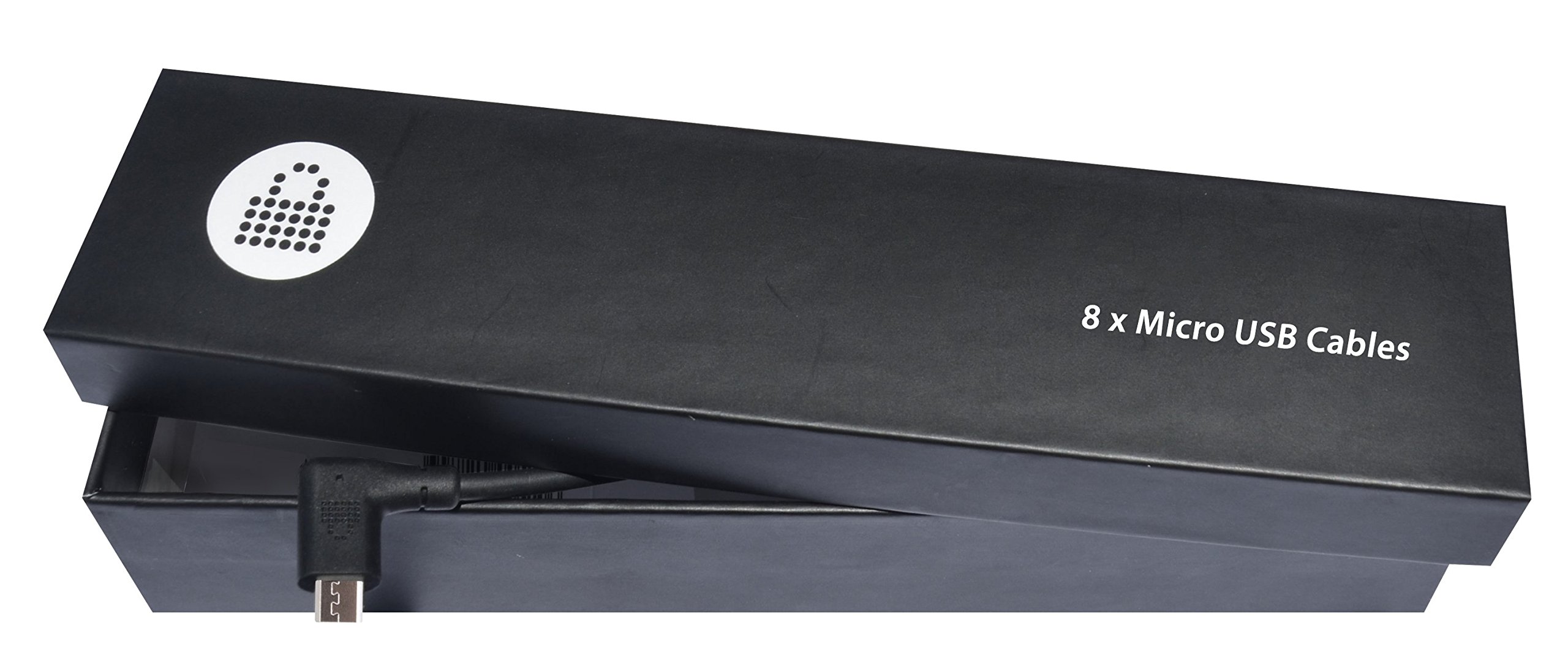
Figure 1: LocknCharge Micro USB Cables (Model 10191) showing the right-angle design.
2. Konfiguracja i instalacja
These cables are designed for straightforward integration into existing charging solutions. Follow these steps for proper setup:
- Identify Charging Ports: Locate the USB charging ports within your charging station or power adapter.
- Podłącz kable: Insert the standard USB-A end of each LocknCharge Micro USB cable into an available USB charging port.
- Trasa kabli: Route the cables neatly within the charging station, utilizing any cable management features available. The 145mm length is optimized for compact charging environments.
- Prepare for Device Connection: Ensure the right-angle micro USB connectors are accessible for connecting devices.
The right-angle design of the connector helps reduce strain on the cable and device port, and allows for a more compact and secure connection, especially in tight spaces within charging carts or stations.
3. Instrukcja obsługi
Using the LocknCharge Micro USB Cables is simple:
- Podłącz urządzenie: Gently insert the right-angle micro USB connector into the micro USB port of your compatible device (e.g., tablet, smartphone, e-reader). Ensure the connector is oriented correctly to avoid damage.
- Sprawdź połączenie: Confirm that the device indicates it is charging. This is typically shown by a charging icon or LED indicator on the device screen.
- Odłącz urządzenie: To remove the device, grasp the connector head (not the cable itself) and pull it straight out from the device port.
Always handle the cables and connectors with care to ensure longevity and reliable performance.
4. Konserwacja i pielęgnacja
Proper care will extend the life of your LocknCharge Micro USB Cables:
- Składowanie: When not in use, store cables neatly to prevent tangling and kinking. Avoid tightly coiling the cables.
- Czyszczenie: If necessary, gently wipe the cable and connectors with a dry, soft cloth. Do not use liquid cleaners or abrasive materials.
- Obsługiwanie: Always pull from the connector head when unplugging, not the cable itself, to prevent internal wire damage.
- Środowisko: Trzymaj kable z dala od ekstremalnych temperatur, bezpośredniego światła słonecznego i wilgoci.
5. Rozwiązywanie Problemów
If you encounter issues with your LocknCharge Micro USB Cables, consider the following:
- Urządzenie się nie ładuje:
- Ensure the cable is fully inserted into both the charging port and the device.
- Verify that the charging station or power adapter is receiving power and functioning correctly.
- Test the cable with a different device or a different charging port to isolate the issue.
- Inspect the cable and connectors for any visible damage (e.g., bent pins, frayed wires).
- Luźne połączenie:
- Check the device's micro USB port for debris or lint that might prevent a secure connection. Clean carefully if necessary.
- Ensure the cable is not under tension or strain when connected.
If problems persist after troubleshooting, contact LocknCharge support for further assistance.
6. Specyfikacje
| Marka | LocknCharge |
| Numer modelu | 10191 |
| Typ kabla | Mikro USB |
| Connector Design | Kąt prosty |
| Długość kabla | 145 mm (około 5.7 cale) |
| Ilość | 8 sztuki |
| Item Weight (8-pack) | 5.4 uncji (około 153 gramów) |
| Wymiary produktu (opakowanie) | 8.2 x 1.7 x 1.9 cala (ok. 20.8 x 4.3 x 4.8 cm) |
7. Gwarancja i wsparcie
Specific warranty details for the LocknCharge Micro USB Cables (Model 10191) are not provided in this document. For information regarding warranty coverage, returns, or technical support, please refer to the official LocknCharge webodwiedź witrynę lub skontaktuj się bezpośrednio z działem obsługi klienta.
Official LocknCharge Webstrona: Visit the LocknCharge Store on Amazon
Kontaktując się z pomocą techniczną, przygotuj numer modelu produktu (10191) i dane dotyczące zakupu.