
1. Wprowadzenie
This manual provides essential information for the safe and effective use of your eSUN PLA PRO (PLA+) 3D Printer Filament. Please read these instructions carefully before use to ensure optimal printing results and product longevity.
2. Koniec produktuview
The eSUN PLA PRO (PLA+) filament is an enhanced Polylactic Acid material designed for 3D printing. It offers improved strength, rigidity, and surface finish compared to standard PLA. This filament is vacuum-sealed with desiccant to maintain optimal quality and prevent moisture absorption.
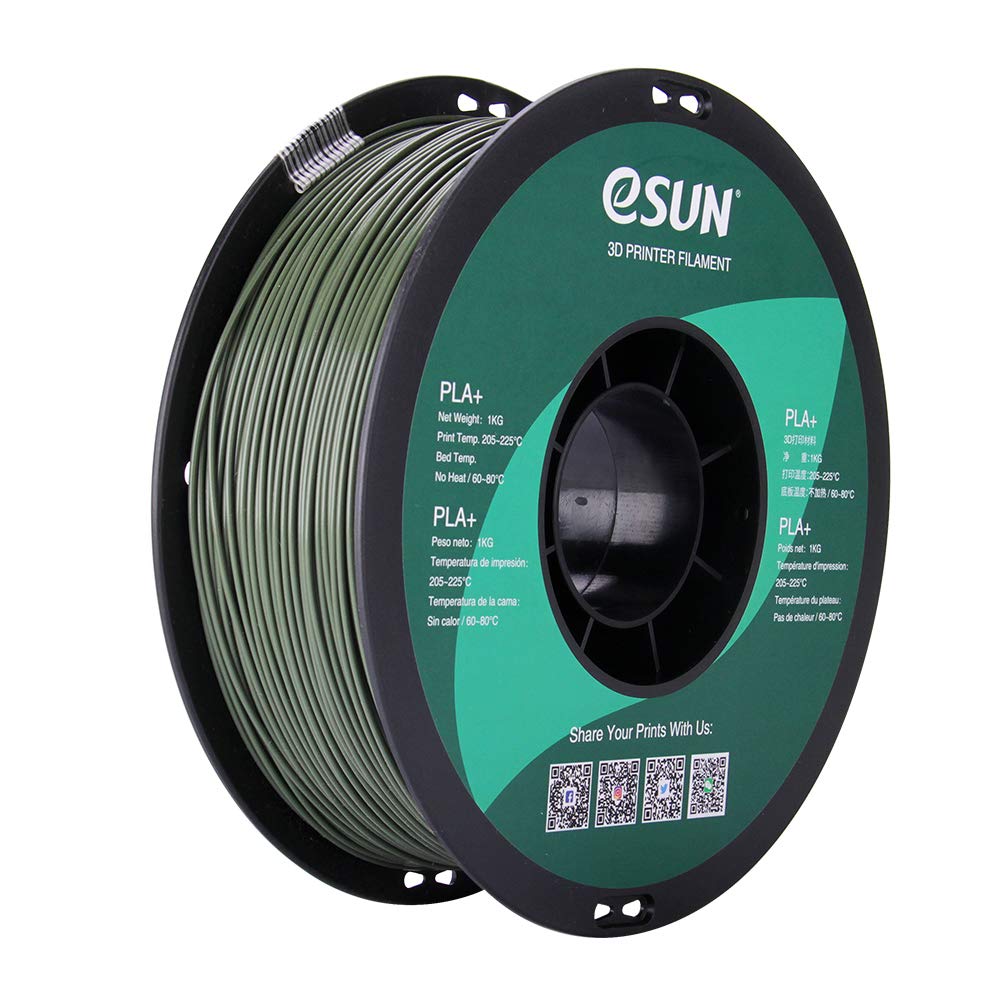
Image: A spool of eSUN PLA PRO (PLA+) 1.75mm Olive Green 3D printer filament. The spool is black with a green label indicating product details and QR codes for social media links.
Główne cechy obejmują:
- Zwiększona wytrzymałość: Several times tougher than standard PLA, reducing cracking and brittleness.
- High Rigidity: Provides structural integrity for printed objects.
- Good Glossiness: Achieves a smoother, more aesthetically pleasing wykończenie.
- Excellent Layer Bonding: Ensures strong adhesion between printed layers.
- Dokładność wymiarowa: Consistent 1.75mm diameter with a tolerance of +/- 0.03mm.
3. Specyfikacje techniczne
| Nieruchomość | Wartość |
|---|---|
| Tworzywo | Polylactic Acid (PLA PRO / PLA+) |
| Kolor | Oliwkowo-zielony |
| Średnica włókna | 1.75mm |
| Dokładność wymiarowa | +/- 0.03mm |
| Masa netto | 1 KG (approximately 2.2 lbs) |
| Materiał szpuli | Plastikowy |
| Spool Diameter | 8 cali |
| Spool Width | 2.50 cali |
| Spool Hub Hole Diameter | 2.05 cali |
| Inner Circle Diameter | 3.5 cali |
4. Konfiguracja i ładowanie
Before loading the filament into your 3D printer, ensure your printer is clean and free of any previous filament residue.
- Unpack Filament: Carefully remove the eSUN PLA PRO (PLA+) spool from its vacuum-sealed packaging. Keep the desiccant packet with the filament for storage.
- Prepare Printer: Heat your printer's hot end to the recommended temperature range (see Operating Instructions).
- Load Spool: Place the filament spool onto your printer's spool holder, ensuring it can unroll smoothly without tangling.
- Podajnik filamentu: Gently feed the filament into the extruder mechanism according to your 3D printer's specific loading procedure. Ensure it passes through the hot end and extrudes cleanly.

Image: A spool of eSUN PLA PRO (PLA+) filament, still partially in its packaging, showing the product label and specifications.
5. Instrukcja obsługi
Optimal printing results depend on proper temperature settings and printer calibration.
Zalecane parametry drukowania
- Extrusion/Nozzle Temperature: 205°C - 225°C. (Note: PLA PRO (PLA+) typically requires temperatures about 20°C higher than standard PLA. Many users find 210°C - 215°C to be ideal.)
- Temperatura łóżka: 60°C - 80°C (No heat required for some printers, but a heated bed is generally recommended for better adhesion).
- Prędkość drukowania: Adjust according to your printer's capabilities and desired print quality. Start with moderate speeds and adjust as needed.
- Wentylator chłodzący: Use a cooling fan after the first few layers to improve print quality and reduce stringing.
Wskazówki dotyczące uzyskania najlepszych wyników:
- Przyczepność pierwszej warstwy: Ensure proper bed leveling and a clean print surface. Adhesives like glue stick or painter's tape can improve adhesion.
- Ustawienia cofania: Calibrate retraction settings to minimize stringing and oozing.
- Przepływ: Adjust flow rate if you observe over-extrusion or under-extrusion.
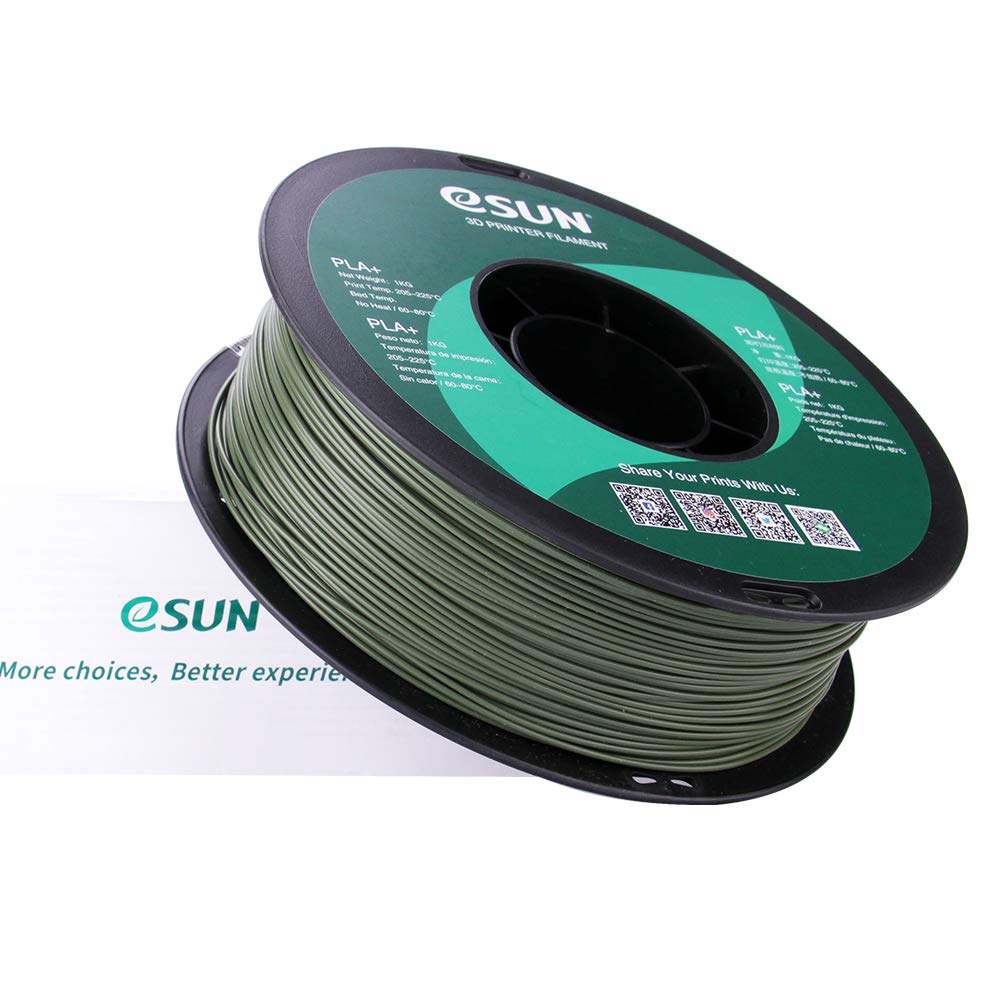
Image: A spool of eSUN PLA PRO (PLA+) filament next to its product box, illustrating the complete product packaging.
6. Konserwacja i przechowywanie
Proper storage of your eSUN PLA PRO (PLA+) filament is crucial for maintaining its quality and preventing moisture absorption.
- Składowanie: Store unused filament in a cool, dry place, ideally in its original vacuum-sealed bag with the desiccant packet. If the original bag is unavailable, use an airtight container.
- Kontrola wilgotności: If filament absorbs moisture, it may lead to poor print quality (e.g., bubbles, stringing, weak layers). Consider using a filament dryer or baking the filament at a low temperature (e.g., 45-50°C for 4-6 hours) to remove moisture.
- Czyszczenie dysz: Regularly clean your printer's nozzle to prevent clogs and ensure consistent extrusion.
7. Rozwiązywanie typowych problemów
| Wydanie | Możliwa przyczyna | Rozwiązanie |
|---|---|---|
| Słaba przyczepność pierwszej warstwy | Unlevel bed, dirty print surface, incorrect bed temperature | Level the print bed, clean the surface with isopropyl alcohol, adjust bed temperature within 60-80°C. |
| Sznurowanie/Wyciekanie | Incorrect retraction settings, high nozzle temperature, wet filament | Adjust retraction distance and speed, lower nozzle temperature (within range), dry the filament. |
| Zatykanie | Filament debris, heat creep, incorrect temperature | Clean the nozzle, ensure proper cooling of the hot end, verify correct printing temperature. |
| Weak Layers/Poor Adhesion | Low nozzle temperature, high print speed, wet filament | Increase nozzle temperature (within range), reduce print speed, dry the filament. |
8. Informacje dotyczące bezpieczeństwa
- Always operate your 3D printer in a well-ventilated area.
- Keep filament away from open flames and direct heat sources.
- Do not touch the hot end or heated bed during operation to avoid burns.
- Przechowywać w miejscu niedostępnym dla dzieci i zwierząt domowych.
9. Gwarancja i wsparcie
For product support, technical assistance, or warranty inquiries, please contact eSUN directly through their official channels.
Visit eSUN's official webstrona, aby uzyskać więcej informacji: www.esun3d.com
Connect with eSUN on social media:
- InstagBaran: @esun3dfilament
- Facebook: Esunparadise
- Świergot: @esun3dfilament
10. Powiązane filmy o produktach
3D Printing Inspiration - Guitar Strap Locks
Video demonstrating the use of 3D printed strap locks for a guitar, showcasing a practical application of 3D printer filament. This video is provided by a seller.