
Wstęp
The Philips LED A19 SceneSwitch light bulb offers three distinct light settings without the need for a dimmer switch. This innovative bulb allows you to easily change the ambiance of your room using your existing standard light switch. Enjoy functional light, natural light, or a cozy warm glow, all from a single bulb.
This manual provides essential information for the proper installation, operation, maintenance, and troubleshooting of your Philips SceneSwitch LED bulbs.
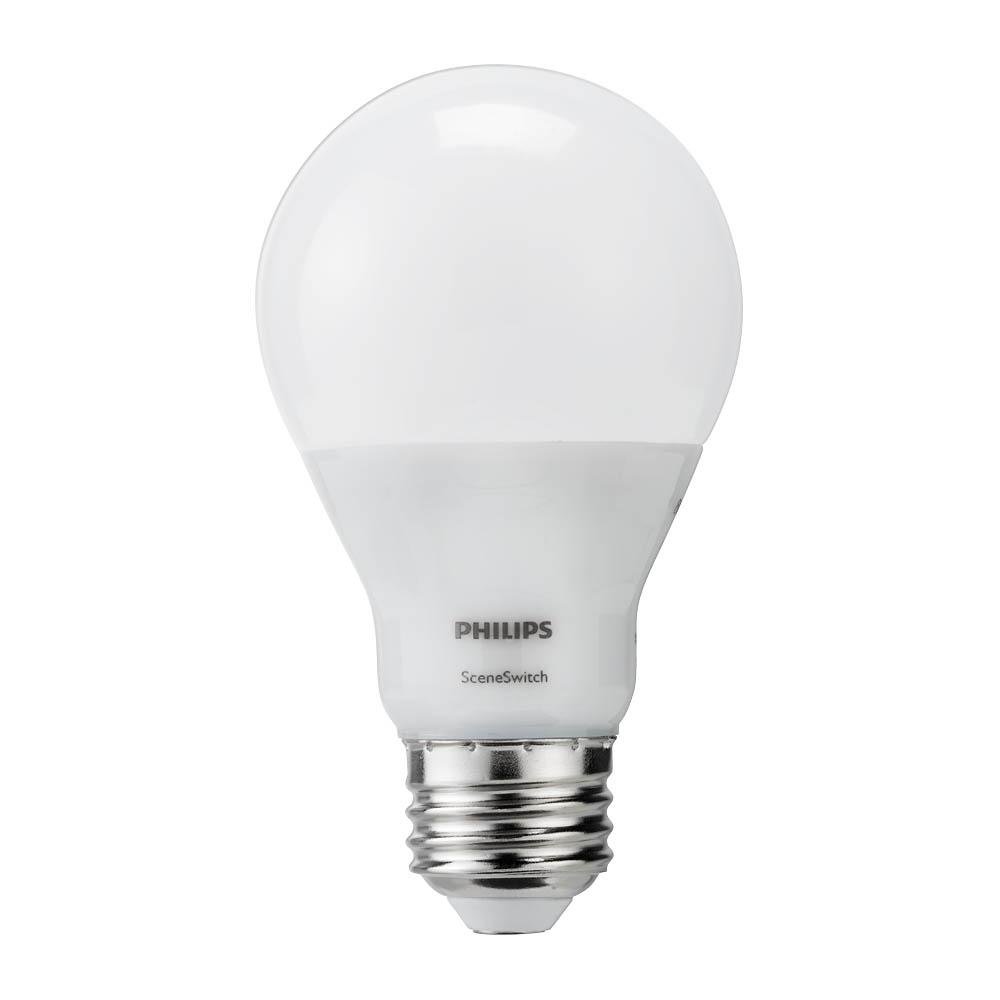
Image: The Philips LED A19 SceneSwitch bulb, demonstrating its ability to provide different light settings from a single unit.
Organizować coś
Instalacja
- Ensure the power to the light fixture is turned off at the wall switch or circuit breaker before installation.
- Carefully remove your existing light bulb from the fixture.
- Screw the Philips LED A19 SceneSwitch bulb into the E26 medium base socket until it is finger-tight. Do not overtighten.
- Przywróć zasilanie oprawy oświetleniowej.
Uwagi dotyczące zgodności
- These bulbs are designed to work with standard on/off light switches.
- Philips SceneSwitch bulbs are niekompatybilny with traditional dimmer switches. Using them with a dimmer may cause flickering or damage.
- Te żarówki są niekompatybilny with Philips HUE products or other smart home systems.
Instrukcja obsługi
Changing Light Settings
The Philips SceneSwitch bulb features three distinct light settings that can be cycled through using your standard light switch:
- Bright (Functional Light): Turn the switch ON. The bulb will illuminate at its brightest setting (800 lumens, 2700 Kelvin).
- Medium (Warm and Inviting): Turn the switch OFF, then immediately ON again (within 5 seconds). The bulb will switch to a medium brightness (320 lumens, 2500 Kelvin).
- Low (Warmer and Cozy): Turn the switch OFF, then immediately ON again (within 5 seconds). The bulb will switch to its lowest brightness (80 lumens, 2200 Kelvin).
Repeat the OFF-ON sequence to cycle through the settings. If the bulb is left OFF for more than 6 seconds, its auto-memory feature will recall the last used setting when turned ON again.
Demonstracja wideo
Video: This video demonstrates the Philips SceneSwitch functionality, showing how to cycle through different brightness levels using a standard light switch.
Konserwacja
Czyszczenie
Aby wyczyścić żarówkę, upewnij się, że jest ona wyłączona i ostygła. Delikatnie przetrzyj ją suchą, miękką ściereczką. Nie używaj płynnych środków czyszczących ani materiałów ściernych.
Wymiana
These LED bulbs have an expected lifespan of 15,000 hours under normal use. When the bulb reaches the end of its life, replace it with another Philips SceneSwitch LED A19 bulb or a compatible LED bulb.
Rozwiązywanie problemów
- Bulb is flickering or not changing settings:
Ensure the bulb is not installed in a fixture controlled by a dimmer switch. SceneSwitch bulbs are not compatible with dimmers. If multiple bulbs are in one fixture and get out of sync, quickly toggle the switch OFF and ON several times to reset them to the brightest setting. - Żarówka się nie włącza:
Check that the bulb is screwed in securely into the socket. Verify that the light fixture has power and that the circuit breaker is not tripped. - Bulbs in a multi-bulb fixture are out of sync:
If multiple SceneSwitch bulbs are connected to the same switch and their settings become unsynchronized, quickly toggle the light switch OFF and ON several times. This action should reset all bulbs to the brightest setting, allowing you to then cycle them together.
Specyfikacje
| Marka | Philips |
| Numer modelu | 464883 |
| Typ światła | PROWADZONY |
| Kształt żarówki Rozmiar | A19 |
| Podstawa żarówki | Średnia podstawa E26 |
| Cotage (maks.) | 9/4/2 Watts (depending on setting) |
| Odpowiednik żarowy | 60 watów |
| Jasność | 800 / 320 / 80 Lumens (depending on setting) |
| Temperatura barwowa | 2700K / 2500K / 2200K (depending on setting) |
| Kolor światła | Soft White with Warm Glow Effect |
| Tomtage | 120 wolty |
| Długość życia | 15,000 godziny |
| Zastosowanie wewnątrz/na zewnątrz | Indoor (suitable for humid indoor areas) |
| Funkcja specjalna | 3-Setting SceneSwitch, Energy Efficient |
Informacje o gwarancji
Philips SceneSwitch LED bulbs come with a 5-year limited warranty. This warranty covers defects in materials and workmanship under normal use. Please retain your proof of purchase for warranty claims.
For detailed warranty terms and conditions, please refer to the official Philips webodwiedź witrynę lub skontaktuj się z działem obsługi klienta.
Obsługa klienta
If you encounter any issues or have questions regarding your Philips LED A19 SceneSwitch light bulbs that are not addressed in this manual, please contact Philips customer support.
Odwiedź oficjalną stronę Philips webstrona zawierająca informacje kontaktowe, odpowiedzi na często zadawane pytania i dodatkowe zasoby dotyczące produktów.