
1. Koniec produktuview
The Vimtag CP1 is a wireless IP video monitoring surveillance security camera designed for remote home or business monitoring. It features high-definition video, pan/tilt functionality, two-way audio, and night vision capabilities.
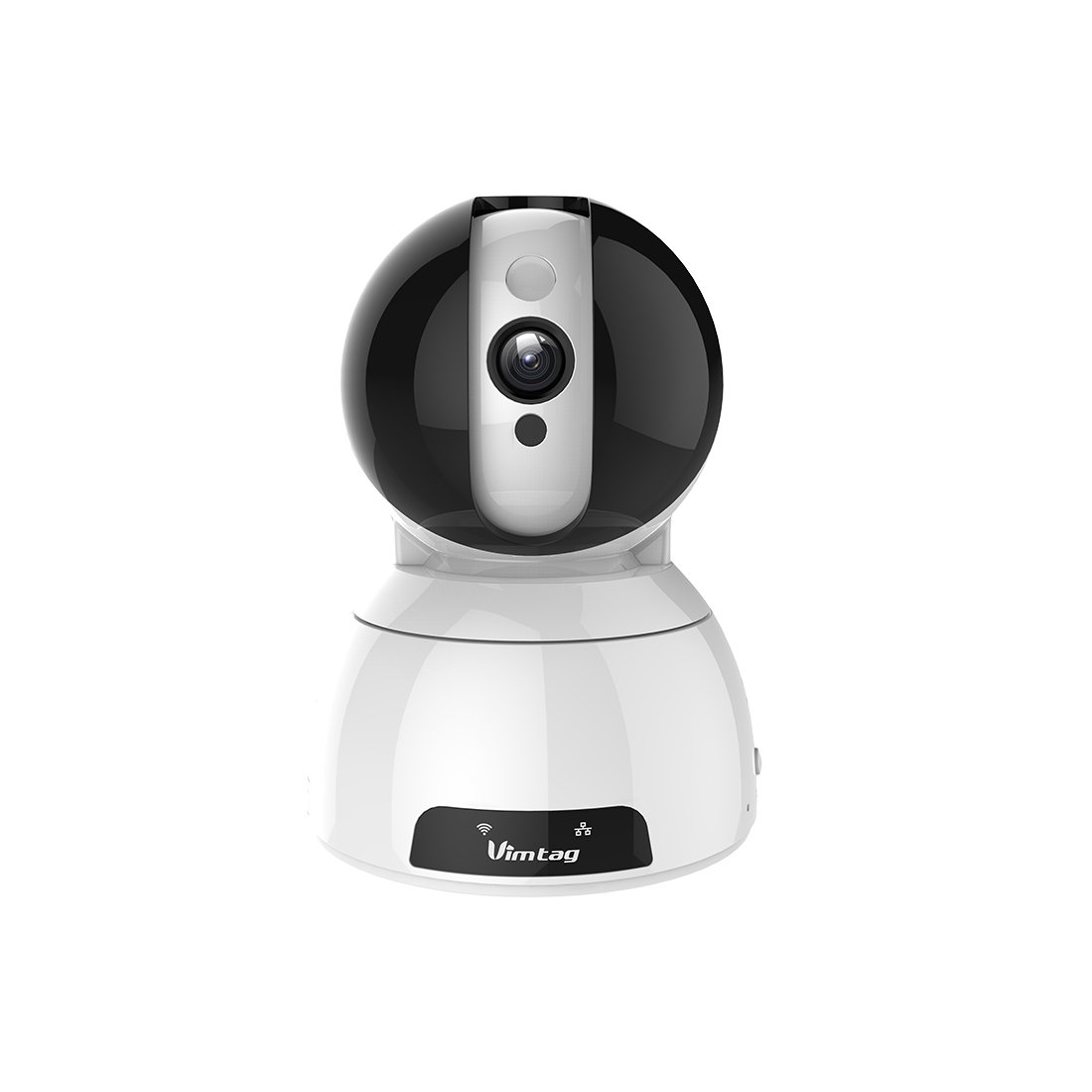
Figure 1: Vimtag CP1 Camera Front View
Główne cechy:
- Jakość wideo HD: 1280 x 720p at 25 frames per second for clear monitoring.
- Funkcja panoramowania i pochylania: 350-degree horizontal rotation and 100-degree vertical tilt to cover a wide area.
- Dwukierunkowy dźwięk: Wbudowany mikrofon i głośnik umożliwiające komunikację.
- Widzenie nocne: Infrared LEDs provide clear visibility up to 10 meters in low-light conditions.
- Detekcja ruchu: Alerts with snapshots and video clips upon detecting movement.
- Przechowywanie lokalne i w chmurze: Supports Micro SD cards up to 64GB and optional cloud storage.
- Łatwa konfiguracja: Quick Wi-Fi setup via the Vimtag aplikacja mobilna.

Figure 2: Vimtag CP1 Key Features
2. Przewodnik konfiguracji
2.1 Zawartość opakowania
Przed rozpoczęciem upewnij się, że w opakowaniu znajdują się wszystkie elementy:
- 1 x Vimtag Kamera CP1
- 1 x Camera Rack
- 1 x kabel zasilający
- Kabel Ethernet 1 x
- 1 x Instrukcja obsługi (ten dokument)
2.2 Początkowe kroki konfiguracji
- Włączanie: Connect the power cable to the camera and plug it into a power outlet. The camera will initiate its startup sequence.
- Pobierz aplikację: Download the free Vimtag aplikację ze sklepu z aplikacjami na Twoim smartfonie (iOS App Store lub Google Play Store).
- Rejestracja konta: Open the Vimtag app and register for a new account or log in if you already have one.
- Dodaj kamerę: Follow the in-app instructions to add your new CP1 camera. This typically involves scanning a QR code on the camera or entering its device ID.
- Konfiguracja Wi-Fi: Configure the camera to connect to your Wi-Fi network using the app. Ensure your Wi-Fi network is 2.4GHz, as 5GHz networks may not be supported.
- Montaż (opcjonalny): Use the included camera rack to mount the camera on a wall or ceiling if desired.
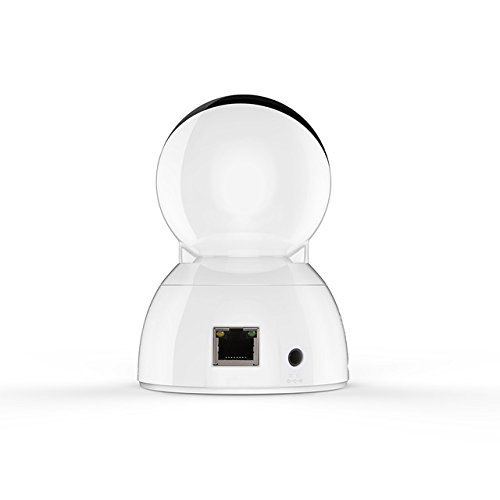
Figure 3: Vimtag CP1 Back View z portami
For detailed visual guidance, refer to the video tutorials available on the official Vimtag wsparcie webstrona.
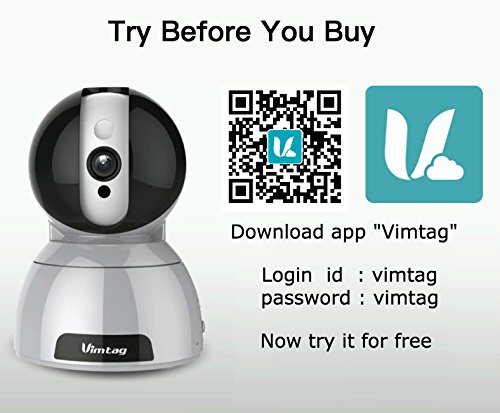
Figure 4: Vimtag App Download and Demo Information
Pobierz Vimatag aplikacja z krzepatag.com/download/.
3. Instrukcja obsługi
3.1 Na żywo View i sterowanie obrotem/pochyleniem
Once the camera is connected, open the Vimtag app to access the live video feed. Use the on-screen controls to pan the camera horizontally (350 degrees) and tilt it vertically (100 degrees) to adjust the viewkąt.

Rysunek 5: Sterowanie panoramowaniem i pochylaniem za pomocą aplikacji
3.2 Dźwięk dwukierunkowy
The camera supports two-way audio. Tap the microphone icon in the app to speak through the camera's speaker, and listen to audio from the camera's built-in microphone.
3.3 Widzenie nocne
The CP1 camera automatically switches to night vision mode in low-light conditions, providing clear black and white video up to 10 meters using its infrared LEDs.
3.4 Detekcja ruchu i alerty
Configure motion detection settings within the Vimtag app. You can set sensitivity levels and define specific areas for detection. When motion is detected, the camera can send instant notifications to your smartphone, including snapshots or short video clips.
3.5 Nagrywanie i przechowywanie wideo
Kamera obsługuje dwie podstawowe metody przechowywania danych:
- Karta micro sd: Insert a Micro SD card (up to 64GB, not included) into the camera's designated slot for local recording. Recordings can be accessed and managed through the app.
- Przechowywanie w chmurze: Optional cloud storage services are available through Vimtag for remote backup and access to recorded footage.
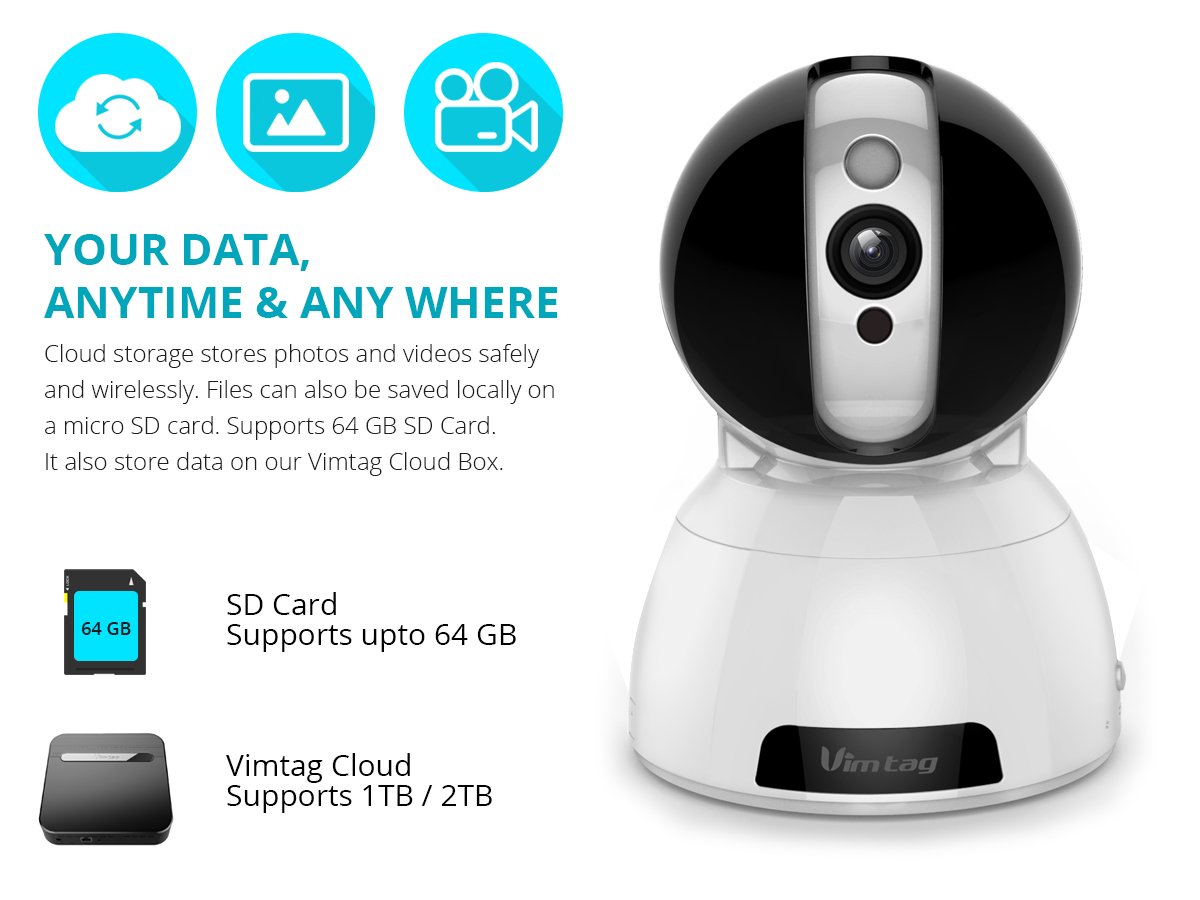
Figure 6: Storage Options for Vimtag CP1
4. Konserwacja
4.1 Czyszczenie
To maintain optimal performance, periodically clean the camera's lens and exterior. Use a soft, dry cloth. Avoid abrasive cleaners or solvents that could damage the camera's finish or lens coating.
4.2 aktualizacji oprogramowania sprzętowego
Krzepatag may release firmware updates to improve camera performance, add features, or enhance security. Check the Vimtag app regularly for available updates and follow the in-app instructions to install them. Ensure the camera remains powered during the update process.
4.3 Względy środowiskowe
The Vimtag CP1 camera is designed for indoor use. Avoid exposing it to extreme temperatures, direct sunlight, high humidity, or water, as it is not water-resistant.
5. Rozwiązywanie Problemów
This section addresses common issues you might encounter with your Vimtag CP1 camera.
5.1 Kamera nie łączy się z siecią Wi-Fi
- Sprawdź pasmo Wi-Fi: Upewnij się, że Twoja sieć Wi-Fi obsługuje częstotliwość 2.4 GHz. Kamera może nie obsługiwać sieci 5 GHz.
- Siła sygnału: Umieść kamerę bliżej routera Wi-Fi, aby zapewnić sobie silny sygnał.
- Prawidłowe hasło: Sprawdź dokładnie, czy wpisujesz prawidłowe hasło Wi-Fi w aplikacji.
- Zresetuj kamerę: Locate the reset button on the camera (often a small pinhole) and press it for 5-10 seconds until the camera resets. Then, attempt the setup process again.
- Ustawienia routera: Verify that your router's firewall or security settings are not blocking the camera's connection.
5.2 Słaba jakość wideo
- Szerokość pasma sieciowego: Ensure your internet connection has sufficient upload speed for streaming HD video.
- Ustawienia aplikacji: Check the video quality settings within the Vimtag app; you might be able to adjust it.
- Czystość soczewek: Oczyść obiektyw aparatu miękką, suchą szmatką.
5.3 Problemy z dwukierunkową transmisją dźwięku
- Poziomy głośności: Check the volume settings on your smartphone and within the Vimtag aplikacja.
- Zablokowanie mikrofonu/głośnika: Upewnij się, że mikrofon i głośnik kamery nie są zasłonięte.
- Opóźnienie sieciowe: High network latency can affect audio quality and introduce delays.
5.4 Detekcja ruchu nie działa
- Włącz funkcję: Verify that motion detection is enabled in the Vimtag ustawienia aplikacji.
- Wrażliwość: Dostosuj czułość detekcji ruchu. Jeśli jest zbyt niska, może to spowodować pomijanie zdarzeń.
- Strefy wykrywania: Ensure the areas you want to monitor are correctly configured as detection zones.
6. Specyfikacje techniczne
| Nazwa modelu | Krzepatag CP1 |
| Numer modelu przedmiotu | 6970167642228 |
| Rozdzielczość przechwytywania wideo | 720p (1280 x 720 pikseli) |
| Szybkość klatek | 25 klatek na sekundę |
| Zakres obrotu/pochylenia | 350 degrees (Pan) x 100 degrees (Tilt) |
| Zoom cyfrowy | 4x |
| Odległość widzenia nocnego | Do 10 metrów (podczerwień) |
| Opcje przechowywania | Micro SD (do 64 GB), przechowywanie w chmurze |
| Łączność | Wireless (Wi-Fi IEEE802.12b/g/n) |
| Źródło zasilania | AC Power Adapter (7 Watts) |
| Wymiary (dł. x szer. x wys.) | 40 x 30 x 40 milimetrów |
| Waga przedmiotu | 450 gramów |
| Zastosowanie wewnątrz/na zewnątrz | Wnętrz |
| Poziom wodoodporności | Nie jest wodoodporny |
| Metoda kontroli | App (Android, iOS), Voice |
7. Gwarancja i wsparcie
7.1 Gwarancja na produkt
The Vimtag CP1 camera comes with a 6-miesięczna gwarancja wymiany. This warranty covers manufacturing defects and malfunctions under normal use. Please retain your proof of purchase for warranty claims.
7.2 Obsługa klienta
For any queries, technical assistance, or warranty claims, please contact Vimtag customer support. Support is available via telephone, chat, Skype, and email. Refer to the official Vimtag webna tej stronie znajdziesz najbardziej aktualne dane kontaktowe.
Step-by-step setup instructions and video tutorials are also available on the Vimtag support portal to assist you with installation and operation.