
Wstęp
Welcome to your Ozeri Pronto Digital Multifunction Kitchen Scale. This manual provides essential instructions for the proper setup, operation, and maintenance of your new scale. Please read this guide thoroughly before using the device to ensure optimal performance and longevity.

Image: The Ozeri Pronto Digital Kitchen Scale, green base with a silver weighing platform, displaying '0.00 oz' on its LCD screen, with fresh parsley on top.
Informacje dotyczące bezpieczeństwa
- Trzymaj wagę poza zasięgiem dzieci.
- Nie zanurzaj wagi w wodzie ani innych płynach. Czyść za pomocąamp tylko tkanina.
- Always use the scale on a hard, flat, and stable surface to ensure accurate readings.
- Do not overload the scale beyond its maximum capacity of 11.24 lbs (5100 grams).
- Avoid exposing the scale to extreme temperatures or direct sunlight.
Zawartość opakowania
- 1 x Ozeri Pronto Digital Multifunction Kitchen Scale (Model ZK14-L)
- 2 baterie AAA
- 1 x Instrukcja obsługi
Cechy produktu
- High-precision sensor technology for accurate measurements.
- Large weighing platform to accommodate various bowls and food items.
- Multiple unit conversions: grams (g), pounds (lbs), pounds:ounces (lbs:oz), ounces (oz), milliliters (ml), and kilograms (kg).
- Convenient Tare function to subtract container weight.
- Audible and tactile click confirmations for button presses.
- Large LCD display for easy readability.
- Programmable automatic power-off feature (2-5 minutes).
- Easy-access battery compartment.
Organizować coś
1. Instalacja baterii
- Znajdź komorę baterii na spodzie wagi.
- Otwórz pokrywę komory baterii.
- Włóż 2 baterie AAA, zwracając uwagę na prawidłową biegunowość (+/-), zgodnie ze wskazaniami wewnątrz komory.
- Dokładnie zamknij pokrywę komory baterii.
2. Umieszczenie
Place the Ozeri Pronto scale on a hard, flat, and stable surface. Uneven surfaces or soft materials like carpets can affect measurement accuracy.
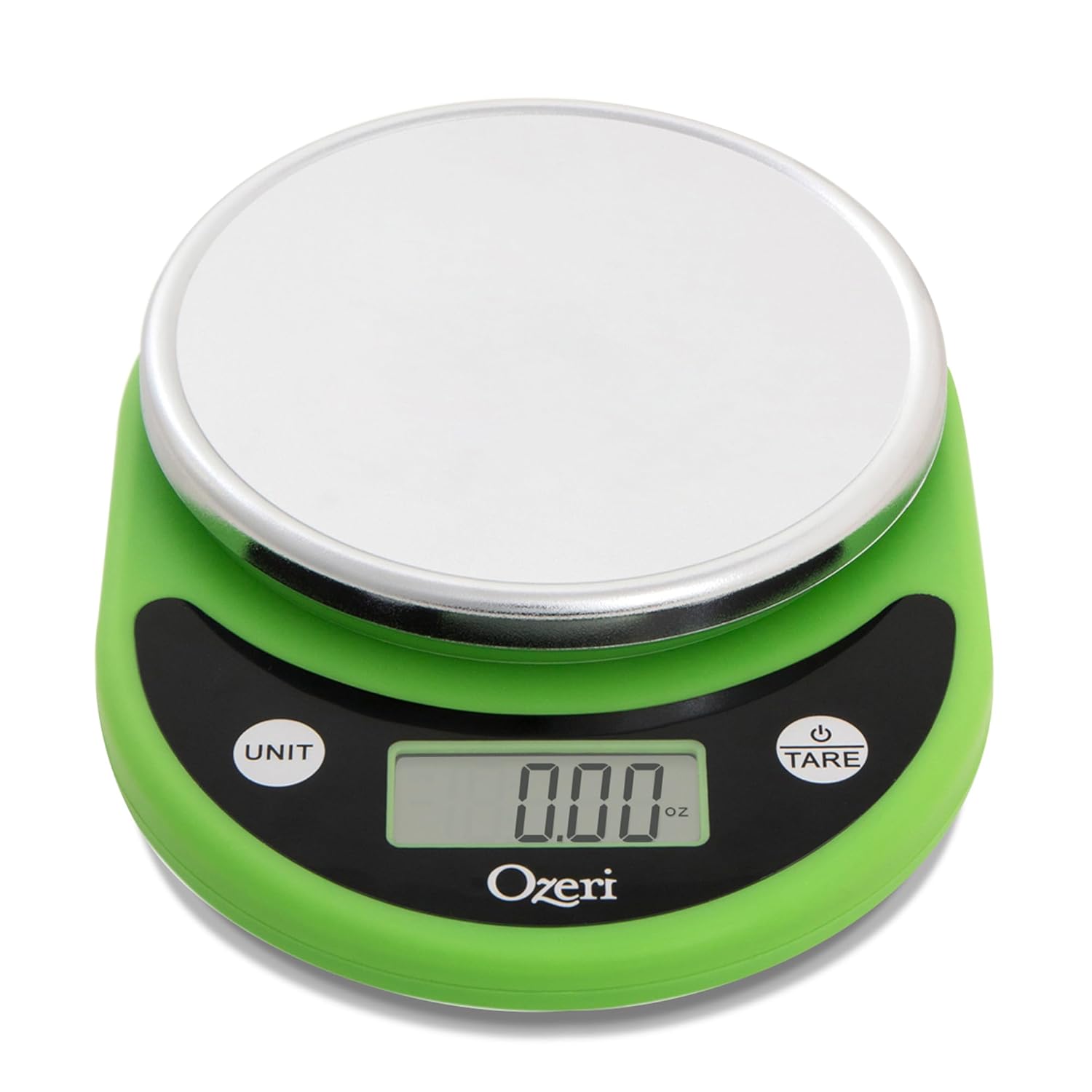
Image: An empty Ozeri Pronto Digital Kitchen Scale, green base with a silver weighing platform, displaying '0.00 oz' on its LCD screen.
Instrukcja obsługi
1. Włączanie/wyłączanie zasilania
- Aby włączyć: Naciśnij TARA button. The display will show '8888' then '0.00'.
- Aby wyłączyć: Naciśnij i przytrzymaj TARA button for approximately 2-3 seconds. The scale will also automatically power off after 2-5 minutes of inactivity to conserve battery life.
2. Konwersja jednostek
Naciśnij JEDNOSTKA button to cycle through the available measurement units. The scale supports grams (g), pounds (lbs), pounds:ounces (lbs:oz), ounces (oz), milliliters (ml), and kilograms (kg).

Image: A close-up of the Ozeri Pronto Digital Kitchen Scale's display, illustrating the various unit options (ml, oz, g, lb:oz, lb) that can be selected using the 'UNIT' button.
3. Funkcja tarowania
The Tare function allows you to subtract the weight of a container, so you can measure only the ingredients.
- Umieść pusty pojemnik na platformie ważącej.
- Naciśnij TARA przycisk. Wyświetlacz zresetuje się do „0.00”.
- Add your ingredients to the container. The display will show the net weight of the ingredients.
4. Ważenie przedmiotów
- Ensure the scale is powered on and displaying '0.00'.
- Umieść przedmiot(y) bezpośrednio na platformie ważącej lub w wytarowanym pojemniku.
- Odczytaj wagę wyświetlaną na ekranie LCD.
Konserwacja i pielęgnacja
- Wyczyść wagę miękką, damp płótno. Nie używaj ściernych środków czyszczących ani środków chemicznych.
- Do not immerse the scale in water or place it under running water.
- Store the scale in a dry, cool place away from direct heat sources or extreme humidity.
- If the scale will not be used for an extended period, remove the batteries to prevent leakage and potential damage.
Rozwiązywanie problemów
| Problem | Możliwa przyczyna | Rozwiązanie |
|---|---|---|
| Na wyświetlaczu pojawia się komunikat „Lo” lub „Err” | Niski poziom naładowania baterii. | Wymień 2 baterie AAA. |
| Niedokładne odczyty |
|
|
| Waga się nie włącza | Baterie są nieprawidłowo zainstalowane lub rozładowane. | Check battery installation for correct polarity. Replace batteries if necessary. |
Specyfikacje
- Model: ZK14-L
- Pojemność: Up to 11.24 lbs (5100 grams)
- Podziałka: 0.04 uncji (1 gramów)
- Jednostki miary: g, lbs, lbs:oz, oz, ml, kg
- Źródło zasilania: Baterie 2 x AAA (w zestawie)
- Wymiary produktu: Wymiary 20.96 x 15.24 x 4.45 cm
- Producent: Ozeri
Gwarancja i wsparcie
For detailed warranty information or technical support, please visit the official Ozeri website or contact Ozeri customer service directly. Please have your model number (ZK14-L) available when seeking support.