
Wstęp
The HyperGear Rave Wireless Stereo Speaker delivers high-fidelity sound with an interactive multi-colored LED light show. It features Bluetooth connectivity, a built-in speakerphone, and an FM radio, making it suitable for various audio needs.
Zawartość opakowania
- Rave Wireless Speaker
- Kabel stereo AUX 3.5 mm
- Kabel ładujący Micro USB
- Instrukcja obsługi (ten dokument)

Produkt ponadview
Zapoznaj się z elementami sterującymi i portami głośnika.

Przyciski sterujące
- Przycisk zasilania: Naciśnij i przytrzymaj, aby włączyć lub wyłączyć głośnik.
- Przycisk trybu (M): Naciśnij, aby przełączać się między trybami Bluetooth, radia FM i AUX.
- Play/Pause Button (►/∕): Press to play or pause audio. In call mode, press to answer/end calls.
- Volume Down / Previous Track (-/◀◀): Naciśnij, aby zmniejszyć głośność. Naciśnij i przytrzymaj, aby przejść do poprzedniego utworu.
- Volume Up / Next Track (+/►►): Naciśnij, aby zwiększyć głośność. Naciśnij i przytrzymaj, aby przejść do następnego utworu.
- Light Mode Button (*): Press to cycle through different LED light patterns or turn off the light show.
Porty
- Port ładowania micro USB: Do ładowania wewnętrznego akumulatora głośnika.
- Wejście AUX 3.5 mm: For connecting external audio devices via the auxiliary cable.
Organizować coś
Ładowanie głośnika
Before first use, fully charge the speaker. Connect the Micro USB charging cable to the speaker's charging port and the other end to a USB power adapter (not included) or a computer's USB port. The charging indicator light will illuminate during charging and turn off when fully charged. A full charge takes approximately 3-4 hours and provides up to 8 hours of playback.
Włączanie/wyłączanie
Naciśnij i przytrzymaj Przycisk zasilania przez około 3 sekundy, aby włączyć lub wyłączyć głośnik. Komunikat głosowy poinformuje o stanie zasilania.
Instrukcja obsługi
Parowanie Bluetooth
- Upewnij się, że głośnik jest włączony i pracuje w trybie Bluetooth. Jeśli nie, naciśnij przycisk Przycisk trybu (M) until you hear the Bluetooth pairing prompt. The LED indicator will flash, indicating it is ready to pair.
- Na swoim urządzeniu mobilnym włącz Bluetooth i wyszukaj dostępne urządzenia.
- Select "HyperGear Rave" from the list of devices.
- Po sparowaniu głośnik wyemituje dźwięk potwierdzający, a dioda LED przestanie migać.

Odtwarzanie muzyki
Tryb Bluetooth
After successful pairing, you can play music from your connected device. Use the speaker's Odtwórz/Pauza, Zwiększanie głośności/następny utwór, I Zmniejszenie głośności/Poprzedni utwór buttons to control playback, or control directly from your device.
Tryb AUX
Connect one end of the 3.5mm auxiliary cable to the speaker's AUX input and the other end to the audio output of your external device. Press the Przycisk trybu (M) to switch to AUX mode. Audio will play directly from your connected device.
Rozmowy bez użycia rąk
When connected via Bluetooth, the speaker can be used as a speakerphone. When a call comes in, the music will pause. Press the Przycisk Odtwórz/Pauza to answer an incoming call. Press it again to end the call. Press and hold the Przycisk Odtwórz/Pauza aby odrzucić połączenie przychodzące.
Obsługa radia FM
Naciśnij Przycisk trybu (M) to switch to FM Radio mode. The speaker will automatically scan and save available stations. Use the Zwiększanie głośności/następny utwór I Zmniejszenie głośności/Poprzedni utwór buttons to navigate between saved stations. Press and hold these buttons to fine-tune the frequency.
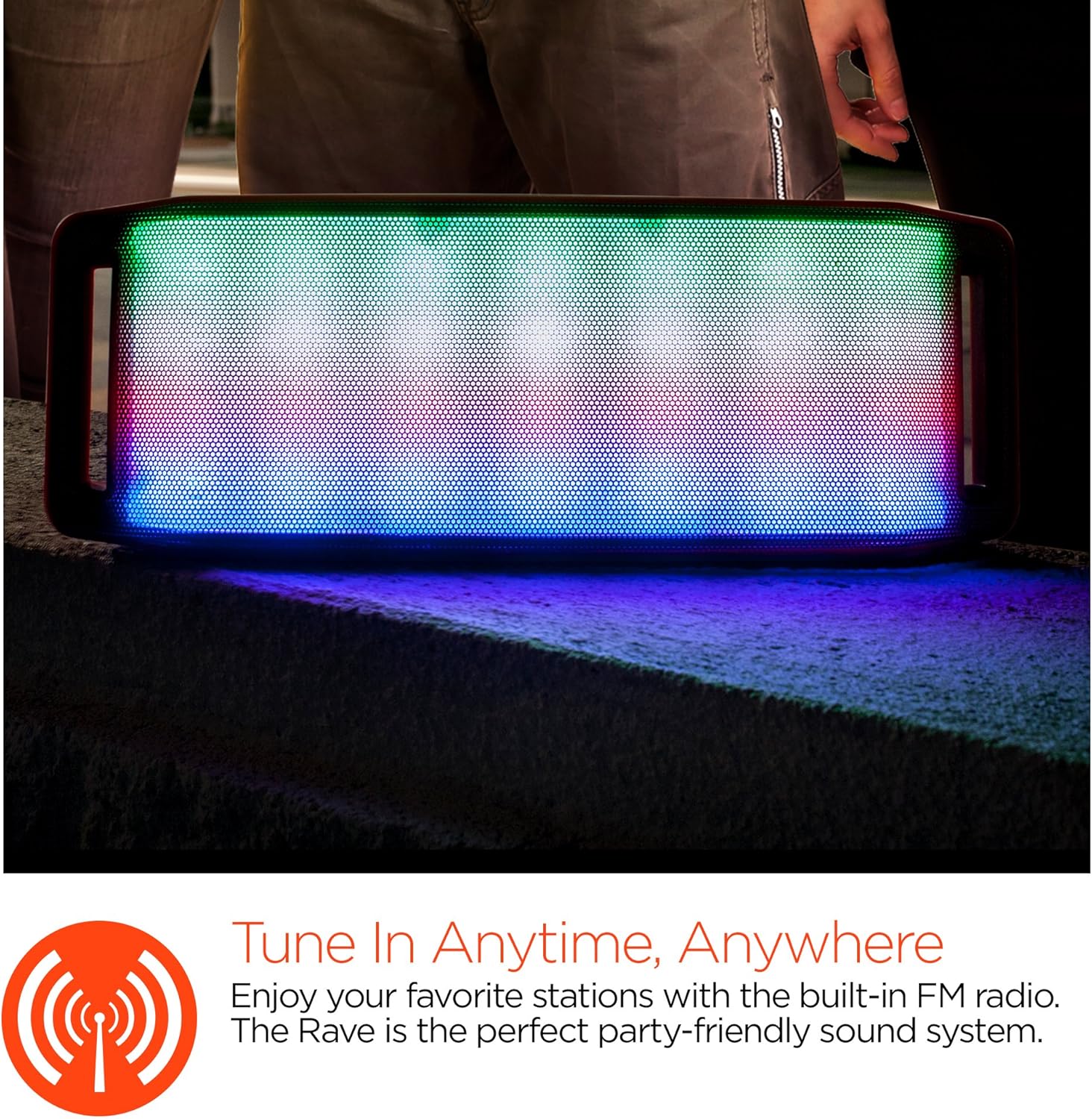
Pokaz świetlny LED
The speaker features an interactive multi-colored LED light show. Press the Light Mode Button (*) to cycle through different light patterns or to turn the light show off.

Konserwacja
Czyszczenie
Wipe the speaker with a soft, dry cloth. Do not use abrasive cleaners or solvents. Avoid exposing the speaker to excessive moisture.
Składowanie
Przechowuj głośnik w chłodnym, suchym miejscu, z dala od bezpośredniego światła słonecznego i ekstremalnych temperatur. W przypadku dłuższego przechowywania, okresowo ładuj akumulator, aby wydłużyć jego żywotność.
Pielęgnacja baterii
Aby przedłużyć żywotność baterii, unikaj częstego całkowitego rozładowywania głośnika. Regularnie ładuj głośnik, nawet jeśli nie jest używany, aby zapobiec głębokiemu rozładowaniu.
Rozwiązywanie problemów
| Problem | Możliwa przyczyna | Rozwiązanie |
|---|---|---|
| Głośnik nie włącza się. | Bateria jest rozładowana. | Naładuj głośnik za pomocą kabla Micro USB. |
| Nie można sparować przez Bluetooth. | Głośnik nie jest w trybie parowania; Bluetooth w urządzeniu jest wyłączony; urządzenie znajduje się zbyt daleko. | Ensure speaker is in Bluetooth pairing mode (flashing LED). Turn on Bluetooth on your device. Move device closer to speaker (within 10 meters). |
| Brak dźwięku. | Volume is too low; incorrect mode selected; device not playing. | Increase volume on both speaker and connected device. Ensure correct mode (Bluetooth/AUX/FM) is selected. Verify audio is playing on the source device. |
| Zniekształcenie dźwięku. | Zbyt wysoka głośność, słaba bateria, zakłócenia. | Zmniejsz głośność. Naładuj głośnik. Odsuń głośnik od innych urządzeń elektronicznych. |
| Odbiór radia FM jest słaby. | Słaby sygnał; zakłócenia ze strony otoczenia. | Relocate the speaker to an area with better reception. Extend the charging cable (if connected) as it can act as an antenna. |
Specyfikacje
| Funkcja | Szczegół |
|---|---|
| Numer modelu | 13604 |
| Wersja Bluetooth | 3.0 ± EDR |
| Moc wyjściowa głośnika | 2 x 5 W (łącznie 10 W) |
| Stosunek sygnału do szumu (S/N) | 80dB |
| Pojemność baterii | 1500mAh |
| Czas na zabawę | Do 8 godzin |
| Zasięg Bluetooth | Do 33 stóp / 10 m |
| Technologia łączności | Bluetooth, bezprzewodowy |
| Tryb wyjścia audio | Stereofoniczny |
| Metoda kontroli | Dotykać |
| Waga | 2.25 funtów |
| Cechy specjalne | Bass Boost, Display, Multi-colored LED Light Show, Built-in Speakerphone, FM Radio |
Gwarancja i wsparcie
For warranty information or technical support, please refer to the contact details provided on the product packaging or visit the official HYPERGEAR webZachowaj paragon jako dowód zakupu.