
Wstęp
Welcome to the instruction manual for your Sony XBR55X850D 55-Inch 4K Ultra HD Smart TV. This television combines 4K Ultra HD picture clarity with the contrast, color, and detail of High Dynamic Range (HDR) for a truly remarkable viewdoświadczenie. Niniejsza instrukcja zawiera podstawowe informacje dotyczące konfiguracji, obsługi, konserwacji i rozwiązywania problemów z nowym telewizorem.
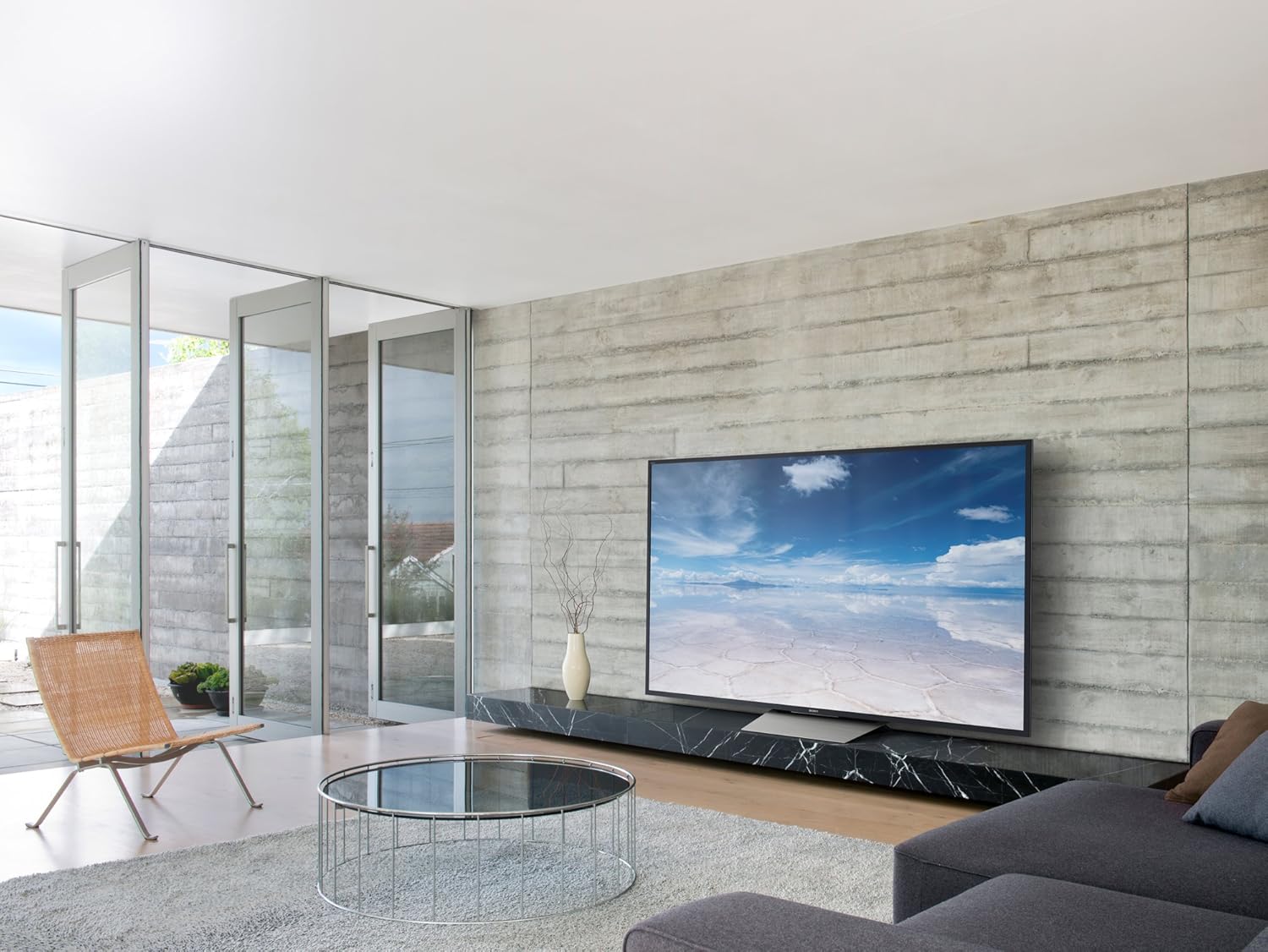
Rycina 1: Przód view of the Sony XBR55X850D 55-Inch 4K Ultra HD Smart TV.
Co jest w pudełku
Upewnij się, że w przesyłce znajdują się wszystkie poniższe elementy:
- Sony XBR55X850D 55-Inch 4K Ultra HD Smart TV
- Table Top Stand (assembly required)
- Pilot głosowy (RMF-TX200U)
- Batteries (R03)
- AC Power Cord (Pigtail, US with polarity)
- IR Blaster (IRB-BR1)
- Przewodnik po konfiguracji
- Informacje o gwarancji
Organizować coś
Montaż stoiska
The included table top stand requires assembly. Follow the instructions in the Setup Guide for proper attachment. No screws are needed for the stand, as it is designed for easy slot-in installation. Alternatively, the TV is compatible with standard VESA wall mounts (sold separately).
Podłączanie urządzeń
Your TV features multiple input options:
- HDMI: 4 HDMI inputs (HDCP 2.2/HDMI 2.0a) are available for connecting external devices such as Blu-ray players, gaming consoles, and cable boxes. One HDMI port supports Audio Return Channel (ARC) for simplified audio connections to sound systems.
- USB: 3 USB ports allow connection of USB storage devices for media playback or other accessories.
- Ethernet/Wi-Fi: Connect to your home network via an Ethernet cable or wirelessly using the built-in Wi-Fi for Smart TV features and internet access.
- Optyczne wyjście audio: For connecting to external audio systems that do not support ARC.
Konfiguracja początkowa
Upon first power-on, the TV will guide you through the initial setup process, including network connection, Google Assistant setup, and software updates. Ensure a stable internet connection for a smooth setup.
Wideo 1: Ponadview of the Sony XBR55X850D, including physical features and connectivity options.
Obsługa telewizora
Funkcjonalność inteligentnego telewizora
This Sony TV is equipped with Smart TV functionality, powered by Android TV. This allows you to access a wide range of apps, streaming services, and online content directly from your television. The Google Assistant is integrated, enabling voice commands for navigation, content search, and smart home control.
Zdalne sterowanie
The included Voice Remote Control (RMF-TX200U) provides intuitive control over your TV. Use the dedicated buttons for common functions and the voice command feature for hands-free operation. The remote is designed for ease of use with Smart TV features.

Rycina 2: Przód view of the television with the screen off, highlighting its sleek design.
Główne cechy
- 4K Ultra HD z HDR: Experience stunning picture clarity with four times the resolution of Full HD, enhanced by High Dynamic Range for superior contrast, color, and detail.
- LED Backlight (Edge-Lit): Provides bright and uniform illumination across the screen.
- 120Hz Native Refresh Rate (Motionflow XR 960 Effective): Ensures smooth motion handling for fast-paced action scenes and sports.
- Inteligentna funkcjonalność: Integrated Android TV platform with Google Assistant for seamless access to apps, streaming, and voice control.
- Wiele opcji łączności: 4 HDMI inputs (HDCP 2.2/HDMI 2.0a), 3 USB ports, and Wi-Fi connectivity.
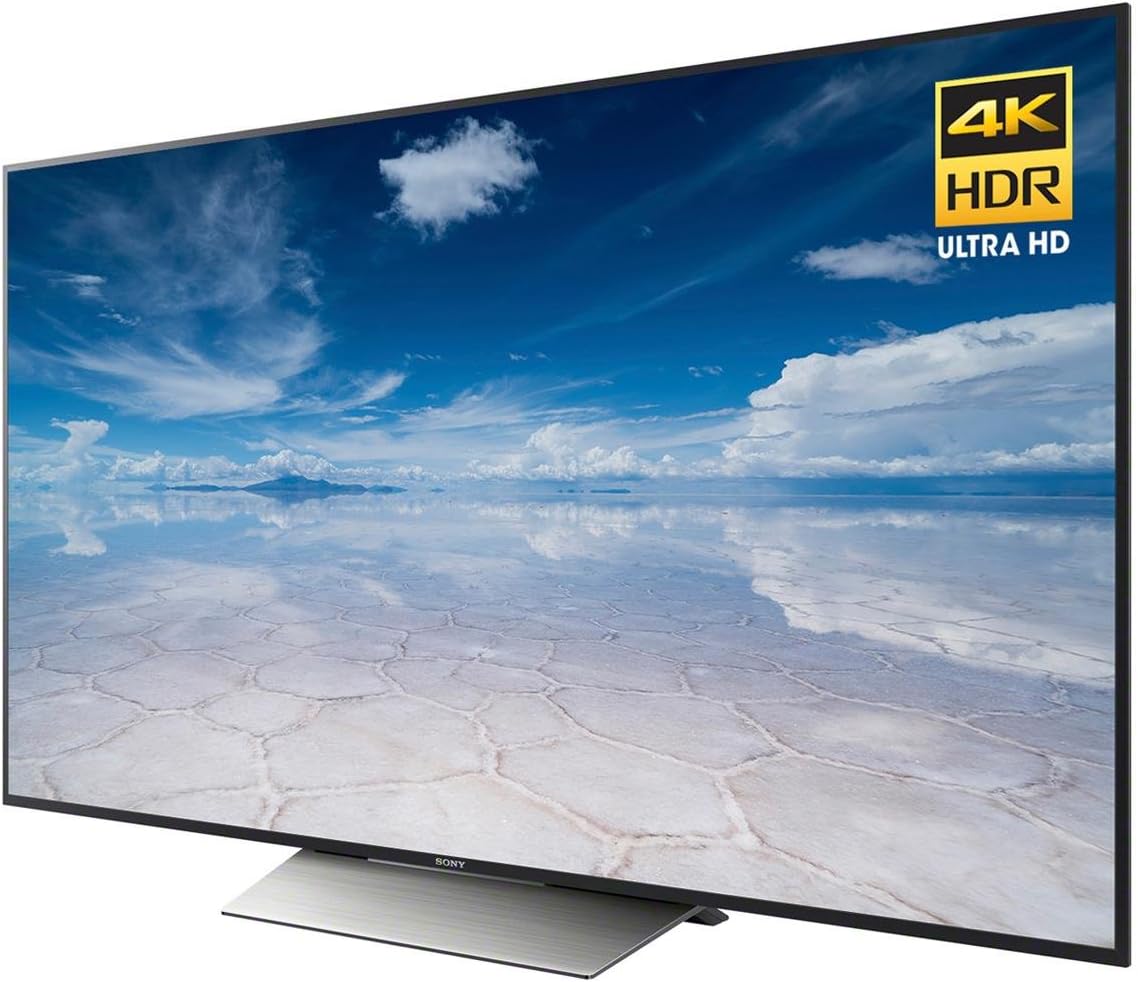
Rysunek 3: Kątowy view of the TV highlighting the 4K HDR Ultra HD capabilities.
Specyfikacje
| Funkcja | Specyfikacja |
|---|---|
| Marka | Sony |
| Numer modelu | XBR55X850D |
| Rozmiar ekranu | 55 cali |
| Technologia wyświetlania | LED (Edge-Lit) |
| Rezolucja | 4K Ultra HD |
| Częstotliwość odświeżania | 120Hz (Native); Motionflow XR 960 (Effective) |
| Inteligentna funkcjonalność | Yes (Android TV with Google Assistant) |
| Wejścia HDMI | 4 (HDCP 2.2/HDMI 2.0a, 1 with ARC) |
| Porty USB | 3 |
| Technologia łączności | Wi-Fi, Ethernet |
| Wymiary (z podstawką) | 48.5" szer. x 30.4" wys. x 10.4" gł. |
| Waga przedmiotu | 58 funtów |
| Pobór mocy | 20 watów |

Figure 4: Key dimensions of the Sony XBR55X850D TV.
Konserwacja
To ensure the longevity and optimal performance of your Sony TV, follow these maintenance guidelines:
- Czyszczenie ekranu: Delikatnie przetrzyj ekran miękką, suchą ściereczką z mikrofibry. W przypadku uporczywych plam delikatnie przetrzyj.ampPrzetrzyj ściereczkę wodą lub specjalnym środkiem czyszczącym przeznaczonym do czyszczenia ekranów (unikaj silnych środków chemicznych).
- Czyszczenie ramy: Do przecierania ramy i podstawy telewizora używaj miękkiej, suchej ściereczki.
- Wentylacja: Aby zapobiec przegrzaniu, sprawdź, czy otwory wentylacyjne telewizora nie są zablokowane.
- Przewód zasilający: Regularnie sprawdzaj, czy przewód zasilający nie jest uszkodzony.
Rozwiązywanie problemów
Jeśli masz problemy z telewizorem, zapoznaj się z poniższymi typowymi rozwiązaniami:
- Brak obrazu/dźwięku: Check all cable connections (HDMI, power, audio). Ensure the correct input source is selected. Try restarting the TV by unplugging it from the power outlet for a few minutes, then plugging it back in.
- Pilot nie działa: Wymień baterie. Upewnij się, że między pilotem a czujnikiem podczerwieni telewizora nie ma żadnych przeszkód.
- Problemy z połączeniem sieciowym: Zweryfikuj hasło Wi-Fi lub połączenie kablowe Ethernet. Uruchom ponownie router i modem.
- Smart TV Apps Not Responding: Try restarting the app or the TV. Ensure the TV's software is up to date.
Gwarancja i wsparcie
Your Sony XBR55X850D TV comes with a limited warranty. Please refer to the included warranty documentation for details on coverage, terms, and conditions. For technical support, service, or additional information, please visit the official Sony support webodwiedź witrynę firmy Sony lub skontaktuj się z działem obsługi klienta firmy Sony.
Wideo 2: Produkt w całościview of a Sony 4K Ultra HD Smart TV from the same model series.