
Ikea 40250855
Ikea LILLHULT USB Type C to USB Cable User Manual
Model: 40250855
Wstęp
This user manual provides essential information for the safe and efficient use of your Ikea LILLHULT USB Type C to USB cable. Please read this manual carefully before using the product and retain it for future reference.
Instrukcje konfiguracji
The Ikea LILLHULT cable is designed for connecting devices with a USB Type C port to a power source or another device with a standard USB-A port for charging and data transfer.
- Zidentyfikuj złącza: Locate the USB Type C connector (smaller, reversible) and the standard USB-A connector (larger, rectangular).
- Połącz z urządzeniem: Insert the USB Type C connector into the compatible port on your smartphone, tablet, or other USB-C enabled device. Ensure it is fully seated.
- Podłącz do źródła zasilania/danych: Insert the USB-A connector into a compatible USB wall adapter, power bank, computer USB port, or other USB-A enabled charging/data port.
- Sprawdź połączenie: Confirm that your device indicates it is charging or connected for data transfer.
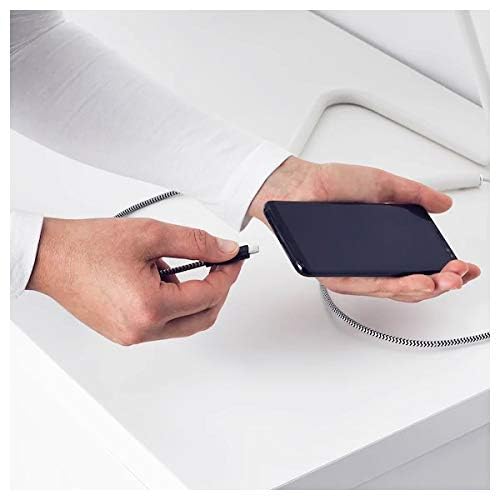
Image: A person connecting the USB Type C end of the cable to a smartphone. This illustrates the initial connection step.
Instrukcja obsługi
Urządzenia ładujące
Once properly connected to a power source, the cable will facilitate charging of your USB Type C device. Charging speed may vary depending on the power adapter and the device's charging capabilities.
Przesyłanie danych
This cable supports data transfer at speeds up to 0.48 Gigabits Per Second. To transfer data, connect the USB-A end to a computer's USB port and the USB Type C end to your device. Your device may prompt you to select a connection mode (e.g., "File Transfer" or "MTP").
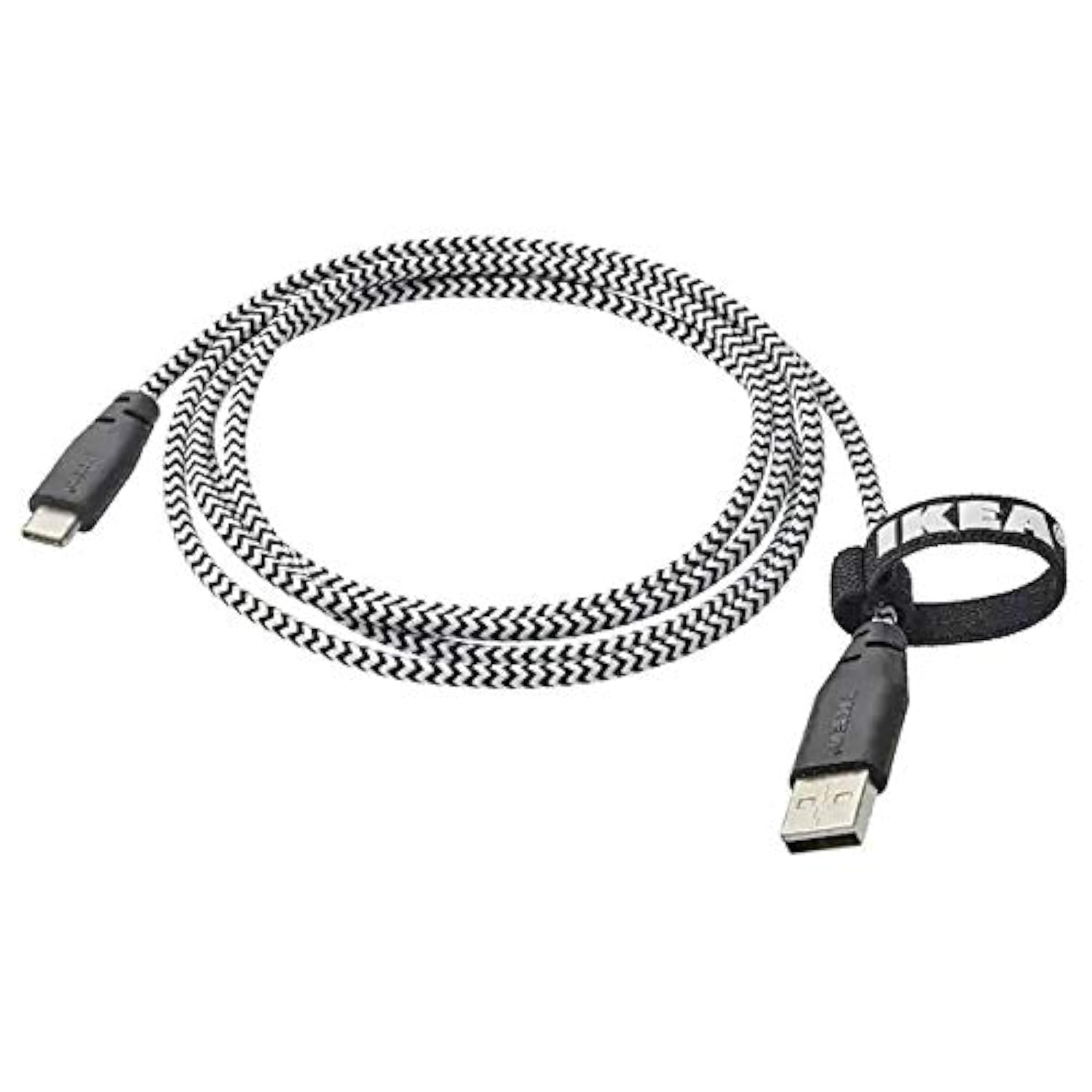
Image: The Ikea LILLHULT cable in use, connecting a smartphone to a charging base, with a laptop in the background. This demonstrates the cable's function in a typical setup.
Konserwacja i pielęgnacja
- Czyszczenie: Wipe the cable with a dry, soft cloth. Avoid using harsh chemicals or abrasive cleaners.
- Składowanie: When not in use, coil the cable loosely. Avoid sharp bends or kinks, especially near the connectors, to prevent internal wire damage. The integrated cable tie can be used for neat storage.
- Obsługiwanie: Podłączając lub odłączając kabel, zawsze chwytaj za obudowę złącza, a nie ciągnij za sam kabel.
- Środowisko: Trzymaj kabel z dala od ekstremalnych temperatur, bezpośredniego światła słonecznego i wilgoci.
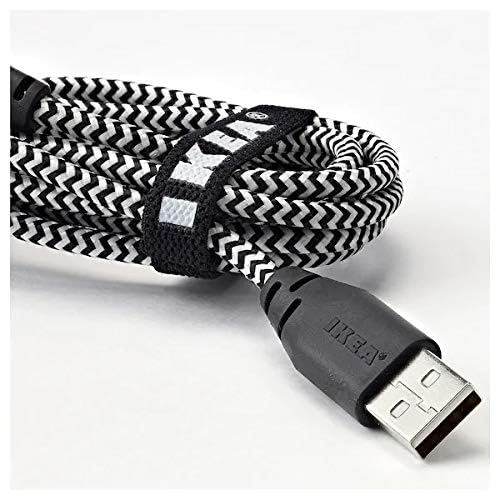
Obraz: Zbliżenie view of the coiled Ikea LILLHULT cable, secured with its integrated cable tie, showing the durable braided design and the USB-A connector with the Ikea logo. This highlights the cable's design for easy storage and durability.
Rozwiązywanie problemów
| Problem | Możliwa przyczyna | Rozwiązanie |
|---|---|---|
| Urządzenie się nie ładuje. | Loose connection, faulty power adapter, incompatible device. | Ensure both ends of the cable are securely connected. Try a different power adapter or USB port. Verify device compatibility. |
| Powolne ładowanie. | Low-power USB port, power adapter not sufficient, background apps on device. | Użyj wyższej mocytage power adapter. Close unnecessary applications on your device. Ensure the USB port provides adequate power. |
| Przesyłanie danych nie działa. | Incorrect device settings, driver issues on computer, loose connection. | Check your device's USB connection settings (e.g., select "File Transfer"). Ensure computer drivers are up to date. Reconnect the cable firmly. |
Specyfikacje
- Marka: Ikea
- Model: 40250855
- Typ złącza: USB Type C to USB-A
- Typ kabla: USB
- Długość: 1.5 meters (4 feet 11 inches)
- Zgodne urządzenia: Charging Adapter, USB Type C enabled devices
- Dodatek specjalny: Trwała pleciona konstrukcja
- Prędkość przesyłu danych: Do 0.48 gigabitów na sekundę
- Kolor: Czarny
- Kształt przedmiotu: Okrągły
- Producent: Ikea
Gwarancja i wsparcie
For information regarding warranty, returns, or customer support, please refer to the purchase documentation or visit the official Ikea webZachowaj dowód zakupu na wypadek roszczeń gwarancyjnych.
Zasoby internetowe:
- Official Ikea Webstrona: www.ikea.pl
- Product Support Page (if available): Refer to the Ikea website for specific product support pages.
Ask a question about this manual
Ask about setup, troubleshooting, compatibility, parts, safety, or missing instructions. Manuals+ will review the question and use this page’s manual context to help answer it.