
PROSCAN PSB3713-OP
PROSCAN 37-Inch Bluetooth Sound Bar User Manual
Model: PSB3713-OP
Wstęp
Dziękujemy za zakupasing the PROSCAN 37-Inch Bluetooth Sound Bar. This ultra-slim sound bar is designed to enhance your audio experience with your Smart TV, offering versatile connectivity options including Bluetooth, Optical Digital Audio Input, and Aux-In. This manual provides detailed instructions for setup, operation, maintenance, and troubleshooting to ensure optimal performance and longevity of your device.
Ważne informacje dotyczące bezpieczeństwa
OSTRZEŻENIE: Ten produkt zawiera substancje chemiczne, o których w stanie Kalifornia wiadomo, że powodują raka i wady wrodzone lub inne szkodliwe skutki dla rozrodczości.
- Przed przystąpieniem do obsługi urządzenia przeczytaj wszystkie instrukcje.
- Zachowaj tę instrukcję do wykorzystania w przyszłości.
- Nie wystawiać urządzenia na działanie deszczu i wilgoci.
- Nie blokuj żadnych otworów wentylacyjnych.
- Zapewnij odpowiedni poziom zasilaniatage zgodnie ze wskazaniem na urządzeniu.
- Odłącz urządzenie od zasilania podczas burzy z piorunami lub gdy nie jest używane przez dłuższy czas.
- Wszelkie prace serwisowe należy powierzać wykwalifikowanemu personelowi.
Co jest w pudełku

Image: Contents of the PROSCAN Sound Bar box, showing the sound bar, remote control, AC power adapter, stereo audio connection cable, RCA audio cable, and mount screws.
Sprawdź, czy w przesyłce znajdują się wszystkie poniższe elementy:
- PROSCAN 37-Inch Bluetooth Sound Bar
- Zdalne sterowanie
- Zasilacz sieciowy
- Stereo Audio Connection Cable
- Kabel audio RCA
- Śruby montażowe (do montażu ściennego)
- Instrukcja obsługi (ten dokument)
Produkt ponadview

Image: The PROSCAN 37-Inch Bluetooth Sound Bar positioned in front of a curved television screen, with its remote control placed nearby. The sound bar is sleek and black.
The PROSCAN 37-Inch Bluetooth Sound Bar is designed for optimal audio performance and ease of use. It features a sleek, ultra-slim design that complements any home entertainment setup.
Panel przedni

Obraz: Bezpośredni front view of the PROSCAN 37-Inch Bluetooth Sound Bar, showcasinze względu na minimalistyczny design i maskownicę głośnika.
The front panel features the speaker grille and an LED indicator that shows the current input mode and status.
Panel tylny (połączenia)
The rear panel houses all the necessary input ports for connecting to your audio sources.
- Optical Digital Audio Input: Do przesyłania dźwięku cyfrowego wysokiej jakości z telewizora lub innych urządzeń.
- AUX In (3.5mm): Do podłączania analogowych urządzeń audio.
- DC IN: Port wejściowy zasilania.
Zdalne sterowanie
The included remote control allows you to manage all functions of the sound bar conveniently.
- Włączanie/wyłączanie zasilania
- Głośność w górę/w dół
- Input Source Selection (Bluetooth, Optical, AUX, FM)
- Niemy
- FM Radio controls (Scan, Preset)
Przewodnik po konfiguracji
1. Umieszczenie
The sound bar can be placed on a table stand or wall-mounted.

Image: The PROSCAN Sound Bar wall-mounted directly above a flat-screen television, demonstrating a clean and space-saving installation.
- Stojak na stół: Umieść soundbar na stabilnej, płaskiej powierzchni przed telewizorem. Upewnij się, że nie blokuje on czujnika pilota telewizora.
- Mocowanie ścienne: Use the included mount screws to securely attach the sound bar to a wall. Refer to the wall mounting template (if provided separately) for precise drilling locations. Ensure the wall can support the weight of the sound bar.
2. Podłączanie źródeł audio
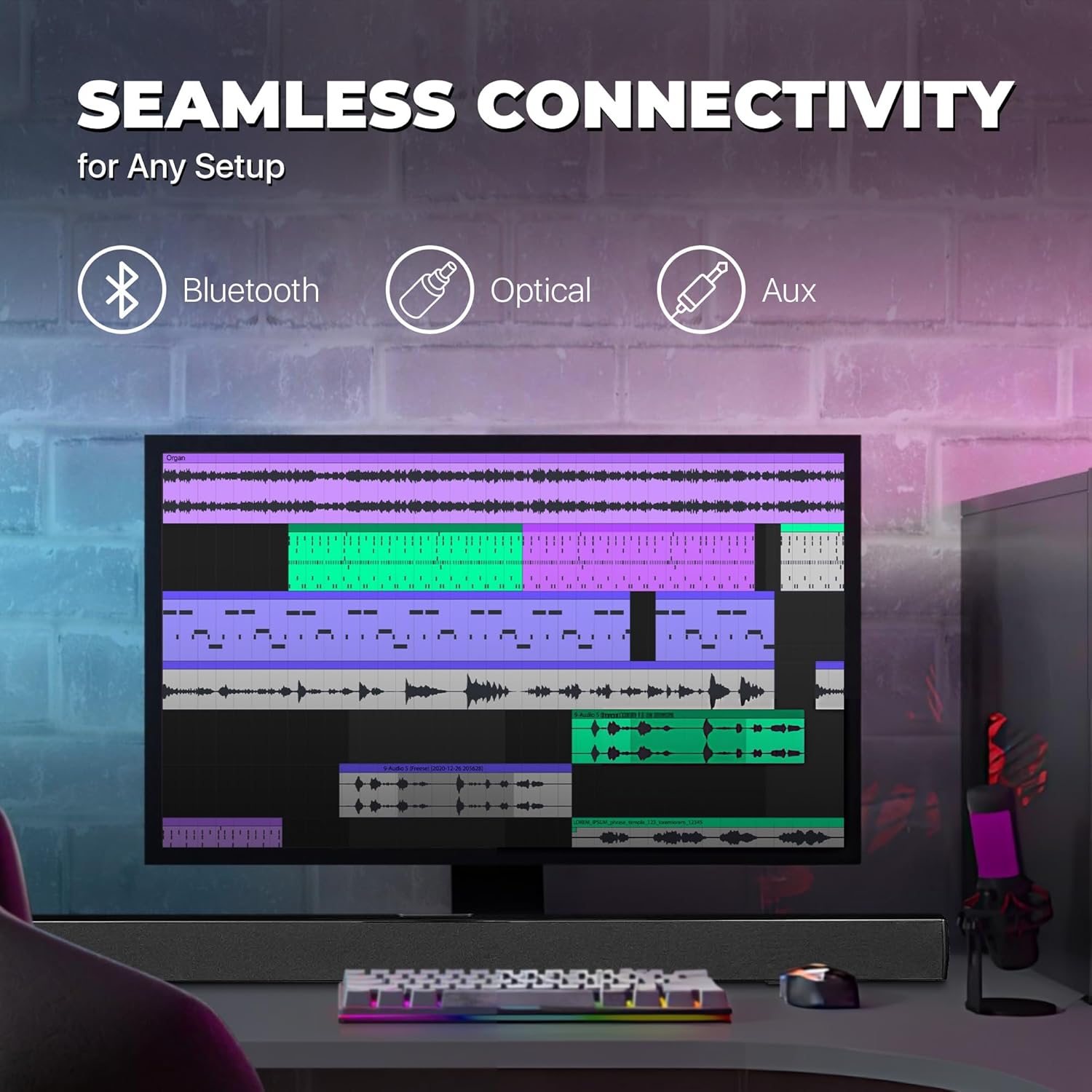
Image: A graphic illustrating the seamless connectivity options of the sound bar, including icons for Bluetooth, Optical, and Aux connections, with a sound bar placed below a computer monitor.
Wybierz jedną z poniższych metod podłączenia źródła dźwięku:
- Optical Digital Audio Connection:
Connect an optical cable (not included) from the OPTICAL OUT port on your TV or audio device to the OPTICAL IN port on the sound bar. This provides high-quality digital audio.
- Połączenie AUX (3.5 mm):
Use the included 3.5mm audio cable to connect the AUX IN port on the sound bar to the headphone jack or audio output port on your device (e.g., TV, smartphone, MP3 player).
- Połączenie Bluetooth:
For wireless audio streaming from Bluetooth-enabled devices like smartphones, tablets, or laptops. (Detailed pairing instructions in the Operating section).
3. Podłączenie zasilania
Connect the included AC power adapter to the DC IN port on the sound bar, then plug the adapter into a standard wall outlet.
Instrukcja obsługi
Włączanie/wyłączanie zasilania
Naciśnij MOC button on the remote control or on the sound bar to turn the unit on or off.
Wybór źródła wejścia
Naciśnij WEJŚCIE button on the remote control repeatedly to cycle through the available input sources: Bluetooth, Optical, AUX, FM. The LED indicator on the front panel will change to reflect the selected input.
Kontrola głośności
Użyj Objętość + I TOM- buttons on the remote control to adjust the volume. Press the NIEMY przycisk, aby tymczasowo wyciszyć dźwięk.
Parowanie Bluetooth
- Włącz soundbar i wybierz tryb Bluetooth za pomocą WEJŚCIE button. The LED indicator will flash, indicating it's in pairing mode.
- Włącz Bluetooth w swoim urządzeniu (smartfonie, tablecie itp.) i wyszukaj dostępne urządzenia.
- Select "PSB3713-OP" from the list of found devices.
- Once paired, the LED indicator will stop flashing and remain solid. You can now play audio from your device through the sound bar.
Obsługa radia FM
Aby skorzystać z wbudowanego radia FM:
- Wybierz tryb FM za pomocą WEJŚCIE przycisk.
- Naciśnij SKANDOWAĆ button on the remote control to automatically scan and save available FM stations.
- Użyj POPRZEDNI I NASTĘPNY przyciski do poruszania się po zapisanych stacjach.
Konserwacja
- Czyszczenie: Do czyszczenia powierzchni soundbara używaj miękkiej, suchej ściereczki. Nie używaj płynnych środków czyszczących ani aerozoli.
- Składowanie: Jeśli urządzenie będzie przechowywane przez dłuższy czas, należy odłączyć je od gniazdka elektrycznego i przechowywać w chłodnym, suchym miejscu.
- Wentylacja: Ensure the sound bar has adequate ventilation and is not covered by cloths or other materials that could block airflow.
Rozwiązywanie problemów
| Problem | Możliwa przyczyna | Rozwiązanie |
|---|---|---|
| Brak zasilania | Zasilacz nie jest podłączony lub gniazdko nie działa. | Ensure the power adapter is securely connected to the sound bar and a working power outlet. |
| Brak dźwięku | Wybrano niewłaściwe źródło sygnału wejściowego; poziom głośności jest zbyt niski; kabel audio nie jest prawidłowo podłączony. | Select the correct input source (Bluetooth, Optical, AUX). Increase the volume. Check all audio cable connections. Ensure TV audio output is set correctly (e.g., PCM for Optical). |
| Parowanie Bluetooth nie powiodło się | Soundbar nie jest w trybie parowania; urządzenie znajduje się za daleko; występują zakłócenia. | Ensure the sound bar is in Bluetooth pairing mode (flashing LED). Move your device closer to the sound bar. Turn off other Bluetooth devices to reduce interference. |
| Pilot nie działa | Batteries are dead or inserted incorrectly; obstacle between remote and sound bar. | Replace the remote control batteries. Ensure there is no obstruction between the remote and the sound bar's sensor. |
| Słaby odbiór FM | Słaby sygnał. | Adjust the position of the sound bar or try rescanning for stations. |
Specyfikacje
| Funkcja | Szczegół |
|---|---|
| Nazwa modelu | PSB3713-OP |
| Typ głośnika | Soundbar |
| Rozmiar głośnika | 37 cali |
| Technologia łączności | Bluetooth, Auxiliary (3.5mm), Optical |
| Komunikacja bezprzewodowa | Bluetooth, radio FM |
| Tryb wyjścia audio | Stereo, dźwięk przestrzenny |
| Maksymalna moc wyjściowa głośnika | 40 watów |
| Impedancja | 4 omy |
| Wymiary produktu (Gł. x Szer. x Wys.) | 3.25" gł. x 3.25" szer. x 41.5" wys. |
| Waga przedmiotu | 4.55 funtów |
| Kolor | Czarny |
| Źródło zasilania | Elektryczny przewodowy |
| Typ kontrolera | Zdalne sterowanie |
| Typ montażu | Uchwyt na pasek |
Gwarancja i wsparcie
This PROSCAN product comes with a Limited Warranty. For specific warranty terms and conditions, please refer to the warranty card included in your product packaging or contact PROSCAN customer support.
For technical support, troubleshooting assistance, or service inquiries, please contact the manufacturer, Curtis International LTD, or visit the PROSCAN official webwitryna do informacji kontaktowych.
Producent: Curtis International LTD
Webstrona: Visit the PROSCAN Store on Amazon
Ask a question about this manual
Ask about setup, troubleshooting, compatibility, parts, safety, or missing instructions. Manuals+ will review the question and use this page’s manual context to help answer it.