
Honeywell Home DC915N
Honeywell Home DC915N Series 9 Portable, Wireless LED Doorbell Chime with Push Button
Model: DC915N | Brand: Honeywell Home
Wstęp
The Honeywell Home DC915N Series 9 Wireless Doorbell Chime provides a reliable and convenient solution for your home. Featuring a portable design, LED halo light, and a wide wireless range, this doorbell system ensures you never miss a visitor. It is designed for easy installation and offers various customizable settings to suit your preferences.

Image: The Honeywell Home DC915N wireless doorbell chime and its accompanying push button, shown together in white.
Zawartość opakowania
Sprawdź, czy w przesyłce znajdują się wszystkie elementy:
- 1x Wireless Doorbell Chime (DC915N)
- 1x Wireless Push Button
- Przewodnik szybkiego startu 1x
- 1x Safety & Guarantee Information
- 1x CR2032 3V Battery (for push button)
- Śruby montażowe i kołki rozporowe
Note: 4x LR14 (C) 1.5V batteries for the chime unit are not included and must be purchased separately.
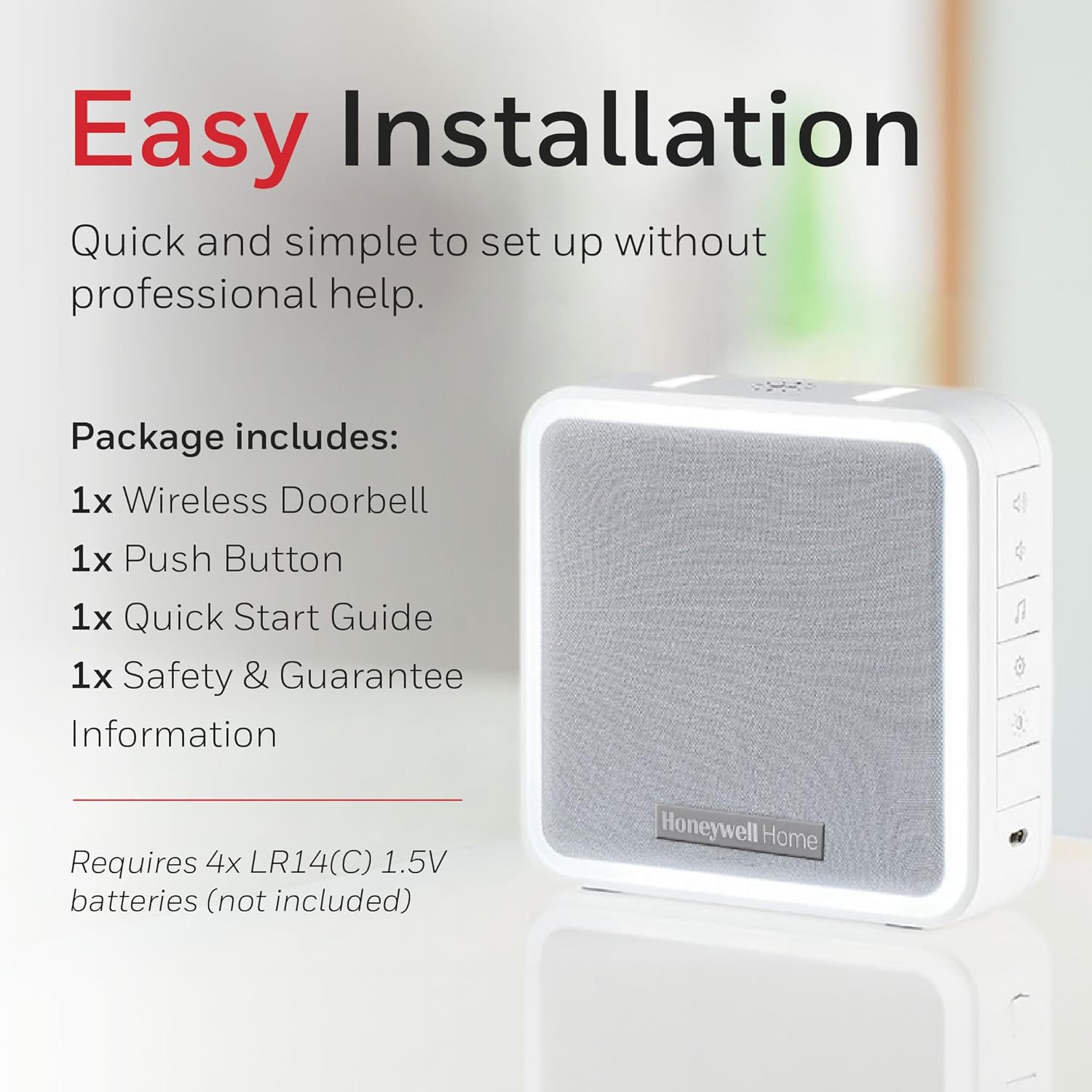
Image: A visual representation of the Honeywell Home DC915N doorbell chime with a list of included items: wireless doorbell, push button, quick start guide, and safety & guarantee information. It also notes that 4x LR14(C) 1.5V batteries are required but not included.
Konfiguracja i instalacja
1. Instalacja baterii
W przypadku przycisku bezprzewodowego:
- The CR2032 3V battery is typically pre-installed or included.
- If not installed, open the battery compartment on the back of the push button and insert the CR2032 battery with the positive (+) side facing up.
- Dokładnie zamknij komorę baterii.
For the Doorbell Chime Unit:
- Znajdź komorę baterii z tyłu dzwonka.
- Insert 4x LR14 (C) 1.5V batteries, ensuring correct polarity (+/-).
- Dokładnie zamknij komorę baterii.
2. Montaż przycisku
The push button can be mounted using screws or adhesive (not included, but often an option for screwless installation).
- Montaż śrubowy: Use the provided screws and wall plugs to secure the push button to a suitable surface near your door. Ensure it is at an accessible height.
- Adhesive Mounting (Optional): For a screwless installation, apply strong, weather-resistant double-sided adhesive tape (not supplied) to the back of the push button and firmly press it onto a clean, dry surface.
The push button has an IP55 rating, indicating resistance to dust and water splashes, making it suitable for outdoor use.
3. Positioning the Chime Unit
The chime unit is portable and can be placed anywhere within its wireless range. For optimal performance, place it in a central location within your home, away from large metal objects or other sources of interference.

Image: The Honeywell Home DC915N wireless doorbell chime placed on a side table in a living room, illustrating its portable nature and 200m wireless range capability.
The doorbell system arrives preconfigured, meaning the push button and chime unit are already linked for immediate use. If you need to link additional push buttons or chimes, refer to the detailed instructions in the Quick Start Guide.
Instrukcja obsługi
1. Wybór melodii
The chime unit offers 11 different melodies. To change the melody, press the "Melody" button (often indicated by a musical note icon) on the side of the chime unit until you hear your desired tune.
2. Regulacja głośności
The volume can be adjusted to suit your environment. Use the "Volume Up" and "Volume Down" buttons (indicated by speaker icons) on the side of the chime unit to increase or decrease the sound level. The maximum volume is 90 dB.

Image: The Honeywell Home DC915N doorbell chime on a wooden surface, highlighting its adjustable volume feature and the presence of control buttons on its side.
3. Sleep/Mute Mode
To temporarily silence the doorbell, activate the Sleep/Mute mode. This feature is useful during nap times, movie nights, or when you do not wish to be disturbed. Refer to the Quick Start Guide for specific instructions on activating and setting the duration for this mode (e.g., 3, 6, 9, or 12 hours, or indefinitely).
4. Visual Alerts (Halo Light)
The innovative LED Halo Light provides a visual alert in addition to the audible chime. This is particularly useful in noisy environments or for individuals with hearing impairments. The Halo Light can be set to one of 6 colors and also features a Nightlight mode for a soft glow in the dark.

Image: The Honeywell Home DC915N doorbell chime mounted on a wall, showcasing its illuminated halo light feature, which provides discreet visual alerts.
5. Extending Wireless Range
The DC915N operates on an 868 MHz frequency with a wireless range of up to 200 meters. This range can be extended up to 400 meters by linking two compatible Honeywell Home doorbell chimes, as the chime unit includes an in-built transceiver.
Konserwacja
1. Wymiana baterii
Replace batteries in both the push button and chime unit when performance degrades or the low battery indicator (if present) activates. The push button battery has a premium 5-year life. Always use the specified battery types: CR2032 3V for the push button and 4x LR14 (C) 1.5V for the chime unit.
2. Czyszczenie
Clean the doorbell chime and push button with a soft, dry cloth. Do not use abrasive cleaners or solvents, as these may damage the surface.
3. Odporność na warunki atmosferyczne
The push button has an IP55 rating, meaning it is protected against dust ingress and low-pressure water jets from any direction. While durable, avoid submerging the unit in water or exposing it to extreme weather conditions for prolonged periods.
Rozwiązywanie problemów
| Problem | Możliwa przyczyna | Rozwiązanie |
|---|---|---|
| Chime does not sound when button is pressed. |
|
|
| Chime sounds intermittently or weakly. |
|
|
| Push button gets stuck or continuously triggers chime. |
|
|
Specyfikacje
| Funkcja | Szczegół |
|---|---|
| Numer modelu | DC915N |
| Częstotliwość bezprzewodowa | 868MHz |
| Zasięg bezprzewodowej | Up to 200m (extendable to 400m with additional chime) |
| Głośność słyszalna | Up to 90 dB (100m audible range) |
| Melodie | 11 melodii do wyboru |
| Alerty wizualne | LED Halo Light (6 colors), Nightlight mode |
| Power Source (Chime) | 4x LR14 (C) 1.5V batteries (not included) |
| Źródło zasilania (przycisk) | 1x CR2032 3V battery (included) |
| Push Button Battery Life | Do 5 lat |
| Ingress Protection (Push Button) | IP55 (odporność na kurz i zachlapanie) |
| Dimensions (Chime) | Około 126 mm x 126 mm x 41.8 mm (4.9 cala x 4.9 cala x 1.6 cala) |
| Weight (Chime) | Około 0.26 kg |

Image: A diagram showing the dimensions of the Honeywell Home DC915N doorbell chime (126mm x 126mm x 41.8mm) and icons representing its key specifications: 200m wireless range, 100m audible range, 90dB max volume, 11 melody options, volume control & sleep mode, and Halo/LED strobe.
Gwarancja i wsparcie
The Honeywell Home DC915N Series 9 Doorbell Chime is supported by a 2-letnia gwarancja jakości produktu. For technical assistance, warranty claims, or further information, please visit the official Honeywell Home website or contact their customer support. Keep your proof of purchase for warranty purposes.
Więcej informacji znajdziesz na stronie Honeywell Home Store on Amazon.
Ask a question about this manual
Ask about setup, troubleshooting, compatibility, parts, safety, or missing instructions. Manuals+ will review the question and use this page’s manual context to help answer it.