
Wstęp
The Rocketek FBA_RT-CR7 is a versatile USB 3.0 7-in-1 multi-memory card reader designed for efficient data transfer from various memory card types to your computer. It supports simultaneous reading and writing of up to 5 cards, offering high-speed performance and broad compatibility across multiple operating systems.
Cechy produktu
- Czytnik kart 7 w 1: Supports CF, XD, MS, SD, and Micro SD card types.
- Simultaneous Read/Write: Capable of reading and writing to 5 different memory cards concurrently.
- USB 3.0 SuperSpeed: Achieves data transfer speeds up to 5Gbps, significantly faster than USB 2.0.
- Szeroka kompatybilność: Works with Mac OS, Linux, Chrome OS, and Windows XP/Vista/7/8/8.1/10.
- Podłącz i graj: Do instalacji nie są wymagane żadne sterowniki.
- Kompaktowa konstrukcja: Portable and easy to carry, ideal for travel.
- Wbudowana ochrona: Features over-current, over-voltage i zabezpieczenie przed zwarciem.
- Wskaźnik LED: A blue LED light indicates connection and data activity.
Zawartość opakowania
- 1 x Rocketek FBA_RT-CR7 USB 3.0 7-in-1 Multi Memory Card Reader
- 1 x USB 3.0 Cable (with USB-C to USB-A adapter)
Instrukcje konfiguracji
- Podłącz czytnik kart: Plug the USB 3.0 cable from the card reader into an available USB port on your computer. If your computer has a USB-C port, use the provided USB-C to USB-A adapter.
- Wskaźnik zasilania: The blue LED indicator on the card reader will light up when successfully connected to your computer.
- Włóż kartę pamięci: Carefully insert your memory card into the corresponding slot on the card reader. Ensure the card is inserted correctly according to its orientation. The LED indicator will flicker during data transfer.
- Dostęp do danych: Your computer will automatically detect the card reader and the inserted memory card. You can then access the card's contents through your file explorer (Windows) or Finder (Mac OS).

Rysunek 1: Koniecview of card reader slots and supported card types.
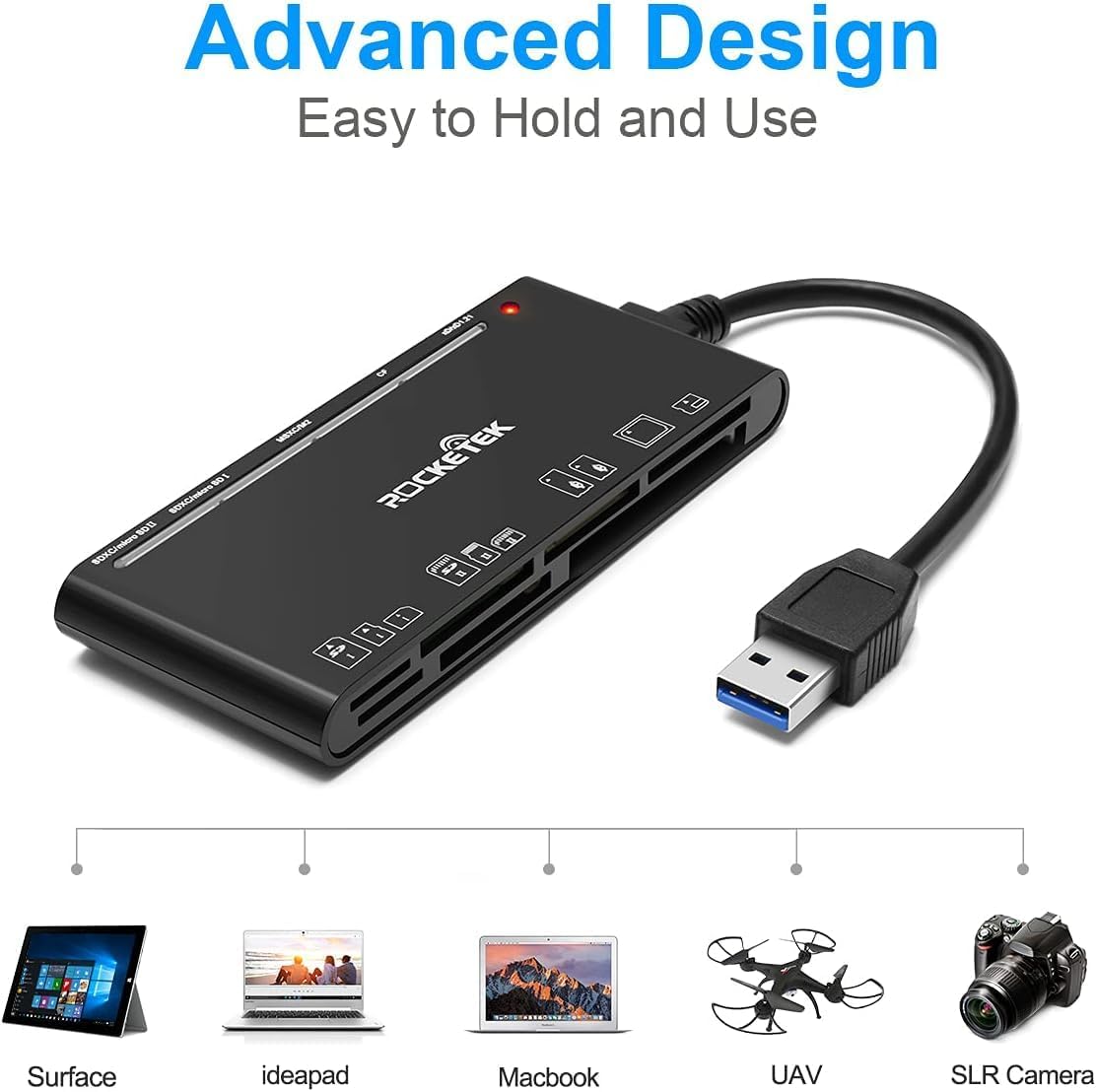
Figure 2: Card reader connected to a laptop, showing operating system compatibility.
Video 1: Demonstration of the Rocketek 7-in-1 Multi Memory Card Reader, showcasing its various card slots, USB 3.0 connectivity, and LED indicator light during operation.
Instrukcja obsługi
- Wkładanie kart: Gently push the memory card into the appropriate slot until it clicks into place. Do not force the card.
- Odczyt/zapis danych: Once the card is inserted and detected, you can drag and drop files to and from the card. The blue LED indicator will blink during active data transfer.
- Jednoczesne użycie: The card reader supports reading and writing to multiple cards simultaneously. Ensure proper file management to avoid data conflicts.
- Ejecting Cards: Before removing a memory card, always safely eject it from your computer's operating system to prevent data corruption.

Figure 3: Multiple memory cards inserted into the reader, demonstrating simultaneous access.
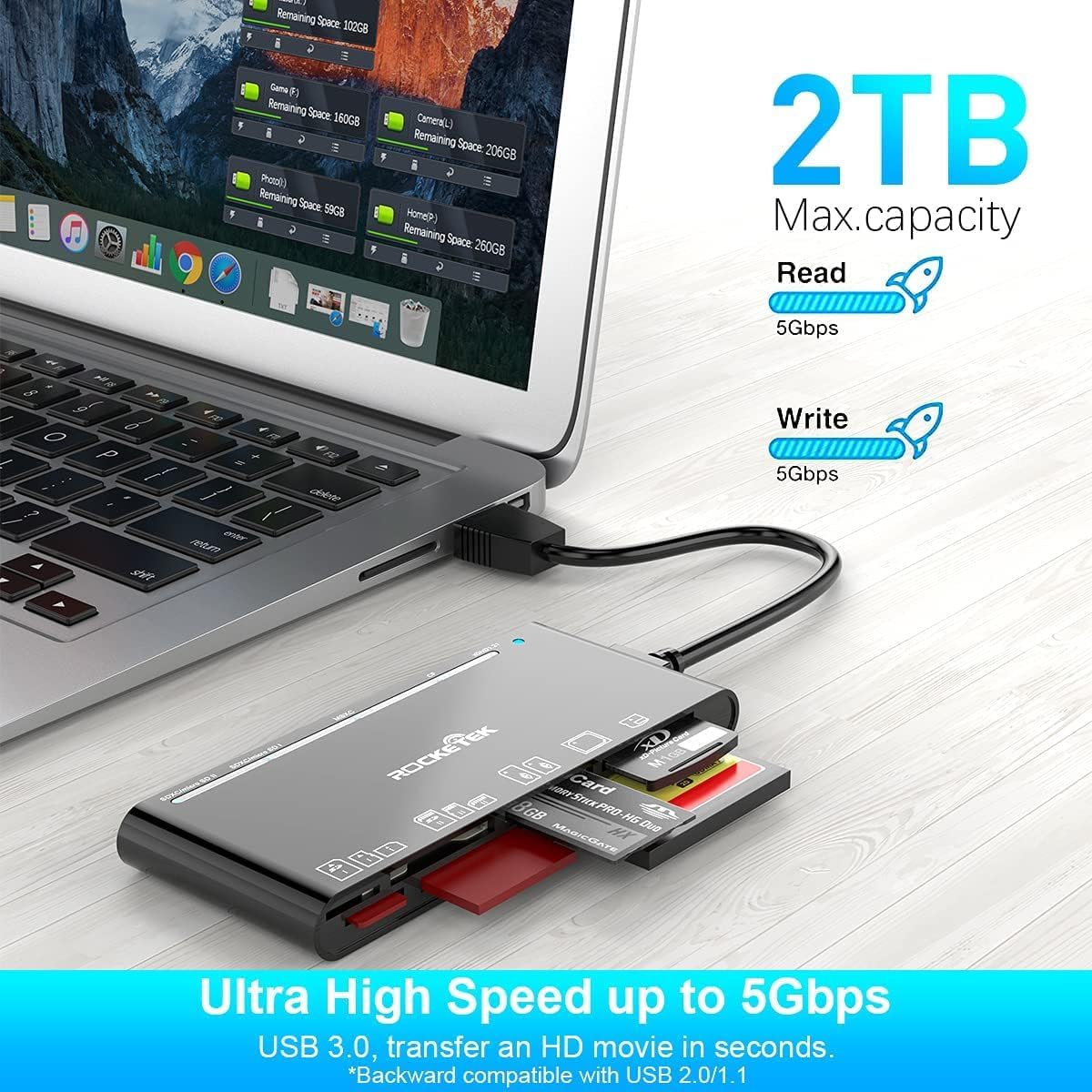
Figure 4: Highlighting the 5Gbps data transfer speed and 2TB maximum capacity.
Zgodność
Obsługiwane systemy operacyjne:
- Windows XP / Vista / 7/8 / 8.1 / 10
- Mac OS (including MacBook Pro/Air)
- Linux
- System operacyjny Chrome
Obsługiwane typy nośników:
- CompactFlash (CF card, high-speed CF UDMA)
- SD Card (SD, SDXC up to 2TB, SDHC, RS-MMC, miniSD)
- Micro SD (Micro SD, Micro SDXC, Micro SDHC)
- Memory Stick (MS, M2, MSXC, Memory Stick PRO Duo, Memory Stick Pro)
- xD Karta obrazkowa
Specyfikacje
| Marka | Rocketek |
| Nazwa modelu | FBA_RT-CR7 |
| Technologia łączności | USB typu A |
| Interfejs sprzętowy | USB 3.0 |
| Szybkość przesyłu danych | 5 Gb/s |
| Slot Count | 7 (supporting 5 simultaneous reads/writes) |
| Kolor | Czarny |
| Pozycja Wymiary (dł. x szer. x wys.) | 6.1" x 2.9" x 0.4" |
| Waga przedmiotu | 9.07 gramów |
Konserwacja i pielęgnacja
- Czyszczenie: Do czyszczenia zewnętrznej części czytnika kart należy używać miękkiej, suchej ściereczki. Unikaj stosowania płynnych środków czyszczących i rozpuszczalników.
- Składowanie: Przechowuj czytnik kart w chłodnym, suchym miejscu, z dala od bezpośredniego światła słonecznego i ekstremalnych temperatur.
- Obsługiwanie: Avoid dropping the device or subjecting it to strong impacts. Do not bend or twist the cable excessively.
- Ochrona portu: Keep the card slots free from dust and debris.
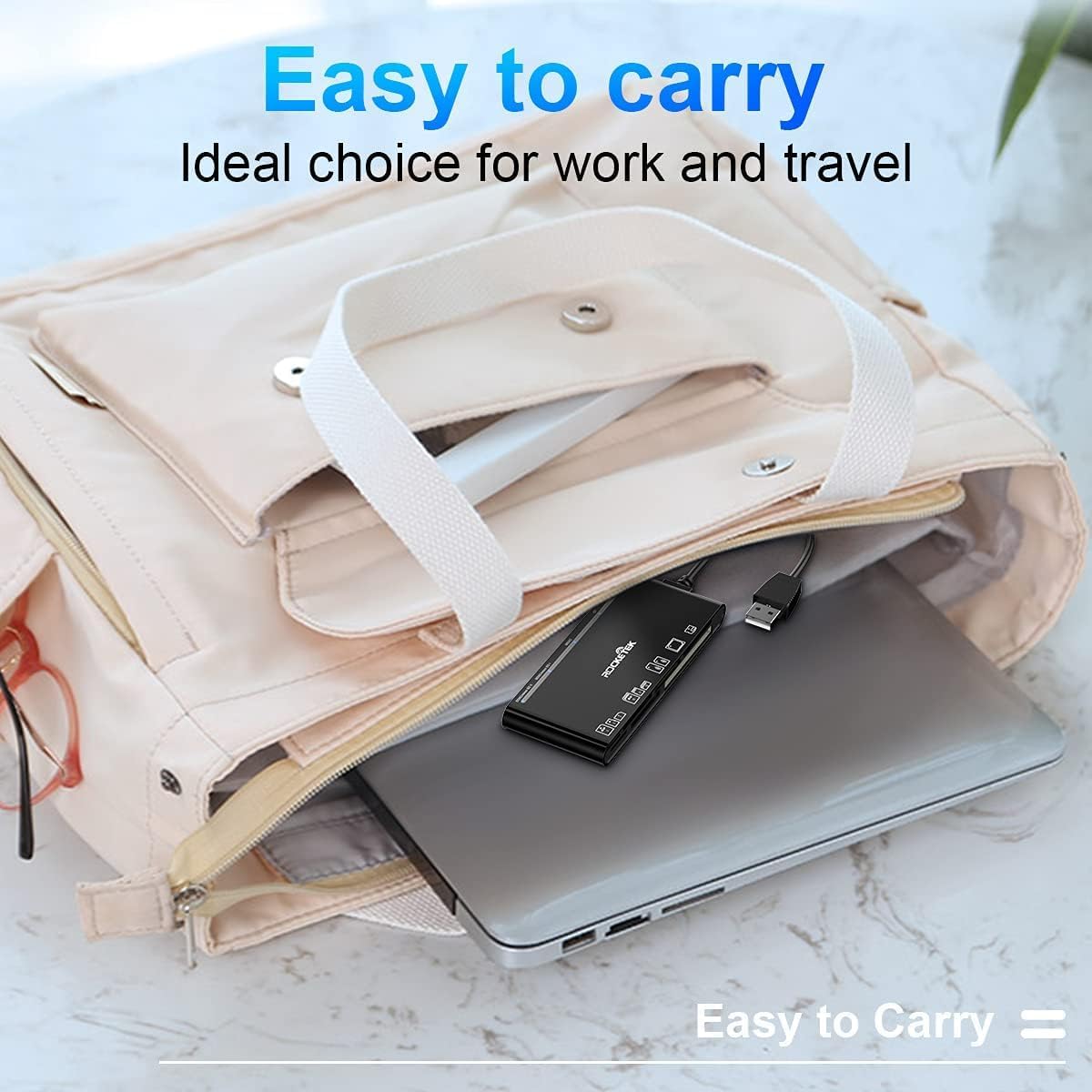
Figure 5: The card reader's compact size, suitable for portability.
Rozwiązywanie problemów
- Urządzenie nie zostało wykryte:
- Ensure the USB cable is securely connected to both the card reader and your computer.
- Spróbuj podłączyć do innego portu USB w komputerze.
- Uruchom ponownie komputer.
- Karta pamięci nie została rozpoznana:
- Verify that the memory card is fully inserted into the correct slot.
- Check if the memory card is damaged or corrupted. Try it in another device if possible.
- Ensure your operating system supports the file system karty pamięci.
- Powolny transfer danych:
- Ensure the card reader is connected to a USB 3.0 port on your computer for optimal speed.
- Verify that your memory card itself supports high-speed data transfer.
- Unikaj uruchamiania wielu wymagających aplikacji podczas dużych imprez file przelewy.
- Wskaźnik LED nie świeci się:
- Confirm the card reader is properly connected to a powered USB port.
- Jeśli używasz koncentratora USB, upewnij się, że jest on zasilany.
Gwarancja i wsparcie
The Rocketek FBA_RT-CR7 USB 3.0 7-in-1 Multi Memory Card Reader comes with a 2-letnia gwarancja od daty zakupu. Niniejsza gwarancja obejmuje wady produkcyjne i zapewnia, że produkt działa zgodnie z opisem przy normalnym użytkowaniu.
For technical support, warranty claims, or any inquiries regarding your product, please contact Rocketek customer service through the retailer's platform or visit the official Rocketek webwitryna do informacji kontaktowych.