
1. Wprowadzenie
This manual provides essential information for the proper use and maintenance of your Transcend 8GB SDHC Class 4 Memory Card, model HDR-XR160-KSD48GB. This memory card is designed for compatibility with devices such as the Sony HDR-XR160 Camcorder, offering reliable storage for your digital content.
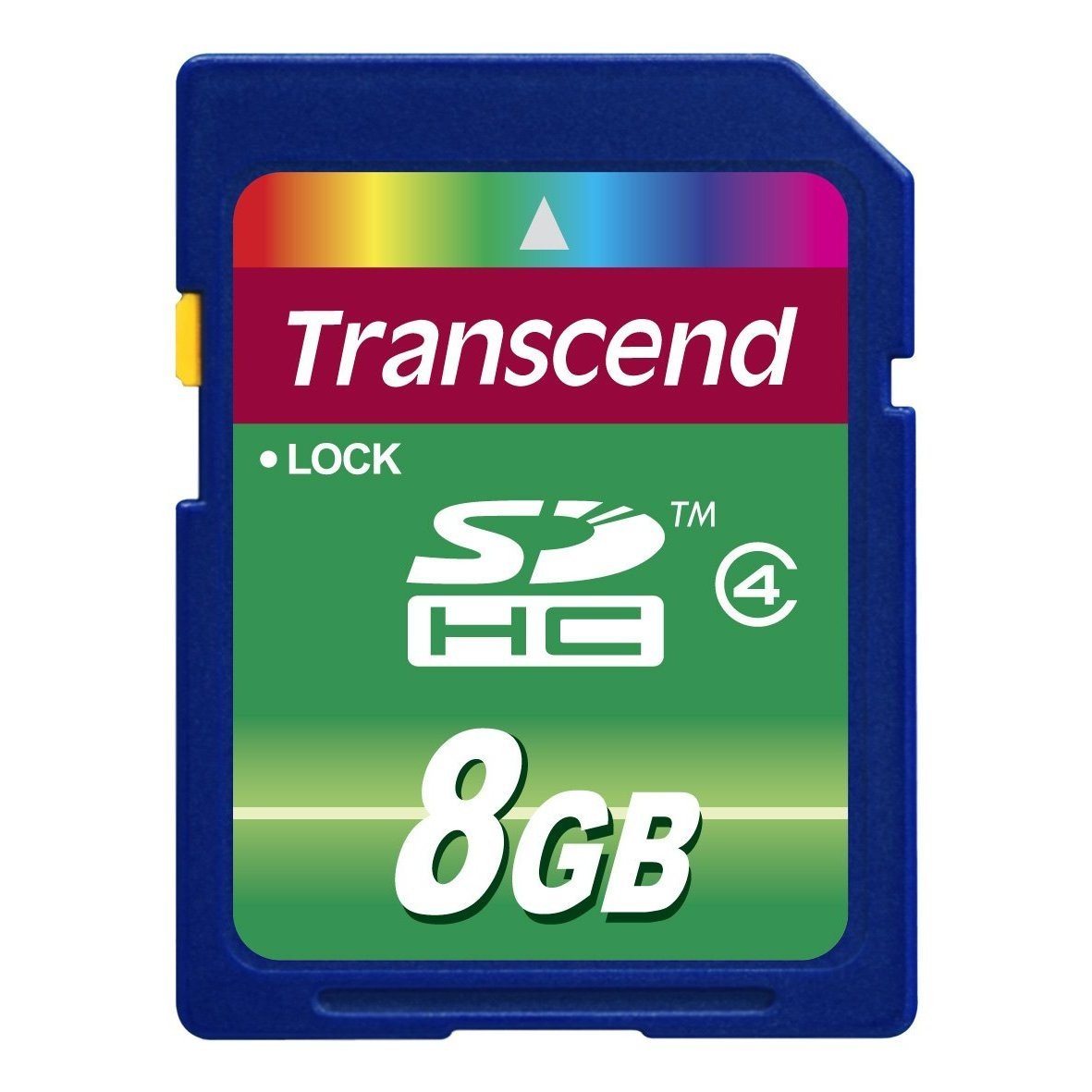
Image 1: Transcend 8GB SDHC Class 4 Memory Card. This image displays the physical appearance of the memory card, highlighting its compact design and branding.
2. Funkcje
The Transcend 8GB SDHC Class 4 Memory Card offers the following key features:
- Pojemność: 8GB (Gigabytes) of storage, suitable for recording videos and storing photos.
- Typ: SDHC (Secure Digital High Capacity) format, designed for larger storage needs.
- Klasa prędkości: Class 4 rating, ensuring a minimum write speed of 4 MB/s, which is suitable for standard definition video recording and continuous shooting of still images.
- Zgodność: Specifically designed for use with compatible devices such as camcorders, including the Sony HDR-XR160.
- Trwałość: Lekka konstrukcja ułatwiająca obsługę.
3. Konfiguracja i instalacja
Aby poprawnie zainstalować kartę pamięci w kompatybilnym urządzeniu, wykonaj następujące czynności:
- Wyłącz urządzenie: Ensure your camcorder or other compatible device is powered off before inserting the memory card. This prevents potential data corruption or damage to the card or device.
- Znajdź gniazdo karty: Identify the SD card slot on your device. Refer to your device's user manual for the exact location.
- Włóż kartę pamięci: Gently slide the Transcend SDHC card into the slot with the gold contacts facing down (or as indicated by your device's manual). Push until it clicks into place. Do not force the card, as this may cause damage.
- Urządzenie włączające: Turn on your device. It should recognize the newly inserted memory card.
- Format Card (Optional but Recommended): For optimal performance and to ensure compatibility, it is recommended to format the memory card using your device's internal formatting function before first use. Note: Formatting will erase all data on the card. Back up any important data before proceeding.
4. Instrukcja obsługi
Once installed and formatted, your Transcend SDHC memory card is ready for use.
- Recording/Storing Data: Use your device's functions to record videos, capture photos, or store other digital files directly onto the memory card. The Class 4 speed rating supports standard video recording and photo capture.
- Dostęp do danych: Do view or transfer data, connect your device to a computer, or insert the memory card into a compatible card reader connected to a computer. The card will appear as a removable storage device.
- Safely Removing Card: Before physically removing the memory card from your device or card reader, always ensure that all data transfer operations are complete and safely eject the card through your operating system (e.g., "Safely Remove Hardware" on Windows, "Eject" on macOS). This prevents data corruption.
5. Konserwacja i pielęgnacja
Właściwa pielęgnacja karty pamięci wydłuża jej żywotność i chroni przechowywane na niej dane.
- Ochrona fizyczna: Store the memory card in a protective case when not in use to prevent scratches, dust, and static discharge. Avoid bending or dropping the card.
- Warunki środowiskowe: Do not expose the card to extreme temperatures, direct sunlight, moisture, or strong magnetic fields.
- Czyszczenie: If necessary, gently wipe the gold contacts with a clean, dry, lint-free cloth. Avoid using harsh chemicals or abrasive materials.
- Kopia zapasowa danych: Regularnie twórz kopie zapasowe ważnych danych z karty pamięci na inne urządzenie magazynujące (np. dysk twardy komputera, chmurę), aby zapobiec utracie danych.
6. Rozwiązywanie Problemów
If you encounter issues with your Transcend memory card, consider the following:
- Karta nie została rozpoznana:
- Ensure the card is fully inserted into the device slot.
- Power off and restart your device.
- Wypróbuj kartę w innym kompatybilnym urządzeniu lub czytniku kart, aby ustalić, czy problem dotyczy karty czy urządzenia.
- Check your device's manual for maximum supported memory card capacity and type (SD, SDHC, SDXC).
- Błędy przesyłania danych:
- Ensure the card is securely connected.
- Avoid disconnecting the card during data transfer.
- Spróbuj użyć innego portu USB lub czytnika kart.
- Check for sufficient free space on both the card and the destination device.
- Niska wydajność:
- Upewnij się, że Twoje urządzenie obsługuje klasę prędkości karty.
- Format the card periodically (after backing up data) to optimize performance.
- Avoid filling the card to its absolute maximum capacity.
7. Specyfikacje
| Funkcja | Szczegół |
|---|---|
| Numer modelu | HDR-XR160-KSD48GB |
| Typ pamięci flash | SDHC (Secure Digital High Capacity) |
| Pojemność pamięci masowej | 8 GB |
| Klasa prędkości Secure Digital Association | Class 4 (Minimum 4 MB/s write speed) |
| Interfejs sprzętowy | SDHC, karta Secure Digital |
| Kompatybilne urządzenia | Camcorders (e.g., Sony HDR-XR160) |
| Wymiary produktu | 0.08 x 1.26 x 0.94 cala (w przybliżeniu) |
| Waga przedmiotu | 0.16 uncji (w przybliżeniu) |
| UPC | 876544745239 |
8. Gwarancja i wsparcie
For information regarding warranty coverage, technical support, or frequently asked questions, please visit the official Transcend webZachowaj paragon jako dowód zakupu na wypadek reklamacji.
Przekraczaj Urzędnik Webstrona: www.transcend-info.com