
Ważne informacje dotyczące bezpieczeństwa
Please read these instructions carefully before using the shredder. Keep this manual for future reference.
- Trzymaj dzieci i zwierzęta z dala od rozdrabniacza.
- Keep loose clothing, jewelry, hair, and other foreign objects away from the shredder opening.
- Do not insert fingers or hands into the shredder opening.
- Odłącz niszczarkę od zasilania, gdy jej nie używasz oraz przed czyszczeniem.
- Do not shred metal objects, large paper clips, or hard plastic (except credit cards as specified).
- Nie należy używać produktów w aerozolu, środków smarnych na bazie ropy naftowej ani innych łatwopalnych produktów w pobliżu niszczarki.
- Nie należy używać niszczarki, jeżeli przewód zasilający jest uszkodzony.
- The shredder is equipped with overheat protection. If it overheats, it will automatically shut off. Allow it to cool down before resuming operation.
Zawartość opakowania
Upewnij się, że wszystkie elementy są obecne:
- Amazon Basics AS665C Paper Shredder Unit
- Kosz na śmieci
- Instrukcja obsługi (ten dokument)
Organizować coś
- Rozpakuj niszczarkę: Ostrożnie wyjąć wszystkie elementy z opakowania.
-
Ustawienie kosza na śmieci: Place the shredder head securely on top of the provided waste bin. Ensure it is properly seated.
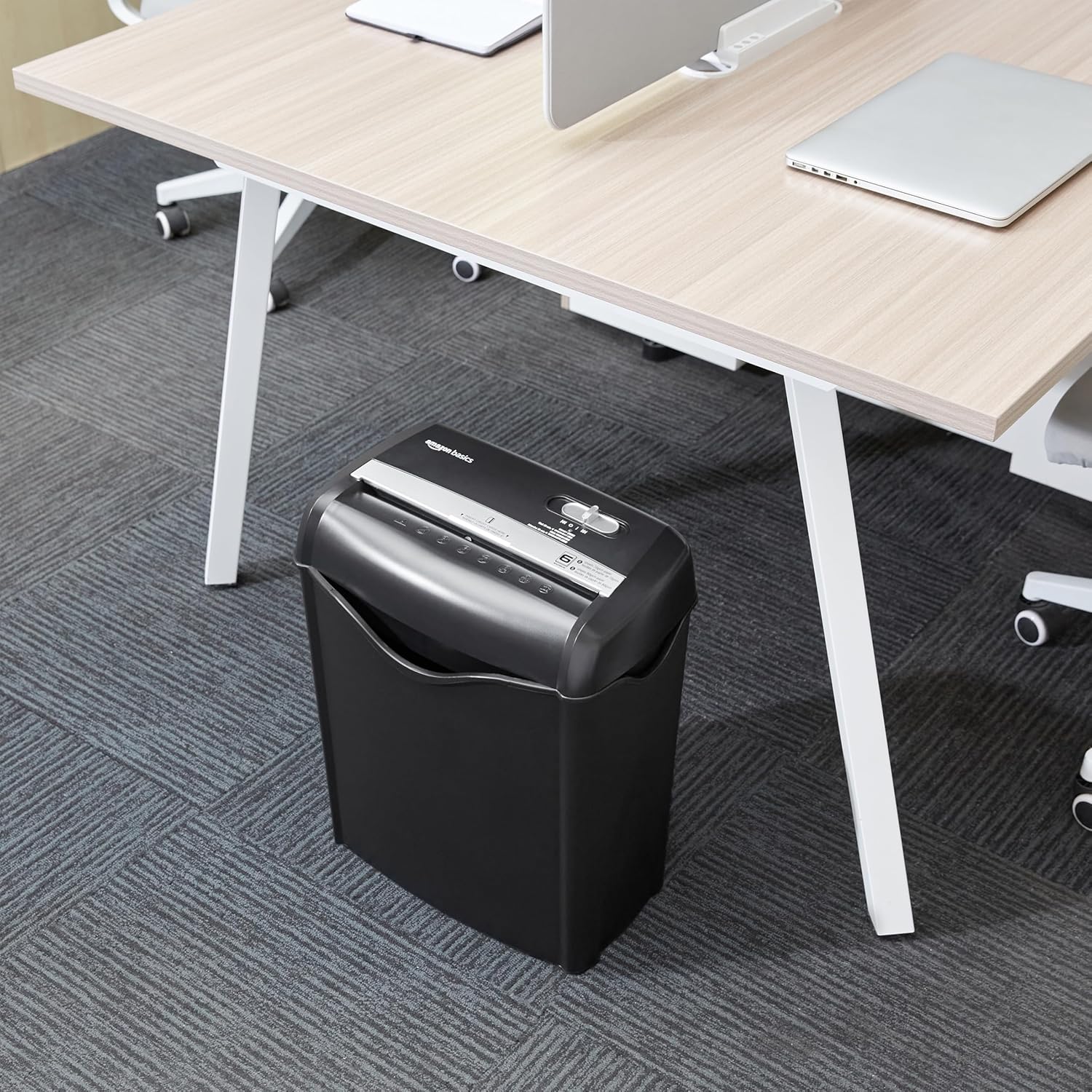
Image: The Amazon Basics AS665C Paper Shredder positioned under a desk, demonstrating its compact size and ease of placement in an office or home environment.
- Podłącz zasilanie: Podłącz przewód zasilający do standardowego gniazdka elektrycznego.
Instrukcja obsługi
Przełącznik sterujący
The shredder features a slide switch with three positions:
- AUTO (I): The shredder will automatically start when paper is inserted and stop when shredding is complete.
- WYŁĄCZONY (O): The shredder is powered off.
- REV (<<): Activates the reverse function to clear paper jams.

Obraz: szczegółowy view of the shredder's control switch, showing the "AUTO", "OFF", and "REV" settings, along with the "READY" (green) and "OVERHEAT" (red) indicator lights.
Niszczenie dokumentów
- Wybierz tryb: Ustaw przełącznik sterujący w pozycji AUTO (I) position. The "READY" indicator light (green) will illuminate.
-
Włóż papier: Insert up to 6 sheets of 70gsm paper (or 5 sheets of 80gsm paper) straight into the paper entry slot. The shredder will automatically start and stop.
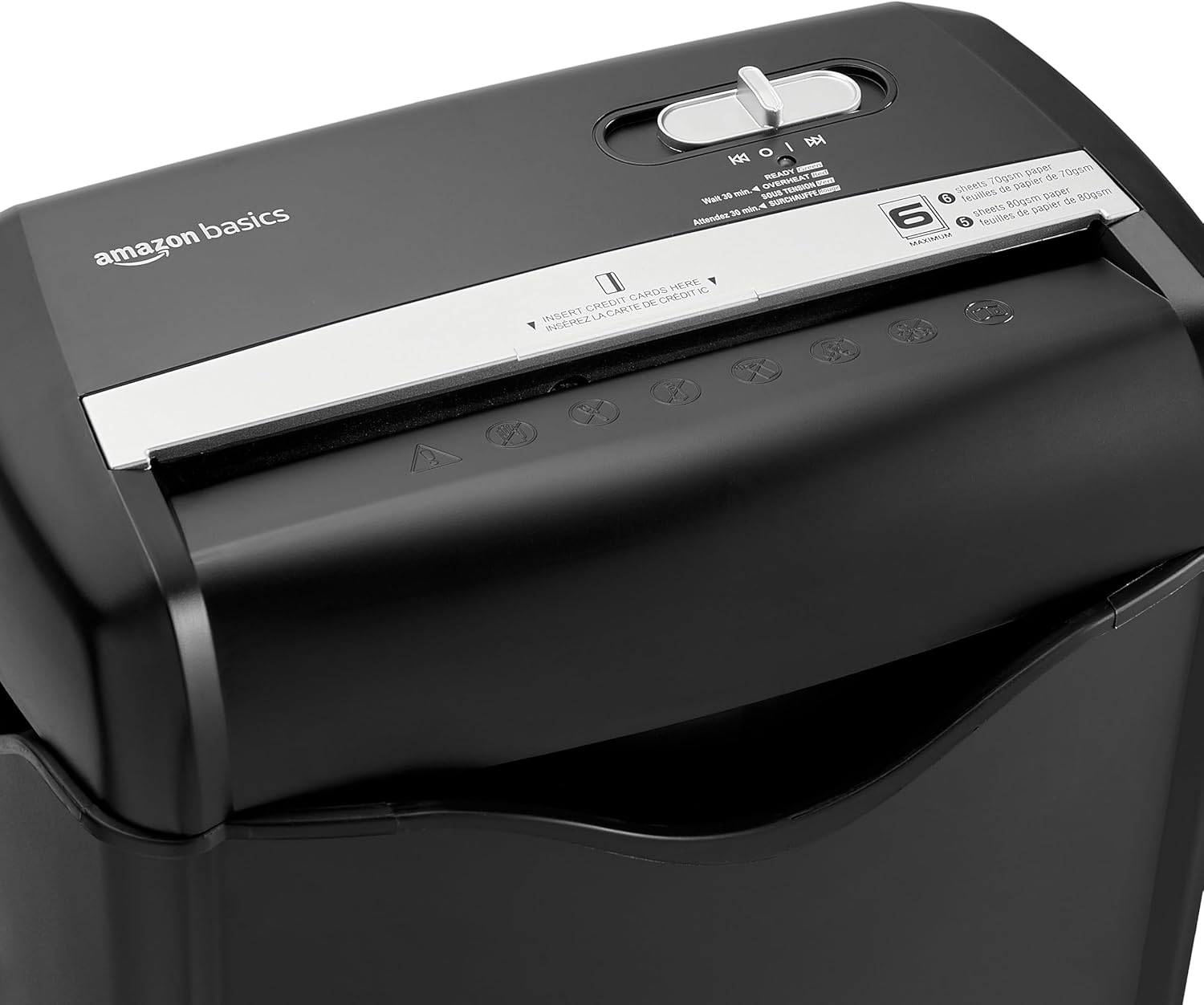
Obraz: Góra view of the shredder, highlighting the paper entry slot, the control switch, and the "MAXIMUM" sheet capacity label.

Image: A close-up of the shredder's label indicating the maximum sheet capacity: 6 sheets of 70gsm paper or 5 sheets of 80gsm paper.
-
Niszczenie kart kredytowych: Insert one credit card at a time into the dedicated credit card slot.

Obraz: Zbliżenie view of the shredder's dedicated slot for inserting credit cards, clearly labeled "INSERT CREDIT CARDS HERE".
- Zabezpieczenie przed przegrzaniem: The shredder will automatically shut off if it runs continuously for too long or if the motor overheats. The "OVERHEAT" indicator light (red) will illuminate. Allow the shredder to cool down for approximately 30 minutes before resuming operation.

Image: A pile of cross-cut shredded paper, demonstrating the small particle size for enhanced security. A quarter coin is placed next to it for scale.
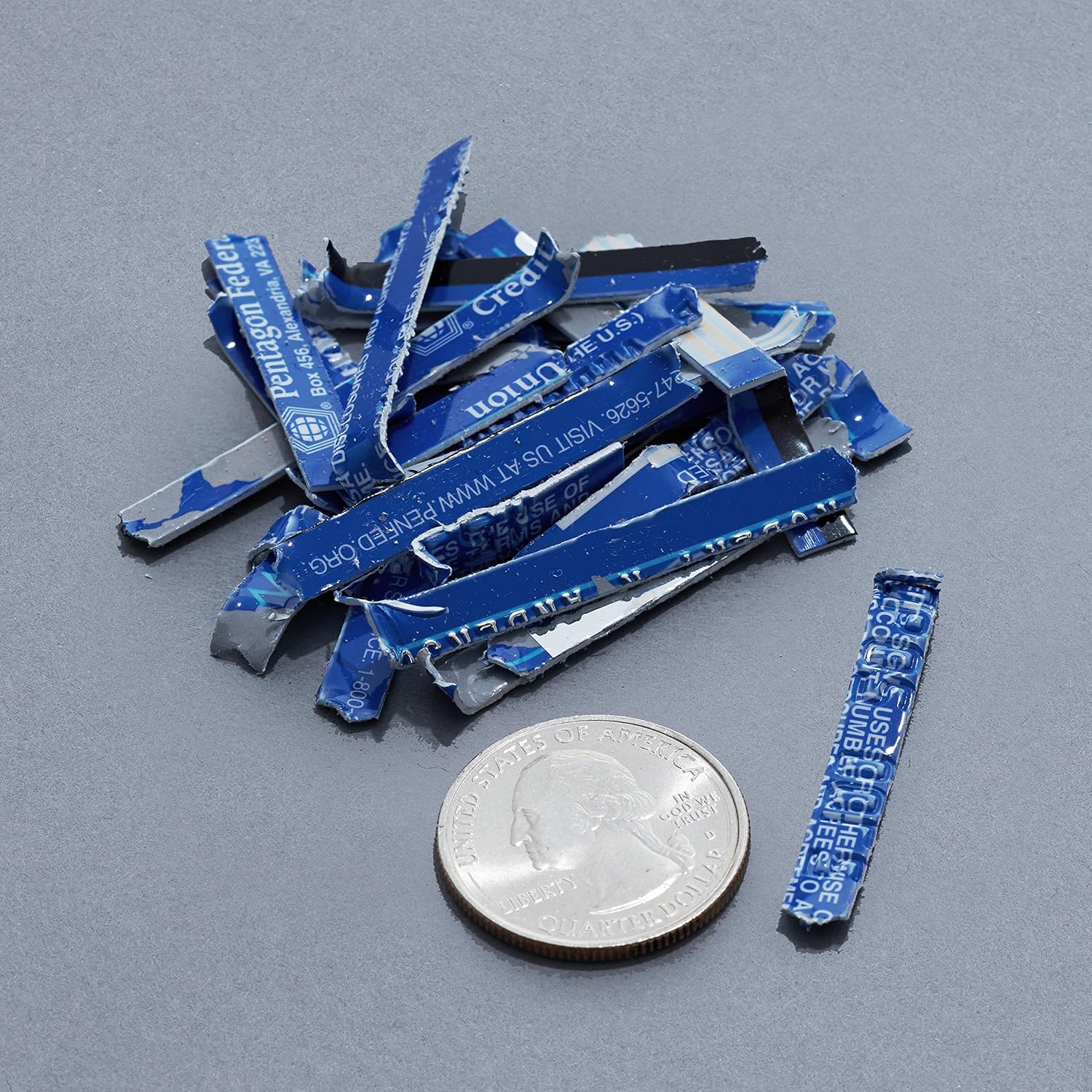
Image: A collection of shredded credit card pieces, illustrating the secure destruction of plastic cards. A quarter coin is included for size reference.
Konserwacja
Opróżnianie kosza na śmieci
Regularly empty the waste bin to prevent paper jams and ensure optimal performance. Unplug the shredder before removing the head to empty the bin.
Czyszczenie
- Unplug the shredder before cleaning.
- Wipe the exterior of the shredder with a soft, dry cloth.
- Nie należy używać środków czyszczących o właściwościach ściernych ani rozpuszczalników.
- For optimal performance, periodically oil the shredder blades with shredder oil sheets or liquid shredder oil. Follow the oil product's instructions.
Rozwiązywanie problemów
| Problem | Możliwa przyczyna | Rozwiązanie |
|---|---|---|
| Niszczarka nie uruchamia się. |
|
|
| Zacięcie papieru. |
|
|
| Niszczarka zatrzymuje się w trakcie pracy. |
|
|
Specyfikacje
| Funkcja | Szczegół |
|---|---|
| Marka | Podstawy Amazon |
| Numer modelu | AS665C (Manufacturer Model: AS662C-EU) |
| Rodzaj niszczenia | Przekop |
| Pojemność arkusza | 6 sheets (70gsm paper) / 5 sheets (80gsm paper) |
| Strzępy | Papier, karty kredytowe |
| Źródło zasilania | Elektryczny przewodowy |
| Cechy specjalne | Portable, Overheat Protection, Manual Reverse |
| Wymiary produktu (dł. x szer. x wys.) | 30.7 x 19.6 x 38.1 cm (12.1 x 7.7 x 15 cala) |
| Waga produktu | 3.72 kg (8.2 funta) |
| Tworzywo | Plastik i metal |
Gwarancja i wsparcie
For warranty information and customer support, please refer to the Amazon Basics webOdwiedź witrynę lub skontaktuj się bezpośrednio z obsługą klienta Amazon. Zachowaj paragon zakupu na wypadek reklamacji.