
Wstęp
This manual provides detailed instructions for the setup, operation, and maintenance of your Ozeri WeightMaster 400 lbs Digital Scale. Please read this manual thoroughly before use to ensure proper function and to maximize the benefits of its features.

Image: The Ozeri WeightMaster Digital Scale, displaying a weight measurement and a green indicator for weight loss.
Informacje dotyczące bezpieczeństwa
- Aby uzyskać dokładne odczyty, ustaw wagę na twardej, płaskiej powierzchni. Unikaj dywanów i nierównych podłóg.
- Nie należy używać wagi na mokrych lub śliskich powierzchniach.
- Nie wchodź na wagę.
- Trzymaj wagę z dala od wody i ekstremalnych temperatur.
- This scale is designed for household use only.
- Nie próbuj samodzielnie demontować ani naprawiać wagi. W przypadku problemów skontaktuj się z obsługą klienta.
Zawartość opakowania
Sprawdź, czy w opakowaniu znajdują się wszystkie elementy:
- Ozeri WeightMaster Digital Scale (Model ZB21)
- 3 baterie AAA
- Instrukcja obsługi (ten dokument)
Organizować coś
1. Instalacja baterii
- Znajdź komorę baterii na spodzie wagi.
- Otwórz pokrywę komory baterii.
- Włóż 3 baterie AAA, zwracając uwagę na prawidłową biegunowość (+/-).
- Dokładnie zamknij pokrywę komory baterii.
2. Initial User Profile Organizować coś
The scale supports up to 5 unique user profiles. Follow these steps to set up your profile:
- Press the "SET" button located on the scale's display. The user number (U1-U5) will flash.
- Use the Up/Down arrow buttons to select your desired user number (e.g., U1 for User 1).
- Press "SET" to confirm.
- The height setting will flash. Use the Up/Down arrows to adjust your height. Press "SET" to confirm.
- The age setting will flash. Use the Up/Down arrows to adjust your age. Press "SET" to confirm.
- The gender setting will flash. Use the Up/Down arrows to select male or female. Press "SET" to confirm.
- The scale will display "0.0 lb" and is ready for use.
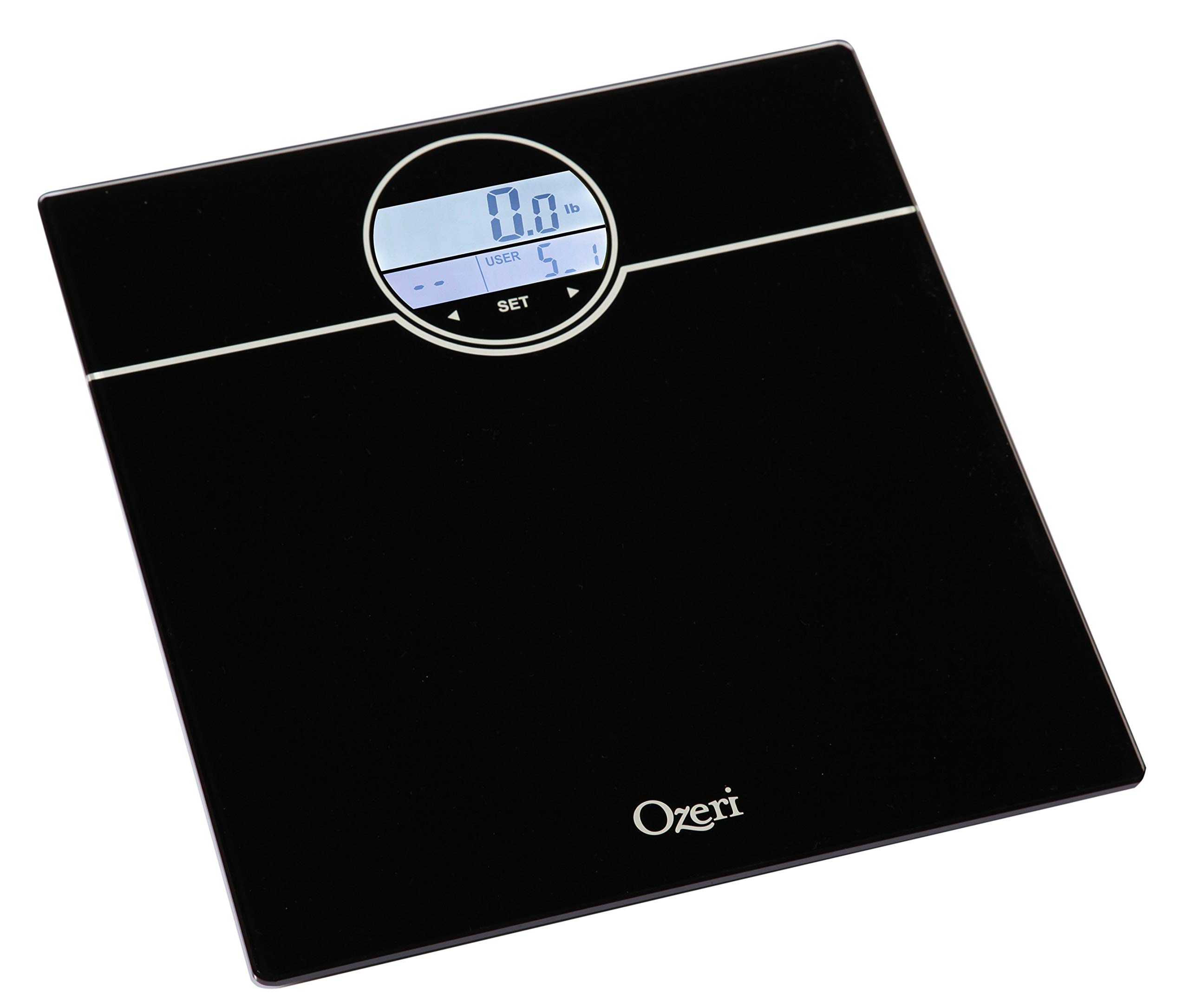
Image: The scale's display during the user profile setup process, showing the user selection and initial weight reading.
Instrukcja obsługi
Weighing Yourself
- Ustaw wagę na twardej, płaskiej powierzchni.
- Step onto the scale with bare feet. The scale will automatically turn on and detect your user profile.
- Stand still until your weight is displayed.
- The scale will then display your BMI (Body Mass Index).
- Following BMI, the scale will show your net weight change from your last weigh-in (L1), the average of your last 3 weigh-ins (L3), and the average of your last 7 weigh-ins (L7).
- The display will illuminate GREEN for weight loss and RED for weight gain.
- The scale will automatically power off after a few seconds.
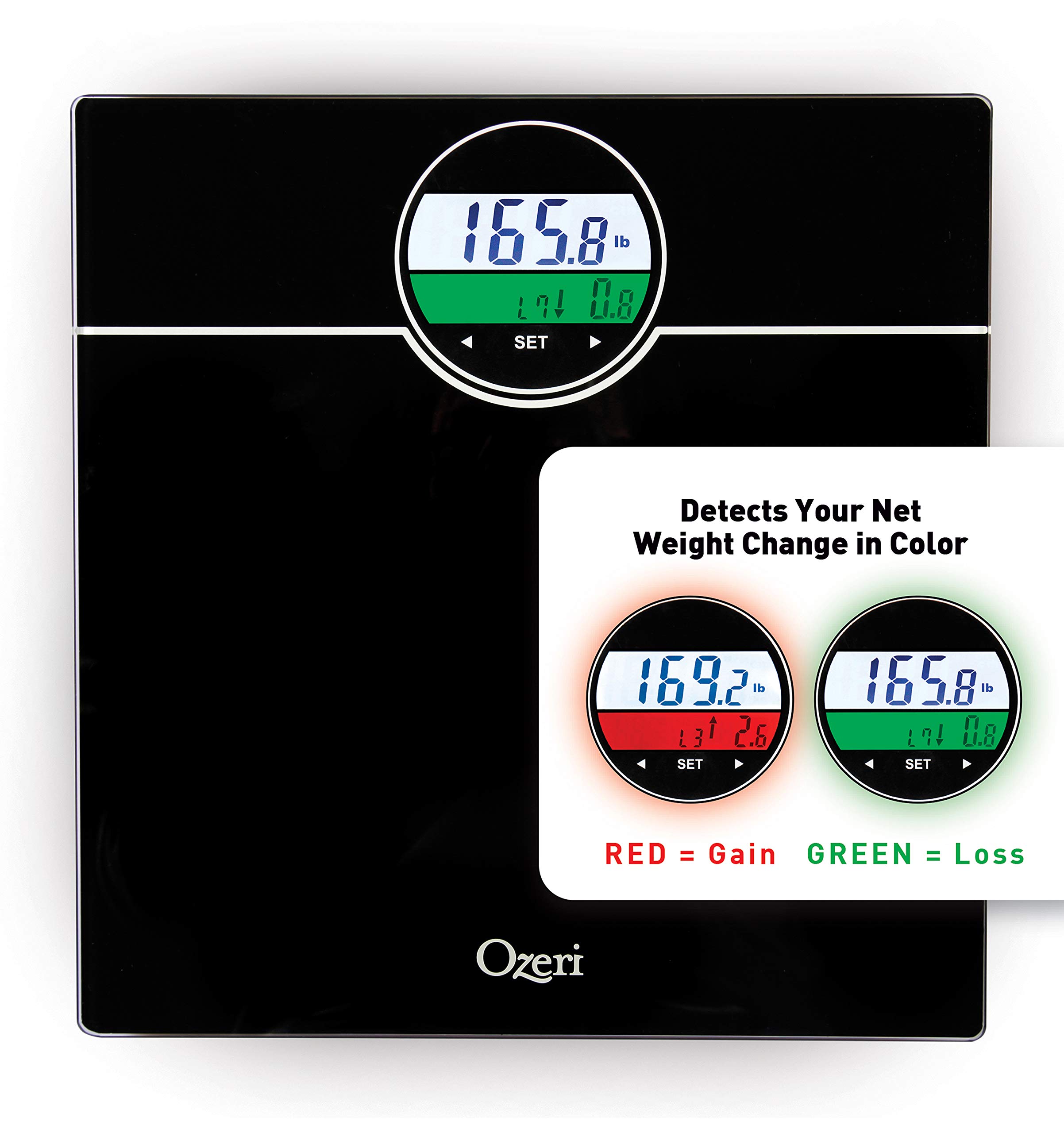
Image: The scale's display showing weight and color-coded weight change detection. Green indicates weight loss, red indicates weight gain.
Cechy
- BMI Measurement: Calculates your Body Mass Index based on your height and weight.
- Weight Change Detection: Displays net weight change from your last weigh-in (L1), the average of your last 3 weigh-ins (L3), and the average of your last 7 weigh-ins (L7).
- Color Alert Technology: The display illuminates GREEN for weight loss and RED for weight gain, providing visual feedback.
- Auto Recognition Technology: Automatically identifies up to 5 unique users based on their weight.
- StepOn Technology: Automatically turns on when you step on the scale.
- Automatyczny wyłącznik: Oszczędza baterię, automatycznie wyłączając urządzenie po określonym czasie bezczynności.
- Duża pojemność: Weighs up to 400 lbs.
Konserwacja
- Wyczyść wagę za pomocą adamp szmatką i łagodnym detergentem. Nie używaj środków czyszczących o działaniu ściernym ani nie zanurzaj wagi w wodzie.
- Przechowuj wagę w suchym miejscu, w temperaturze pokojowej.
- Wymień baterie, gdy na wyświetlaczu pojawi się wskaźnik niskiego poziomu naładowania baterii.
Rozwiązywanie problemów
| Problem | Rozwiązanie |
|---|---|
| Wyświetlany jest komunikat „Lo” | Baterie są słabe. Wymień je na nowe baterie AAA. |
| Wyświetla się komunikat „Err” | Overload. The maximum weight capacity (400 lbs) has been exceeded. Step off the scale immediately. |
| Niedokładne odczyty |
|
| Waga się nie włącza |
|
Specyfikacje
- Model: ZB21
- Pojemność: 400 funta (180 kg)
- Jednostki: Funty (funty), Kilogramy (kg)
- Wyświetlacz: LCD with Color Alert Technology
- Moc: Baterie 3 x AAA (w zestawie)
- Wymiary: 12.2 x 11.8 x 0.9 cala (31 x 30 x 2.3 cm)
- Tworzywo: Impact-resistant tempered glass
- Cechy szczególne: BMI, Weight Change Detection (L1, L3, L7), Auto Recognition (up to 5 users), StepOn Technology, Auto Power-Off
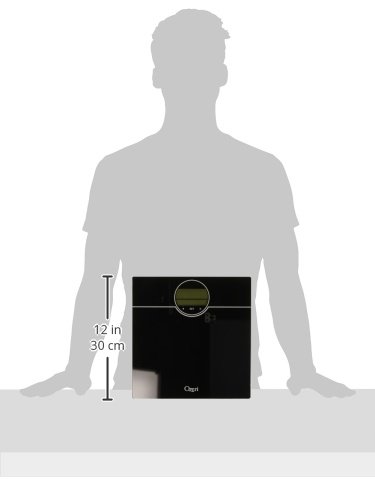
Image: A visual representation of the scale's dimensions, indicating its compact size.
Gwarancja i wsparcie
Ozeri products are backed by a warranty. For specific warranty details, product support, or to contact customer service, please refer to the official Ozeri webstronę lub dane kontaktowe podane w dokumentacji zakupu.
Aby uzyskać dalszą pomoc, odwiedź stronę Sklep Ozeri na Amazonie.