
1. Wprowadzenie
This manual provides detailed instructions for the safe and correct installation, operation, and maintenance of your RICOO R02 Tilting TV Wall Mount. Please read all instructions carefully before beginning installation to ensure proper setup and to prevent damage or injury. Keep this manual for future reference.
2. Informacje dotyczące bezpieczeństwa
- Nośność: Nie przekraczaj maksymalnego obciążenia wynoszącego 30 kg (66 funtów).
- Rozmiar ekranu: Uchwyt przeznaczony jest do telewizorów o przekątnej od 22 do 37 cali.
- Typ ściany: The included dowels are suitable for concrete walls only. For other wall types (e.g., wood stud, brick, drywall), consult a professional or purchase appropriate mounting hardware.
- Profesjonalna instalacja: If you are unsure about the installation process, seek assistance from a qualified professional.
- Narzędzia: Ensure you have all necessary tools before starting installation.
- Dzieci: Podczas montażu nie dopuszczać dzieci do miejsca instalacji.
- Szkoda: Do not install if any parts are damaged. Contact customer support for replacement parts.
3. Zawartość opakowania
Przed przystąpieniem do instalacji sprawdź, czy wszystkie komponenty są obecne i nieuszkodzone.
- Pre-assembled TV bracket
- Dowels (for concrete walls only)
- Screws for screen attachment (various sizes)
- Wall screws and other mounting accessories

Rysunek 3.1: Technical drawing showing the dimensions and movement capabilities of the R02 wall mount. All measurements are in millimeters.
4. Specyfikacje
| Marka | RICOO |
| Numer modelu | R02 |
| Kompatybilne rozmiary ekranu | 22 - 37 cala (56 - 94 cm) |
| Maksymalna ładowność | 30 kg (66 funta) |
| Zgodność ze standardem VESA | 75x75 mm, 100x100 mm, 200x100 mm, 200x200 mm |
| Kąt nachylenia | +/- 15 stopni |
| Kąt obrotu | Up to 180 degrees (depending on screen width) |
| Odległość od ściany | 68 mm - 450 mm |
| Tworzywo | Stal stopowa |
| Kolor | Czarny |
| Wymiary produktu | Wymiary 29 x 23 x 8 cm |
| Waga produktu | 2.88 kilogramów |

Rysunek 4.1: The RICOO R02 wall mount is designed to safely support televisions weighing up to 30 kg.
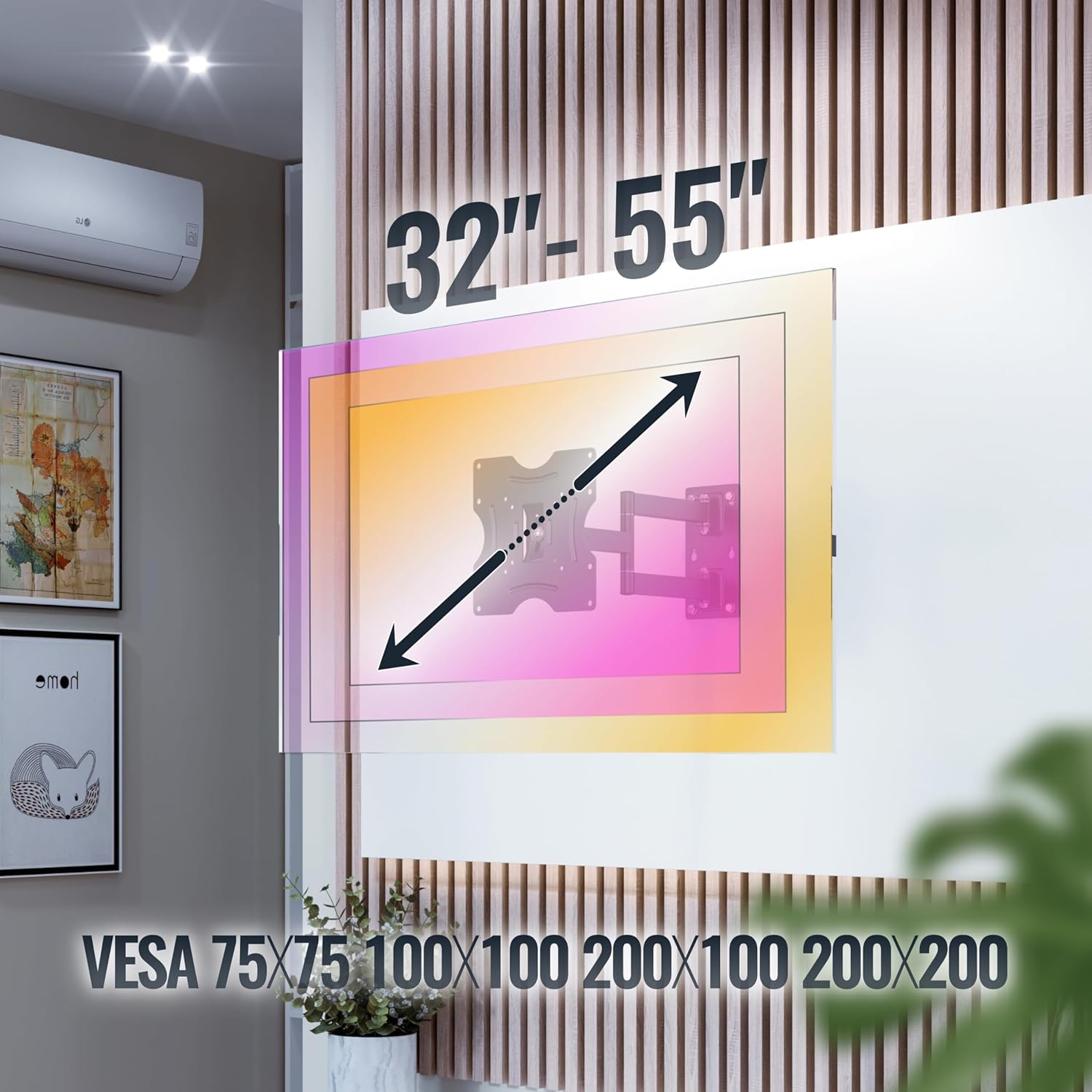
Rysunek 4.2: This image illustrates the VESA compatibility (75x75, 100x100, 200x100, 200x200 mm) and the recommended screen size range for the mount. Please note that while the image shows 32"-55", the product is specified for 22"-37" TVs.
5. Konfiguracja i instalacja
Follow these steps carefully for a secure installation. It is recommended to have two people for installation.
- Przygotuj ścianę:
- Identify the desired mounting location on your wall. Ensure the wall can support the weight of the mount and your TV.
- Use a stud finder to locate wall studs if mounting on a wood stud wall. For concrete walls, ensure there are no hidden pipes or electrical wires.
- Mark the drilling points for the wall plate using the mount as a template.
- Wiercenie otworów:
- Drill pilot holes at the marked locations. The drill bit size will depend on your wall type and the provided screws/dowels.
- Insert the appropriate wall anchors (dowels for concrete walls) into the drilled holes.
- Zamontuj płytę ścienną:
- Secure the wall plate of the mount to the wall using the provided wall screws. Ensure it is level and tightly fastened.
- Zamontuj uchwyty TV na telewizorze:
- Ostrożnie połóż telewizor ekranem do dołu na miękkiej i czystej powierzchni.
- Znajdź otwory montażowe VESA z tyłu telewizora.
- Select the correct size screws from the provided hardware that fit your TV's VESA holes.
- Attach the TV brackets to the back of your TV using these screws. Do not overtighten.
- Montaż telewizora na płycie ściennej:
- Korzystając z czyjejś pomocy, ostrożnie podnieś telewizor za pomocą przymocowanych uchwytów.
- Zawieś uchwyty telewizora na płycie ściennej. Upewnij się, że telewizor jest stabilnie zamocowany na uchwycie.
- Włącz wszelkie zabezpieczające mechanizmy blokujące na uchwycie, aby zapobiec przypadkowemu wysunięciu się.
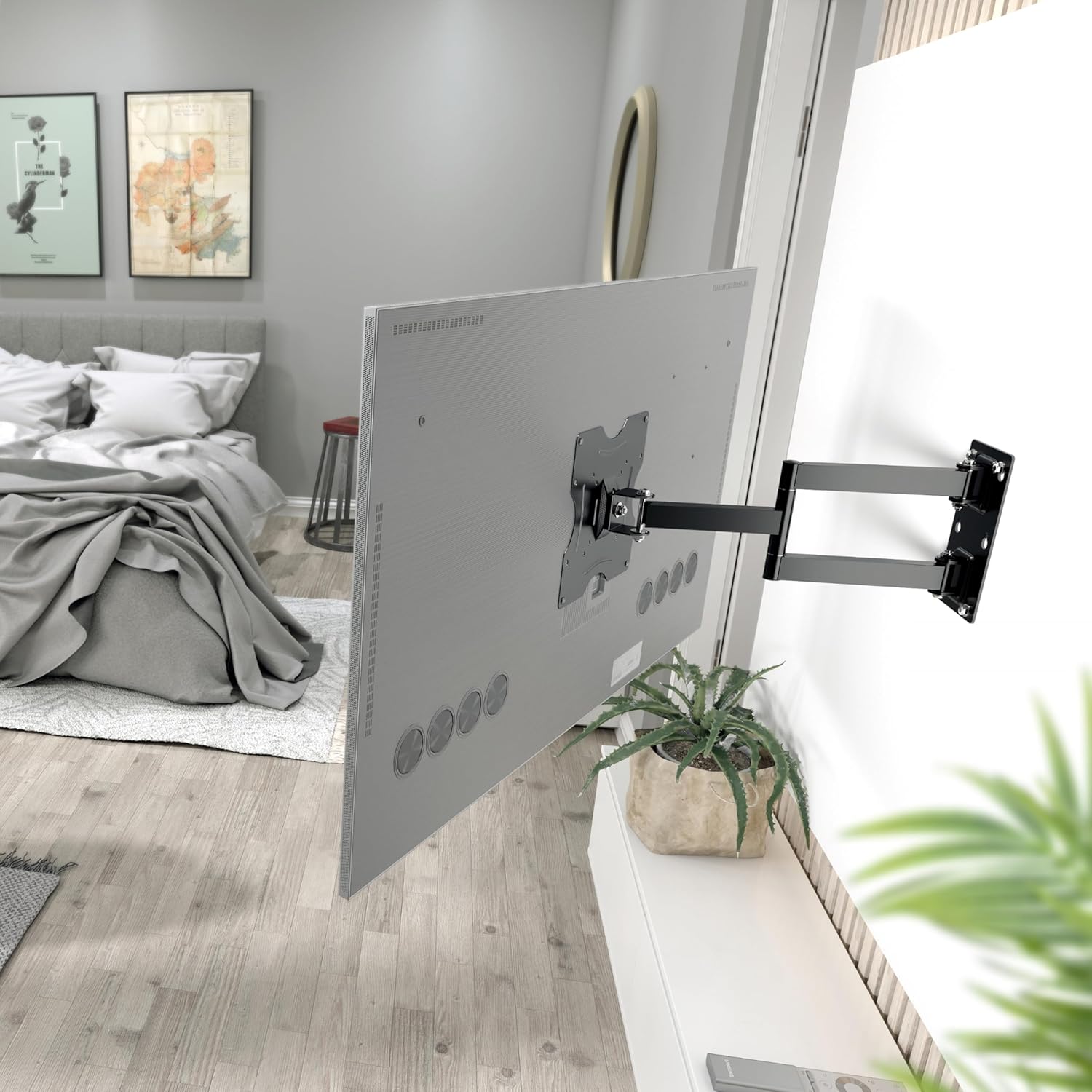
Rysunek 5.1: The RICOO R02 wall mount securely installed, holding a television at an extended position from the wall.
6. Instrukcja obsługi
The RICOO R02 mount offers flexible viewopcje:
- Przechylanie: Gently push or pull the top or bottom of the TV to adjust the tilt angle up to +/- 15 degrees. This helps reduce glare and optimize viewing.
- Obrót: The mount allows for swiveling the TV up to 180 degrees horizontally. Carefully push the TV left or right to achieve the desired viewing angle. The maximum swivel range depends on the width of your TV and its distance from the wall.
- Wysuwanie/Wsuwanie: The mount can extend the TV from the wall between 68 mm and 450 mm. Gently pull the TV forward or push it back towards the wall.

Rysunek 6.1: Illustration of the mount's tilt range (+/- 15 degrees) and swivel range (up to 180 degrees), allowing for optimal viewz różnych pozycji.
7. Konserwacja
Regularna konserwacja zapewnia długowieczność i bezpieczne działanie uchwytu ściennego do telewizora.
- Czyszczenie: Przetrzyj uchwyt miękką, suchą ściereczką. Unikaj środków czyszczących o działaniu ściernym i rozpuszczalników.
- Kontrola szczelności: Okresowo sprawdzaj wszystkie śruby i nakrętki, aby upewnić się, że są dobrze dokręcone. W razie potrzeby dokręć je, ale nie przekręcaj.
- Kontrola Ruchu: Occasionally move the TV through its full range of motion (tilt, swivel, extend) to ensure smooth operation.
- Kontrola uszkodzeń: Inspect the mount for any signs of wear, damage, or corrosion. If any issues are found, discontinue use and contact customer support.
8. Rozwiązywanie Problemów
| Problem | Możliwa przyczyna | Rozwiązanie |
|---|---|---|
| Telewizor nie jest wypoziomowany. | Płyta ścienna nie została zamontowana poziomo. | Remove TV, adjust wall plate, and re-mount. Use a spirit level during installation. |
| Mocowanie wydaje się luźne i niestabilne. | Screws are loose; incorrect wall anchors; wall material not strong enough. | Check and tighten all screws. Ensure correct wall anchors were used for your wall type. If the wall is insufficient, consult a professional. |
| Difficulty tilting or swiveling the TV. | Joints are too tight; TV is too close to the wall or other obstructions. | Check for adjustment screws on the mount's joints and loosen slightly if needed. Ensure sufficient clearance around the TV. |
| Telewizor nie pasuje do uchwytu. | Nieprawidłowy wzór VESA lub rozmiar/waga telewizora. | Verify your TV's VESA pattern and weight against the mount's specifications (Section 4). Ensure your TV is within the 22-37 inch range and under 30 kg. |
9. Gwarancja i wsparcie
For warranty information or technical support, please contact RICOO customer service. Keep your purchase receipt as proof of purchase.
Producent: ENZ Engineering GmbH
GTIN: 04260201860186
For further assistance, please visit the official RICOO webodwiedź witrynę lub skontaktuj się z ich kanałami wsparcia.