
ION iTR06H
ION Tape Express Plus Digital Converter User Manual
Model: iTR06H
Wstęp
The ION Tape Express Plus is a portable, handheld USB cassette player designed to convert your analog cassette tapes into digital audio files. This device allows you to preserve your old recordings and music by transferring them to your computer, enabling playback on modern digital devices or archiving. Its compact design ensures portability, allowing you to convert tapes anywhere.
Zawartość opakowania
- Tape Express Plus unit
- Słuchawki
- Kabel USB
- Software CD (EZ Vinyl/Tape Converter)
- Skrócona instrukcja obsługi
- Przewodnik bezpieczeństwa i gwarancji
Cechy produktu
- USB cassette player for converting music or recordings into MP3 format.
- Powered by mini-USB or 2 AA batteries for versatile use.
- Integrated hardware transport controls (Play, Stop, FF, REW) and volume control.
- Software selector for Normal and Chrome (Cr02 / metal) cassette tape types.
- Audio output jack (1/8") for headphone or external speaker playback.
- Includes EZ Vinyl/Tape Converter software for guided transfer and dubbing to computer.
Organizować coś
Włączanie urządzenia
The Tape Express Plus can be powered in two ways:
- Zasilanie USB: Connect the included USB cable from the Tape Express Plus to an available USB port on your computer. The device will draw power directly from the computer.
- Moc baterii: Insert 2 AA batteries (not included) into the battery compartment located on the underside of the unit.
Instalacja oprogramowania
Install the EZ Vinyl/Tape Converter software from the included CD onto your computer. Follow the on-screen instructions for installation. This software is essential for converting your cassette audio to digital files.
Instrukcja obsługi
Wkładanie kasety magnetofonowej
- Otwórz drzwiczki komory kasety.
- Insert your cassette tape with the open edge facing upwards.
- Zamknij dokładnie drzwi przedziału.
Podstawowe odtwarzanie
- Naciśnij GRAĆ przycisk, aby rozpocząć odtwarzanie taśmy.
- Dostosuj TOM slider to your desired listening level.
- Aby zatrzymać odtwarzanie, naciśnij ZATRZYMYWAĆ SIĘ przycisk.
- Użyj FF (Szybkie przewijanie) i REW Przyciski (przewijania do tyłu) umożliwiają poruszanie się po taśmie.
- Connect headphones to the 1/8" jack for private listening, or connect to an external stereo system.
Digital Conversion Process
To convert your cassette tapes to digital files, wykonaj następujące kroki:
- Ensure the Tape Express Plus is powered (via USB or batteries) and connected to your computer via the USB cable.
- Włóż kasetę, którą chcesz przekonwertować.
- Launch the EZ Vinyl/Tape Converter software on your computer.
- Follow the software's prompts to select recording settings, such as tape type (Normal or Chrome/Metal).
- Naciśnij GRAĆ button on the Tape Express Plus to start playing the cassette.
- Initiate recording within the EZ Vinyl/Tape Converter software. The software will guide you through the process of capturing the audio.
- Once the tape has finished playing or you have captured the desired segment, press the ZATRZYMYWAĆ SIĘ button on the Tape Express Plus and stop the recording in the software.
- The software will then allow you to save the digitized audio file (typically in MP3 format) to your computer. You can then transfer these files to portable music players or burn them to a CD.
Produkt ponadview

Rysunek 1: The ION Tape Express Plus with a cassette tape partially inserted, showcasing its compact design and the tape mechanism.

Rysunek 2: Przód view of the ION Tape Express Plus, highlighting the ION logo and the clear window for viewnagrywając kasetę.
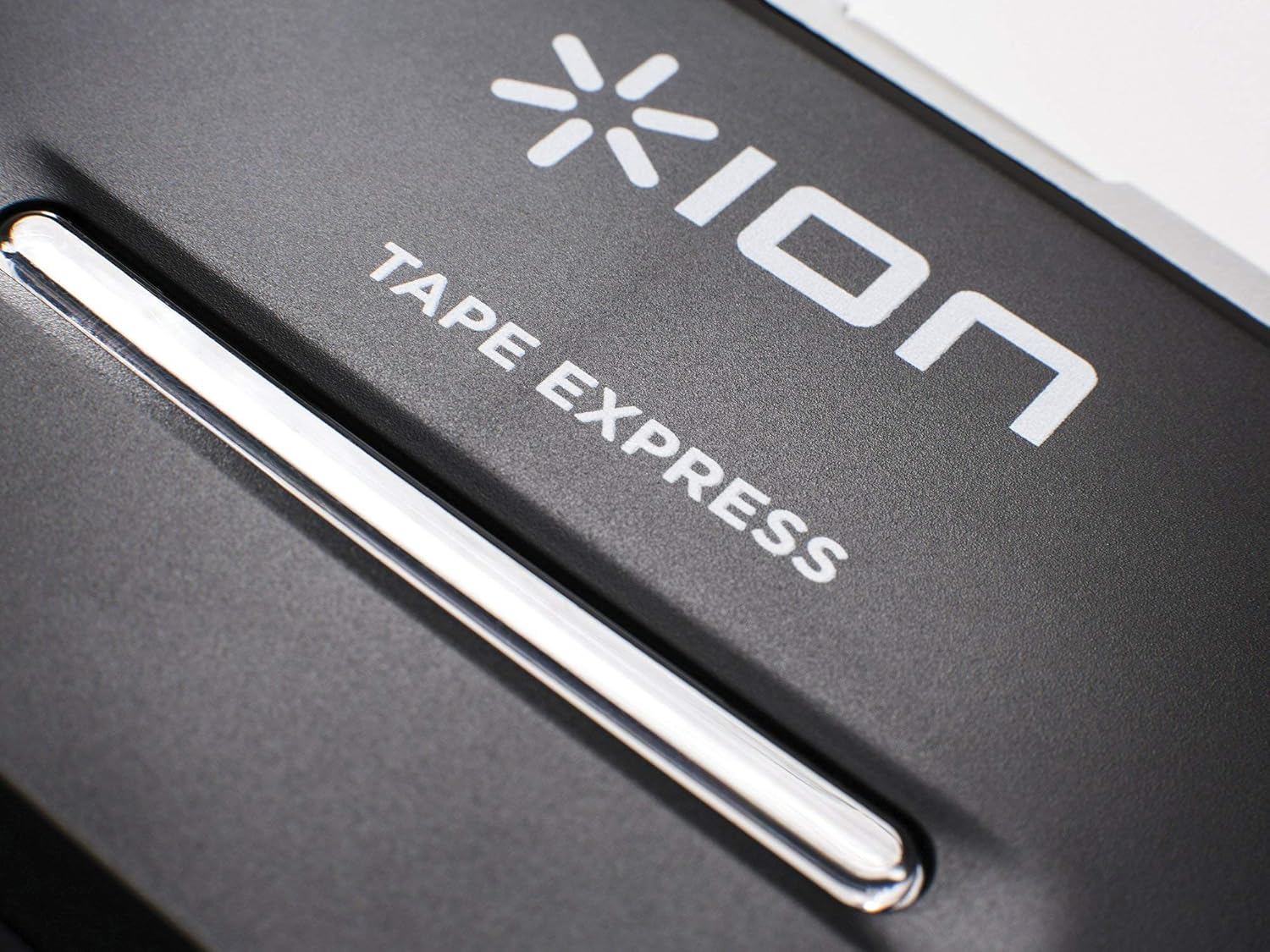
Rysunek 3: Z bliska view of the control buttons (Stop, Play, Fast Forward, Rewind) located on the top edge of the Tape Express Plus.
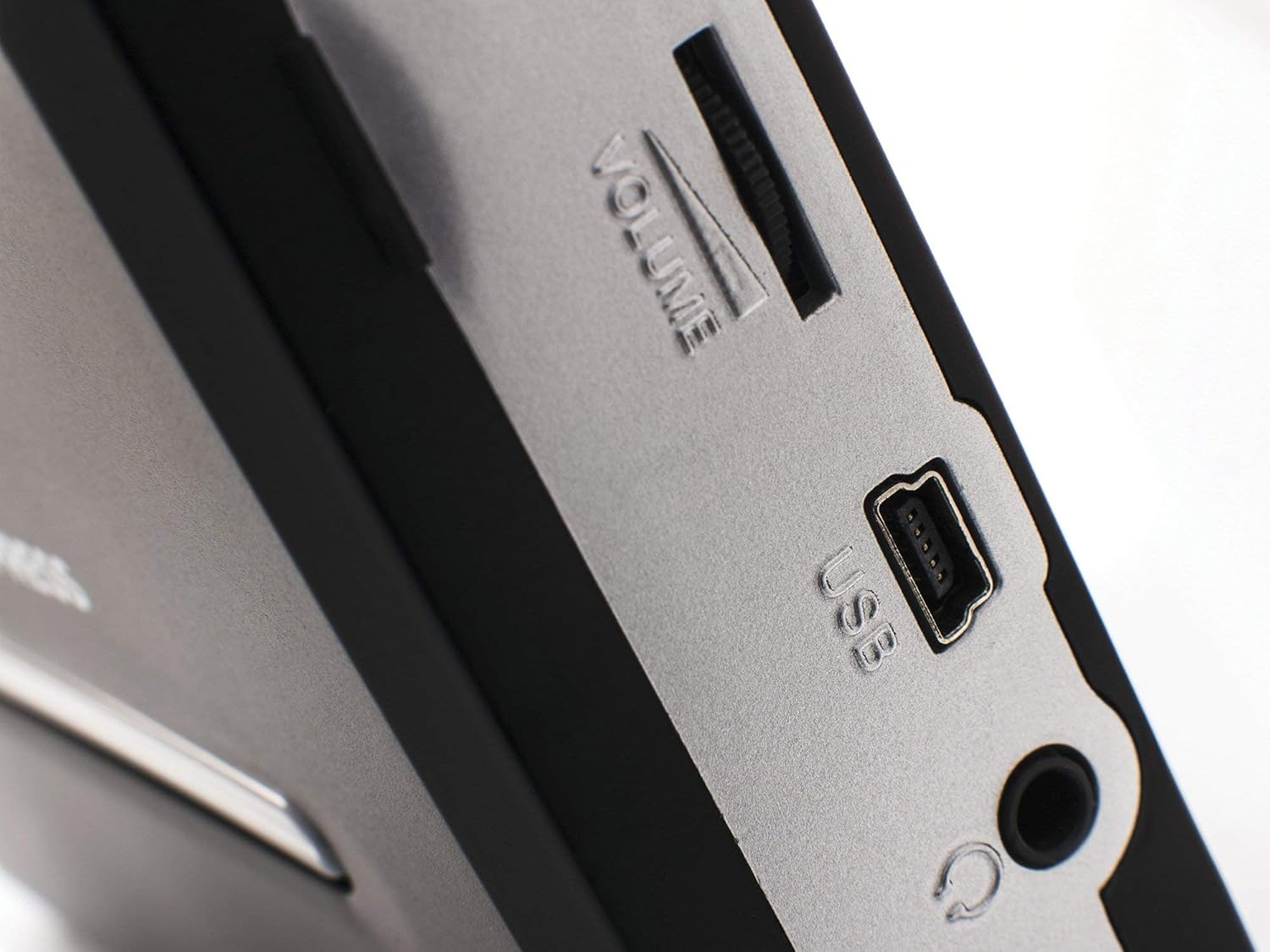
Rysunek 4: Strona view of the ION Tape Express Plus, clearly showing the volume slider, USB connection port, and 1/8" headphone jack.
Konserwacja
- Czyszczenie: Use a soft, dry cloth to clean the exterior of the Tape Express Plus. Do not use abrasive cleaners or solvents.
- Czyszczenie głowicy taśmy: Okresowo czyść głowice taśmy delikatnie przecierając je wacikiem.ampened with isopropyl alcohol to ensure optimal audio quality.
- Składowanie: Przechowuj urządzenie w chłodnym, suchym miejscu, z dala od bezpośredniego światła słonecznego i ekstremalnych temperatur. Wyjmij baterie, jeśli urządzenie nie będzie używane przez dłuższy czas.
Rozwiązywanie problemów
Brak zasilania
- Ensure batteries are correctly inserted and not depleted, or that the USB cable is securely connected to a powered USB port.
- If using batteries, try replacing them with fresh ones.
Poor Audio Quality / No Sound
- Check the volume level on the Tape Express Plus and your computer/connected audio system.
- Ensure headphones or external speakers are properly connected to the 1/8" audio output.
- Clean the tape heads and pinch rollers as described in the Maintenance section.
- Verify the cassette tape itself is in good condition. Worn or damaged tapes may produce poor audio.
- In the EZ Vinyl/Tape Converter software, ensure the correct input device (USB PnP Audio Device) is selected.
Software Not Recognizing Device
- Ensure the USB cable is firmly connected to both the Tape Express Plus and your computer.
- Spróbuj podłączyć do innego portu USB w komputerze.
- Restart your computer and the Tape Express Plus.
- Reinstall the EZ Vinyl/Tape Converter software.
Specyfikacje
| Funkcja | Szczegół |
|---|---|
| Wymiary produktu | 4.5 x 3.5 x 1.25 cala |
| Waga przedmiotu | 8 uncji |
| Numer modelu | iTR06H |
| Źródło zasilania | Mini-USB or 2 AA batteries |
| Zgodność z systemem operacyjnym | PC, Mac |
| Łączność | USB |
| Wyjście audio | Gniazdo słuchawkowe 1/8" |
Gwarancja i wsparcie
This product is sold "as is". For detailed warranty information and technical support, please refer to the "Safety & Warranty Guide" included in your package or visit the official ION Audio webstrona.