
Produkt ponadview
This PROSCAN SRCD243 Portable CD Player with AM/FM Radio Boombox offers versatile audio playback. It features an AM/FM radio, a CD player compatible with CD-R discs, skip and search functions, and a 20-track programmable memory. The unit can be powered by AC or batteries.
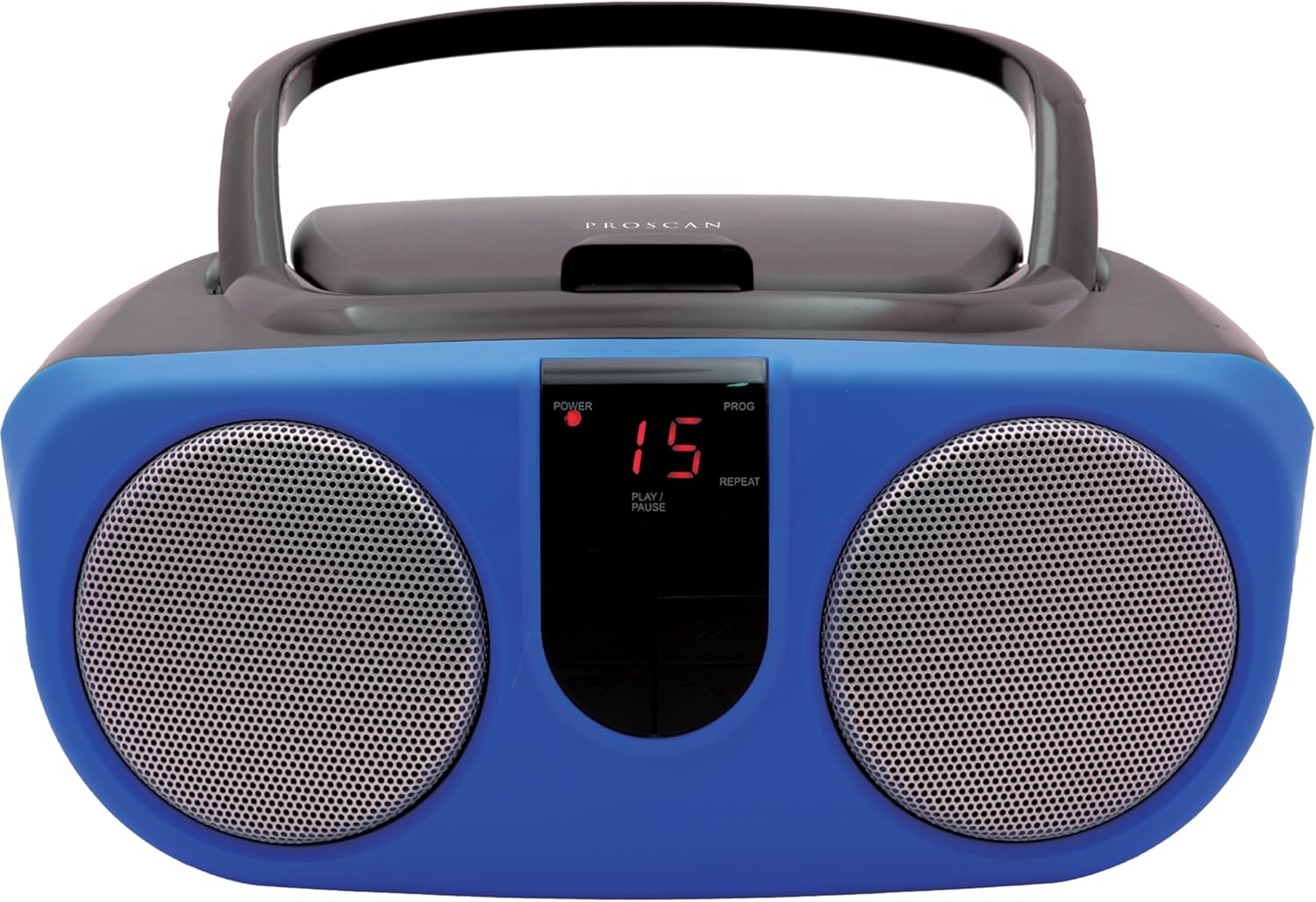
Description: Front view of the PROSCAN SRCD243 Portable CD Player with AM/FM Radio Boombox in blue, showcasing its dual speakers and central control panel.
Co jest w pudełku
- Sylvania SRCD243 Portable CD Player with AM/FM Radio, Boombox (Blue)
Organizować coś
Zasilanie jednostki
The SRCD243 can be powered in two ways:
- Zasilanie prądem zmiennym: Connect the included AC adapter to the AC IN jack on the back of the unit and plug it into a standard 120V/60Hz wall outlet.
- Moc baterii: For portable use, insert 8 'C' (UM-2) size batteries into the battery compartment located on the bottom of the unit. Ensure correct polarity.
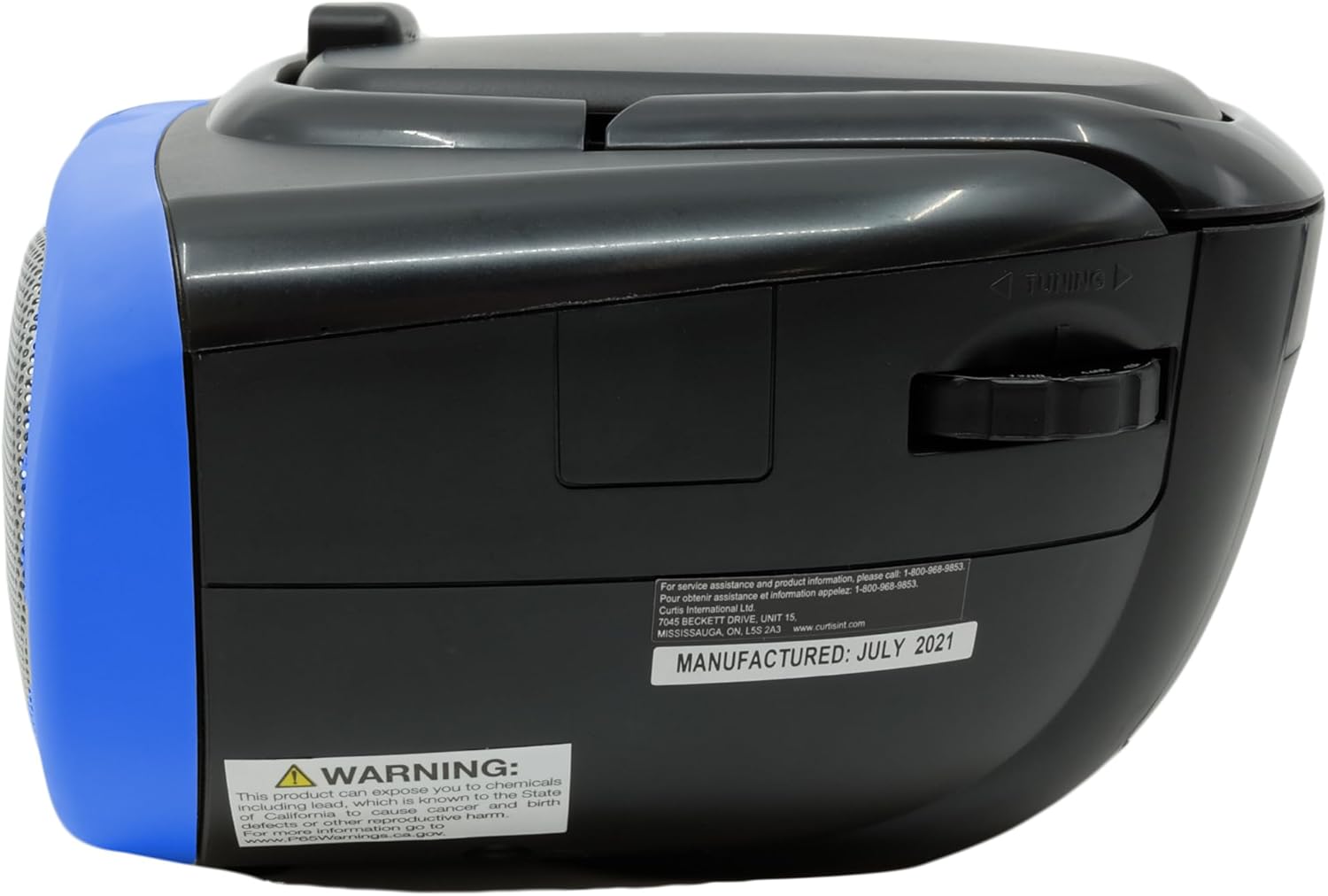
Description: This image displays the rear of the boombox, highlighting the AC power input and the battery compartment area. It also shows the product's manufacturing details and a Proposition 65 warning.
Instrukcja obsługi
Odtwarzanie CD
Aby odtworzyć płytę CD:
- Lift the CD compartment lid located on the top of the unit.
- Place a CD or CD-R disc onto the spindle, label side up.
- Zamknij dokładnie pokrywę komory na płytę CD.
- Slide the FUNCTION switch (located on the side) to the "CD" position.
- Naciśnij przycisk PLAY/PAUSE, aby rozpocząć odtwarzanie.
- Use the SKIP/SEARCH buttons to navigate between tracks or fast-forward/rewind within a track.
- Naciśnij przycisk STOP, aby zatrzymać odtwarzanie.
- The unit features a 20-track programmable memory and Repeat 1/All functions.

Description: This image shows the top of the boombox with the CD lid open, illustrating how to insert a compact disc for playback. The central control panel is also visible.
Radio AM/FM
Aby słuchać radia:
- Slide the FUNCTION switch (located on the side) to the "RADIO" position.
- Rozłóż antenę teleskopową, aby uzyskać optymalny odbiór FM.
- Use the TUNING dial (located on the side) to select your desired AM or FM station.
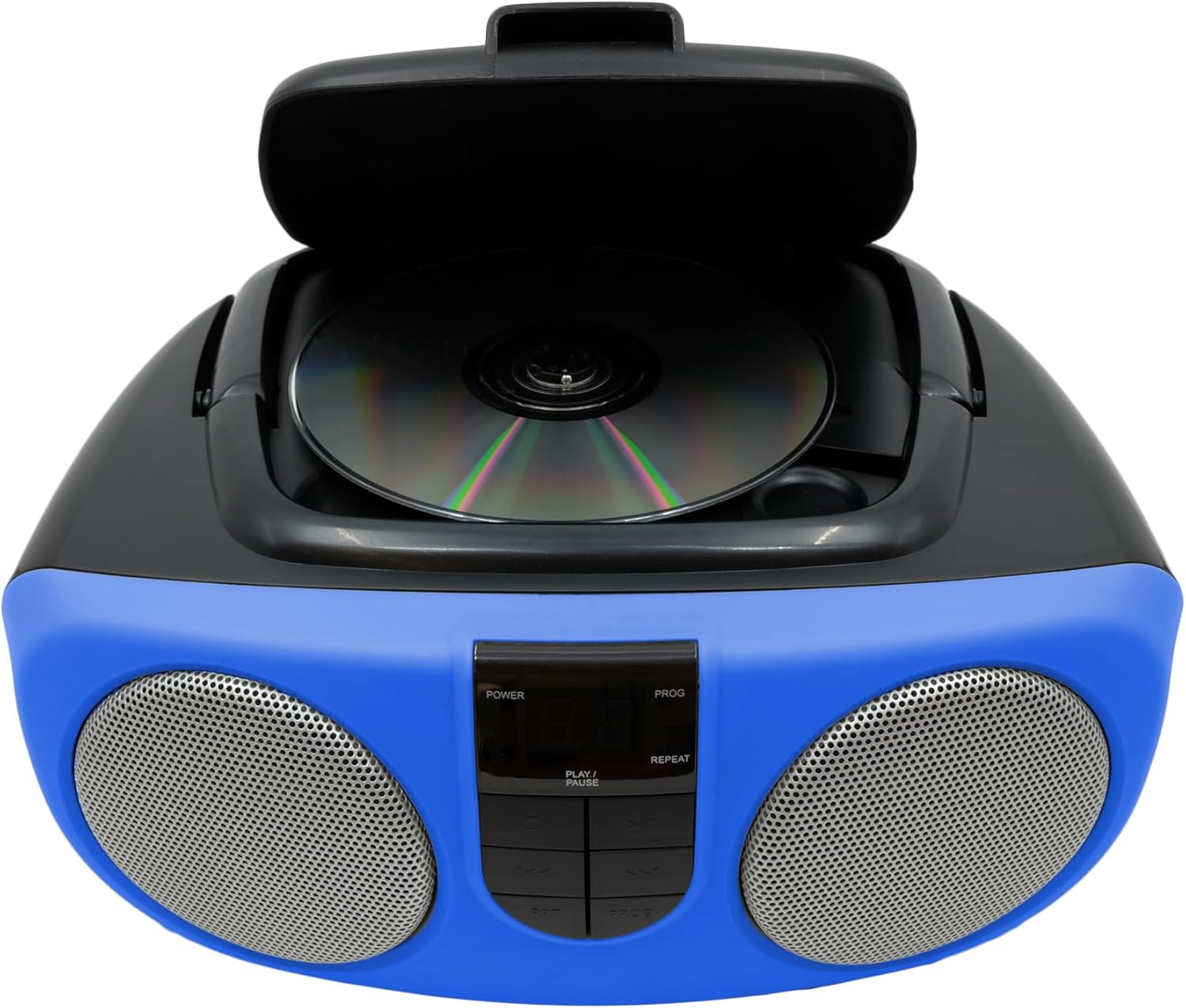
Description: This image provides a side view of the boombox, clearly showing the manual tuning dial used for selecting AM/FM radio frequencies.
Wejście pomocnicze
The Aux In jack allows you to connect external audio devices (e.g., MP3 players, smartphones) to play music through the boombox speakers.
- Connect one end of a 3.5mm audio cable (not included) to the Aux In jack on the side of the boombox.
- Podłącz drugi koniec kabla do gniazda słuchawkowego lub wyjścia audio w urządzeniu zewnętrznym.
- Slide the FUNCTION switch to the "AUX IN" position (if available, otherwise ensure it's not on CD or Radio).
- Adjust the volume using the VOLUME control on the boombox and your external device.

Description: This image displays the side of the boombox, featuring the auxiliary input jack and the function switch for selecting different audio sources.
Kontrola nadview
The front panel features an LED display and various control buttons:
- MOC: Włącza/wyłącza urządzenie.
- ZATRZYMYWAĆ SIĘ: Zatrzymuje odtwarzanie płyty CD.
- PROG (Program): Used for programming CD tracks.
- ODTWÓRZ/PAUZA: Rozpoczyna lub wstrzymuje odtwarzanie płyty CD.
- SKIP/SEARCH (<< / >>): Skips tracks or fast-forwards/rewinds.
- REP (powtórz): Powtarza bieżący utwór lub wszystkie utwory.
- VOLUME (Side Dial): Dostosowuje ogólny poziom dźwięku.
- FUNCTION (Side Switch): Selects between CD, OFF, and RADIO modes.

Description: This image provides a detailed front view of the boombox, highlighting the central control panel with its buttons for playback, programming, and the LED display.
Konserwacja
Czyszczenie
Przetrzyj urządzenie miękką, damp cloth. Do not use abrasive cleaners or solvents. For the CD lens, use a specialized CD lens cleaner.
Składowanie
If storing the unit for an extended period, remove batteries to prevent leakage and damage.
Rozwiązywanie problemów
| Problem | Możliwa przyczyna | Rozwiązanie |
|---|---|---|
| Brak zasilania | AC adapter not connected or batteries depleted/incorrectly inserted. | Check AC connection or replace/reinsert batteries. |
| Płyta CD nie odtwarza się lub przeskakuje | CD is dirty, scratched, or inserted incorrectly. Unit is on an unstable surface. | Clean CD, reinsert correctly. Place unit on a stable, flat surface. |
| Słaby odbiór radia | Antenna not extended or unit is in an area with weak signal. | Extend and adjust the telescopic antenna. Try relocating the unit. |
| Brak dźwięku | Volume too low or incorrect function selected. | Increase volume. Ensure FUNCTION switch is set to CD, RADIO, or AUX IN as desired. |
Specyfikacje
| Funkcja | Szczegół |
|---|---|
| Marka | PROSKAN |
| Numer modelu | SRCD243M-BLUE |
| Wymiary produktu | 10 x 9 x 5.7 cala |
| Waga przedmiotu | 2.64 funta |
| Źródło zasilania | AC 120V/60Hz or 8 x 'C' (UM-2) batteries |
| Kompatybilność z płytami CD | Płyta CD, płyta CD-R |
| Pasma radiowe | AM/FM |
| Łączność | Wejście pomocnicze (3.5 mm) |
Ważne informacje dotyczące bezpieczeństwa
Ten produkt zawiera substancje chemiczne znane w stanie Kalifornia jako powodujące raka i wady wrodzone lub inne szkodliwe skutki dla rozrodczości. Po więcej informacji odwiedź www.P65Warnings.ca.gov.